
AppRecs review analysis
AppRecs rating 4.2. Trustworthiness 84 out of 100. Review manipulation risk 21 out of 100. Based on a review sample analyzed.
★★★★☆
4.2
AppRecs Rating
Ratings breakdown
5 star
75%
4 star
8%
3 star
5%
2 star
0%
1 star
13%
What to know
✓
Low review manipulation risk
21% review manipulation risk
✓
Credible reviews
84% trustworthiness score from analyzed reviews
✓
High user satisfaction
83% of sampled ratings are 4+ stars (4.3★ average)
About Pst Mail
Some of the features in Pst Mail are:
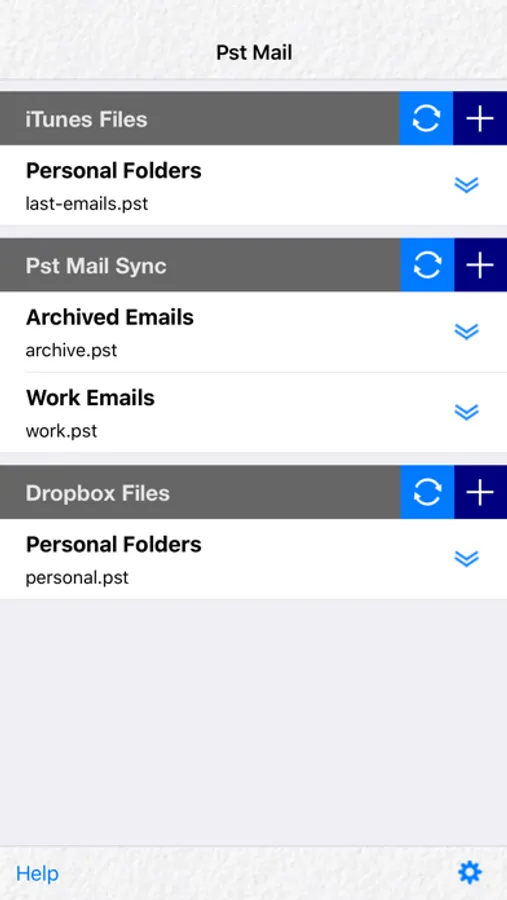
* Open multiple pst files.
* Get pst files quickly using iTunes.
* Get pst files from Dropbox.
* Get pst files from other apps that support “Open In”.
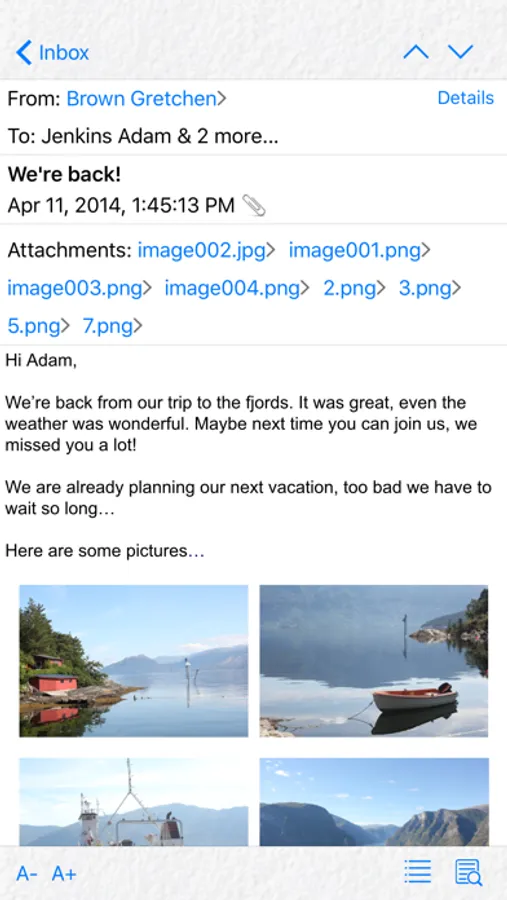
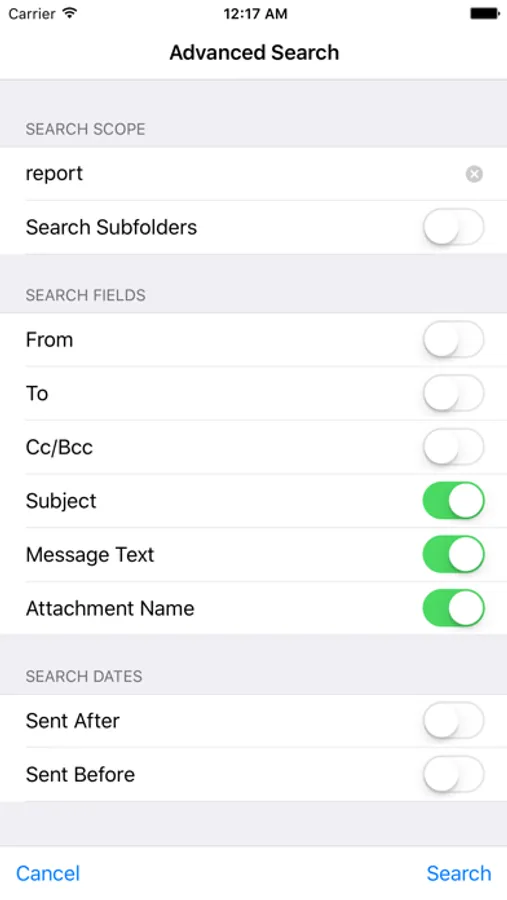
* Search messages by sender, recipient, subject, attachment filename or full message text. You may specify a date range to narrow results. Subfolders may be included in the search.
* Select sort criteria for the message list.
* Use a different sort criterion for the special folder that contains sent items.
* Filter messages by from/to/subject or all of them combined.
* Open attachments externally with other apps in you device, or if the file format is supported, using Pst Mail preview option.
* Reply and forward messages.
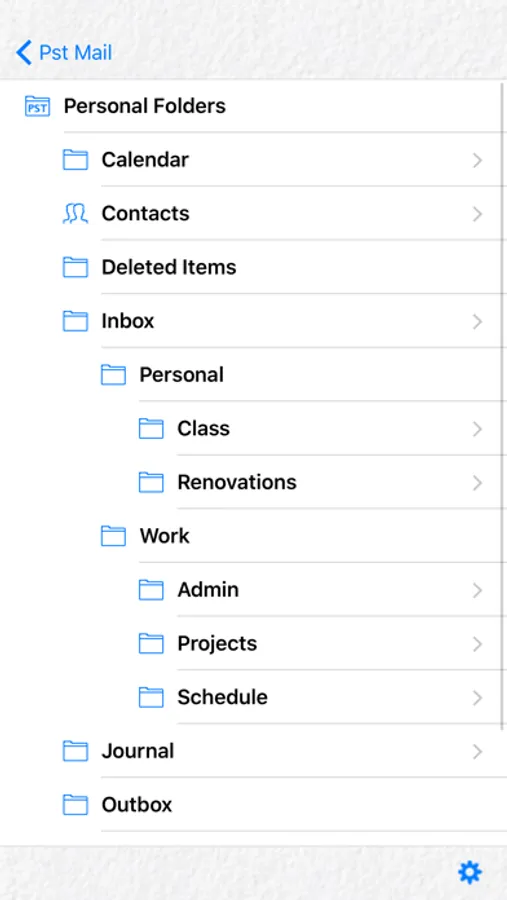
* Link recipient names to the address book
* Compatible with both old and new versions of the pst file (i.e., ANSI and Unicode).
* Print emails wirelessly (iOS 4.2 or later).
* Customize timezone for date and time display.
* Display contacts in the pst file.
* Option to protect Pst Mail with a password.
* Option to exclude pst files from the iTunes backup.
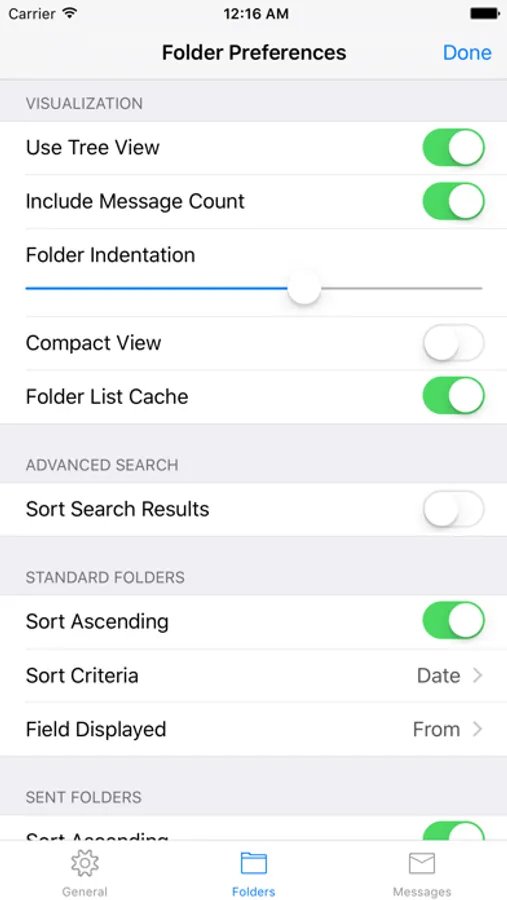
Pst Mail Screenshots
Tap to Rate:
Reviews for Pst Mail
Beatlesjunky
WILL NOT OPEN PST FILES
I bought this app to open PST files. After waiting patiently for the files to download, I have not been able to open any PST files. I keep getting a message, unable to open file. Why? If you cannot solve this, please refund my money immediately.
TBjamlab
19 years of emails at my fingertips
PST Mail has instantly become one of the most important app on my iPhone. When my iPhone 6 mysteriously dumped 4 years of emails and left me with only empty folders, I discovered that iTunes does not backup email! Since I have all of my email in Outlook on my desktop computer, I needed a way to put my emails back on my iPhone. That’s when I discovered PST Mail. In just a few minutes I was able transfer 9 GB of PST files to my iPhone - 146,561 emails in dozens of folders going back to 2001. Now instead of just the four years of emails received on my phone, I have almost two decades of history, with each PST’s folder structure intact. The search functions are excellent, allowing you to also search subfolders of a PST or all PSTs at once. Although the program does not send or receive email, you can forward or reply to emails within the app and they are queued up in the standard iPhone mail app.