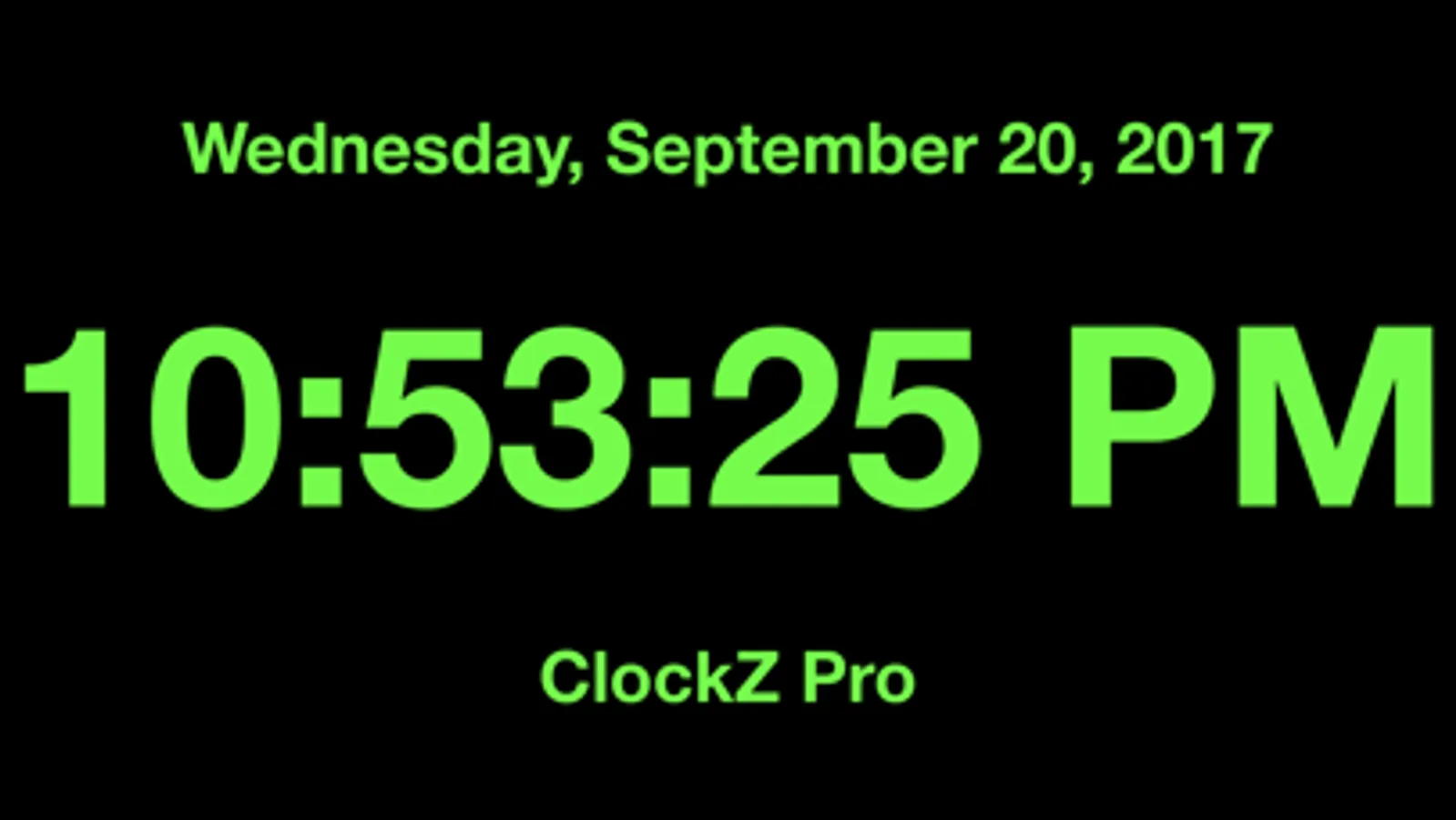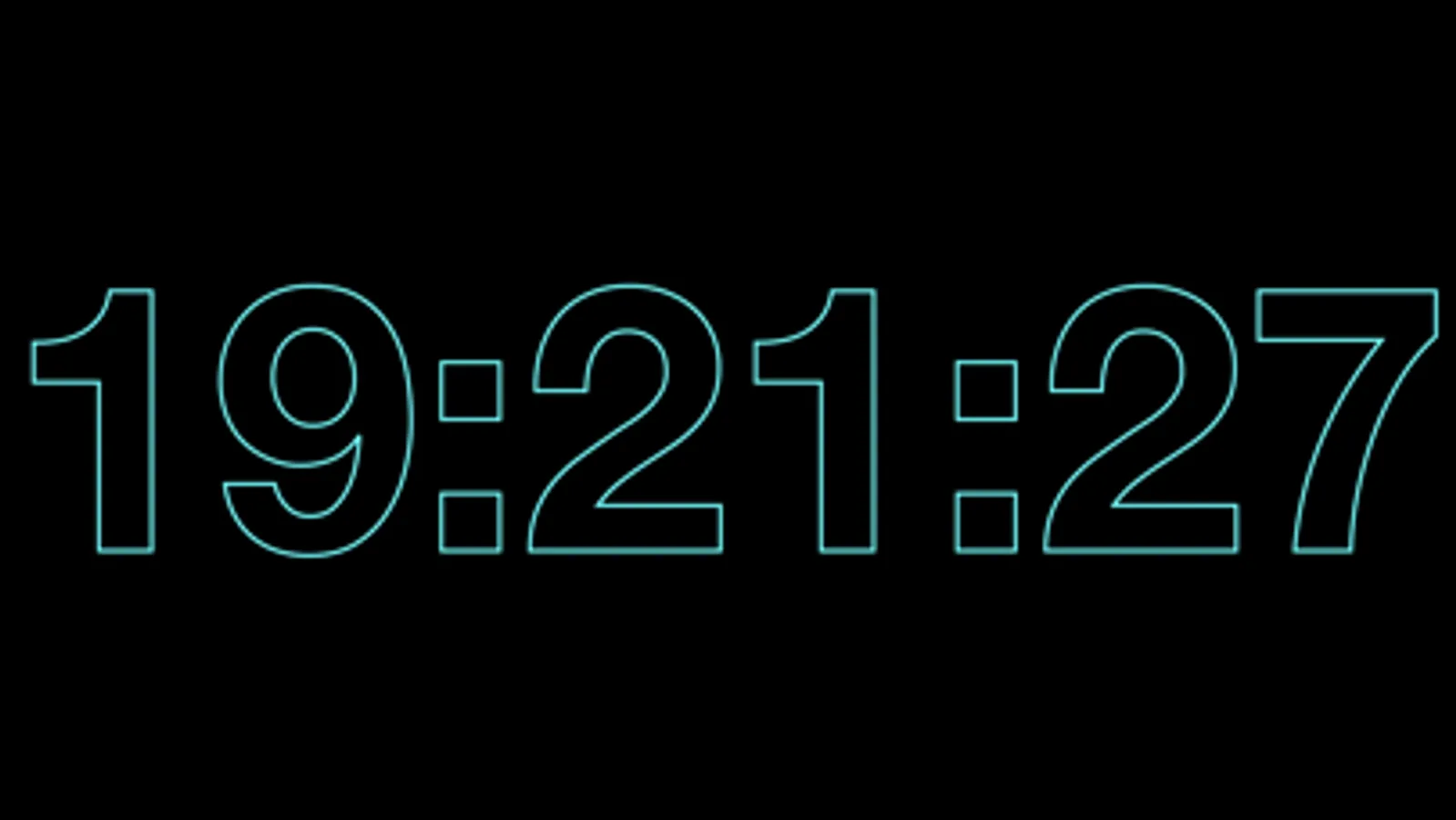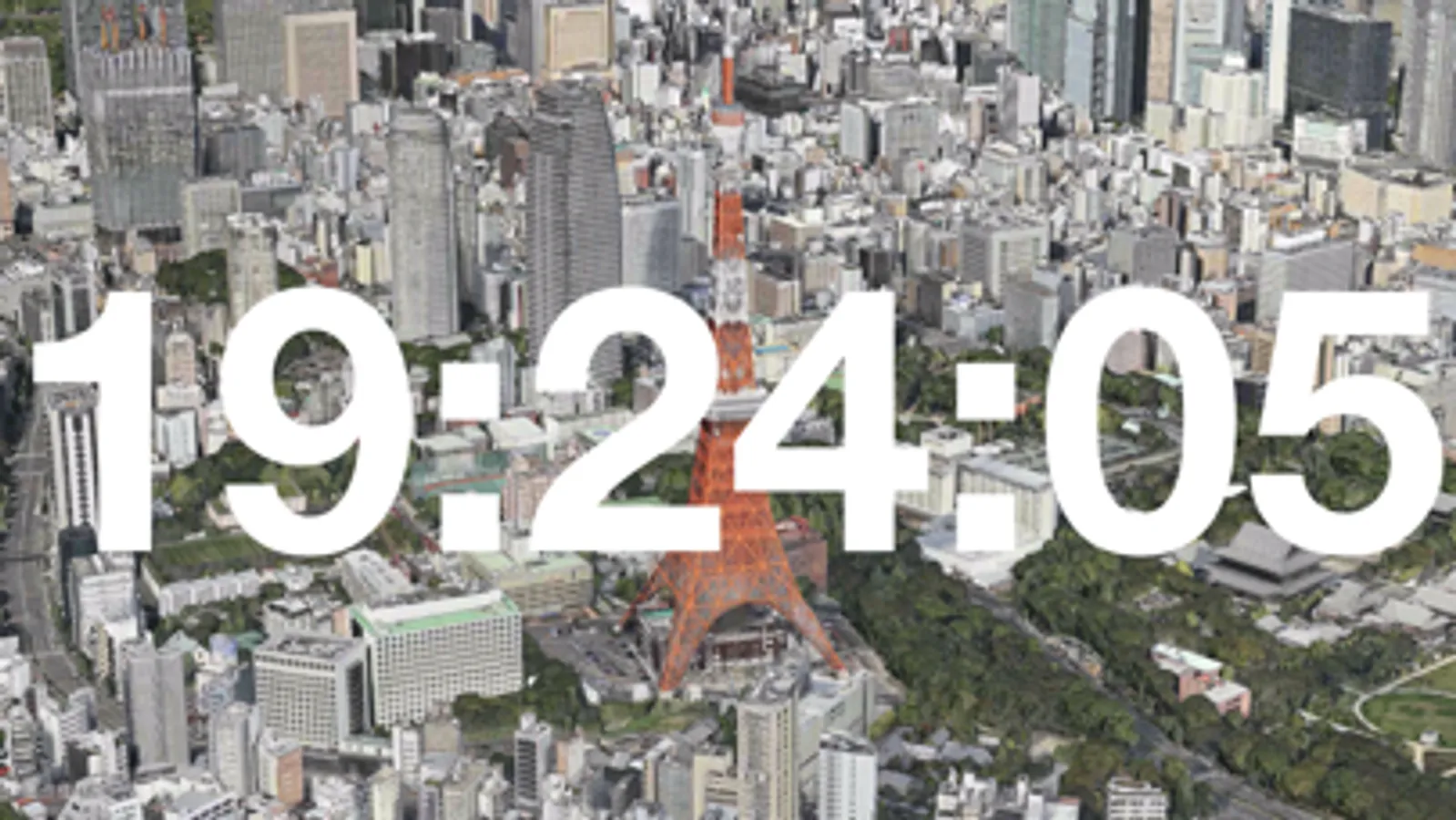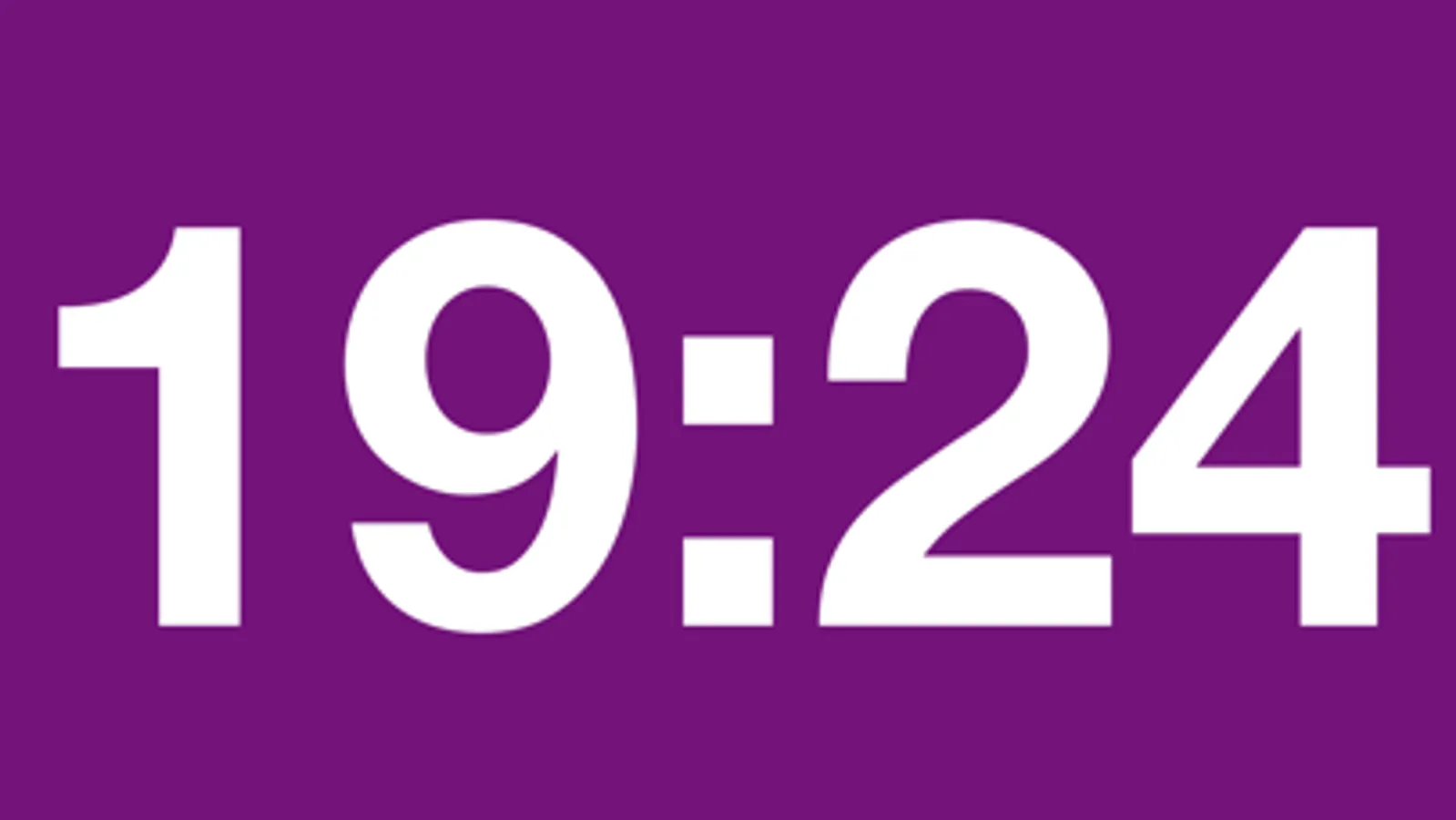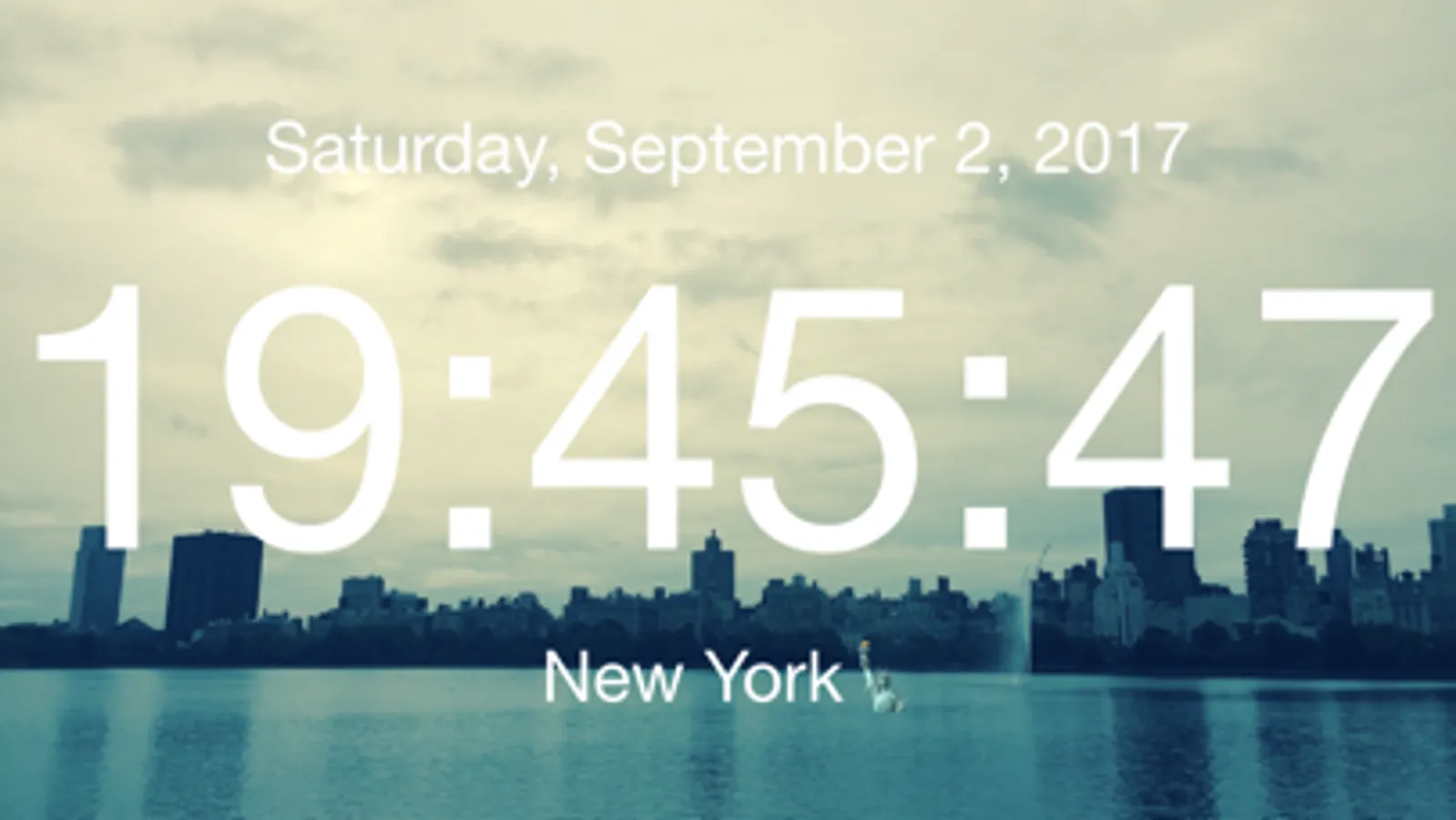
In this clock app, you can customize backgrounds, adjust font size, and set alarms or timers. Includes options for photo and 3D map backgrounds, widget display, and Apple Watch compatibility.
AppRecs review analysis
AppRecs rating 4.2. Trustworthiness 73 out of 100. Review manipulation risk 19 out of 100. Based on a review sample analyzed.
★★★★☆
4.2
AppRecs Rating
Ratings breakdown
5 star
73%
4 star
6%
3 star
7%
2 star
5%
1 star
10%
What to know
✓
Low review manipulation risk
19% review manipulation risk
✓
Credible reviews
73% trustworthiness score from analyzed reviews
✓
High user satisfaction
78% of sampled ratings are 4+ stars (4.3★ average)
About ClockZ Pro
ClockZ Pro is a clock app that displays the current time. Highly customized with 3D map and photo wallpaper changing the color and size of the clock font, additionally widget display is also possible. Music alarm, timer, stopwatch were added in the latest version.
What's difference from ClockZ:
• Custom text can be displayed under the clock
• No Ads
• Apple Watch app
• Apple TV app
Features:
• Basic features of 18 types of backgrounds, text colors, fonts
• Automatically unlock (Automatically does not sleep when launching the app)
• Seconds, Dates and Weeks
• Music Alarm
• Your Photo and 3D Map for backgrounds (Paid)
• Timer
• Stopwatch
• Battery display
• Theme (Paid)
• Text size (Pinch gesture or double tap)
• Brightness
• Sharing feature
• AR Clock (Migrate to new app)
Design
• Clock for large and simple
• Diversity
• Optimized for Night Stand
Supports:
• iPhone / iPad and Latest device, Latest iOS (You can use multiple devices with single purchase)
• Device Rotate (Portrait / Landscape)
• Quick Action (3D touch)
• 15 languages
• Widget (Latest Search Result + Launch App)
• iMessage (Current time display)
• Apple TV (Current time display)
• Apple Watch (Remote control for text colors)
--------------------------------
Frequently Asked Questions
Q. About AM/PM or 24-Hour Time
A. You can change from the Setting app < General < Date & Time < 24-Hour Time.
Q. About Alarm
A. Make sure that notification is enabled from the launch app < Plus button < Settings. Please also check the volume and set time.
Q. About Time lag
A. ClockZ is synchronized with the time of the your device. Please check the time setting of the your device.
What's difference from ClockZ:
• Custom text can be displayed under the clock
• No Ads
• Apple Watch app
• Apple TV app
Features:
• Basic features of 18 types of backgrounds, text colors, fonts
• Automatically unlock (Automatically does not sleep when launching the app)
• Seconds, Dates and Weeks
• Music Alarm
• Your Photo and 3D Map for backgrounds (Paid)
• Timer
• Stopwatch
• Battery display
• Theme (Paid)
• Text size (Pinch gesture or double tap)
• Brightness
• Sharing feature
• AR Clock (Migrate to new app)
Design
• Clock for large and simple
• Diversity
• Optimized for Night Stand
Supports:
• iPhone / iPad and Latest device, Latest iOS (You can use multiple devices with single purchase)
• Device Rotate (Portrait / Landscape)
• Quick Action (3D touch)
• 15 languages
• Widget (Latest Search Result + Launch App)
• iMessage (Current time display)
• Apple TV (Current time display)
• Apple Watch (Remote control for text colors)
--------------------------------
Frequently Asked Questions
Q. About AM/PM or 24-Hour Time
A. You can change from the Setting app < General < Date & Time < 24-Hour Time.
Q. About Alarm
A. Make sure that notification is enabled from the launch app < Plus button < Settings. Please also check the volume and set time.
Q. About Time lag
A. ClockZ is synchronized with the time of the your device. Please check the time setting of the your device.