AppRecs review analysis
AppRecs rating 2.7. Trustworthiness 45 out of 100. Review manipulation risk 28 out of 100. Based on a review sample analyzed.
★★☆☆☆
2.7
AppRecs Rating
Ratings breakdown
5 star
0%
4 star
0%
3 star
0%
2 star
0%
1 star
100%
What to know
⚠
Mixed user feedback
Average 2.7★ rating suggests room for improvement
About Ai-Ball AV Recorder
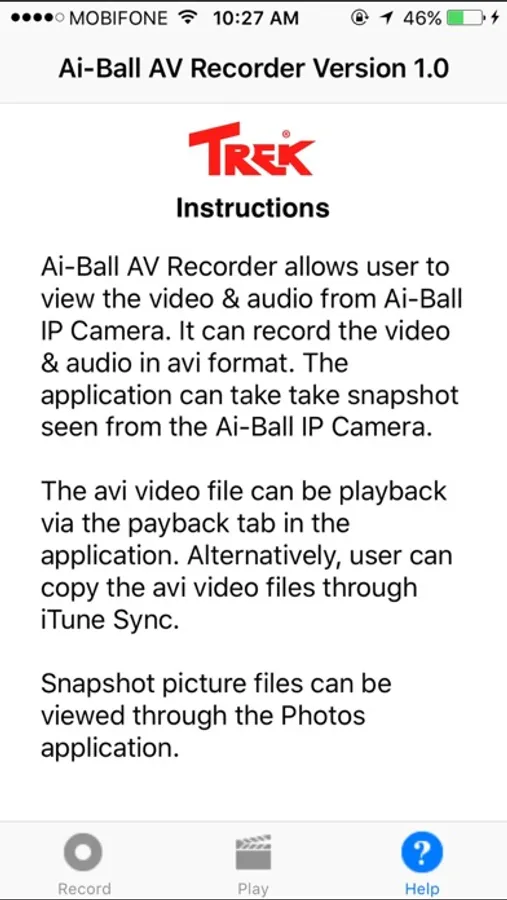
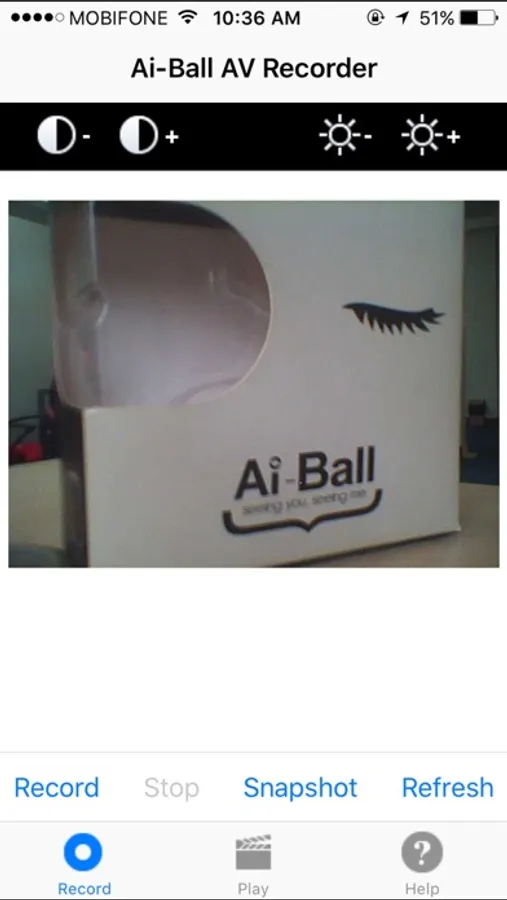
Ai-Ball AV Recorder allows user to view and record both the Audio & Video from the Ai-Ball IP Camera.
User can take snapshot through this application as well.
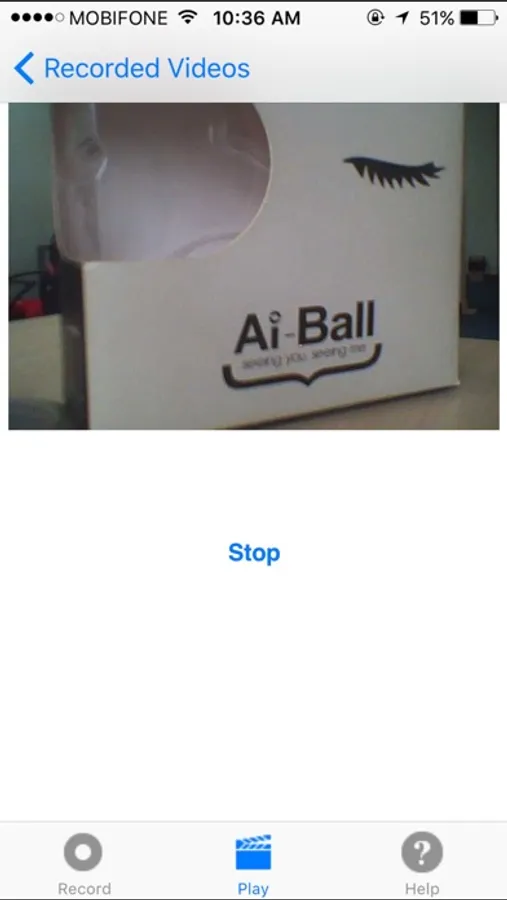
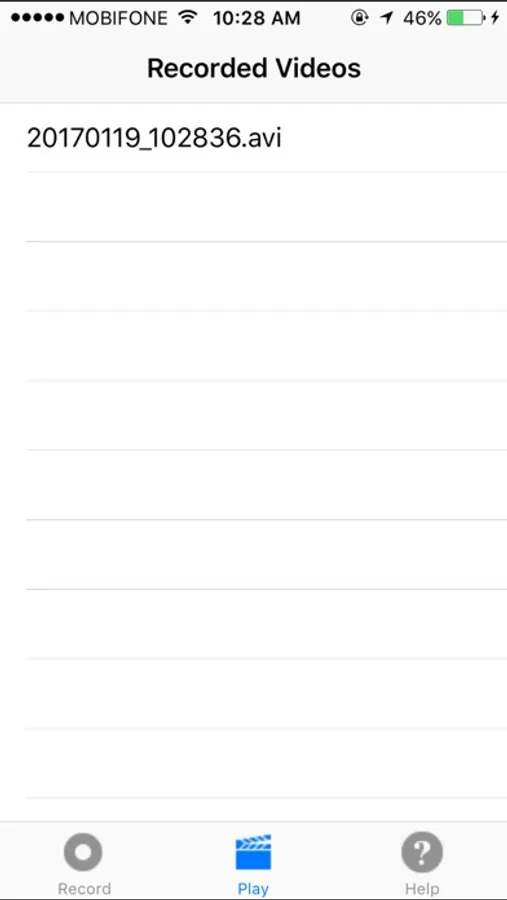
The video files can be playback on the application. The snapshot image files can be viewed from the Photos application.
User can copy out the video files to the Desktop/Mac through the iTune Sync application.
New features added in this release :
1. Allow user to set the IP address or URL so that user can access Ai-Ball IP Camera remotely (Set via Setting→Ai-Ball AV Recorder)
2. Allow user to find all the Ai-Ball IP Cameras connected to Wi-Fi router network. The iPhone/iPad must connect to the same Wi-Fi router network for this to work.
3. User can set username & password via Setting
A demo video can be found at https://www.youtube.com/watch?v=K3n-887d_8g&t=5s
iTunes File Sharing is turned on for user to get the recorded video from iPhone for backing up purpose.
Ai-Ball AVレコーダーはAi-Ball IPカメラから送られてくる音声と動画を記録する事ができるアプリです。
スナップショットも撮る事ができます。
動画ファイルはアプリで再生が可能になります。スナップショットは写真アプリで見ることができます。
ユーザーは動画ファイルをiTunesシンクを使ってデスクトップにコピーすることができます
本リリースで追加された新しい機能は以下:
1.Ai-Ball IPカメラにIPアドレスやURLを設定することにより、Ai-Ball IPカメラを遠隔地からアクセスできるようになりました(設定>Ai-Ball AV レコーダー)。
2.Wi-Fiルーターネットワークにつながっている複数のAi-Ball IPカメラをサーチする事ができるようになりました iPhoneやiPadはAi-Ball IPカメラと同じWi-Fiルーターネットワークとつながっている必要があります
3.ユーザーネーム、パスワードを設定する事ができます
デモビデオが
https://www.youtube.com/watch?v=K3n-887d_8g&t=5s
で見ることができます
User can take snapshot through this application as well.
The video files can be playback on the application. The snapshot image files can be viewed from the Photos application.
User can copy out the video files to the Desktop/Mac through the iTune Sync application.
New features added in this release :
1. Allow user to set the IP address or URL so that user can access Ai-Ball IP Camera remotely (Set via Setting→Ai-Ball AV Recorder)
2. Allow user to find all the Ai-Ball IP Cameras connected to Wi-Fi router network. The iPhone/iPad must connect to the same Wi-Fi router network for this to work.
3. User can set username & password via Setting
A demo video can be found at https://www.youtube.com/watch?v=K3n-887d_8g&t=5s
iTunes File Sharing is turned on for user to get the recorded video from iPhone for backing up purpose.
Ai-Ball AVレコーダーはAi-Ball IPカメラから送られてくる音声と動画を記録する事ができるアプリです。
スナップショットも撮る事ができます。
動画ファイルはアプリで再生が可能になります。スナップショットは写真アプリで見ることができます。
ユーザーは動画ファイルをiTunesシンクを使ってデスクトップにコピーすることができます
本リリースで追加された新しい機能は以下:
1.Ai-Ball IPカメラにIPアドレスやURLを設定することにより、Ai-Ball IPカメラを遠隔地からアクセスできるようになりました(設定>Ai-Ball AV レコーダー)。
2.Wi-Fiルーターネットワークにつながっている複数のAi-Ball IPカメラをサーチする事ができるようになりました iPhoneやiPadはAi-Ball IPカメラと同じWi-Fiルーターネットワークとつながっている必要があります
3.ユーザーネーム、パスワードを設定する事ができます
デモビデオが
https://www.youtube.com/watch?v=K3n-887d_8g&t=5s
で見ることができます
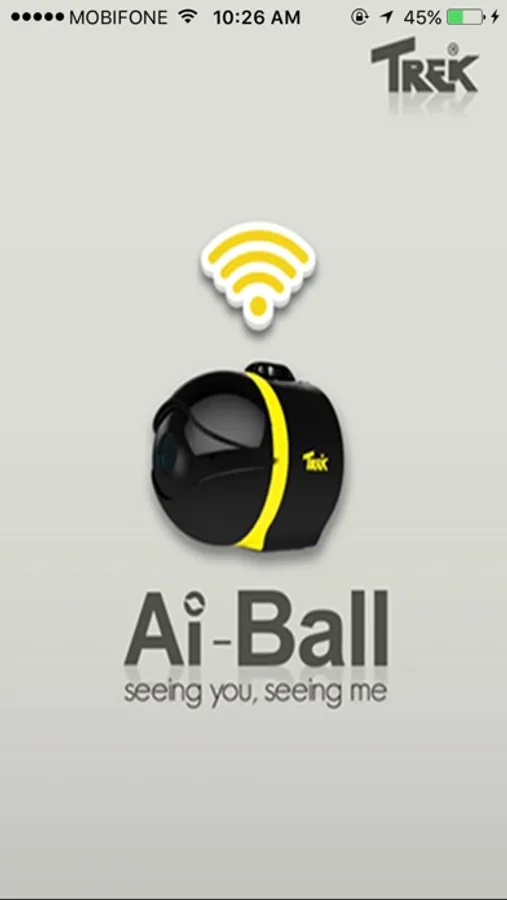
Ai-Ball AV Recorder Screenshots
Tap to Rate:
Reviews for Ai-Ball AV Recorder
he dhaksndjdnk
ai ball app
this app is bottom of the barrel. to hard to hook up. not consistent. DOESNT WORK. JUNK