In this 3D modeling app, you can create, import, and edit complex models using various tools and shaders. Includes file support for glTF, OBJ, FBX, and built-in rendering features.
AppRecs review analysis
AppRecs rating 3.8. Trustworthiness 83 out of 100. Review manipulation risk 20 out of 100. Based on a review sample analyzed.
★★★☆☆
3.8
AppRecs Rating
Ratings breakdown
5 star
52%
4 star
9%
3 star
9%
2 star
9%
1 star
22%
What to know
✓
Low review manipulation risk
20% review manipulation risk
✓
Credible reviews
83% trustworthiness score from analyzed reviews
⚠
Pricing complaints
Many low ratings mention paywalls or pricing
About Verto Studio 3D
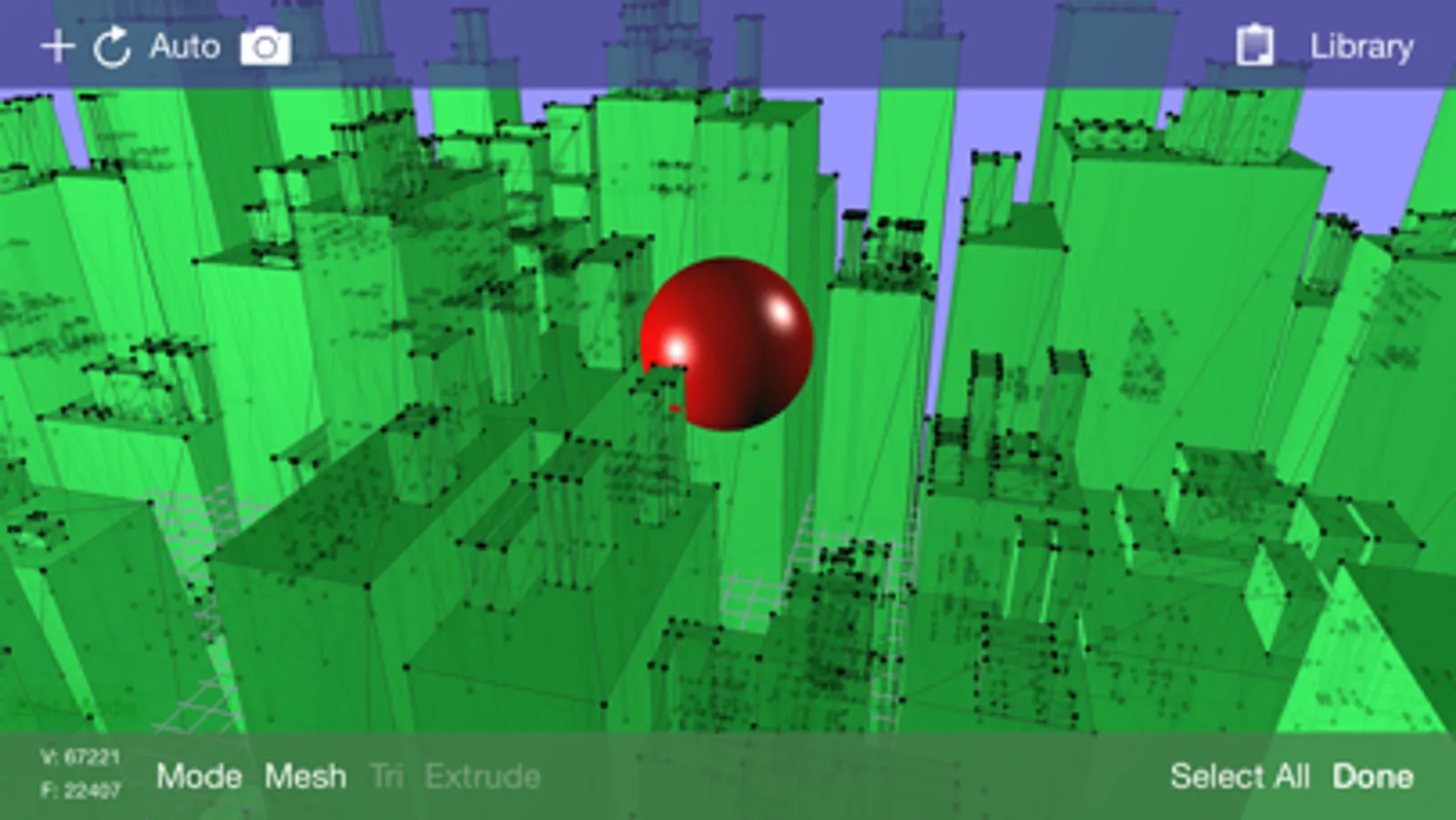
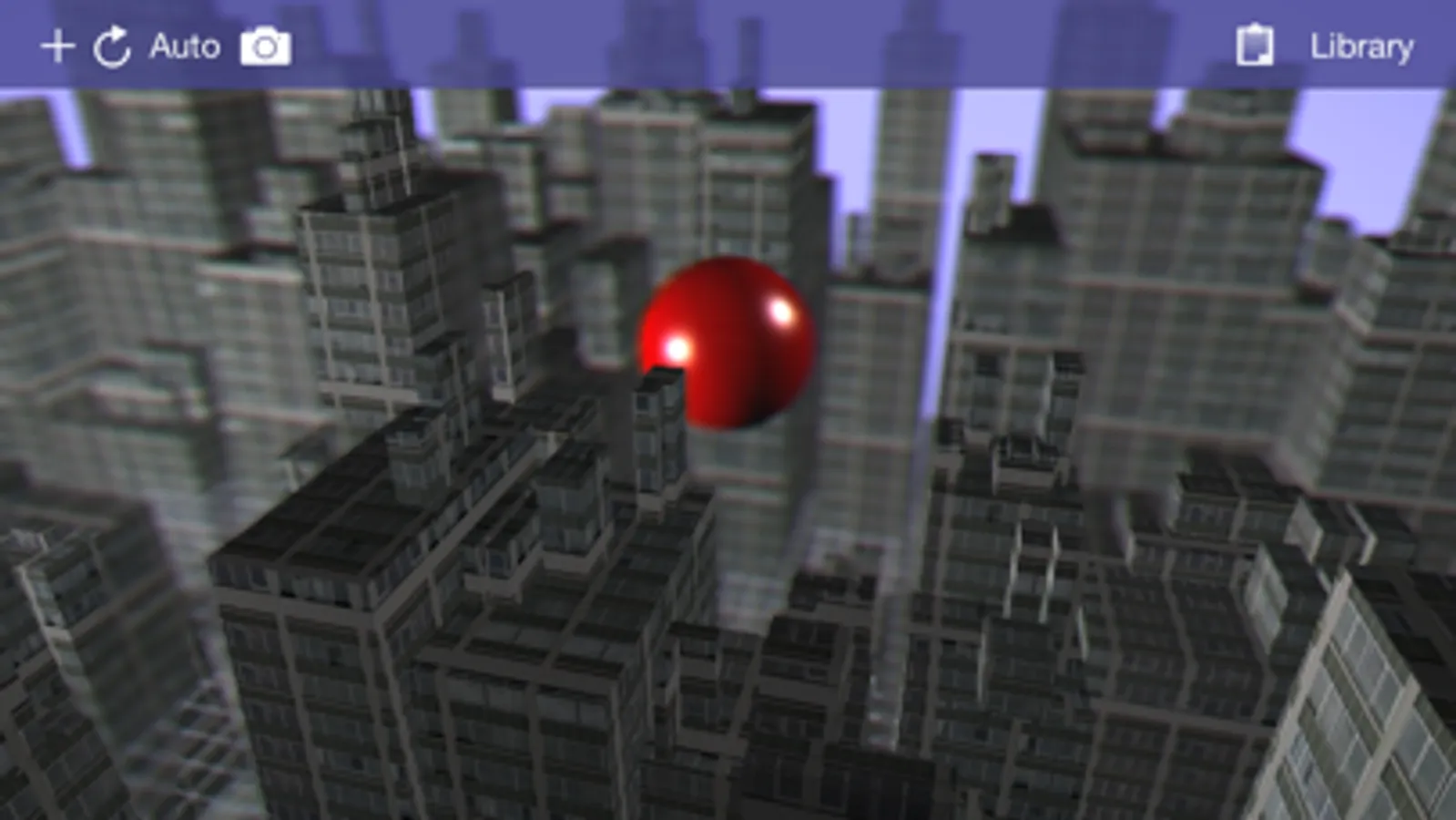
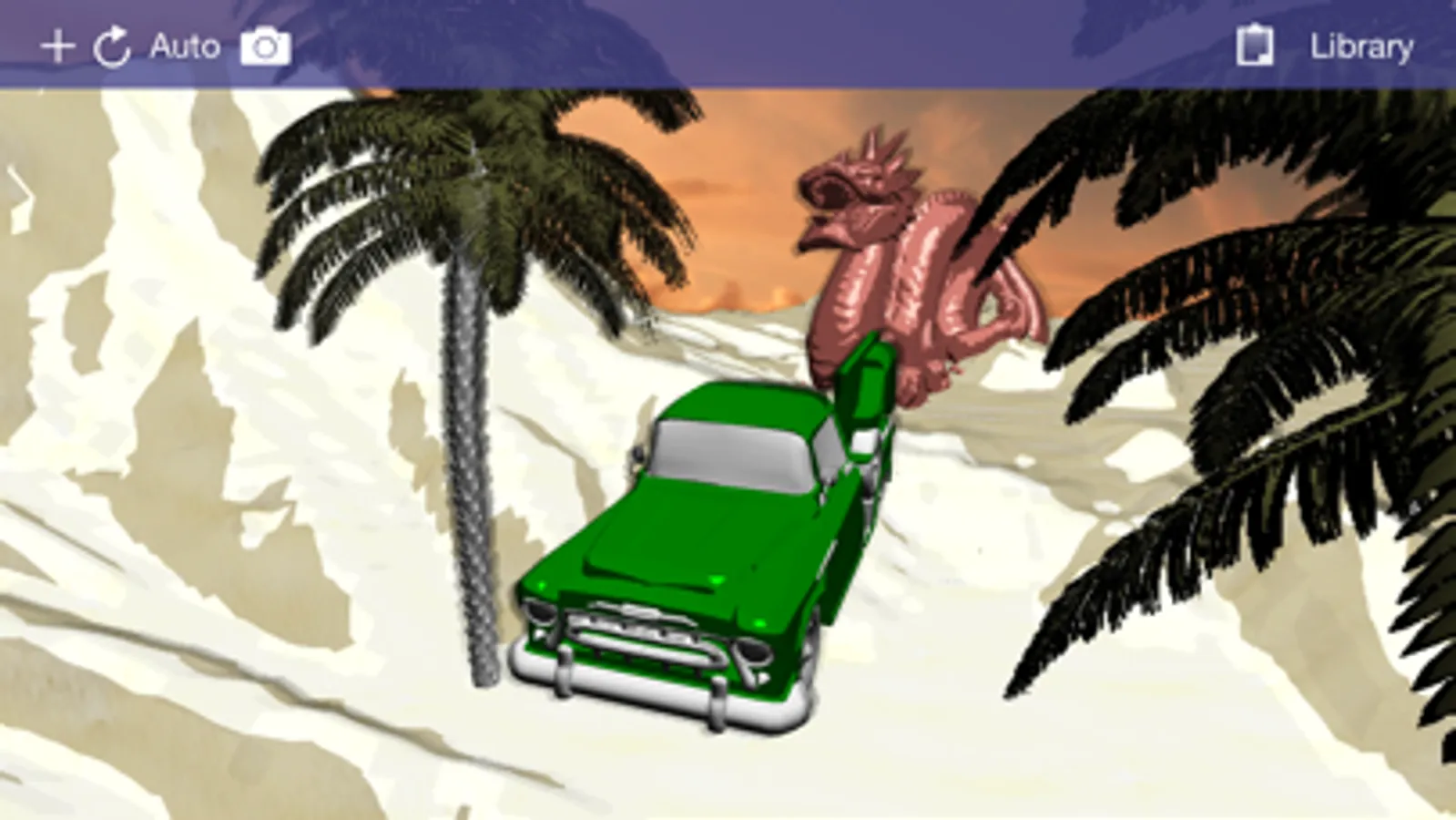
The software is designed for all ranges of users, from professional 3D modelers, game developers, to beginners looking to get their feet wet in 3D content generation. Use it to build quick 3D mockups or fully functional environments for mobile applications. Verto Studio is an ideal solution for mobile 3D content generation because it bridges the gap between design and mobile testing. It supports importing, exporting, viewing and editing 3D models of any size. With the addition the pro animator (separate purchase), Verto Studio can be used to rig and animate a model from scratch completely on the iPad without the need for any external tools!
With use of the "auto tool", the user can intuitively gesture using taps, swipes, pinches and twirls to quickly alter the scene as they see fit.
Verto Studio includes the following features (and many more not listed here):
- Built-in shaders including reflection/refraction environment mapping, BRDF, bump-mapping and more!
- Render pipeline editor for multipass & post-processing effects with built-in blending operators
- Editing transform handles for easy translate/rotate/scale tools via touchscreen.
- Instances (duplicate many, edit once)
- File import (glTF, DAE, OBJ, STL, .X, 3DS, FBX) and more!
- File export (glTF, DAE, OBJ)
- Verto Studio file format support and exchange via email
- Mesh generation using quads and triangular faces
- Image rendering support
-- Planes
-- Cubes
-- Spheres
-- Toruses
-- Cylinders
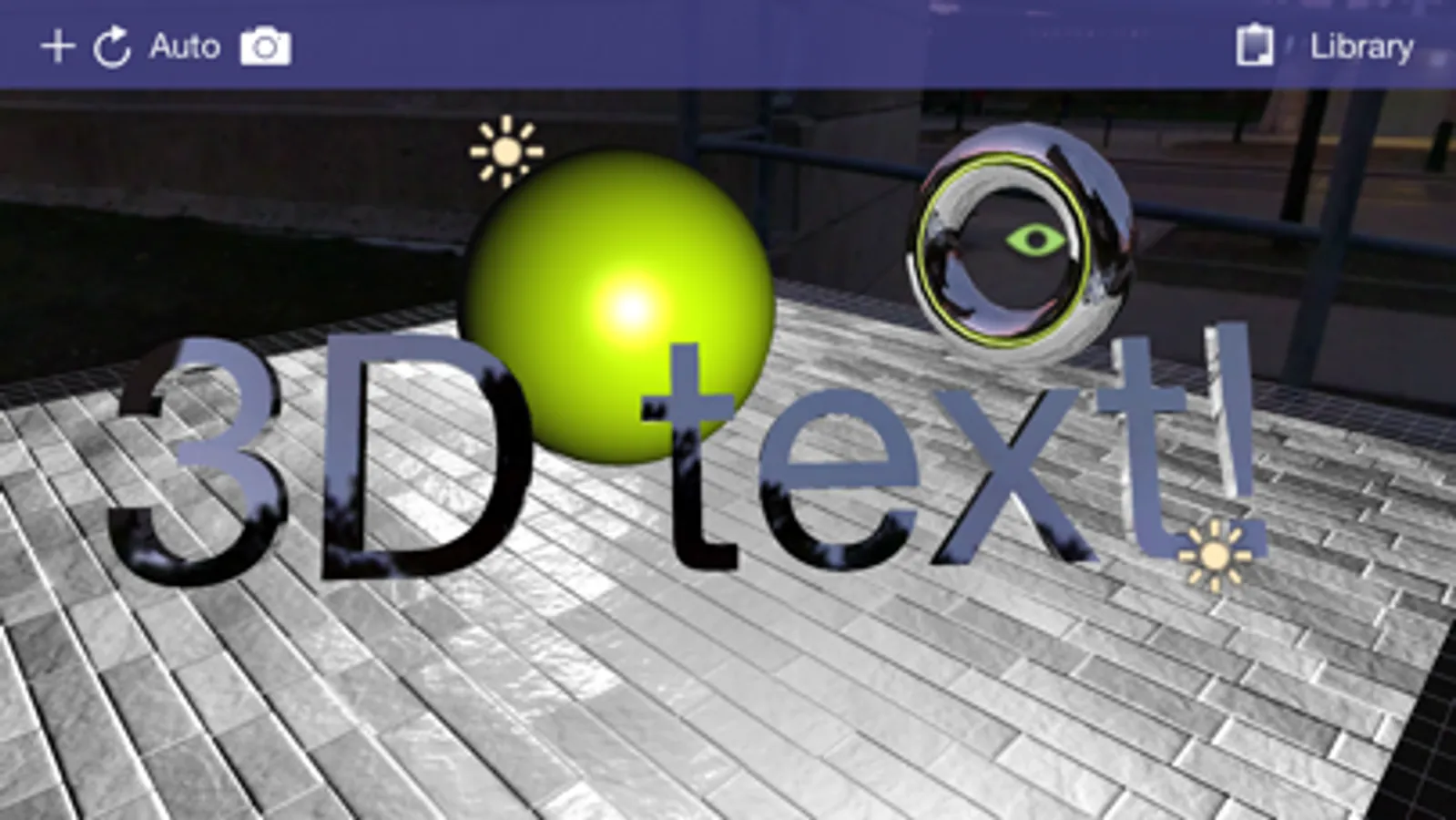
-- 3D Text complete with font selection and built-extrusion.
-- 3D shapes with built-in shape editor and SVG importer.
-- Terrain generator (height field)
-- 3D Sketch tool
-- Skybox type
-- Cubemap renderer type to live-generate environment maps.
- Mesh Augmentation
-- Polygon extrusion
-- Polygon subdivision
-- Copy and paste between scene documents
-- Texture coordinate editor
- Editing features
-- Vertex Translation/Rotation/Scaling
-- Mirror
-- Material editor
--- Semi-transparency support.
-- Texture mapping
-- Texture coordinate editing
-- Laplacian smooth
-- Mesh separation
-- Polycount Reduction
-- CSG (Union, Intersect, Subtract)
-- Snap to Grid, Face, Edge, Vertex
-- Camera to texture (ipad 2)
-- Lighting editor
-- Undo
- Multiple camera modes (top, bottom, left, right, front, back, free)
- Simultaneous camera view with 4-view split screen.
- Orthographic projection mode for engineering and CAD applications
- Advanced camera controls for FOV angle and near and far plane manipulation
- "Fly through" mode. Fly through the scene in full screen using FPS-game-style controls.
-- Gyro motion view. In "fly through mode", tap the gyro button to use your iPad as a virtual window into the scene, changing the vantage point as you hold the iPad a different angles.
- Fully supports the retina display of the new iPad for maximized screen real-estate usage.
- New built-in cubemaps (preset environment maps)
- Built-in glsl shader-editor. (separate purchase required)
- Pro-animator rigging, weight painting, and animation tools (separate purchase required)
- Scripting support via VertoJS (separate purchase required)
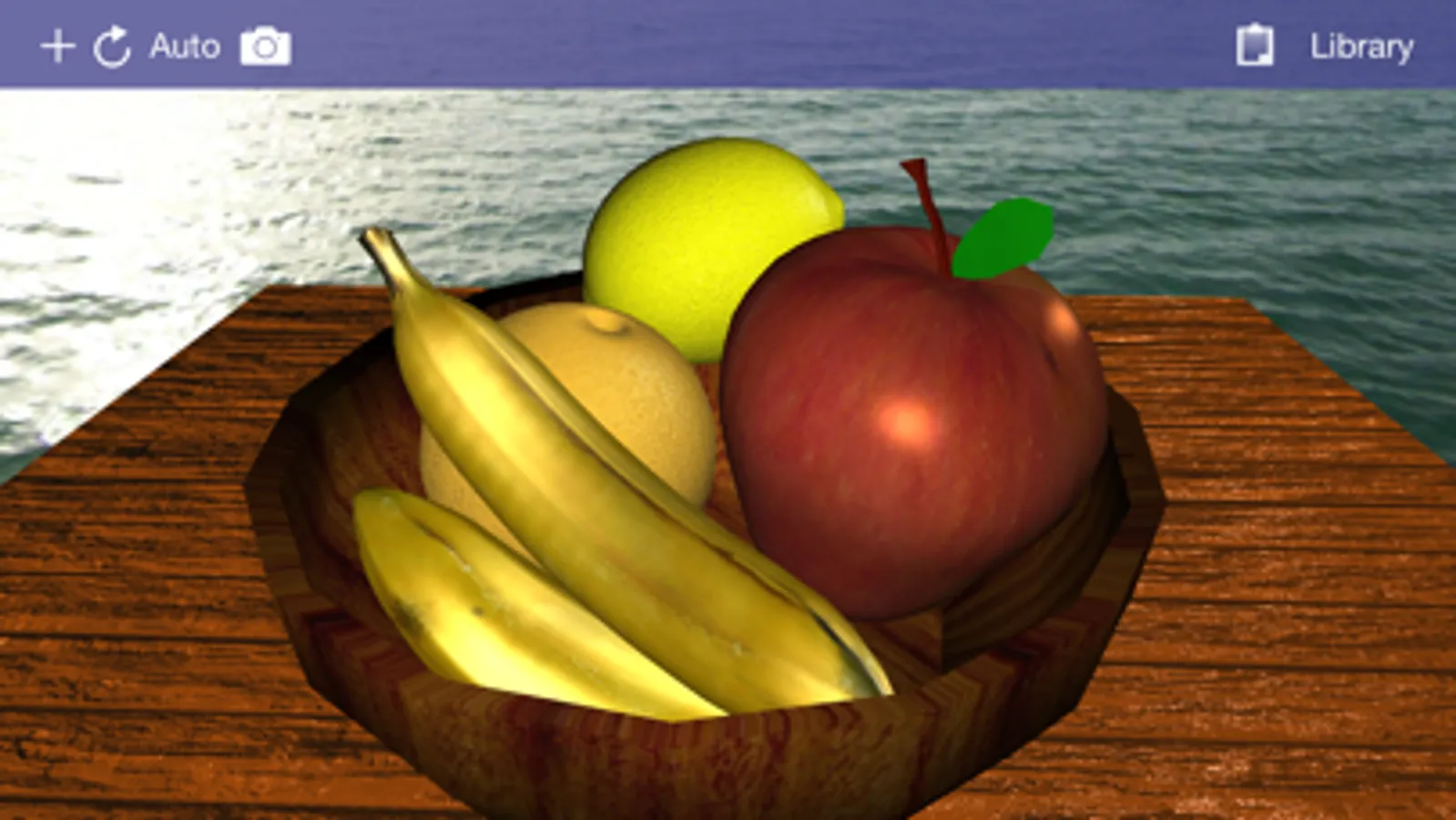
Verto Studio 3D Screenshots
Tap to Rate:
Reviews for Verto Studio 3D
Tap is Fine But
Not for beginners!
This is a pretty cool 3D app on the surface, but it may be incredibly difficult to use if you’re just starting out with 3D modeling. Some of the swipe/button/options are not very intuitive, there is a bit of a learning curve. Some options are hard to find as well, and it’s hard to swipe off of the app to go to other apps.
Sultani1
Verto Studio 3d needs better interface and features
Verto Studio used to be the only choice when it was first developed but it didn’t keep up with time lake of development, old style interface missing features make it very hard to compete against new wave of 3d application Valence 3D, DGArt and ArtiMesh with much better interface and functionality.