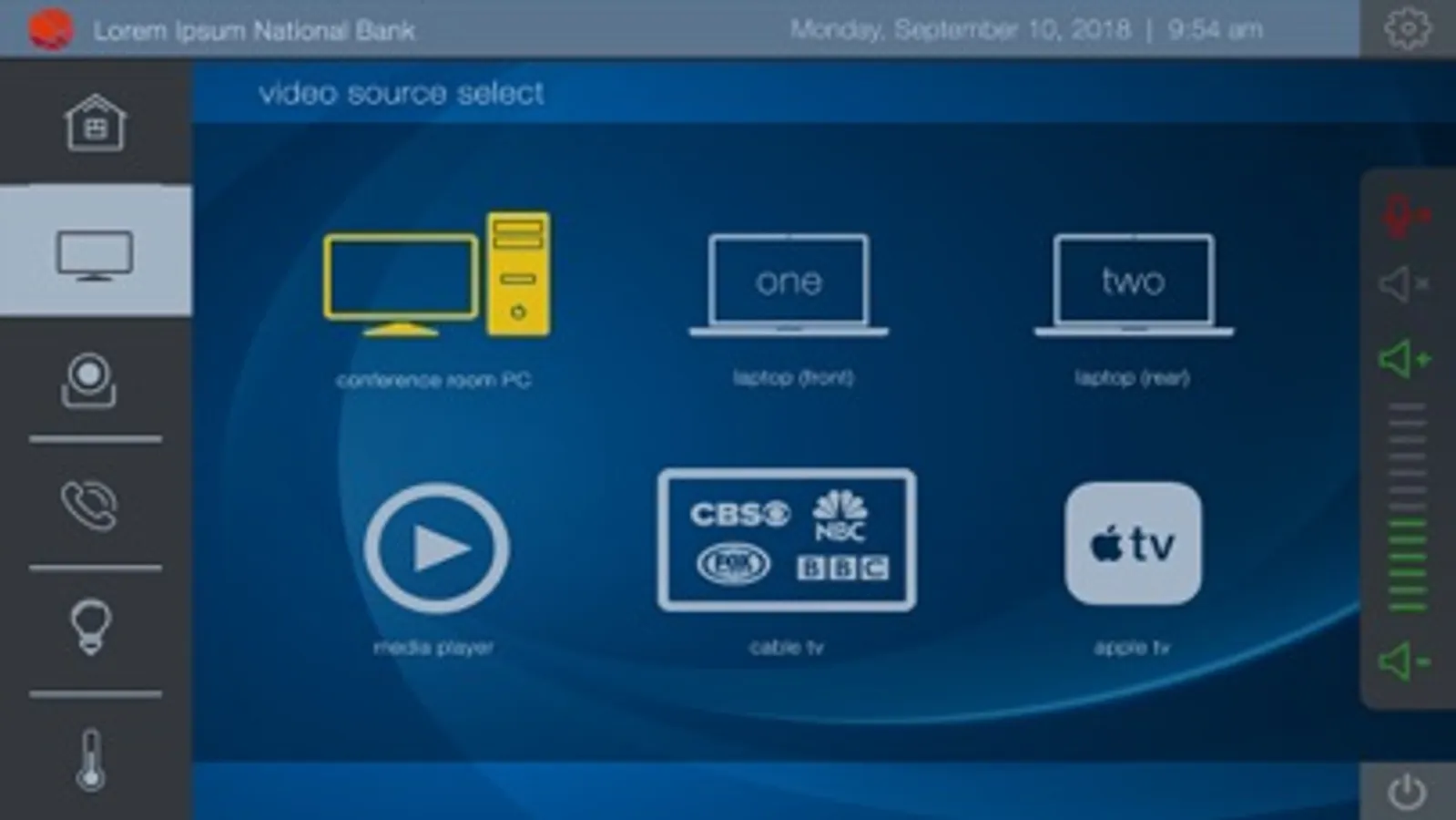
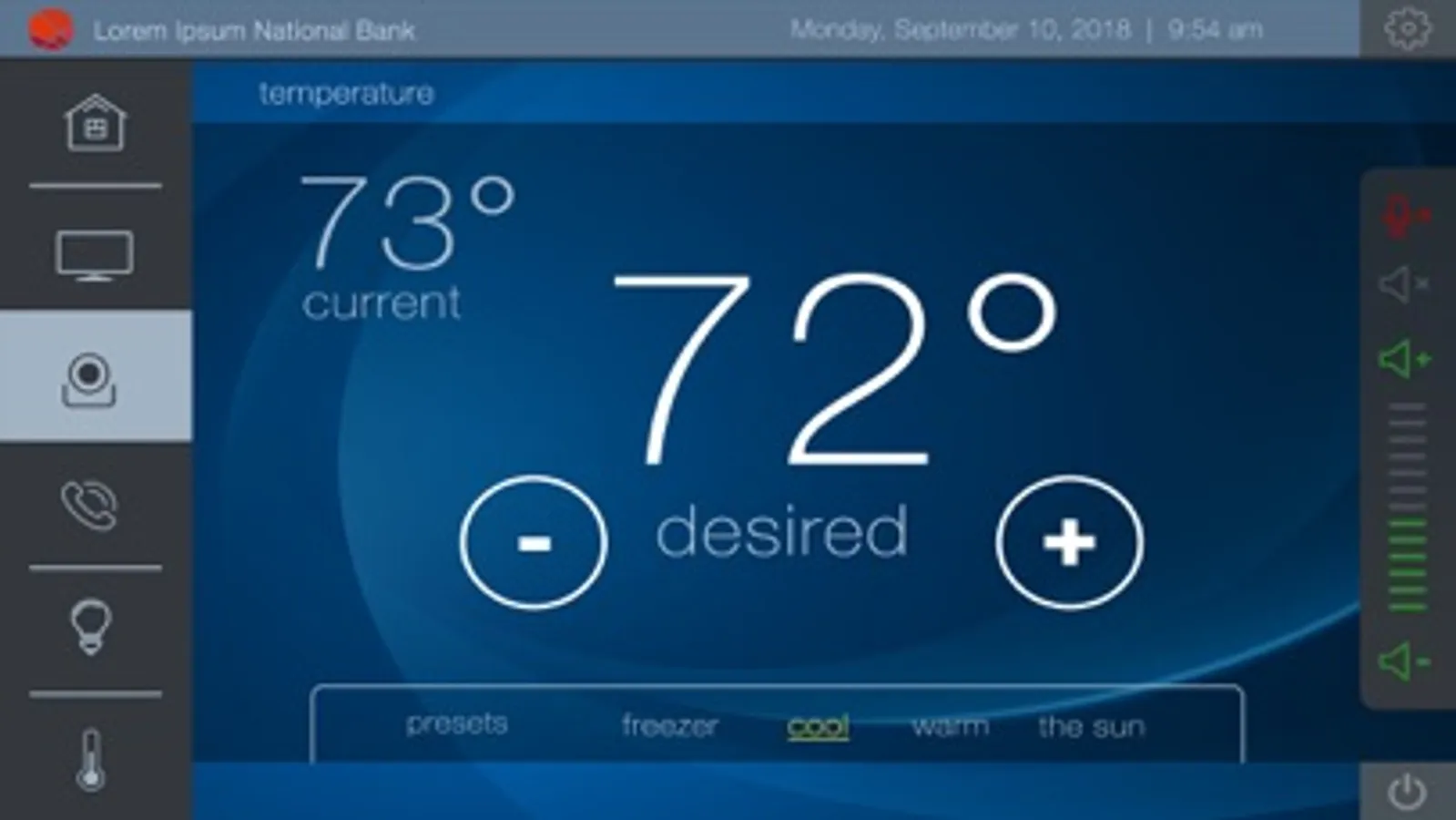
With this app, you can control and monitor Q-SYS systems remotely using your iOS device. Includes source selection, PTZ camera controls, lighting, projectors, signal meters, and volume adjustments.
AppRecs review analysis
AppRecs rating 3.0. Trustworthiness 67 out of 100. Review manipulation risk 23 out of 100. Based on a review sample analyzed.
★★★☆☆
3.0
AppRecs Rating
Ratings breakdown
5 star
43%
4 star
6%
3 star
0%
2 star
20%
1 star
31%
What to know
✓
Low review manipulation risk
23% review manipulation risk
✓
Authentic reviews
Natural distribution, no red flags
⚠
High negative review ratio
52% of sampled ratings are 1–2 stars
About Q-SYS UCI Viewer
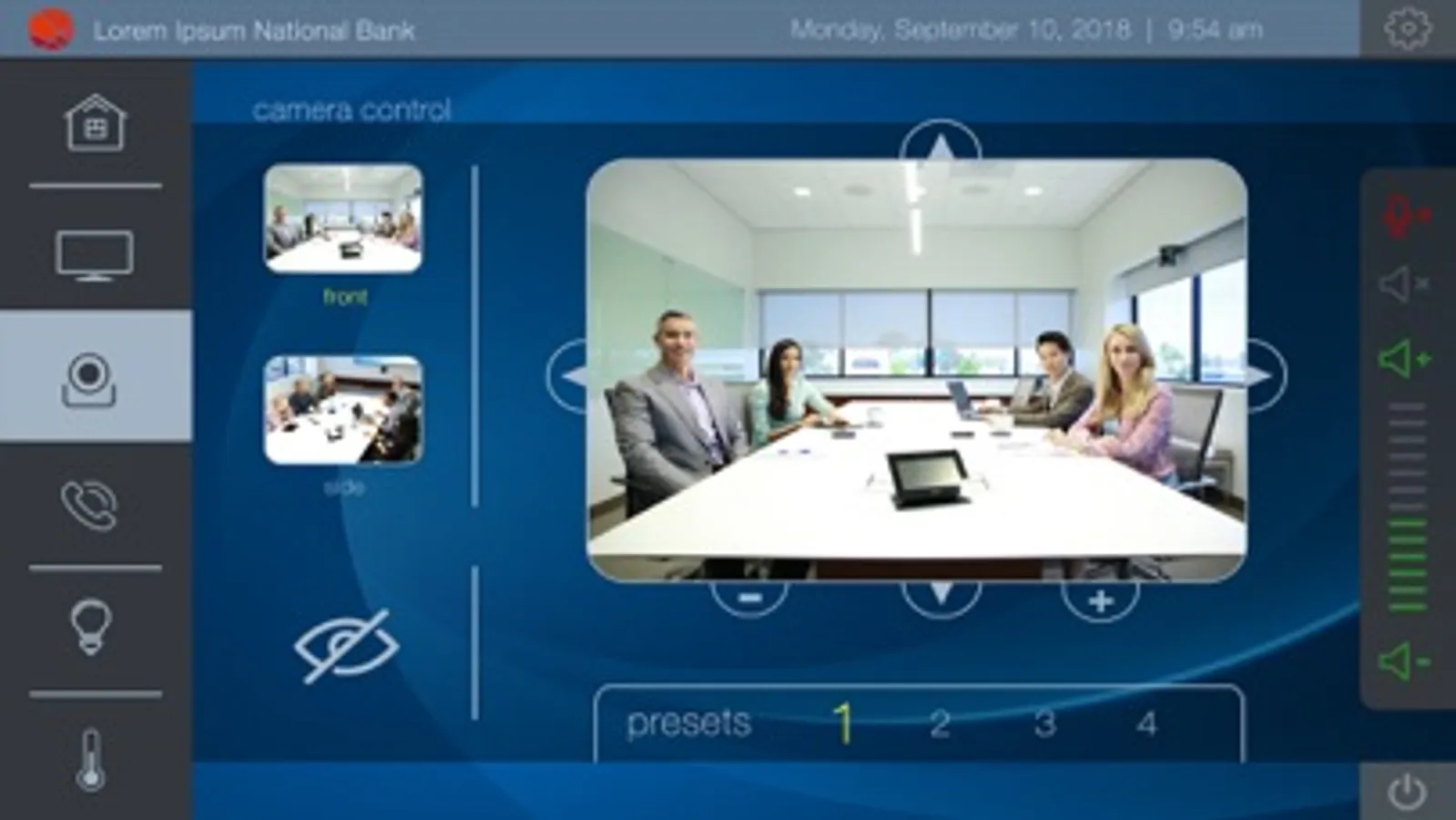
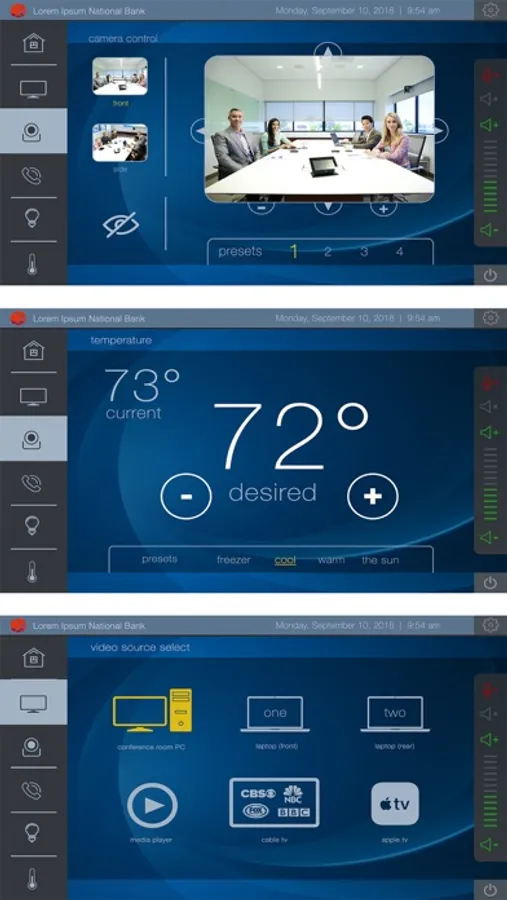
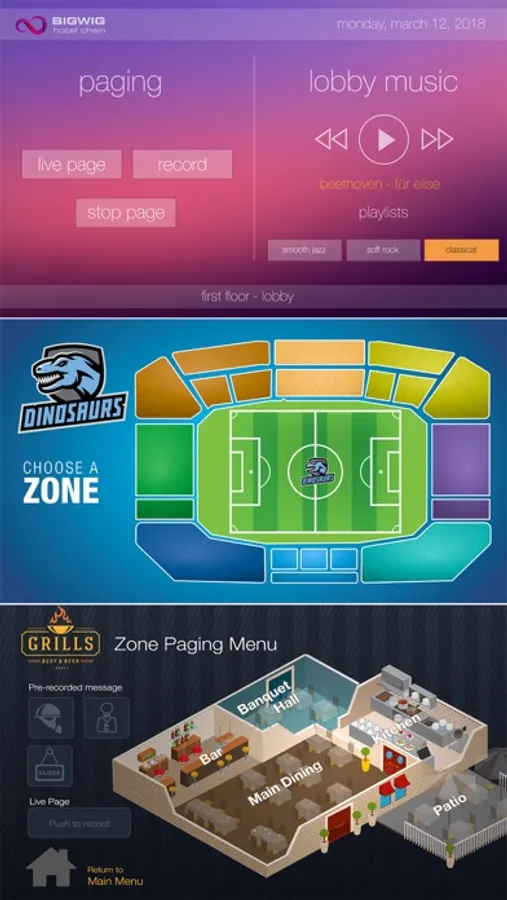
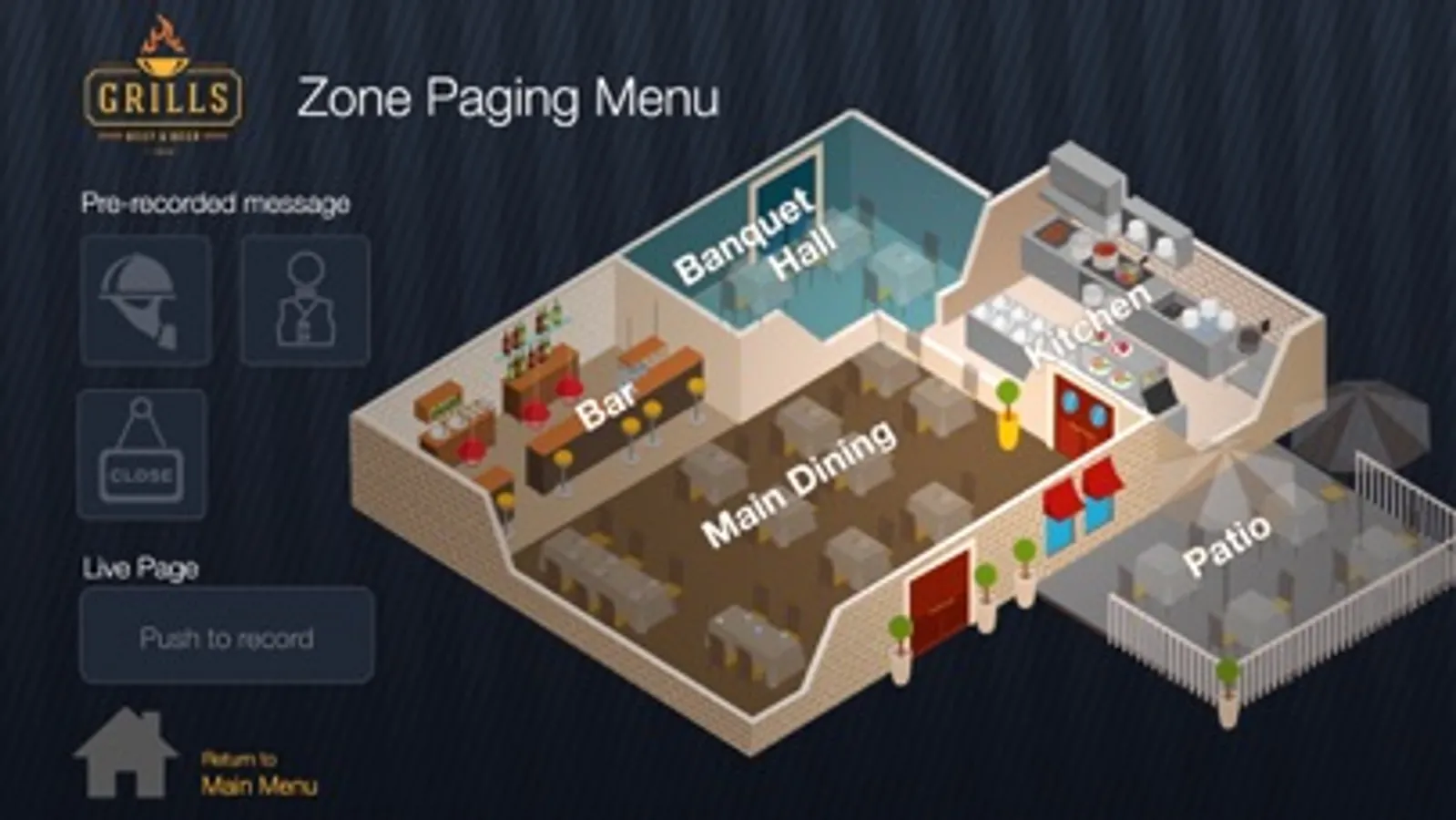
Control Q-SYS systems from your iOS device! Within Q-SYS Designer software, user control interfaces (UCIs) can be created, and nearly any element in the system can be placed in the UCIs for control and monitoring. This enables a near limitless array of control capability, all from your iOS device, including source selection buttons, Q-SYS PTZ camera controls (with video preview frames), lighting dimmer controls, projector on/off selector, signal meters, screen up/down, snapshot recall, volume control faders, and more.
This app is designed for use with QSC's Q-SYS Platform only. Q-SYS UCI deployment onto a Core processor for use with TSC touch screens, UCI viewer for PC and iOS app requires license activation. Visit www.qsc.com/uci for more details.
This app is designed for use with QSC's Q-SYS Platform only. Q-SYS UCI deployment onto a Core processor for use with TSC touch screens, UCI viewer for PC and iOS app requires license activation. Visit www.qsc.com/uci for more details.
Q-SYS UCI Viewer Screenshots
Tap to Rate:
Reviews for Q-SYS UCI Viewer
Dkla68
Updated and now won’t function
With the app update last week now none of the rooms function except for the devices on an update delay. Older version works great but new kills the system. Crashes on opening now.
pamssmith
Updating Failure
After updating to v3.6 we can no longer see our system on the app, just a blank screen.