AppRecs review analysis
AppRecs rating 4.3. Trustworthiness 79 out of 100. Review manipulation risk 24 out of 100. Based on a review sample analyzed.
★★★★☆
4.3
AppRecs Rating
Ratings breakdown
5 star
86%
4 star
6%
3 star
0%
2 star
3%
1 star
6%
What to know
✓
Low review manipulation risk
24% review manipulation risk
✓
Credible reviews
79% trustworthiness score from analyzed reviews
✓
High user satisfaction
86% of sampled ratings are 5 stars
About Spectaculator
In April 1982, Sir Clive Sinclair launched what was to become one of the most popular home computers ever made - the Sinclair ZX Spectrum.
Spectaculator takes you back to the 1980s - to the golden era of 8-bit gaming!
Play the following 22 officially licensed classic ZX Spectrum games:
- 3D Starstrike by Realtime Games Software
- Auf Wiedersehen Monty by Gremlin Graphics
- Avenger by Gremlin Graphics
- Bounder by Gremlin Graphics
- Cyclone by Vortex Software
- Dark Star by Design Design
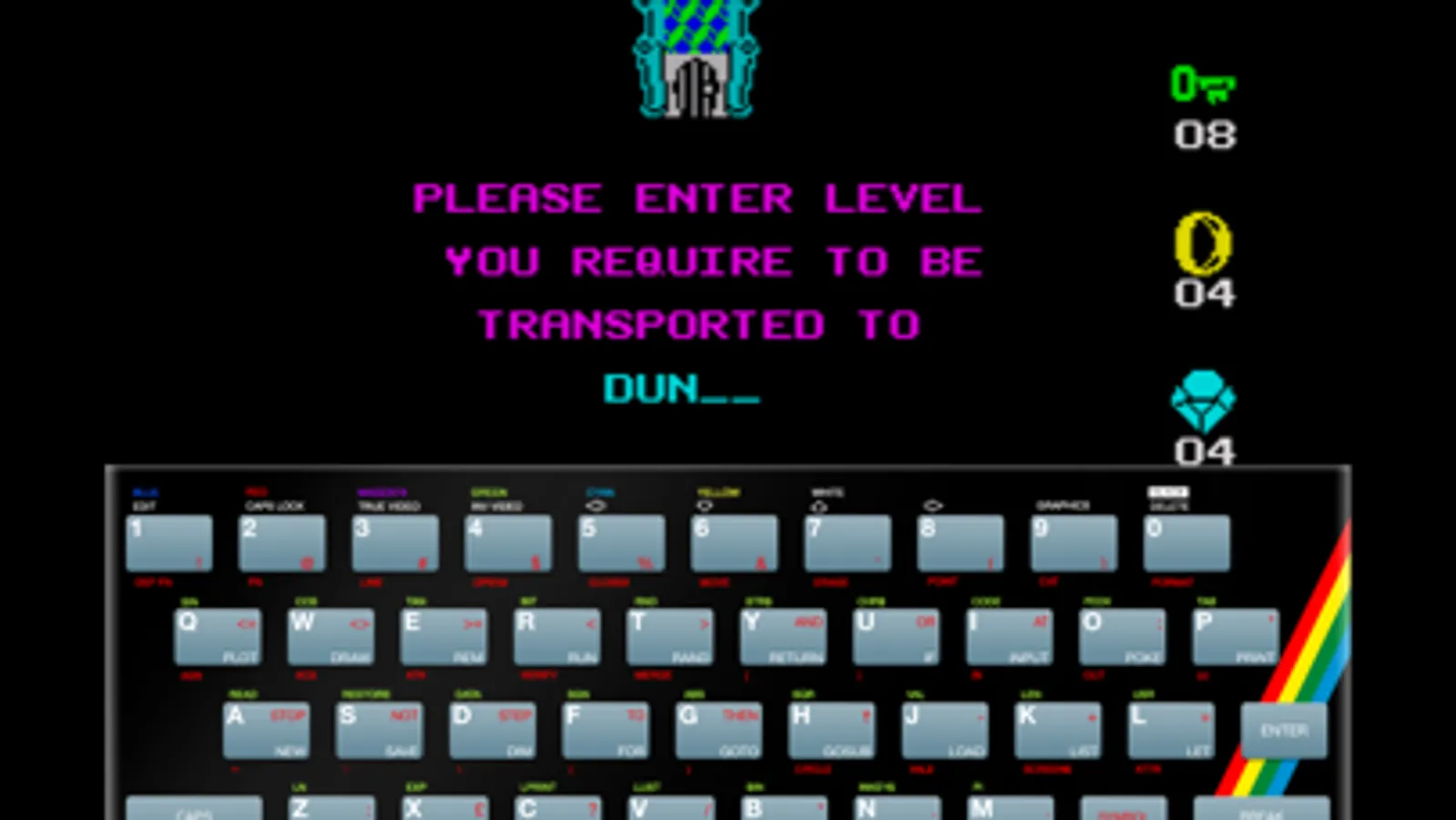
- Dynamite Dan by Rod Bowkett/Mirrorsoft
- Forbidden Planet by Design Design
- Halls of the Things by Design Design
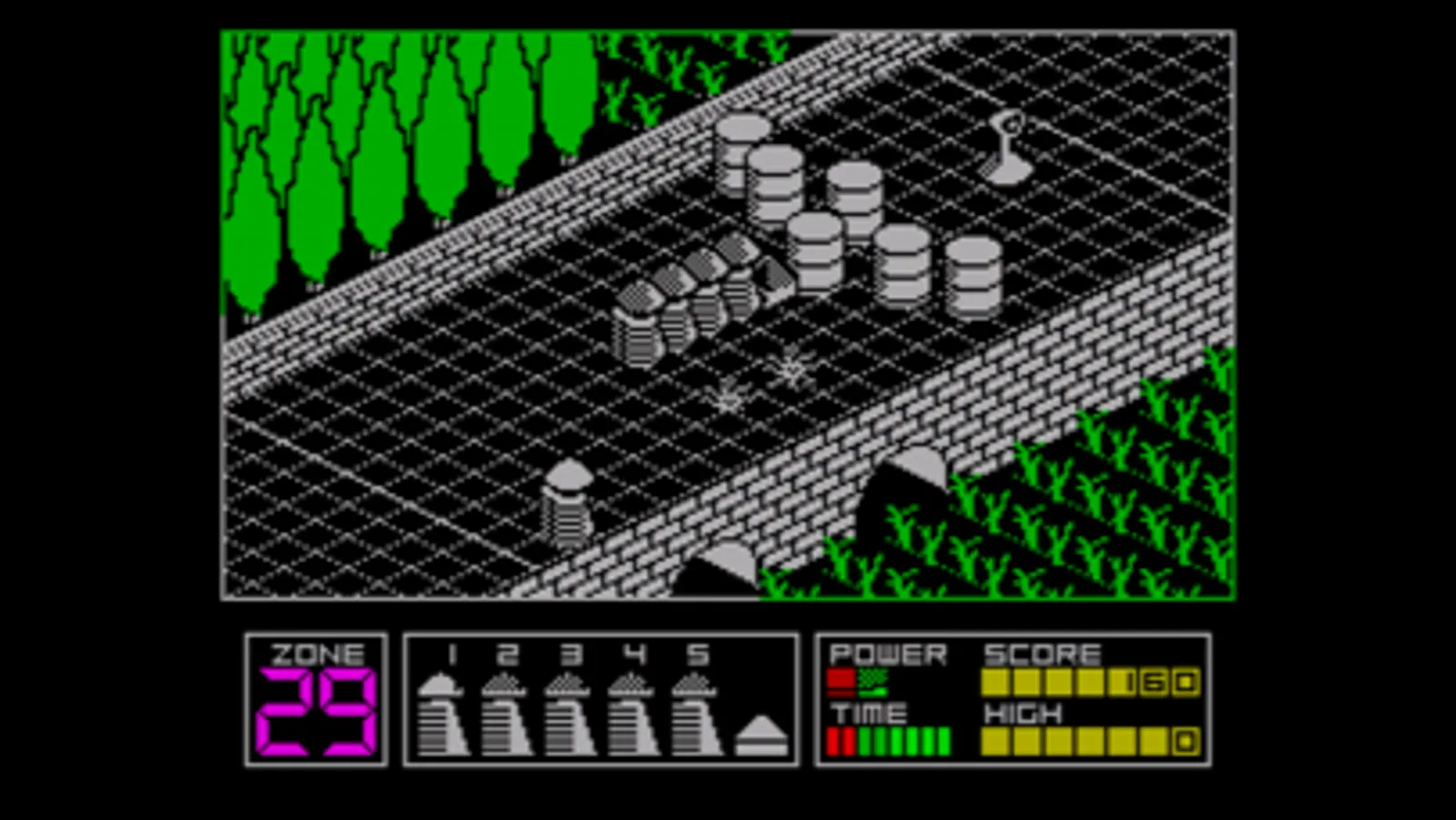
- Highway Encounter by Vortex Software
- Jack The Nipper by Gremlin Graphics
- Krackout by Gremlin Graphics
- Jekyll & Hyde by Zenobi Software
- Metabolis by Gremlin Graphics
- Monty On The Run by Gremlin Graphics
- On The Run by Design Design
- Revolution by Vortex Software
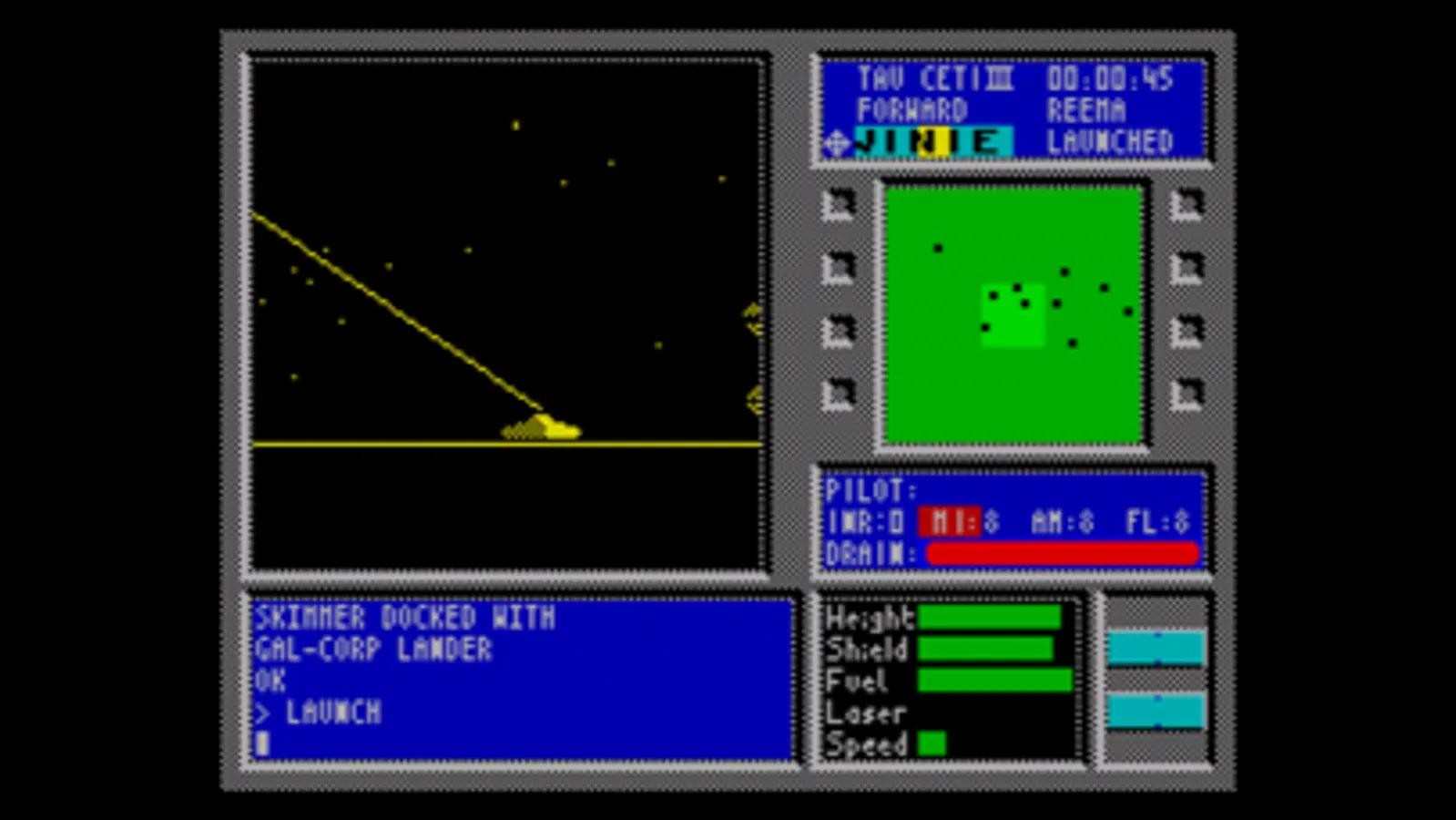
- Tau Ceti by Pete Cooke/CRL
- The Way Of The Tiger by Gremlin Graphics
- Albatrossity by Jonathan Cauldwell
- Battery's Not Precluded by Jonathan Cauldwell
- The Fantastic Mister Fruity by Jonathan Cauldwell
... with more available from the in-app shop.
Spectaculator gives you the most authentic ZX Spectrum experience available on your iPhone, iPod and iPad, and comes with lots of additional features:
• Universal App - runs on iPhone, iPod and iPad.
• Supports iPhone 5 and iPod touch 5th generation screen.
• Play in portrait or landscape orientations
• Save your game progress (four saved game slots + one iCloud saved game slot per game).
• Save your progress to iCloud from one device (e.g. iPod) and load to continue playing on another (e.g. iPad).
• Enter pokes (cheats) for infinite lives, shields etc.
• Lookup game hints, tips and maps
• Play in black and white with TV screen simulation for the ultimate 1980s experience!
• Battle to the top of the (Game Center) leaderboards!
• Type on a virtual ZX Spectrum keyboard
• Use an external Bluetooth keyboard for playing adventure games
• Choose authentic cassette loading or fast play
• Program in Sinclair BASIC
• Enjoy high resolution graphics on Retina screens
• Play using an external arcade controller (iCade or iControlPad)
Additional Game Packs
-------------------
The following games packs are available from the in-app shop:
Design Design Games Pack
- 5 Games. Includes Halls of the Things, Dark Star, Forbidden Planet
Gremlin Graphics Vol. 1
- 6 games. Includes Wanted! Monty Mole, Skate Crazy, Thing Bounces Back
Gremlin Graphics Vol. 2
- 6 games. Includes Jack The Nipper II: In Coconut Capers, North Star, Grumpy Gumphrey, Supersleuth
Gremlin Graphics Vol. 3
- 6 games. Includes Switchblade, Trailblazer, Super Scramble Simulator, Percy The Potty Pigeon
Odin Computer Graphics Anthology
- 9 games. Includes Nodes Of Yesod, Robin Of The Wood, Heartland
Realtime Games Pack
- Starstrike II
- 3D Tank Duel
Stephen Crow Anthology (Free!)
©1983-2013 Stephen Crow. All rights reserved.
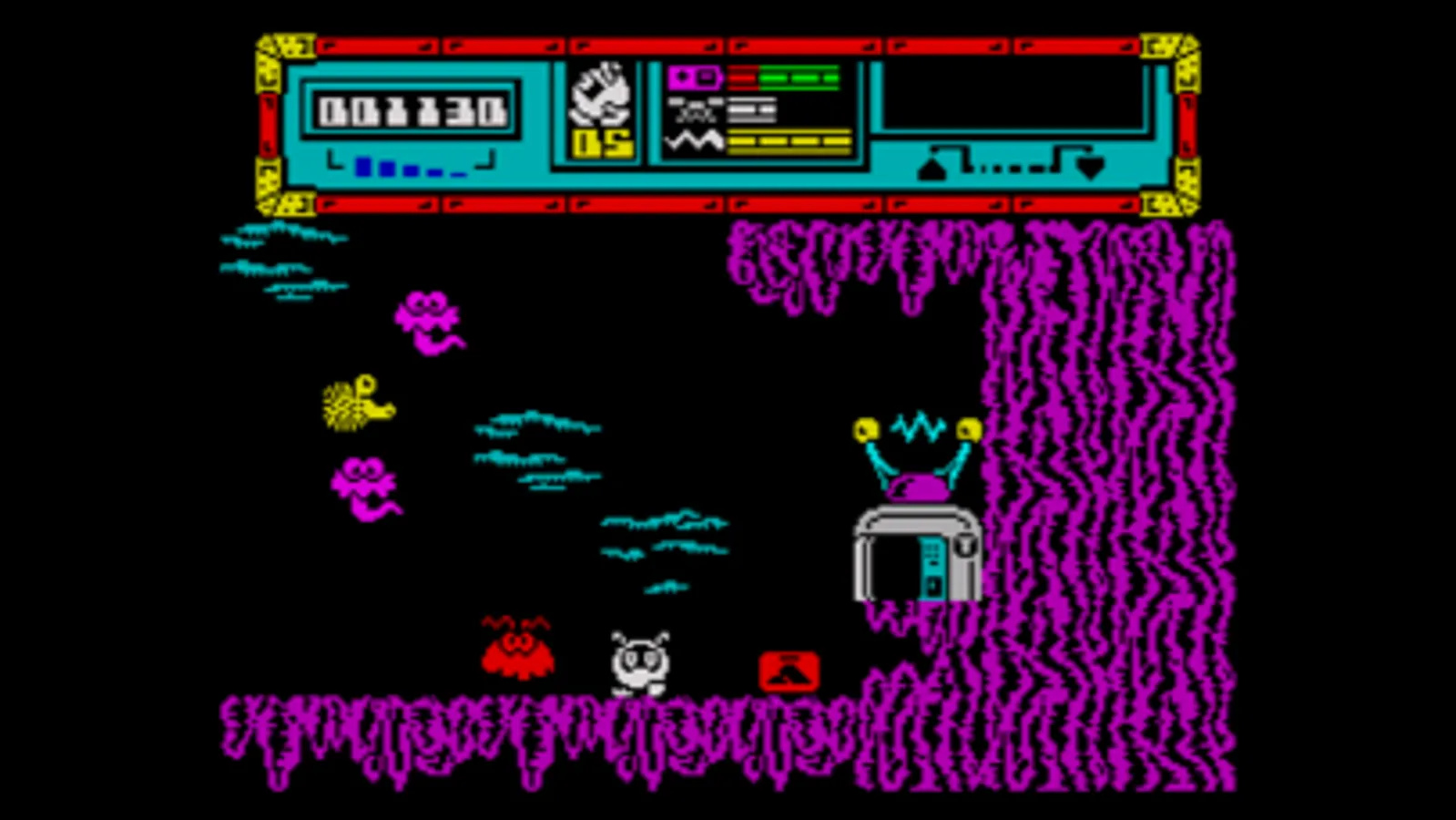
- 5 games. Includes Firelord, Starquake, Wizard's Lair
Vortex Anthology
- 6 games. Includes Alien Highway, Deflektor, T.L.L. (Tornado Low Level)
Zenobi Adventure Pack Vol. 1
- 6 games. Includes Aura-Scope, The Gods of War, Leopold The Minstrel
Zenobi Adventure Pack Vol. 2
- 6 games. Includes The Khangrin Plans, The Krazy Kartoonist Kaper, A Murder Mystery Weekend
Zenobi Adventures Vol. 3
- 5 games. Includes The Apprentice, The Bardic Rite, Jester Quest, Knight Life, Mutiny!
The following single games are available from the in-app shop:
- Carrier Command
- Dynamite Dan II
- Frank N. Stein
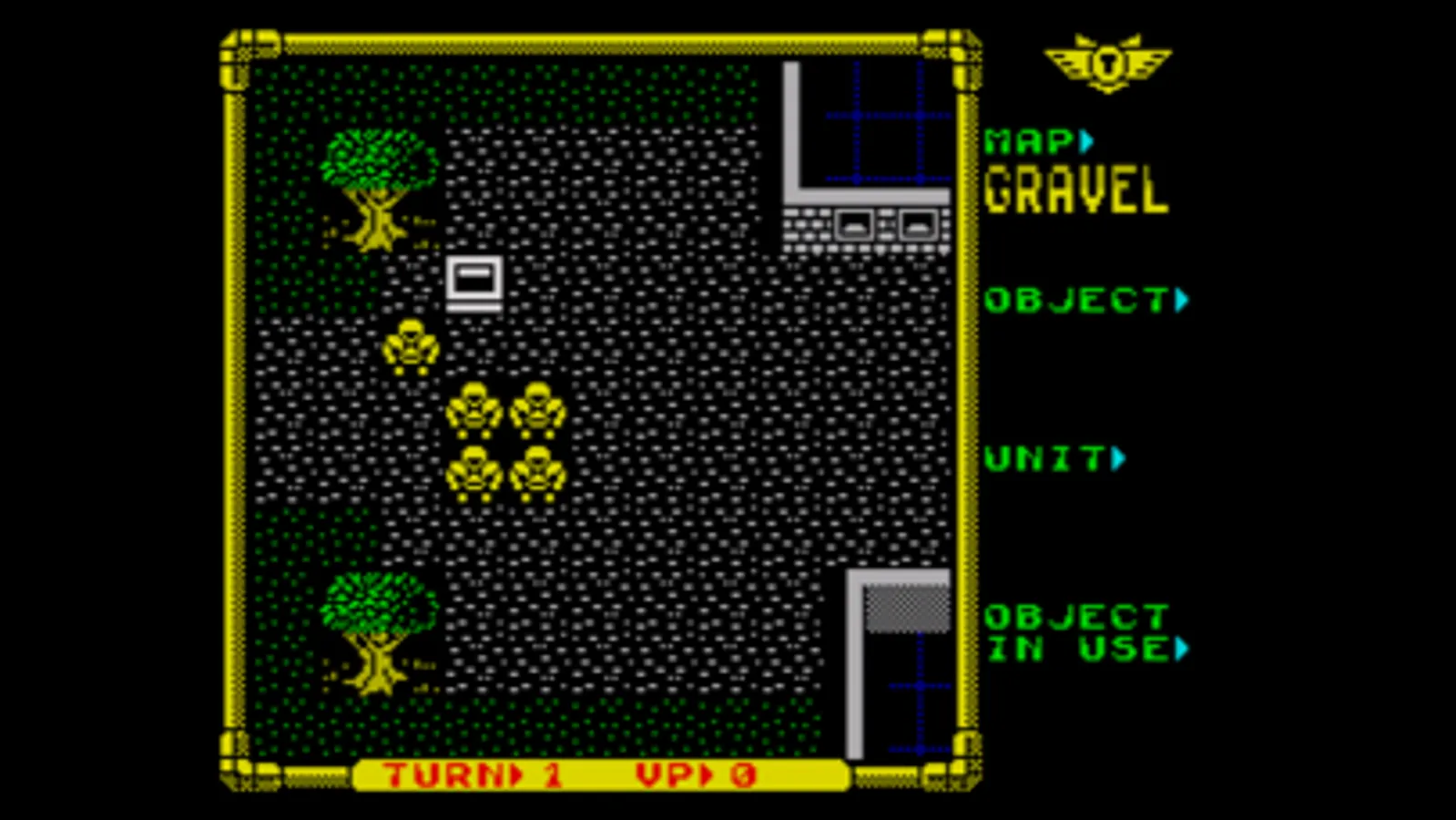
- Laser Squad
- Lords Of Chaos
- The Lords Of Midnight
- Doomdark's Revenge
- Everyone's a Wally
- KWAH!
- Redhawk
- Skool Daze
Spectaculator Screenshots
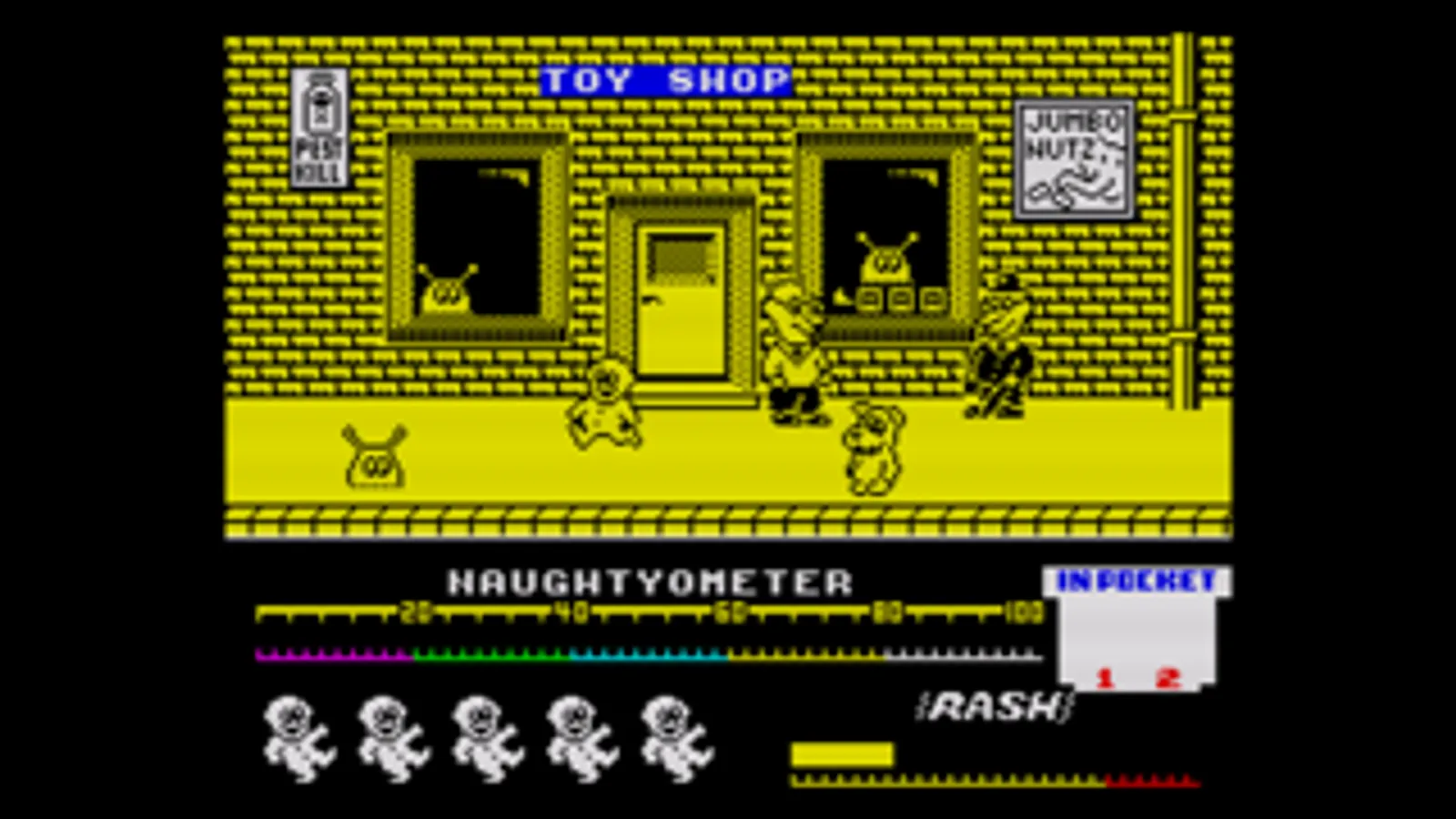
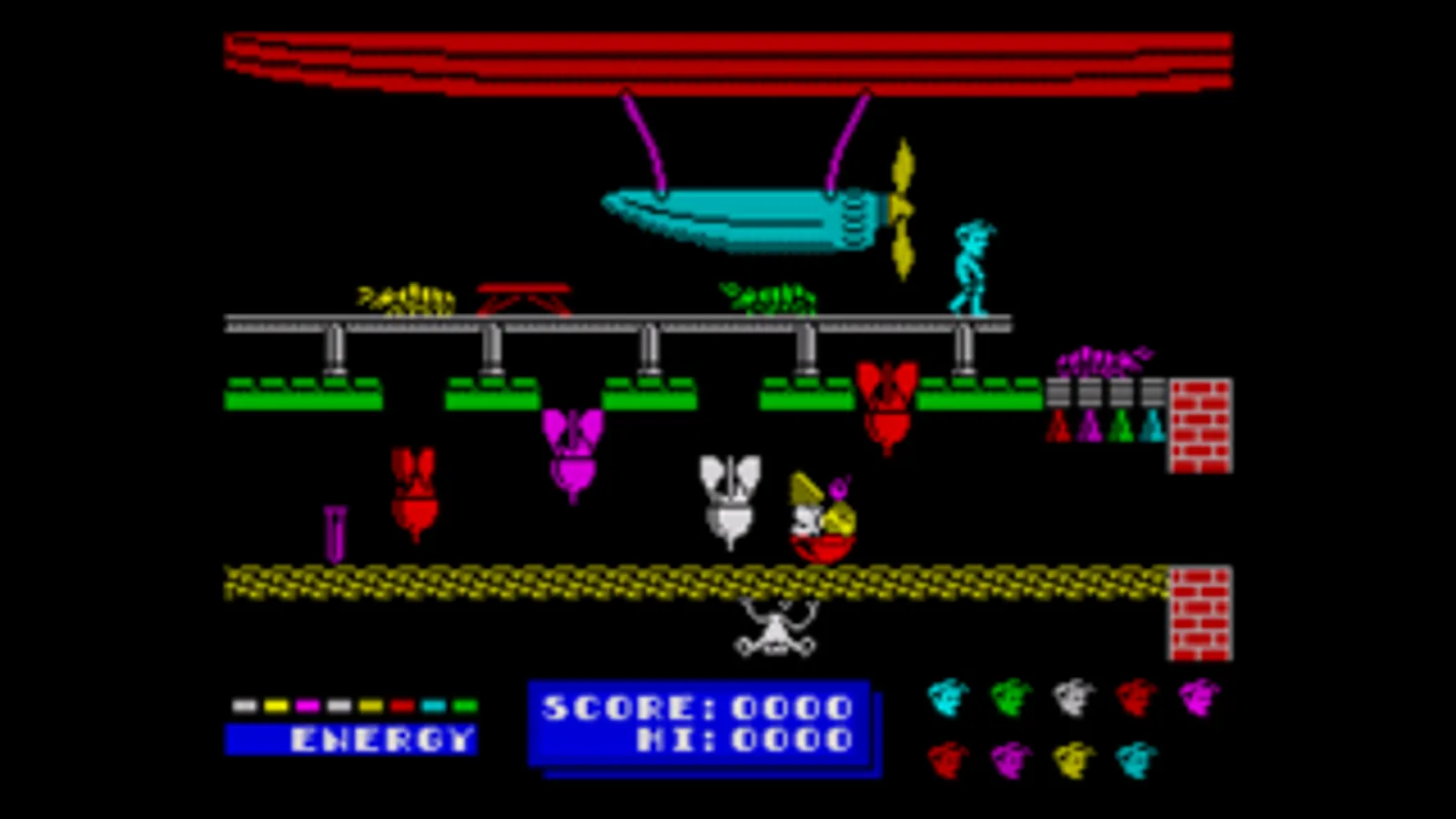
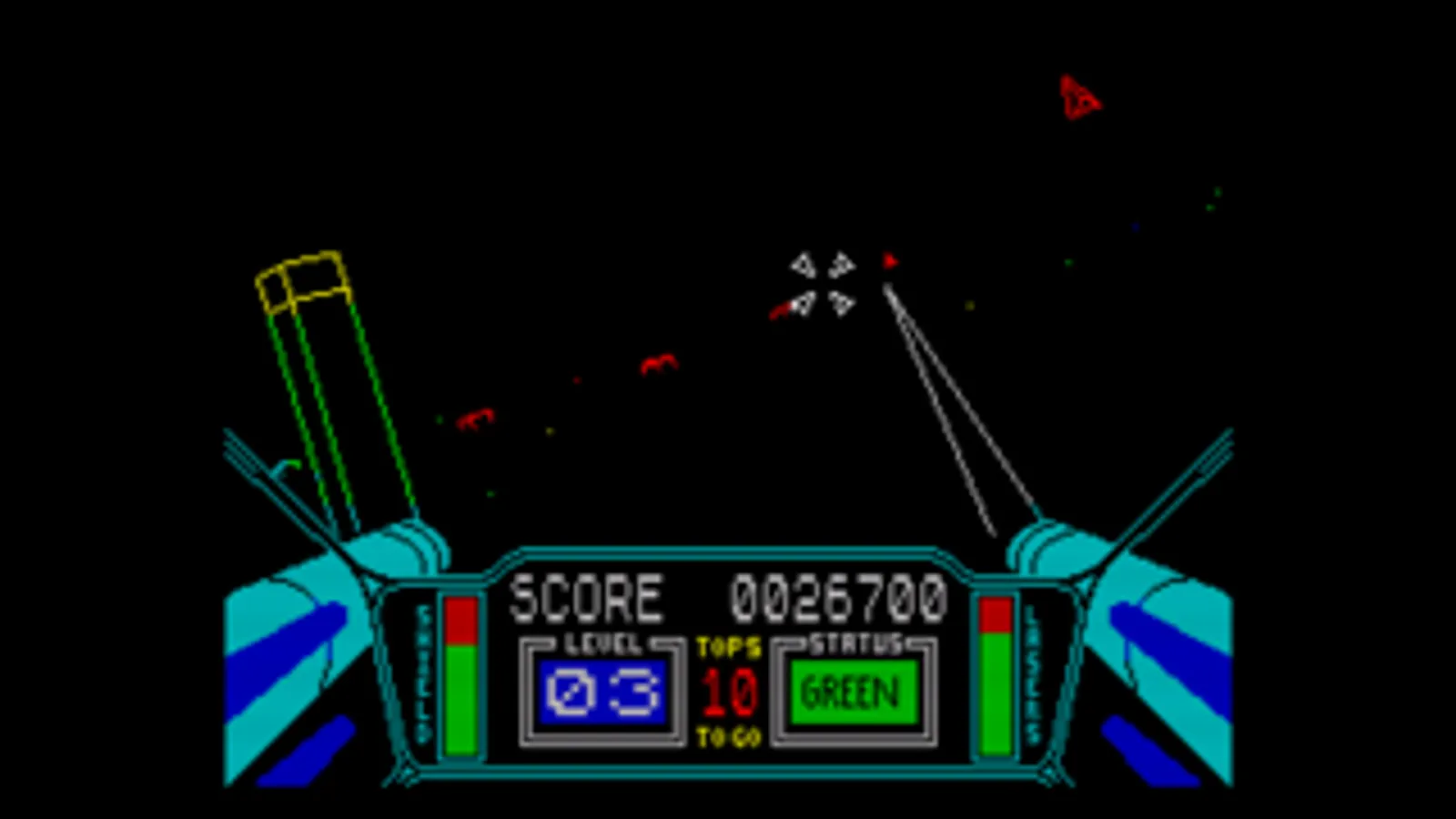
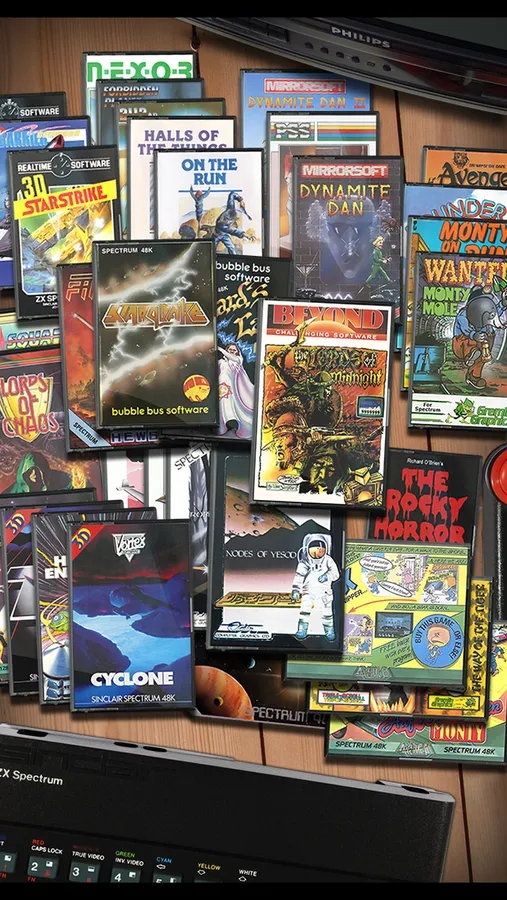
Tap to Rate:
Reviews for Spectaculator
Matti Jay
Good, though there must be a way to drag and drop .tap’s and .tzx’s into this app
Recently, I was testing out this app. It has some of the games I still recognize from 10-11 years back. I still remember “Auf Wiedersehen Monty.” Now, when I read about adding games to the emulator, I thought there would be a way to simply have the app display as a “split screen” while simultaneously opening up like “Files” or “Readdle Documents” to drag and drop… not just tap or tzx files, but also simple programs done from scratch. Suppose that feature may need to be added in a new update? If that’s possible? Think about FuseX (the forked version of the UNIX Fuse ZX emulator). On “FuseX 1.6.0 - 4,” .tap and .tzx files can be easily loaded from iCloud storage (for instance). So with Spectaculator, is there like a patch or a way to add an import from file feature? Now because my MacBook Pro runs Monterey 12.7.4, and my iPad Pro runs iPadOS 18.2, a pop up prevents me from opening iTunes just to load tap files onto the iPad Pro that way. So I was wondering if there is a quick alternative to that method in a future update of Spectaculator. An “import from app” feature? An “AirDrop” feature?
El Nerdo Degeek
One of the best emulators of any kind
Would be great to get more support for programming workflows, this was one of the most important aspects of home computing