AppRecs review analysis
AppRecs rating 4.7. Trustworthiness 72 out of 100. Review manipulation risk 22 out of 100. Based on a review sample analyzed.
★★★★☆
4.7
AppRecs Rating
Ratings breakdown
5 star
76%
4 star
18%
3 star
6%
2 star
0%
1 star
0%
What to know
✓
Low review manipulation risk
22% review manipulation risk
✓
Credible reviews
72% trustworthiness score from analyzed reviews
✓
High user satisfaction
76% of sampled ratings are 5 stars
About Repeat It Again
• Record and Play 9 of your audio recordings. Play gives the option to repeat a recording up to 25 times. Re-record whenever you wish. Each recording may be up to 5 minutes long.
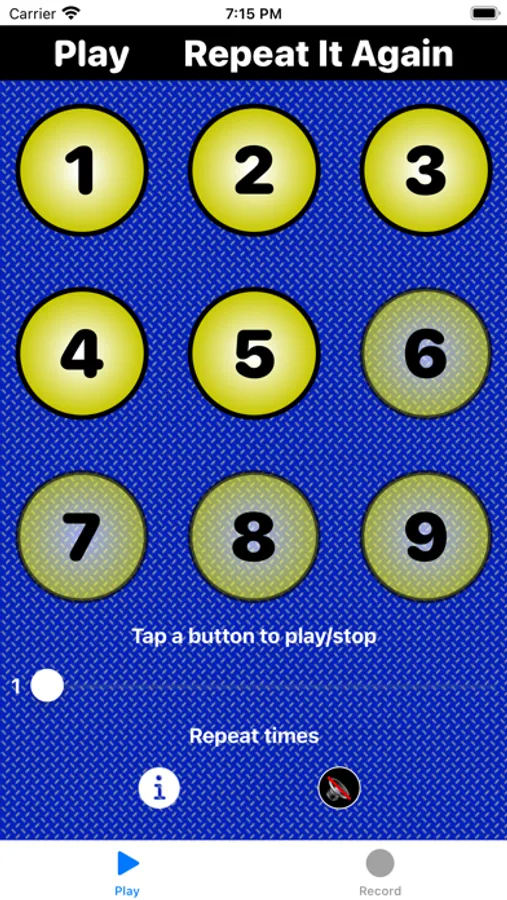
• Play tab: Play recordings the selected number of times. Tap to start, tap again to stop. Bright buttons have been recorded. Dim buttons have not been recorded.
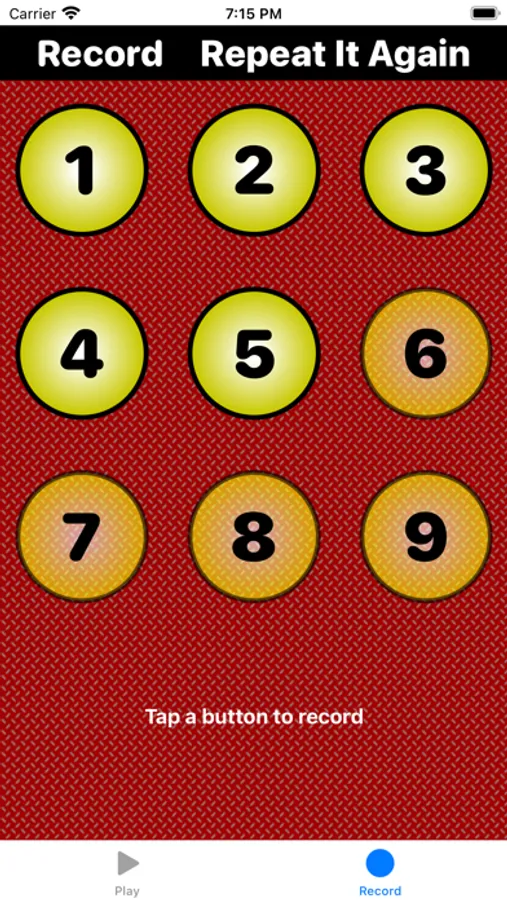
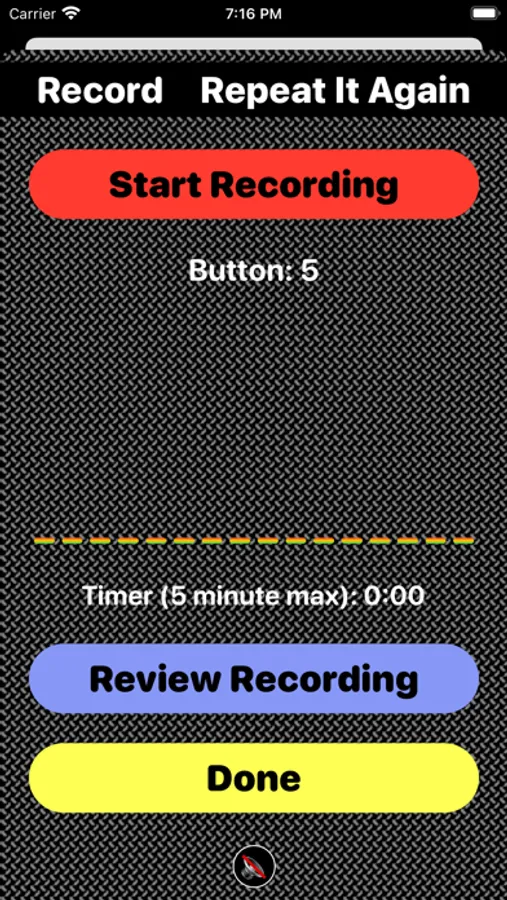
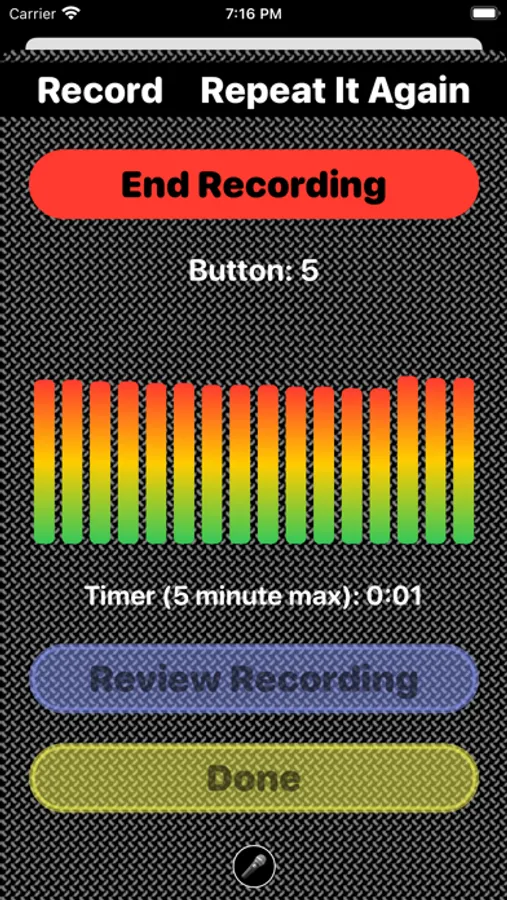
• Record tabs: Record, re-record and review recordings to ensure they sound just right. Bright buttons have been recorded. Dim buttons have not been recorded.
You need an iOS 15.0 or later device with an internal or external microphone to use this app.
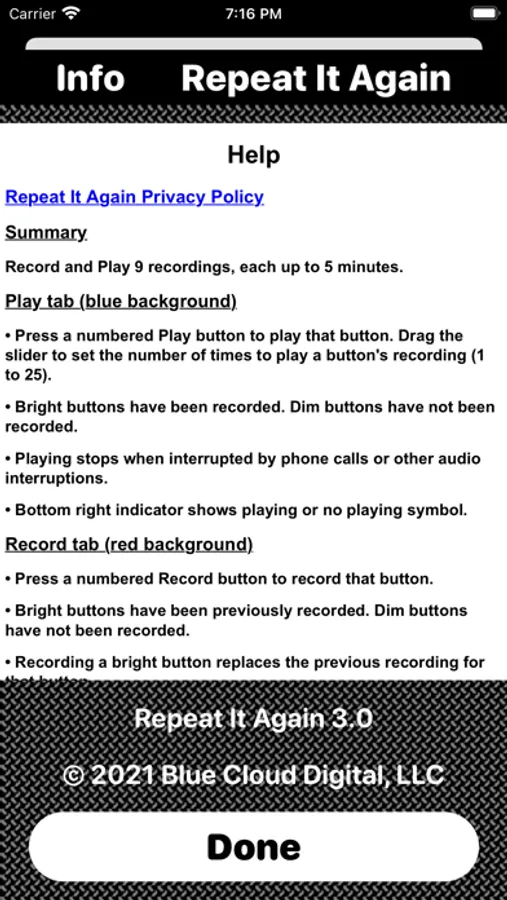
Tap i from the Play screen to view more information.
If you like Repeat It Again, please review it and rate it 5 stars in iTunes!
Enjoy!
Repeat It Again Screenshots
Tap to Rate:
Reviews for Repeat It Again
Pestm100
How to delete recordings
I love it because it is helping me to learn my lines. But how do you delete recordings you no longer need? I’m sure that I’m simply not seeing something that is probably so obvious. I apologize. Thank you.
JWM CPO
Surprisingly useful app!
Updating my original 4 star review because developer added 2 requested features: longer recording time and audio continues to run in the background. This made using this app for voice guidance while weightlifting even better. I use the repeat slider to determine the number of sets. It would be useful to be able to import audio files edited elsewhere, or to assemble short clips inside the app. My workaround is to record “Rep 1…Ready…Begin…Contract…Hold…Extend…Rest…10,9,8,7,6,5,4,3,2,1… Rep 1…Ready…Begin…Contract… and so on. It took several takes for 12 reps but now my timing is consistent and I know how many reps remain. Apple Voice Control can start each group of sets; refer to Apple documentation of this Accessibility feature for details. Wearing AirPods, I say “Press 1” to start each new exercise, and to stop at anytime.