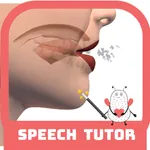
In this speech therapy app, users can view animated videos of speech sounds from multiple angles and speeds to improve pronunciation. Includes tutorial content, sound descriptions, milestone guidance, and recording features.
AppRecs review analysis
AppRecs rating 3.2. Trustworthiness 84 out of 100. Review manipulation risk 21 out of 100. Based on a review sample analyzed.
★★★☆☆
3.2
AppRecs Rating
Ratings breakdown
5 star
46%
4 star
23%
3 star
7%
2 star
0%
1 star
25%
What to know
✓
Low review manipulation risk
21% review manipulation risk
✓
Credible reviews
84% trustworthiness score from analyzed reviews
⚠
Pricing complaints
Many low ratings mention paywalls or pricing
About Speech Tutor
Whether you’re a speech and language pathologist (SLP), an SLP college student, a parent of children with speech delays, or someone trying to improve their American English accent, you’re going to find this an invaluable application.
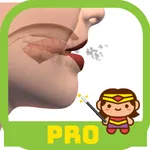
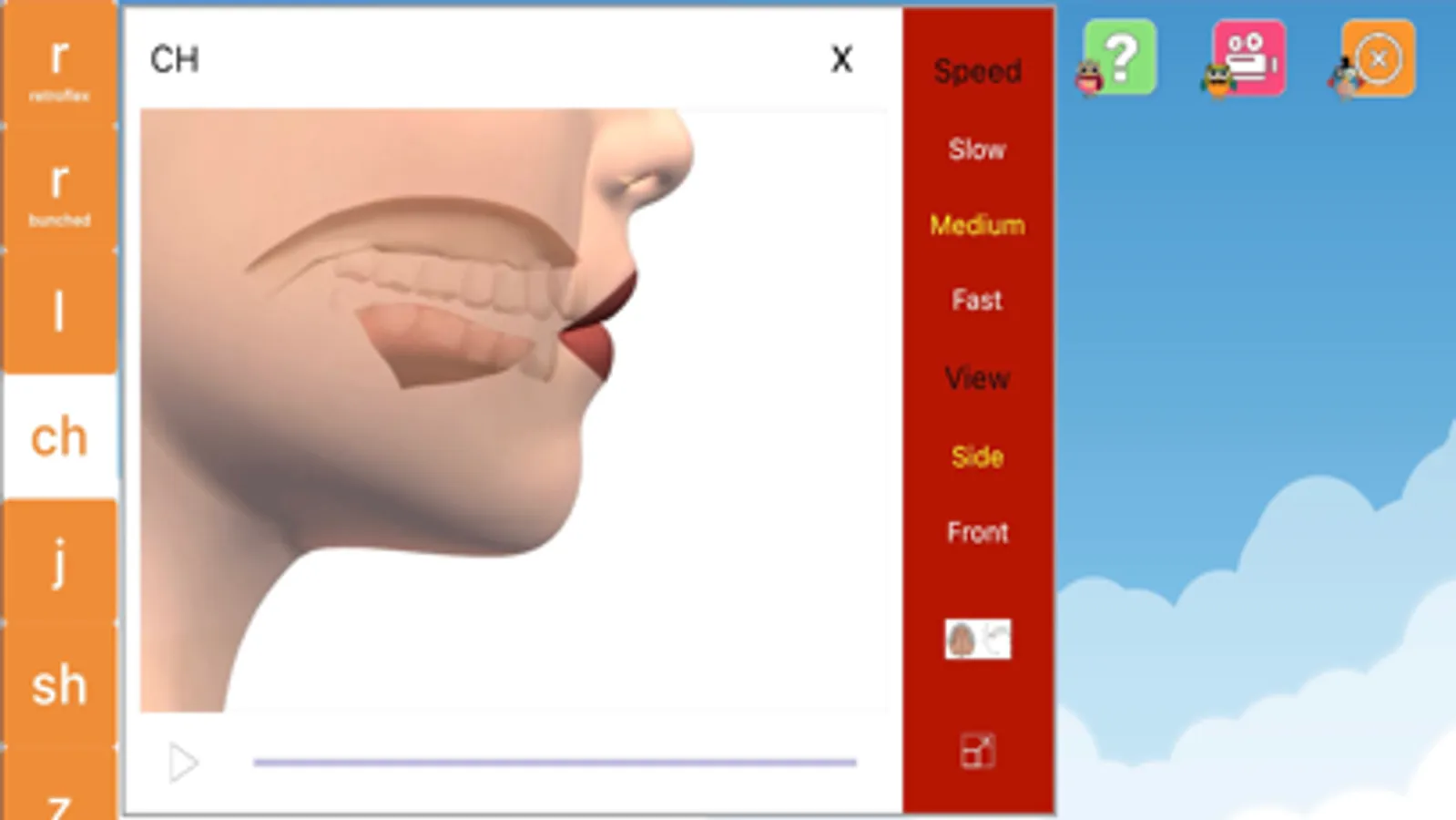
A first of its kind in the field, Speech Tutor brings the latest in technology and animation to the world of speech. The animations inside Speech Tutor take the areas of the face that impede the view of tongue placement and positioning and make them transparent. Now one can literally see inside the mouth as the sounds are being made!
Speech Tutor offers a “Side View” and a “Front View” of each sound production, both of which can be viewed at 3 different speeds (slow, medium, fast). The movies can also be paused any given point. With 132 animations in all, Speech Tutor is sure to offer a helpful view and speed for anyone in need.
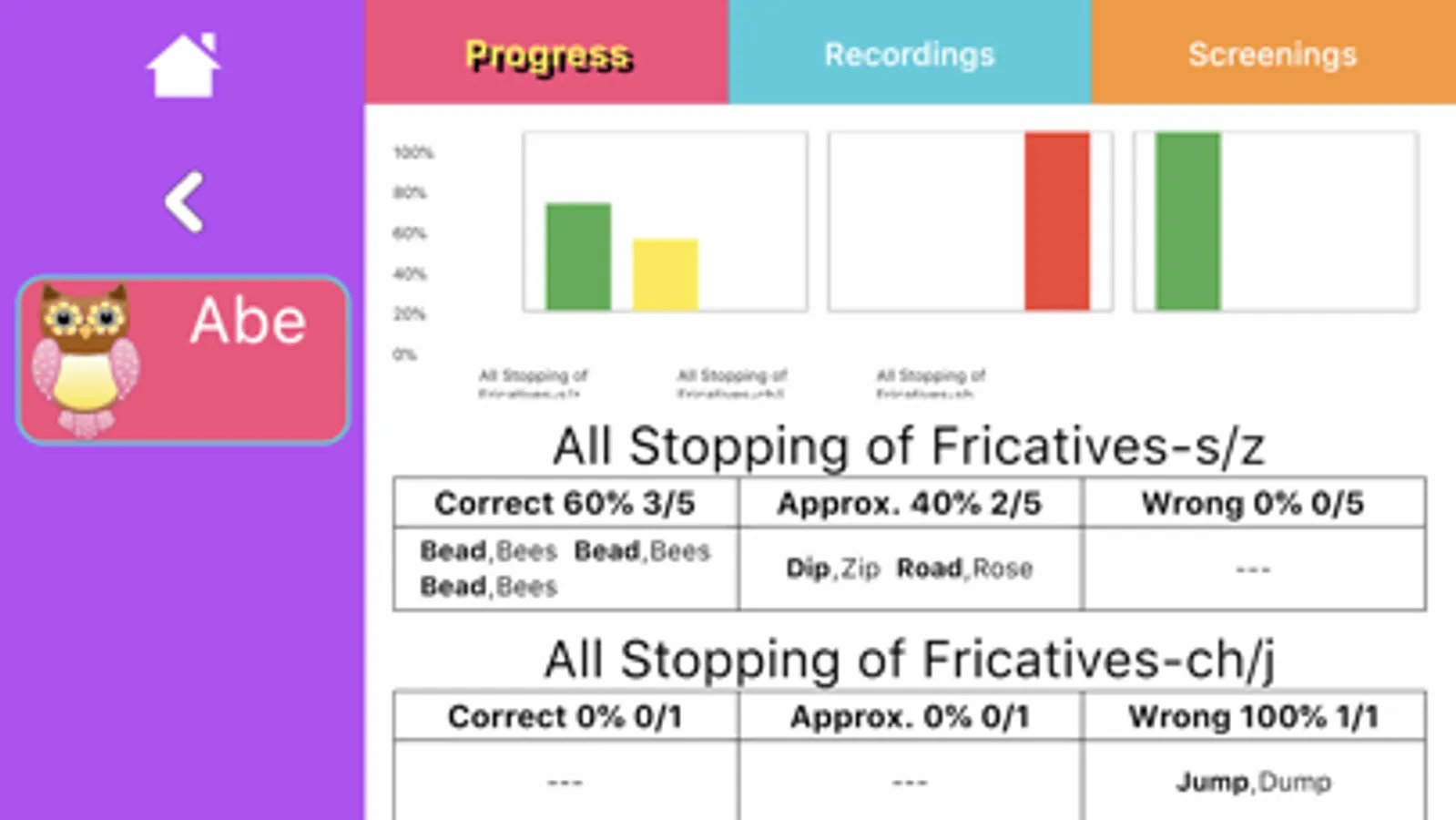
Speech Tutor does not stop there though. Non SLPs can begin the application by reading an easy to understand “Basics” tutorial which provides the reader with a solid foundation of the basic knowledge needed to know before attempting to improve any/all English consonants. Also provided is detailed text specific to each sound that further describes how each sound is technically made, tips provided by licensed speech and language pathologists, and milestones for when each sound should be acquired and mastered. Along with viewing the animations, one can also view a “Palate” diagram to further demonstrate where on the palate the tongue should be placed.
Last but not least, users of the application can choose to record themselves as they practice their target sounds and then choose to play it before and after a correctly modeled production.
Animations for the following sounds are provided:
P, B, T, D, K, G, N, M, ING, F, V, S, Z, SH, CH, J, L, R (retroflex and bunched), TH (voiced and voiceless) and 4 new vowel animations - /i/, /u/, /a/ and /æ/
Speech Tutor Screenshots
Tap to Rate:
Reviews for Speech Tutor
Pygmy Pirate's
Disappointing in adequate
As a Speech Therapist and consumer seeking therapeutic support through digital means, I eagerly downloaded this with hopes of accessing robust tools promised to aid in therapy. However, my experience with the app has left me profoundly disappointed and disillusioned. One of the most glaring deficiencies is the lack of essential features necessary for effective therapy. Basic functionalities such as progress tracking, goal setting, and personalized interventions are conspicuously absent or severely limited. These omissions significantly diminish the app's utility for individuals seeking genuine therapeutic support. Moreover, the few tools that are available often feel rudimentary and ineffectual. For an app commanding a premium price tag, users rightfully expect sophisticated and evidence-based interventions. Instead, it offers a bare minimum of exercises and generic advice that hardly justify its exorbitant cost. In essence, this app embodies the epitome of marketing for speech therapy over substance. Its sleek design and slick marketing may initially captivate users, but the lack of substantive therapeutic tools renders it ultimately impotent. As a consumer, I cannot in good faith recommend this to others seeking genuine support for their articulation skills. The app's failure to deliver on its promises is not only disappointing but also concerning, as it raises questions about the integrity of its developers and their commitment to prioritizing user well-being over profit margins.
stberhow
Had for years
This is the first app I bought for showing students how to make the sound. I still use this app for students having difficulty forming sounds, especially back sounds.