In this photo collage app, you can create layouts and combine photos or videos using adjustable templates. Includes options for editing, adding text, applying filters, and sharing across social platforms.
AppRecs review analysis
AppRecs rating 4.0. Trustworthiness 77 out of 100. Review manipulation risk 24 out of 100. Based on a review sample analyzed.
★★★★☆
4.0
AppRecs Rating
Ratings breakdown
5 star
90%
4 star
7%
3 star
2%
2 star
1%
1 star
1%
What to know
✓
Low review manipulation risk
24% review manipulation risk
✓
Credible reviews
77% trustworthiness score from analyzed reviews
⚠
Pricing complaints
Many low ratings mention paywalls or pricing
About PicFrame
Whether you're scrapbooking memories, crafting a photo book, printing layouts, or designing grid posts for Instagram and TikTok, PicFrame makes every collage simple, fun, and professional-looking.
Why Creators Love PicFrame
• 100+ fully adjustable layouts — or design your own custom frames
• Combine up to 16 photos or videos in one collage
• Make before-after comparisons or side-by-side photo grids
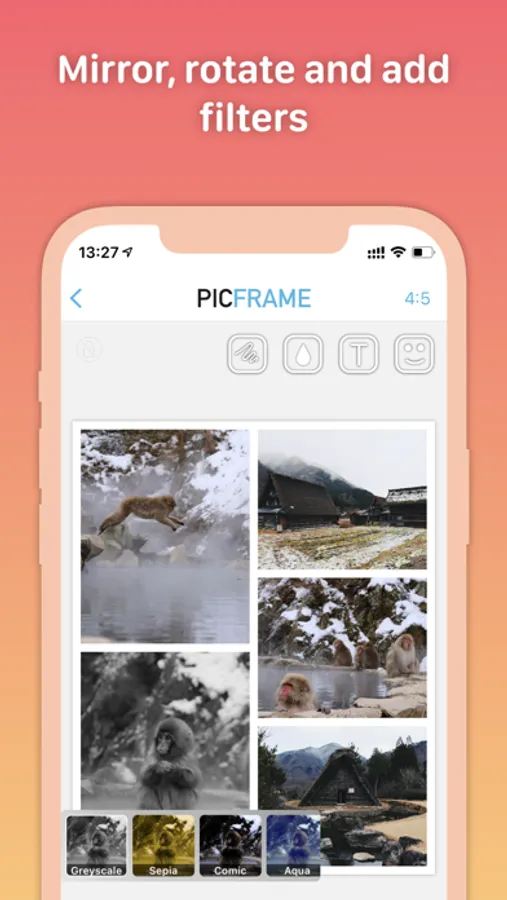
• Full creative control — resize, rotate, zoom, and mirror each element
• Add text labels with custom fonts, colors, outlines, and tape effects
• Draw directly on your design using touch or Apple Pencil
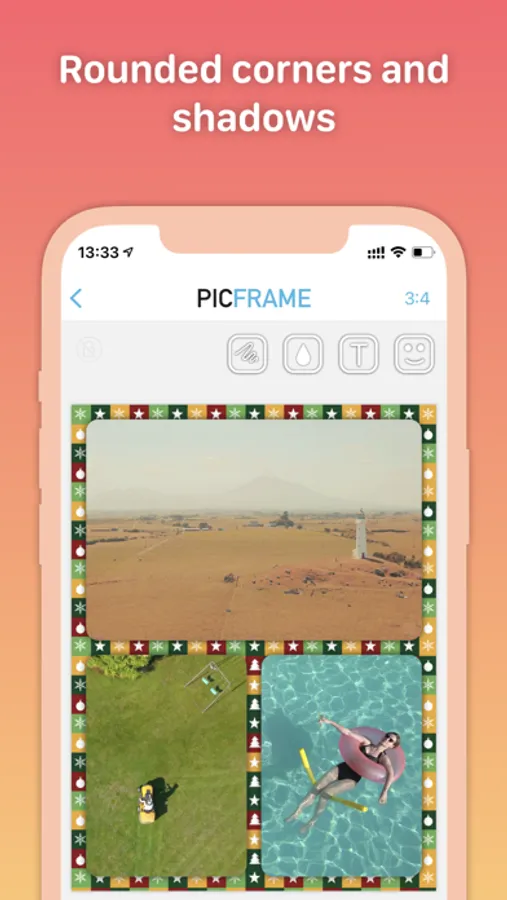
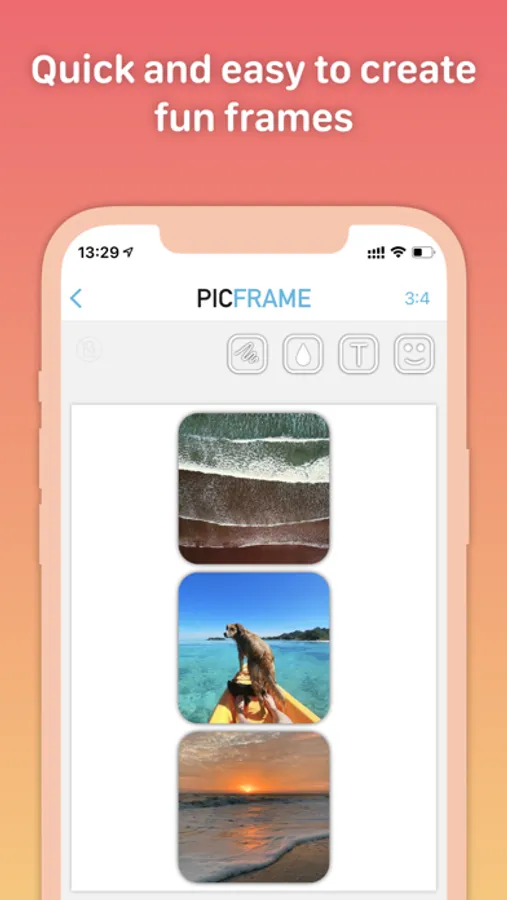
• Apply filters, shadows, rounded corners, and borders
• Use shapes like circles, hearts, and hexagons
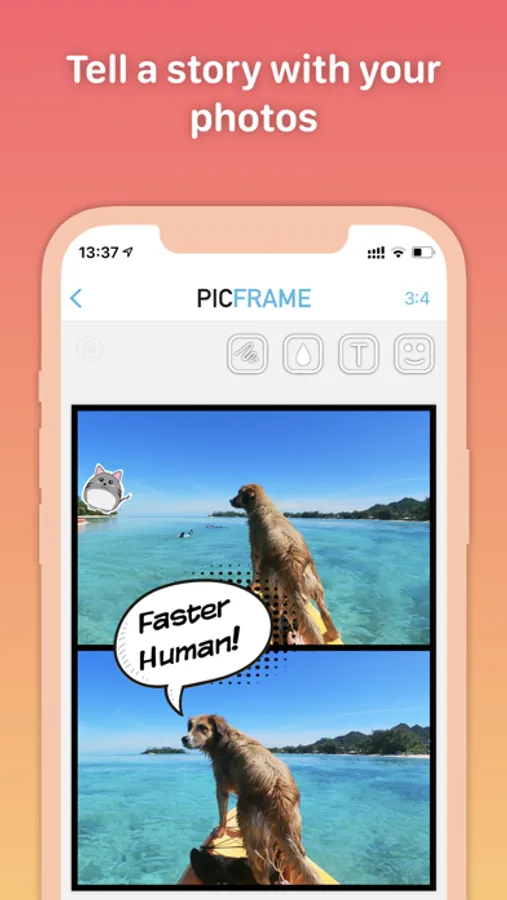
• Add stickers and comic-style details
• Include music in video collages
• Choose any aspect ratio (square, 16:9, 4:5, and more)
• Advanced print layout preview for perfect results
• High-resolution exports and easy sharing to social apps
• Drag & drop photos on iPad for fast editing
• Works seamlessly on iPhone and iPad, with Dark and Light Mode
Perfect For
→ Photo collages, video grids & digital scrapbooks
→ Instagram, TikTok, and Threads posts
→ DIY crafts & creative projects
→ Before/after photo comparisons
→ Comics, photo stories, and cards
→ Print layouts, grids, and picture frames
Loved by Creators
• 9/10 in Wired App Guide
• Trusted by creators, families, and photographers worldwide
Download PicFrame — the free photo collage editor that makes your pictures and videos stand out!
Terms of use: https://activedevelopment.co.nz/terms-conditions/
PicFrame Screenshots


Tap to Rate:
Reviews for PicFrame
Theonlyreason☠️
If its not broken don’t fix it!
Just updated this nifty little useful app and now it IS COMPLETELY USELESS! Also most helpful reviews from 🫣😱over 10 years ago are NOT helpful now!
matt the hobbit
the best developed pic frame app
been using this app for years. it consistently develops and evolves into a better and better app. support is always fast and they listen to customer input. with the recent addition to custom layouts they have stepped it up yet again. i’ve bought many pic layout apps over the years but this one is the one i keep using regularly.