
AppRecs review analysis
AppRecs rating 3.4. Trustworthiness 75 out of 100. Review manipulation risk 21 out of 100. Based on a review sample analyzed.
★★★☆☆
3.4
AppRecs Rating
Ratings breakdown
5 star
15%
4 star
15%
3 star
5%
2 star
10%
1 star
55%
What to know
✓
Low review manipulation risk
21% review manipulation risk
✓
Credible reviews
75% trustworthiness score from analyzed reviews
About GO-Global
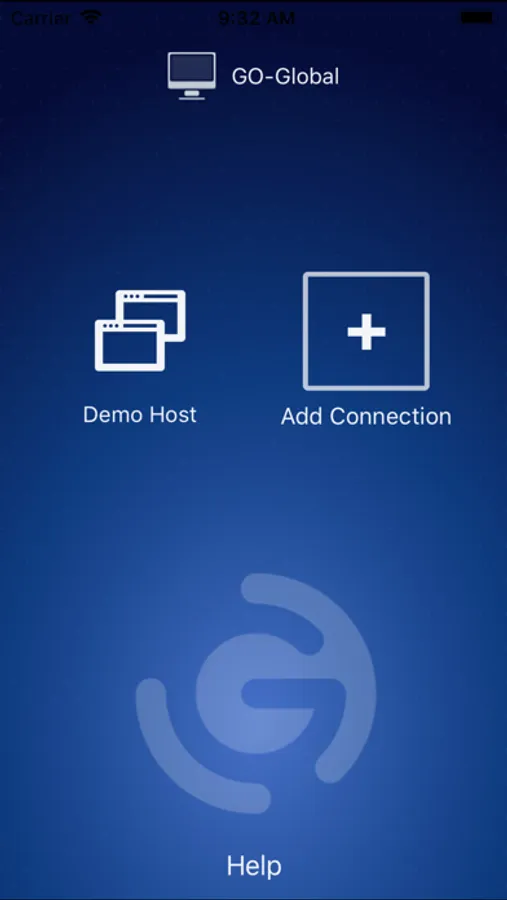
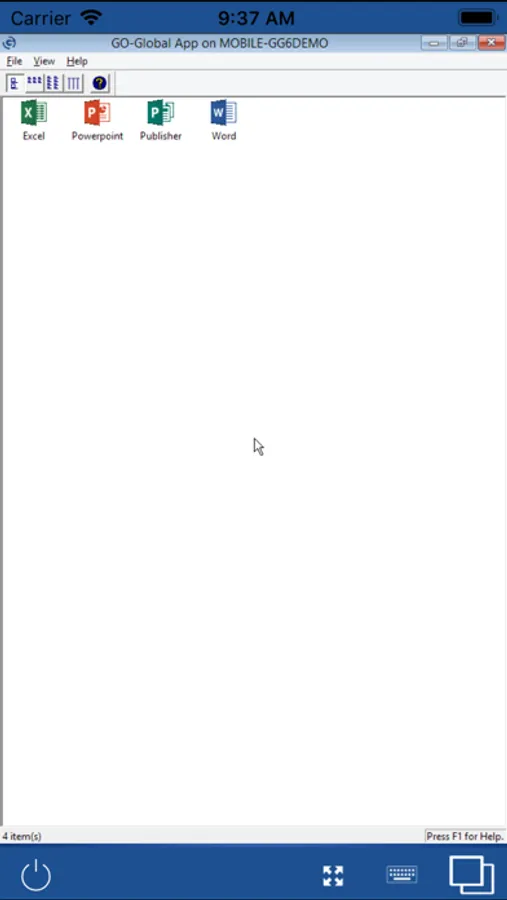
GO-Global customers can download the free GO-Global App to connect to GO-Global hosts and run Windows applications remotely from their iOS device. Applications appear as though they were running locally, retaining all features and functions.
If you are not an existing GO-Global customer with access to a host, you can still evaluate the GO-Global App. Simply download it to your iOS device and connect to GraphOn’s free demo server to access several popular Windows applications. No sign-up or registration required.
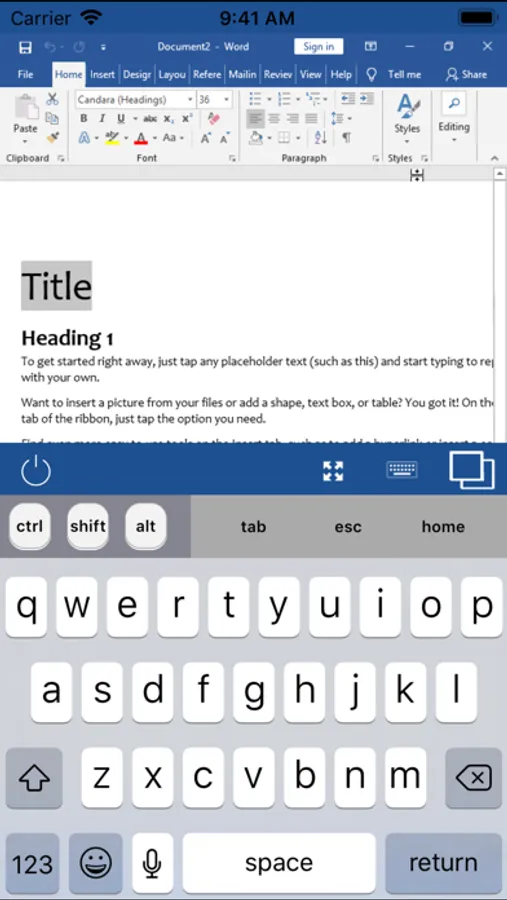
The GO-Global App maintains a high degree of usability by automatically touch-enabling Windows applications. Intuitive, multi-touch gestures allow users to interact naturally with applications running on the host, even though the device lacks a mouse and keyboard. The Auto-Zoom feature detects the section of the screen currently active in the application, and automatically zooms-in on that area, making it easier to tap user interface elements. The device’s onscreen keyboard opens automatically whenever an application can receive text input.
GO-Global uses GraphOn’s patented, high-performance RapidX protocol, providing fast and seamless access anywhere, even over low-bandwidth connections. It provides SSL security (up to 256-bit AES) and IPv6 support. And it eliminates the need for Citrix or Microsoft Remote Desktop Services (RDS).
For more information, please visit GraphOn’s website at GraphOn.com.
GO-Global Screenshots
Tap to Rate:
Reviews for GO-Global
Mces1234
Horrible for ifix on an iPad
Everytime you hit a key the keyboard pops up. Very annoying, my users hate it.
City-User
Scale Resolution not available in “Apple Version”
3 stars due to the fact that the “Scale Resolution” feature is not available in the iPhone iteration of this release. The scale res works great on my Android phone. This feature is documented in the help file for iOS, but does not seem to exist? Also, I can’t get the “3 finger” pan to function either. Please update the iOS version to at least scale the res, our company will not run anything but apple products and we rely heavily on the go-global functionality in our environment.