
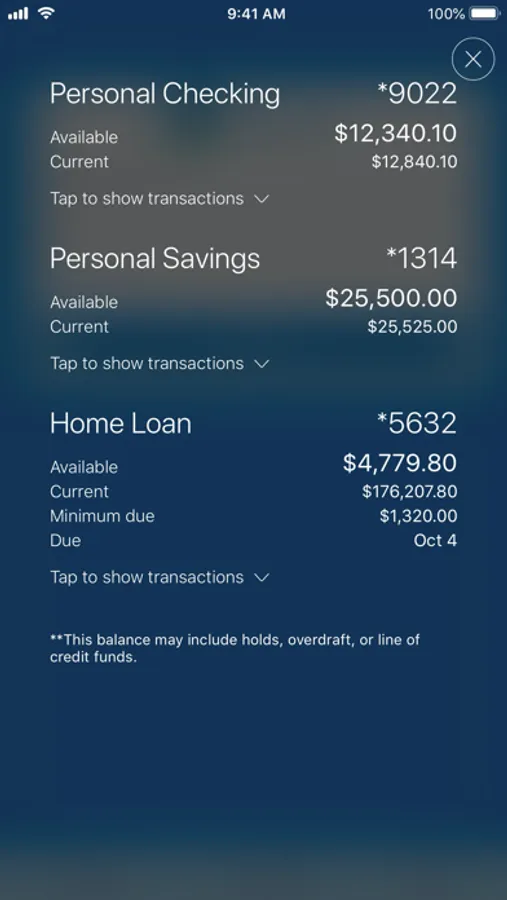
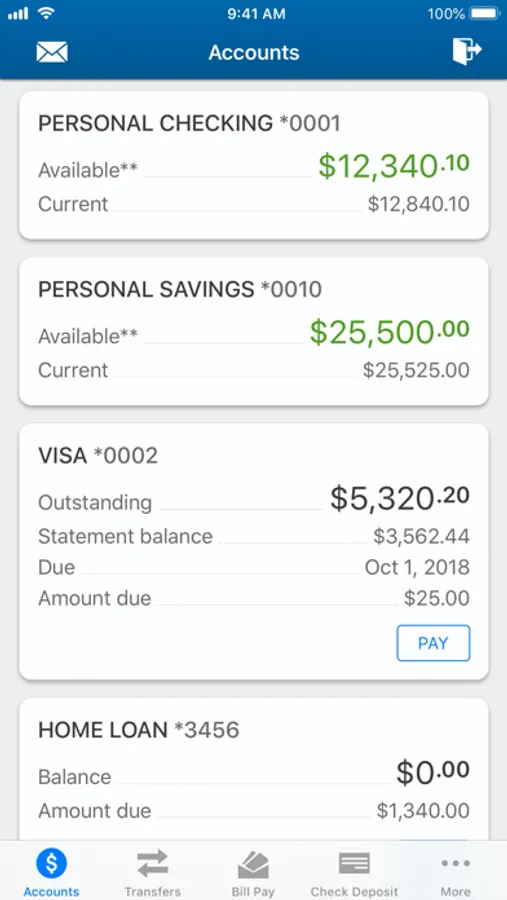
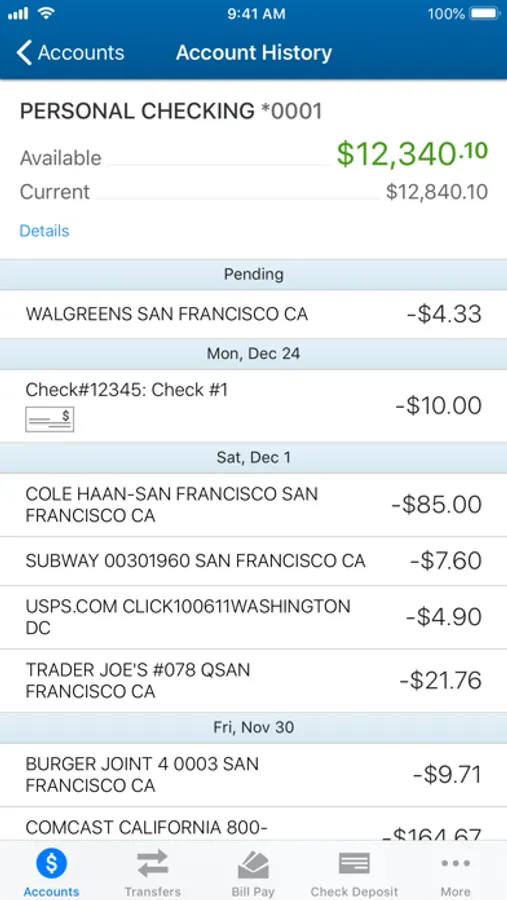
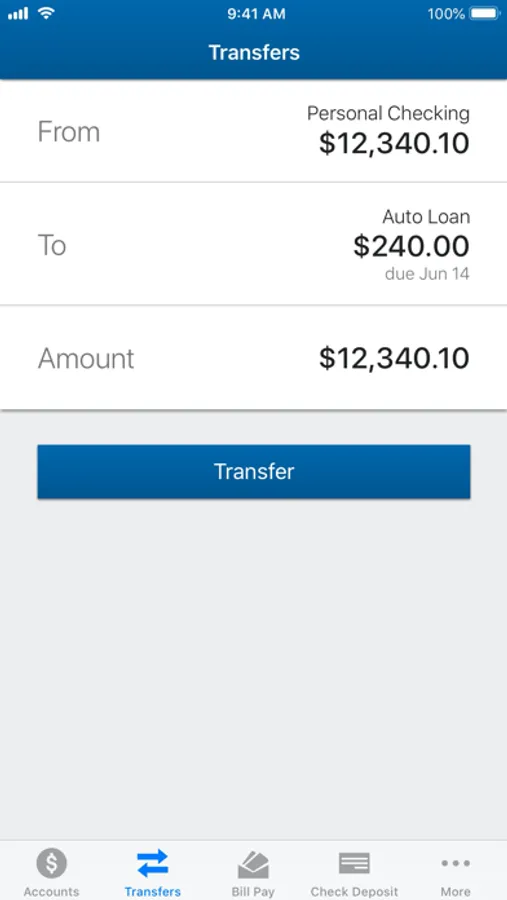
With this mobile banking app, you can view account balances, transfer funds, pay bills, and deposit checks using your device. Includes Quick Balance, Touch ID login, branch locator, and transaction history features.
AppRecs review analysis
AppRecs rating 4.3. Trustworthiness 0 out of 100. Review manipulation risk 0 out of 100. Based on a review sample analyzed.
★★★★☆
4.3
AppRecs Rating
Ratings breakdown
5 star
88%
4 star
8%
3 star
2%
2 star
1%
1 star
1%
What to know
✓
High user satisfaction
88% of sampled ratings are 5 stars
⚠
Pricing complaints
Many low ratings mention paywalls or pricing
About Cambridge Savings Bank
• Review your account balances and transactions and - activate Quick Balance so that you can see that information without even logging in!
• Log in with the touch of a finger when you use Touch ID2
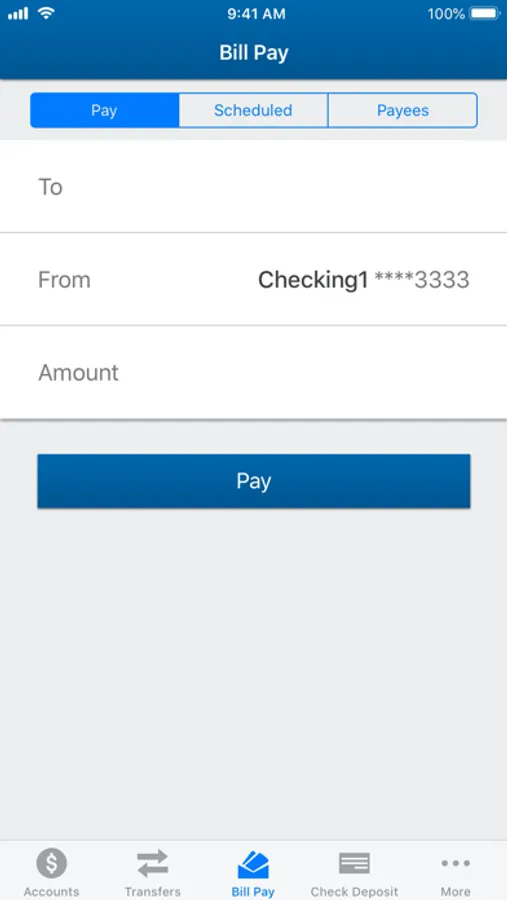
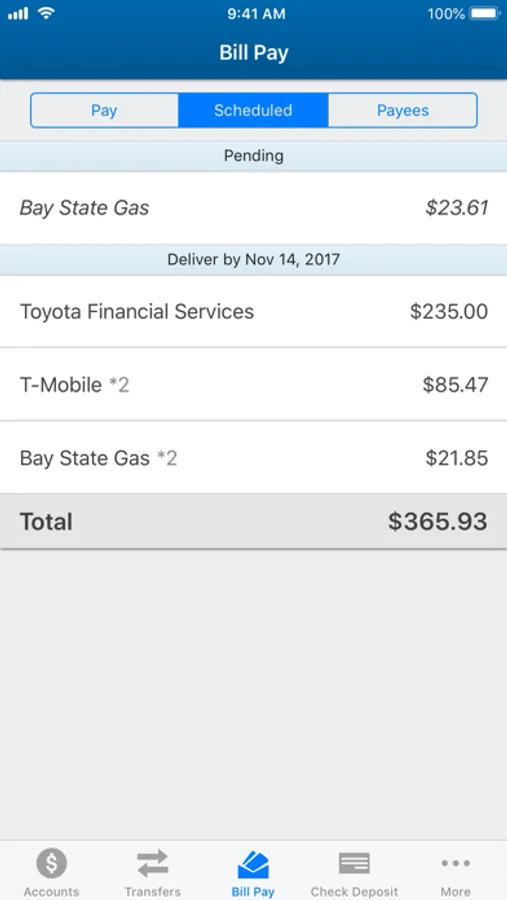
• Pay bills and transfer funds between your Cambridge Savings Bank accounts3
• Find your closest branch or ATM
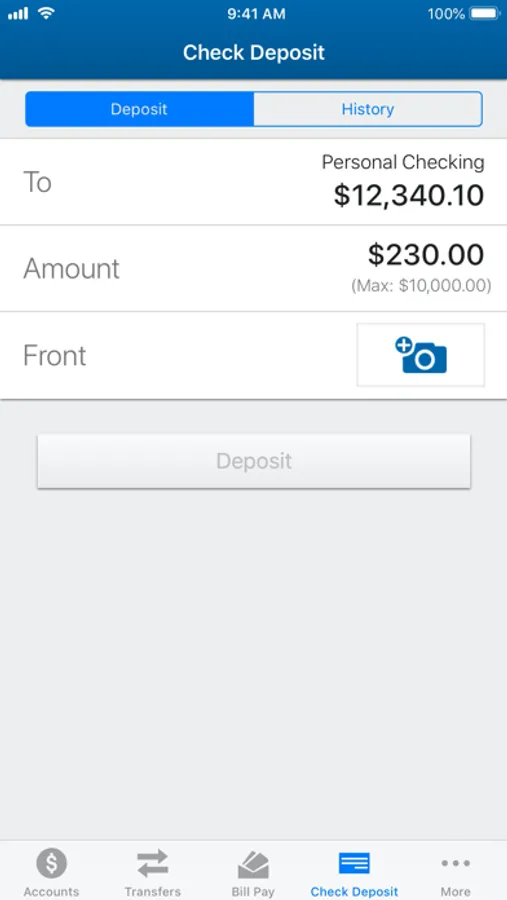
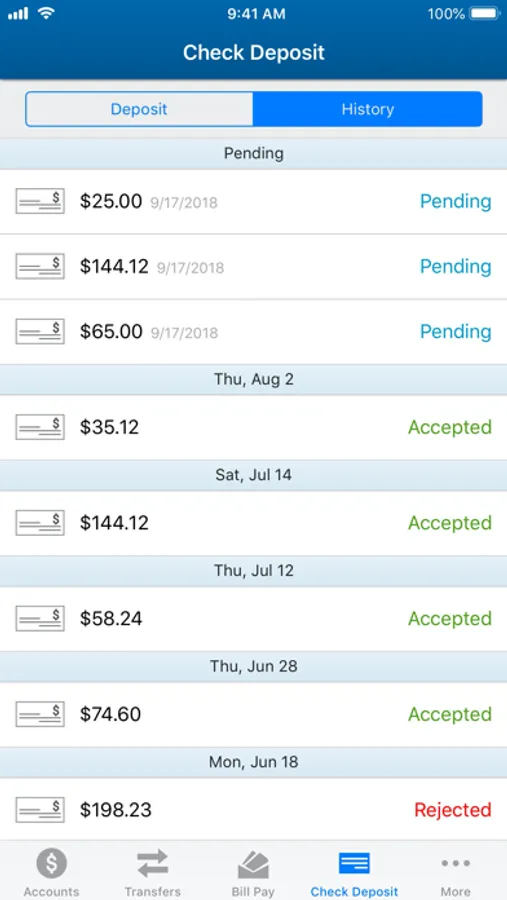
• Make a check deposit just by using your mobile device4!
1 Apple devices with iOS 8.1 or higher.
2 For iPhone 5S, iPhone 6, iPhone 6 Plus, iPhone 6s, iPhone 6s Plus, iPad Air 2, iPad Pro, and the iPad Mini 3 and iPad Mini 4 only.
3 We are required by federal regulations to limit the number of preauthorized, automatic, telephone, facsimile, and computerized transfers from statement savings accounts and money market accounts to other accounts of yours or to third parties. For statement savings accounts and money market accounts, the limit is six per calendar month.
4 Subject to approval and must use an Apple device (iPhone or iPad)
Member FDIC | Equal Housing Lender
Cambridge Savings Bank Screenshots
Tap to Rate:
Reviews for Cambridge Savings Bank
Venture Meister
Lacking Features Compared to Others
Account balances should show also pending deposits as that is the total amount the bank has in my name after making a deposit. You can mark the pending amount unavailable if you must, but don’t make me have to search on your app if my deposit is in your system. Additionally, when your app confirms that it received the mobile deposit, tell me what is the amount credited rather than simply show a confirmation number. What am i supposed to do with that? Write it down in case there is a dispute? That’s lame.
BKB1992
Beg for review and you’ll get one
One star!