OfficeTime Work & Time Tracker
Productive Monkey Ltd
4.2 ★
34 ratings
Free
AppRecs review analysis
AppRecs rating 3.9. Trustworthiness 77 out of 100. Review manipulation risk 22 out of 100. Based on a review sample analyzed.
★★★☆☆
3.9
AppRecs Rating
Ratings breakdown
5 star
68%
4 star
15%
3 star
3%
2 star
0%
1 star
15%
What to know
✓
Low review manipulation risk
22% review manipulation risk
✓
Credible reviews
77% trustworthiness score from analyzed reviews
✓
High user satisfaction
82% of sampled ratings are 4+ stars (4.2★ average)
About OfficeTime Work & Time Tracker
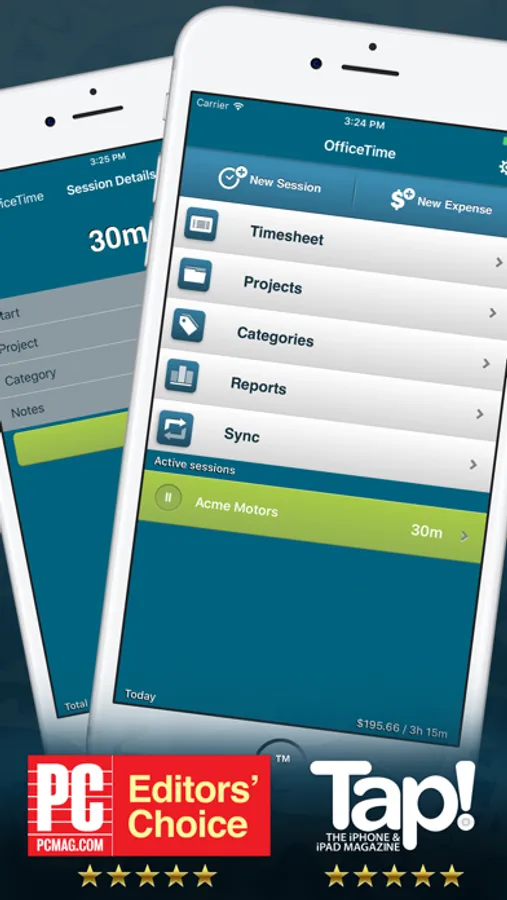
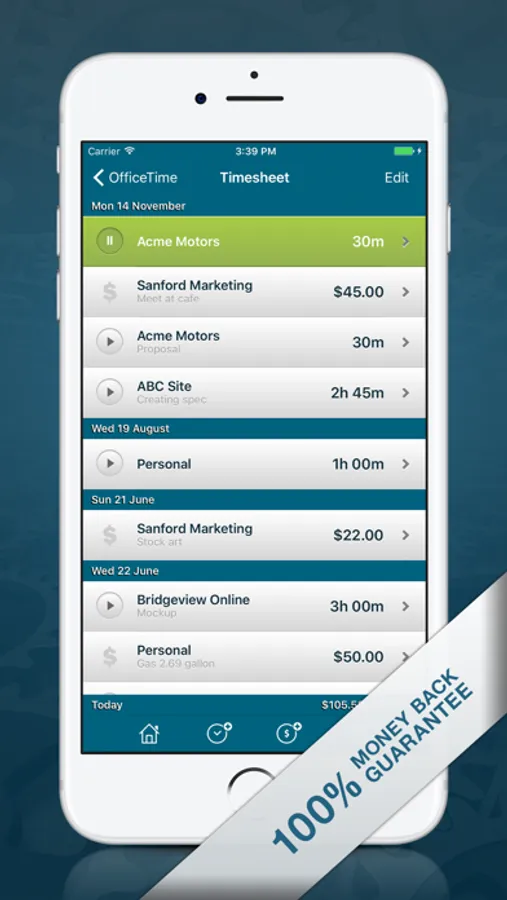
Effortlessly capture your hours and expenses. Easily track your projects and life. Designed for freelancers and small teams.
* Track by project and category
* Multiple hourly rates
* Run multiple timers
* Rapidly switch tasks
* Time in the background
* Pay no monthly fees
* Work offline. No need for WiFi or 4G
Upgrade to the full version to:
* Track your day from any app and the lock screen with OfficeTime in your Today view.
* Track unlimited projects and categories
* Export to Excel or Numbers
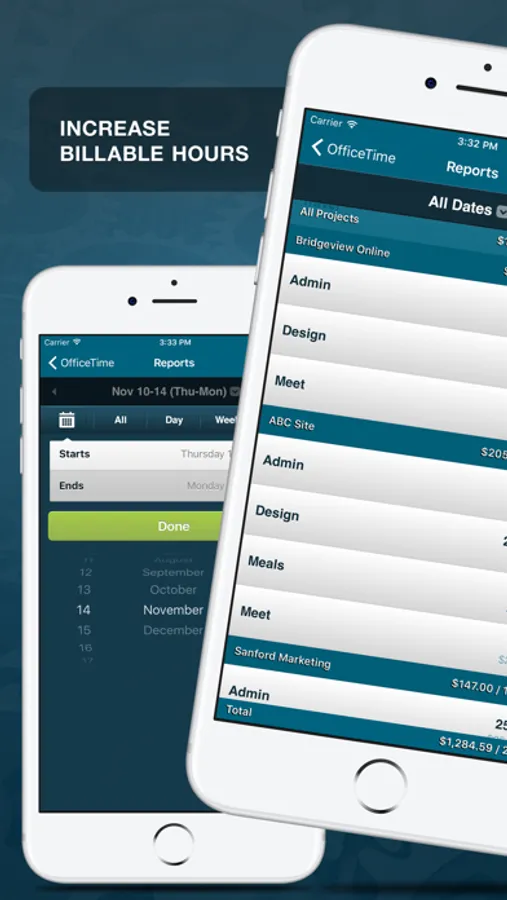
* Report by custom dates
* Round your time
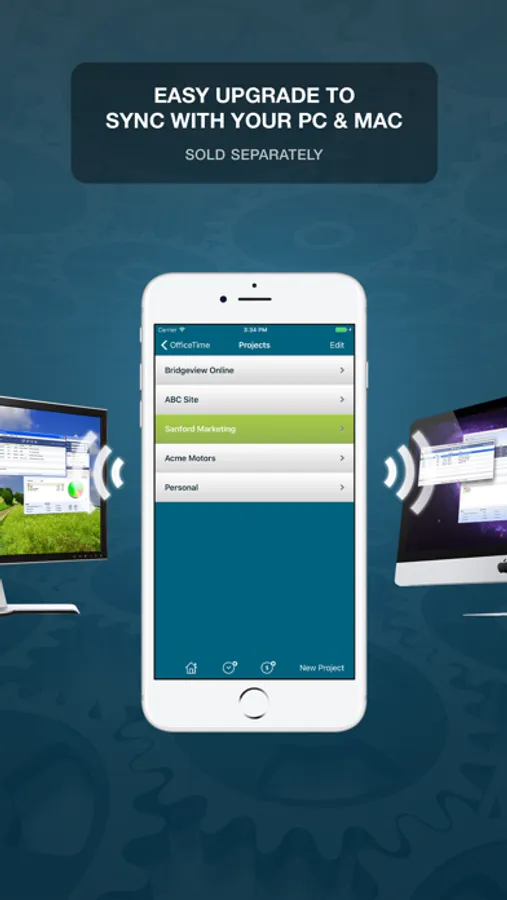
* Sync to OfficeTime on your Mac or PC (sold separately)
* Get cross team reports on your Mac / PC (sold separately)
* Track your life right on your Apple Watch!
* And of course, keep all of your data when you upgrade
* Of course we have a 100% happiness guarantee. Contact support@officetime.net for a “any excuse” refund.
PRESS REVIEWS
5 Stars – Editor's Choice"
PC Magazine
“5 Stars”
Tap! Magazine
"Essential iPad Apps for Business"
Apple
"One of the best iPhone productivity apps"
SimonBlog
"For something as annoying as expense tracking, OfficeTime took a smart approach"
Washington Post
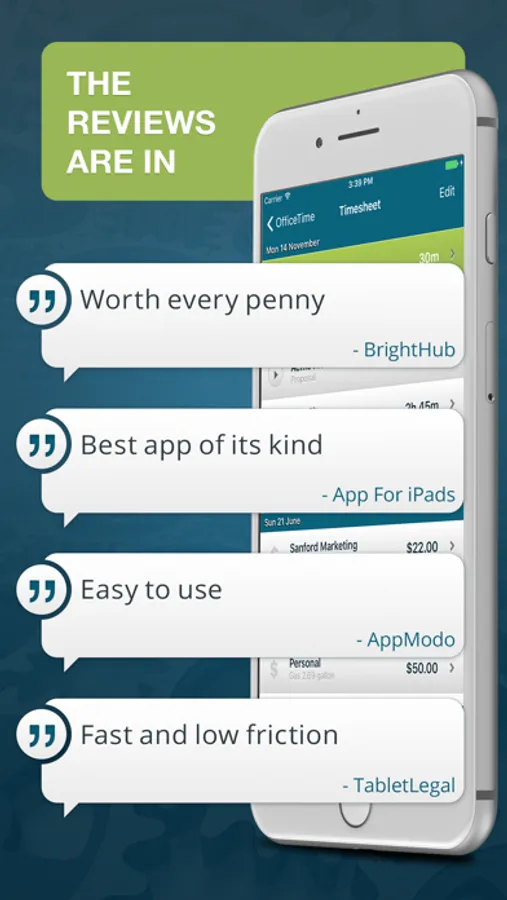
"Easy to use"
Appmodo
"Pick of the Week"
TIPB
"Tracking just got simple, fast, and effective"
SvenOnTech
"A valuable app"
iPad Apps Reviewer
"Best iPhone Apps of the Week"
appadvice.com
A FEW 5 STAR USER REVIEWS
Best time tracker on the app store by dwvaughan
Best non-Apple product by Karen Kirtland
The best time tracker out there by b.vanham
Best time tracking program ever! by Xina Text & Support
Best Time Tracking App Ever!! by Dolphena
Best app in it's category by UB1
Best time card App!! by Jj.Tang
Best of the bunch by zukeeper416
Best time tracking app by Str793
Absolutely worth it! by Bob Ransom
SUPERB! by VRlaw
Perfect ! by Diarbyrag
Brilliant! by Glenbo
Fantasic! by JEFFREY PRICE
LOVE IT by greg kimble
Great app by orangestone
Simple and powerful!! by Chris1234772
Simply wonderful by Workin' stiff
Simple. Easy. Useful. by Mr. Zorg
Outstanding Software by JennyBJ
Absolutely Fabulous! by warmfuzzygrrl
Highly recommendable! by Christian Egger
Superb app! by Elomqerk
Great App! by ArcPD
Must have for consultants by Finfall
Worth the Purchase Price by Ron Freeman
Awesome Program by MickeyM619
Brilliant by Diarbyrag
Awesome app! by Auriclus
Great App! by ArcPD
Highly recommend it by gfieng
Freelencer's dream! by Mmv2a
Finally - a perfect time tracking app by That computer services
The Angry Birds of productivity apps by Snarfy Bargleboots
WE CARE
Contact us at support@officetime.net
Join the OfficeTime community at www.officetime.net
OfficeTime Work & Time Tracker Screenshots
Tap to Rate:
Reviews for OfficeTime Work & Time Tracker
DudemanLA
Great 😊
I have been using this app for over 10 years and I use it to time my job so I know how much to charge based on the hourly rate that I set for each client. it’s working very well on my Mac, iPhone, and iPad. I did purchase the subscription because I wanted to use the cloud sync which works very well. I emailed their support the other day and they were fairly quick to respond to the email and was very helpful. There also is a reporting feature so if you need to calculate for tax season all the jobs and how much you made, you can easily do that by filtering for the whole year or doing a custom filter for other years. Personally, I think it’s good to make a project for each client or at least that is is what I’m doing. When you’re in the projects, you can select a project tap the edit button and you can set a default hourly rate for that project. You set the hourly rates in the categories area. So basically when you’re in the settings for the projects, you can set a default category for that project so every time you add a new timer to that project it will use that hourly rate, but you can always change the hourly rate/category on the fly also.
epa1309
Great product
This is a great product! If you need to track billable time it does everything you need. I much prefer it to Timeslips. It isn’t high maintenance, doesn’t require lots of set up time, and it never crashes.