AppRecs review analysis
AppRecs rating 4.0. Trustworthiness 81 out of 100. Review manipulation risk 24 out of 100. Based on a review sample analyzed.
★★★★☆
4.0
AppRecs Rating
Ratings breakdown
5 star
56%
4 star
6%
3 star
19%
2 star
6%
1 star
13%
What to know
✓
Low review manipulation risk
24% review manipulation risk
✓
Credible reviews
81% trustworthiness score from analyzed reviews
✓
Good user ratings
63% positive sampled reviews
About Creative Book Builder
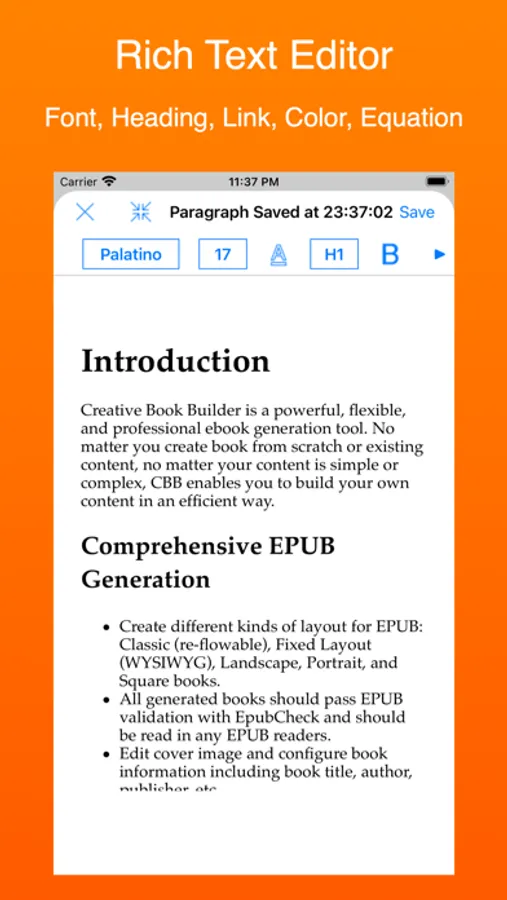
Comprehensive EPUB Generation
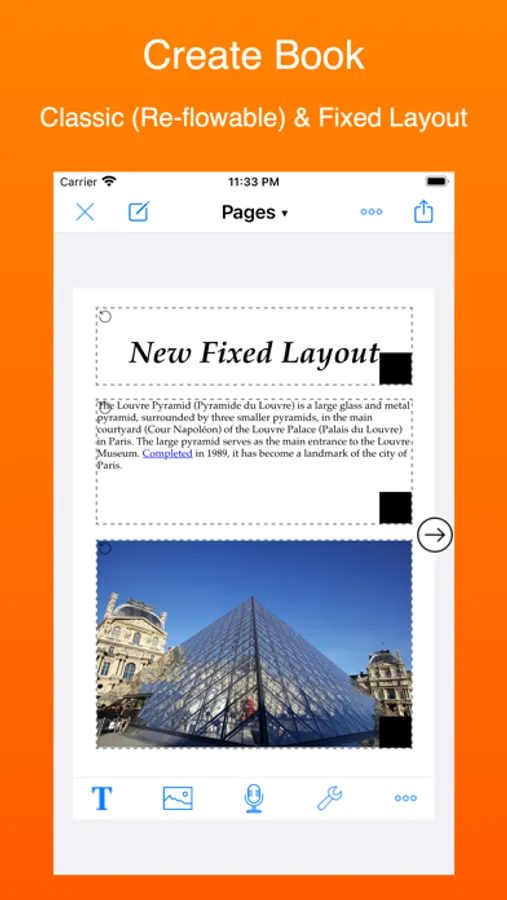
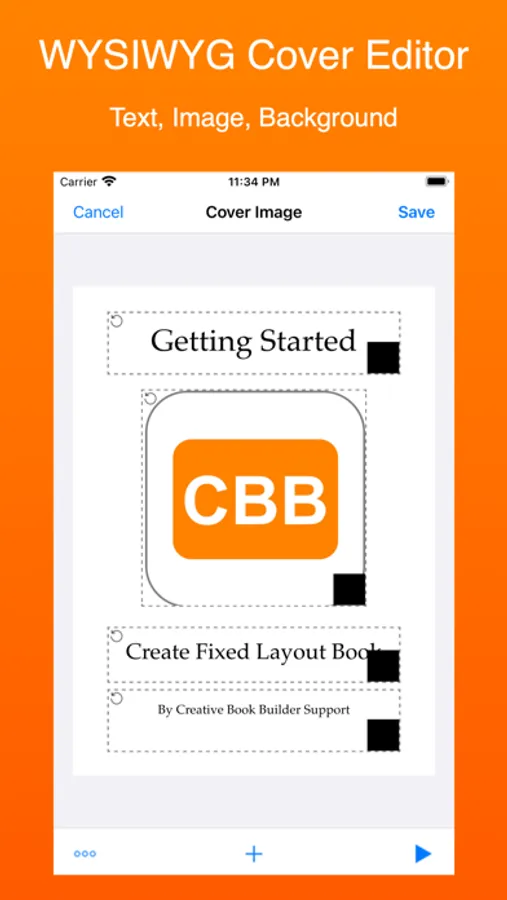
* Create different kinds of layout for EPUB: Classic (re-flowable), Fixed Layout (WYSIWYG), Landscape, Portrait, and Square books.
* All generated books should pass EPUB validation with EpubCheck and should be read in any EPUB readers.
* Edit cover image and configure book information including book title, author, publisher, etc.
* Change book style including font, indentation, direction (left-to-right, right-to-left or vertical text).
* Add soundtrack, your own font, and custom stylesheet to the book.
* Customize page size of fixed layout books.
Powerful & Flexible Widgets
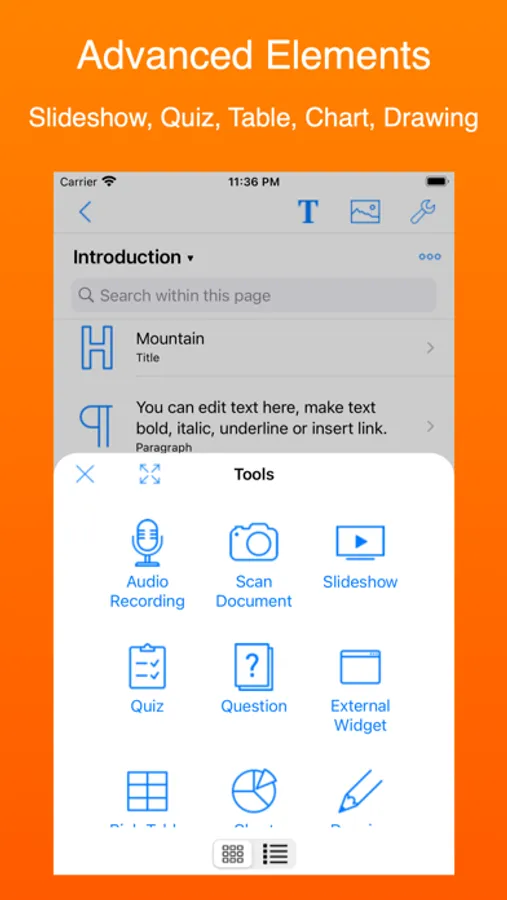
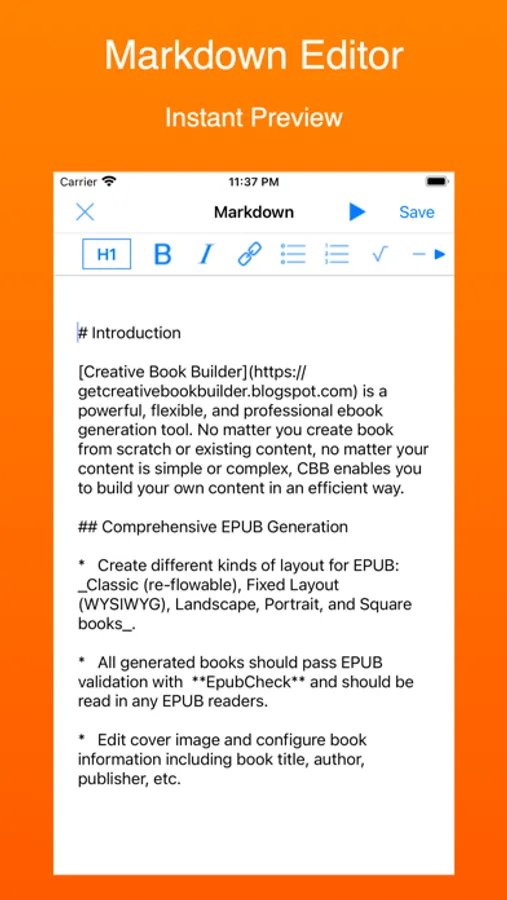
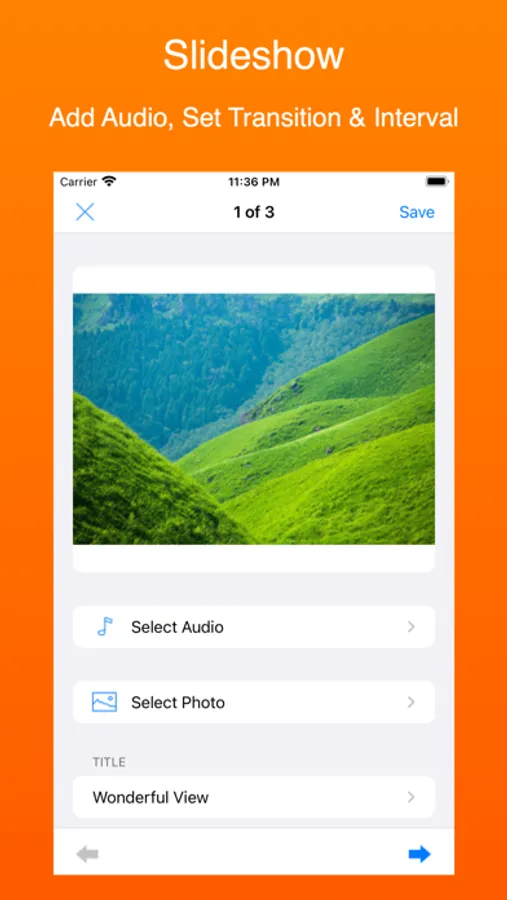
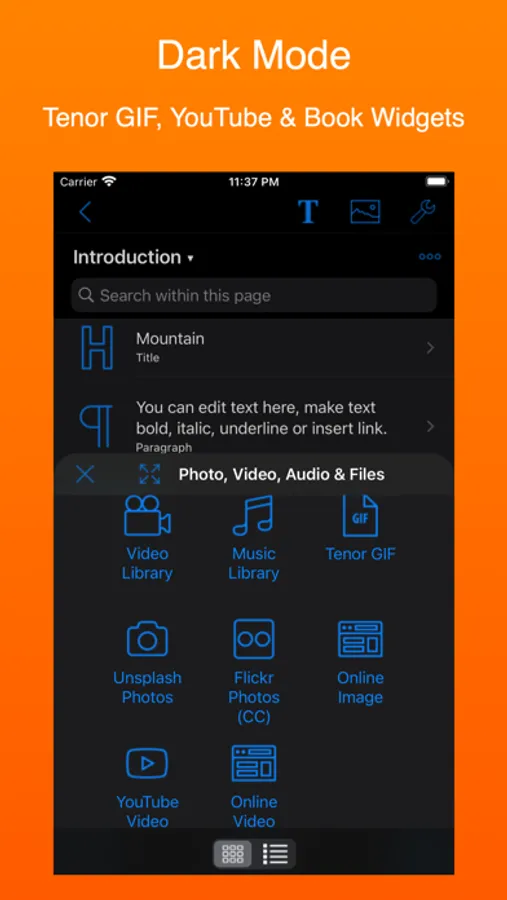
* Besides title, paragraph, photos, videos, audio recording, markdown, and other basic elements, CBB offers a lot of powerful widgets: Read Aloud, Quiz, Slideshow, Table, Chart, Question, Equation (LaTeX), Drawing, Shapes, Checklist, Expandable Content, Screen Recording, Panorama, 360 Degree Image, QR Code, Online Image, Online Video, YouTube Video.
* Popup footnotes and glossary can be defined and linked from content.
* All widgets can be customizable.
Multiple Output Format
* Besides EPUB, CBB offers other types of output to maximize your content usage: HTML5, PDF, Audio, Photo & Video.
* HTML5 books can be read in any browser on any platform without EPUB limitation, e.g. embed html code and iframe. HTML5 books can be hosted on Google Drive and exported as zip file for offline reading.
Reuse Your Existing Content
* Import your great content from Blogger, WordPress or RSS/Atom feed directly.
* Convert your web apps generated by TouchAppCreator into books.
* Specifically, Google Documents, Slides, Sheets, and Drawings can be imported into CBB as easy as possible.
* Import any files from iCloud, Dropbox, Google Drive, OneDrive & FTP Server.
* Smart Merge: define place holder and merge with different values.
Editing Tools
* Edit image directly (filters, add text, etc).
* Cut, copy, and paste elements from page to page.
* Lock element to avoid movement.
* Find and replace string for elements.
* Mark pages as draft version.
* All paragraph, title, markdown & HTML elements are saved automatically.
* Backup book to Dropbox automatically after generating book.
* Synchronize books with iCloud.
* Deleted books can be restored until the books are deleted permanently.
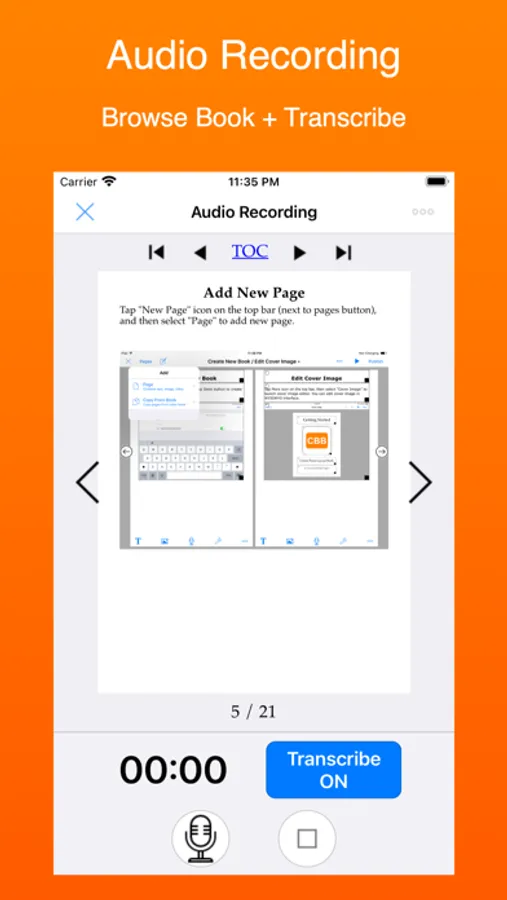
* Navigate whole book while recording audio.
* Edit two books at the same time by using multiple windows (iOS 13).
Sharing Tools
* Share page or whole book via iCloud, Dropbox, Google Drive, OneDrive, FTP Server & WebDAV Server.
* Share book between devices via browser by using QR code.
* Transfer book to desktop via iTunes File Sharing (USB without WiFi).
* Batch upload your books to cloud services.
Creative Book Builder Screenshots


Tap to Rate:
Reviews for Creative Book Builder
#1 lady lion
Nope
This app was recommended as a very good app for writing Children’s books. The frustrating issue is that there is no tutorial! I am tech enough to get me into trouble so I need something a little simpler. If you charge for apps, then please help out your customers by guiding them step-by-step! I worked with AI to get me started. I wanted to cut/paste text into the book page, can’t do it! Stupid and frustrating. If you love to write but don’t want the hassle, DO NOT GET THIS APP!
J4dmTech1
Need to be able to make Different Color Backgrounds besides White
Great 👍 App but needs to be able to make various color backgrounds other than White. How do you do it 🤔