
AppRecs review analysis
AppRecs rating 2.5. Trustworthiness 80 out of 100. Review manipulation risk 21 out of 100. Based on a review sample analyzed.
★★☆☆☆
2.5
AppRecs Rating
Ratings breakdown
5 star
18%
4 star
12%
3 star
12%
2 star
18%
1 star
41%
What to know
✓
Low review manipulation risk
21% review manipulation risk
✓
Credible reviews
80% trustworthiness score from analyzed reviews
⚠
Mixed user feedback
Average 2.5★ rating suggests room for improvement
About PAYscan Mobile
PAYscan Mobile features:
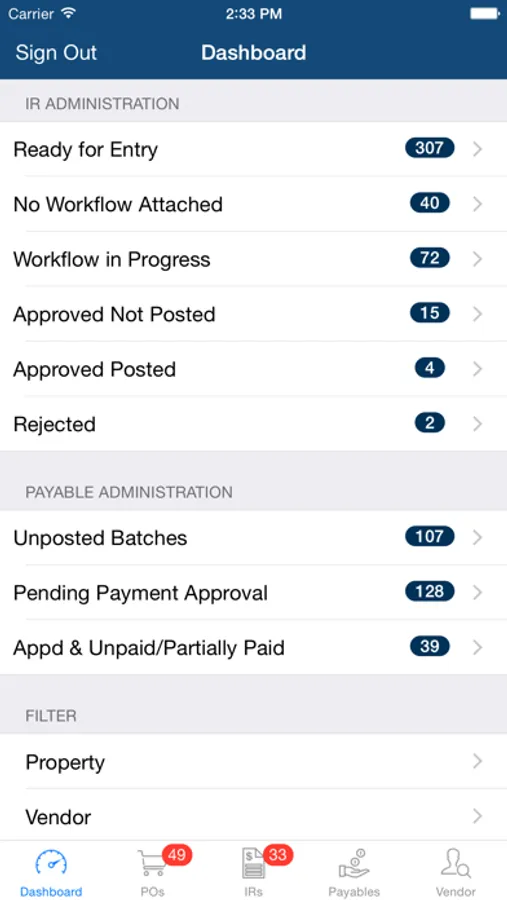
- Securely review and approve purchase orders, invoice registers, and payables
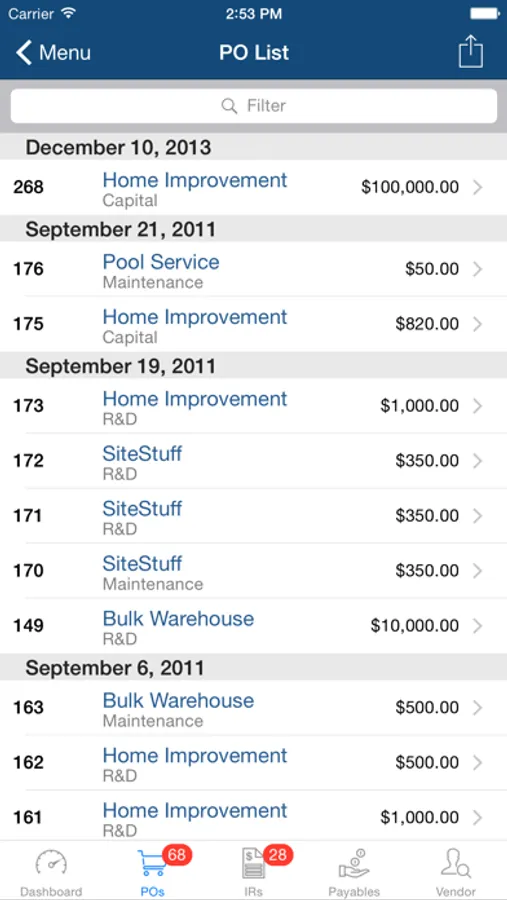
- Search for purchase orders, invoice registers, payables, and vendors
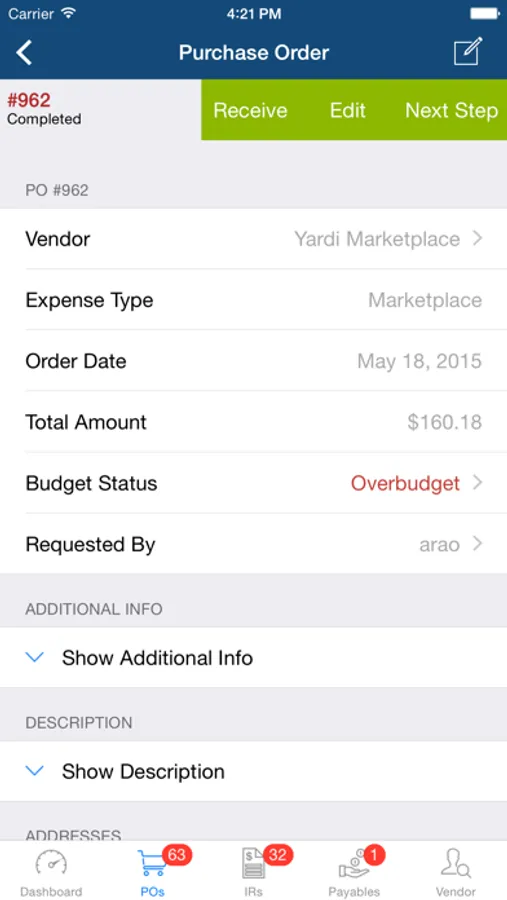
- Drill-down to review purchase order, invoice register, and payable details, workflow history, budget information, and attachments
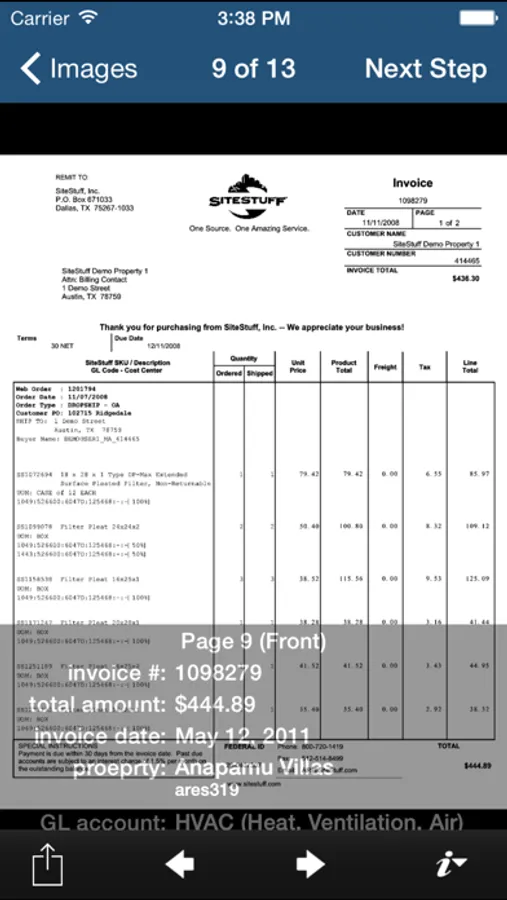
- Review and validate invoice images using touchscreen gestures and summary overlay
- Email invoice images or download them to your iOS device
- View vendor information, ledgers, and monthly spending
- Contact vendors using integrated calling, emailing, and mapping
- Fully integrated with Yardi PAYscan SP12 or later
- Native support for iPad
- Integrated with PAYscan dashboard
- Add photo attachments to purchase orders and invoice registers from device’s camera and gallery
- Receive purchase order items
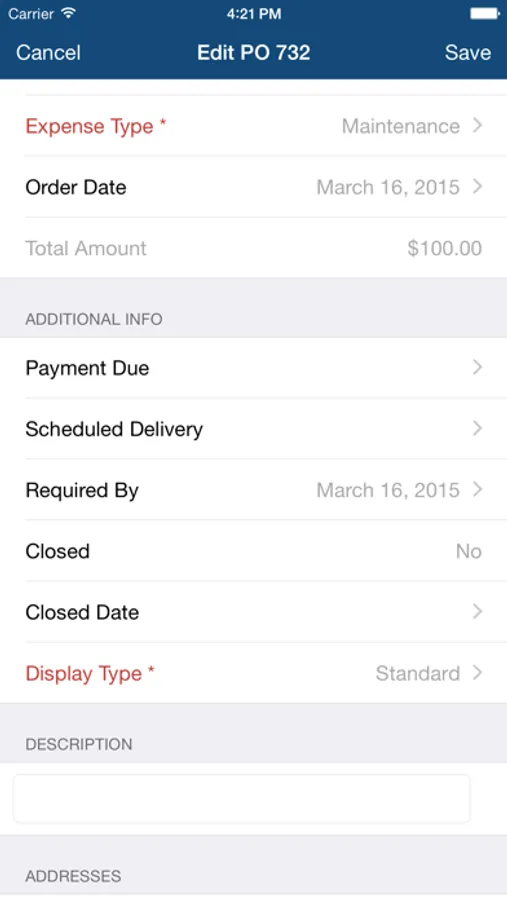
- Create and edit purchase orders
- Validate invoice registers
- View budget comparison report
ABOUT THE YARDI PAYSCAN SYSTEM
Yardi PAYscan streamlines the payables process and reduces costs by converting paper invoices into efficient electronic transactions. Workflow is automated as invoices are routed through the approval process all the way to vendor payment.
PAYscan Mobile Screenshots
Tap to Rate:
Reviews for PAYscan Mobile
BNTom10
App has had the same flaw for years
The app has had the same flaw for multiple years and no one has fixed it. When you go into approve and invoice and you click on the invoice image, there is a design flaw that causes the button to approve to move up into the text above and you cannot click on it. You must close out of the app and restart it in order for this to clear. I don’t know how you have not fixed this issue yet because it’s been the same problem for a few years. PLEASE FIX THIS!! It’s maddening when you have multiple invoices you are approving and can’t view the images and approve.
mmmnnnbbvcf
Lacks full editing ability
Easier to access image than PC version. Approvals work only if IR has valid, complete information. Unable to edit additional info such as display type, Account code, post month, etc. Unable to confirm cash account or a AP account on detail lines. Unable to add detail lines.