AppRecs review analysis
AppRecs rating 5.0. Trustworthiness 0 out of 100. Review manipulation risk 0 out of 100. Based on a review sample analyzed.
★★★★★
5.0
AppRecs Rating
Ratings breakdown
5 star
100%
4 star
0%
3 star
0%
2 star
0%
1 star
0%
What to know
✓
High user satisfaction
100% of sampled ratings are 5 stars
About Expense List
Expense List, Version 2.7 this free version is limited to saving 50 Expense Items. After an In-App Purchase, it can save over 500 expense items.
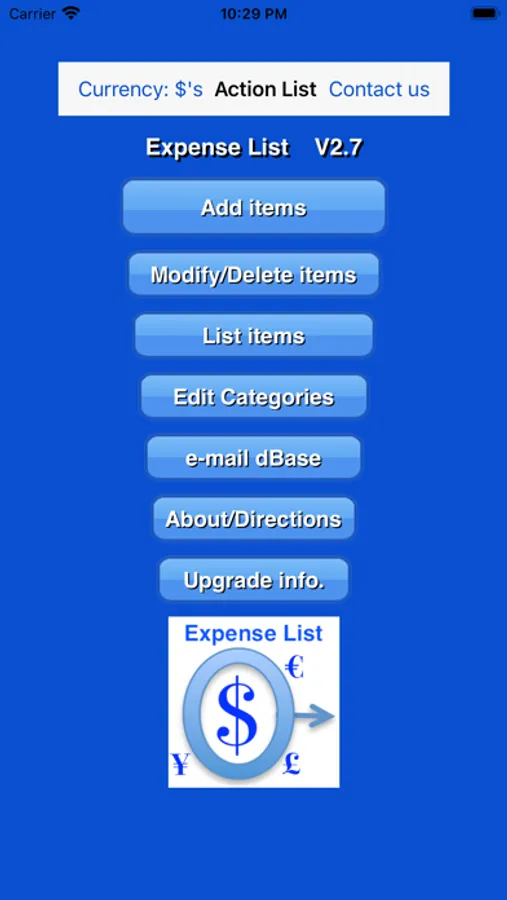
Expense List keeps track of expenses, grouping and listing the expenses into different Categories, and e-mailing the expenses to other computers.
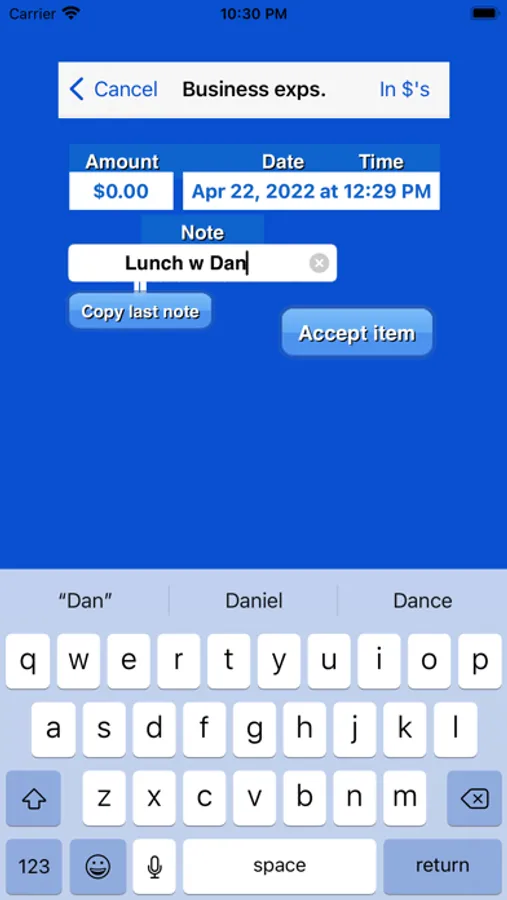
Expense items - amount, date, notes and Category
- Amount - recorded in $, €, £ or ¥ and converted to any one of these. Items are converted from one currency to any other currency using user-supplied exchange rates.
- Date - automatically tags expense item with current day/time
- Notes - add optional descriptions to expense items
- Category - each expense item is assigned to a Category
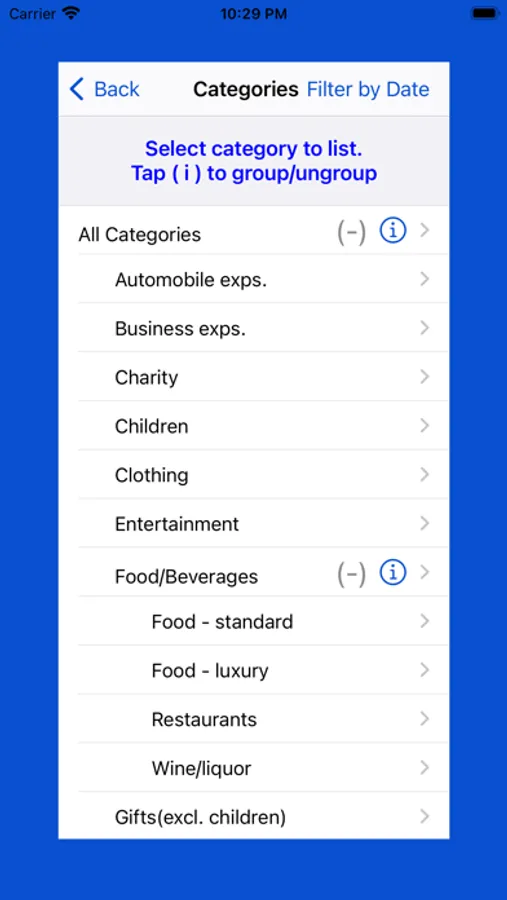
Categories - comes with an original table of Categories
- Delete any original Category and add new ones
- Rearrange table of Categories
- Make any Category a subcategory of another Category. Subcategories can have subcategories.
Lists
- Display a list of expense items assigned to any specific Category, or to all Categories, converted and totaled in $, €, £, or ¥.
- Filter-by-date expense items included in lists, keep a running total from one date to another
- E-mail lists
- E-mail a formatted listing of entire dBase of expense items to another computer for processing by a spreadsheet program capable of parsing format (NOTE - spreadsheet program is not supplied with this App - compatible with Excel).
Expense List keeps track of expenses, grouping and listing the expenses into different Categories, and e-mailing the expenses to other computers.
Expense items - amount, date, notes and Category
- Amount - recorded in $, €, £ or ¥ and converted to any one of these. Items are converted from one currency to any other currency using user-supplied exchange rates.
- Date - automatically tags expense item with current day/time
- Notes - add optional descriptions to expense items
- Category - each expense item is assigned to a Category
Categories - comes with an original table of Categories
- Delete any original Category and add new ones
- Rearrange table of Categories
- Make any Category a subcategory of another Category. Subcategories can have subcategories.
Lists
- Display a list of expense items assigned to any specific Category, or to all Categories, converted and totaled in $, €, £, or ¥.
- Filter-by-date expense items included in lists, keep a running total from one date to another
- E-mail lists
- E-mail a formatted listing of entire dBase of expense items to another computer for processing by a spreadsheet program capable of parsing format (NOTE - spreadsheet program is not supplied with this App - compatible with Excel).
Expense List Screenshots
Tap to Rate:
Reviews for Expense List
Stock Trader seeking alpha
Great for business trips
Each expense can be assigned to a different category - very easy to use.
SeriousPBK
Great file system
I like that I can classify each expense in a category and write a note about the expense. It also lets me convert currencies so a foreign business trip expense report is less confusing. And the email system works well in my office - my secretary has figured out how to grab the email into a spreadsheet.