
Model View 3D - OBJ viewer
Graphics Software Labs
3.5 ★
12 ratings
Free
AppRecs review analysis
AppRecs rating 3.5. Trustworthiness 66 out of 100. Review manipulation risk 26 out of 100. Based on a review sample analyzed.
★★★☆☆
3.5
AppRecs Rating
Ratings breakdown
5 star
42%
4 star
0%
3 star
33%
2 star
17%
1 star
8%
What to know
✓
Low review manipulation risk
26% review manipulation risk
About Model View 3D - OBJ viewer
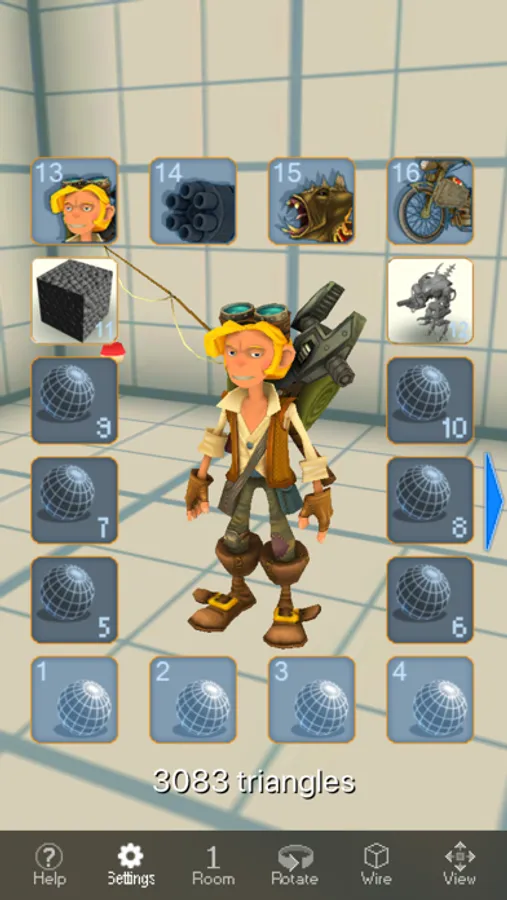
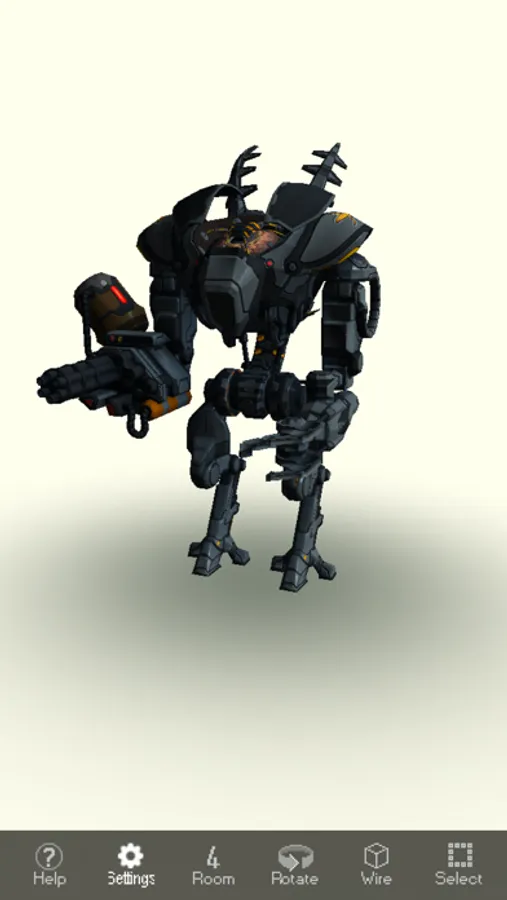
View a series of 3D models built into the app. Or use iTunes File Sharing to install your own 3D models and show them off to your friends, co-workers, or potential employers.
You can start with the six models built into the app or, on use iTunes to load and view your own textured models. Below is a list of tasks available to you:
- Select one of the built-in models (four with diffuse texture, and two with normal map)
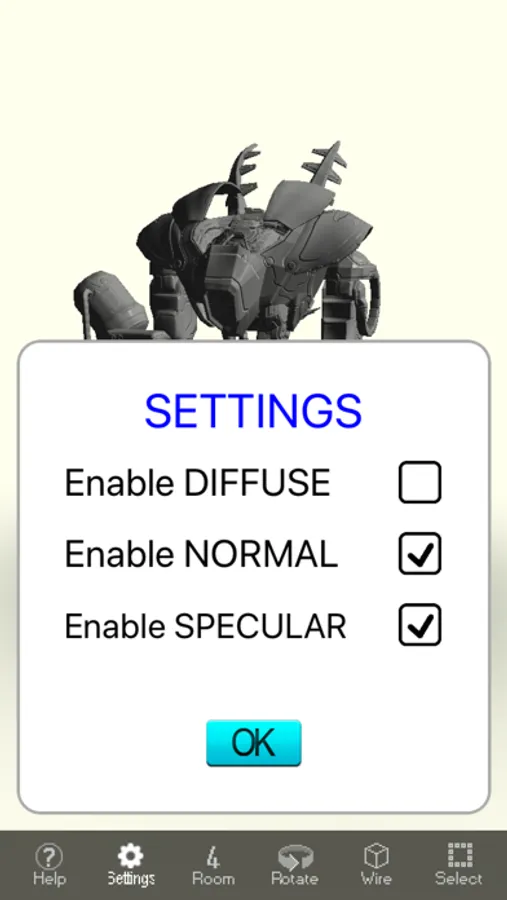
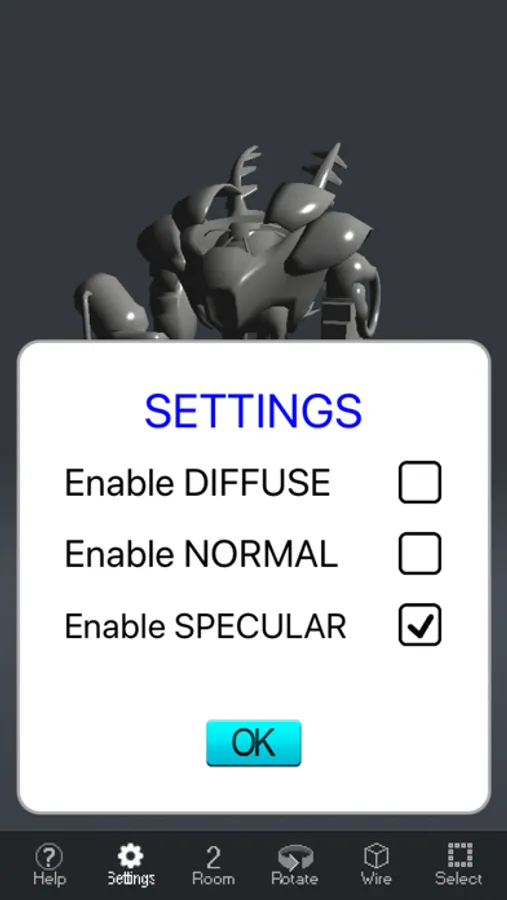
Use the settings menu to toggle diffuse, normal or specular textures
- View a model and change the camera distance and angles
- Get a model ready for import
Verify that your model is supported (e.g. Model1.obj)
Verify that your texture is supported (e.g. Model1.png, Model1NM.png, Model1SM.png)
Verify that your model icon is supported (e.g. Icon1.png)
- Load model into your device using the File Sharing feature of iTunes
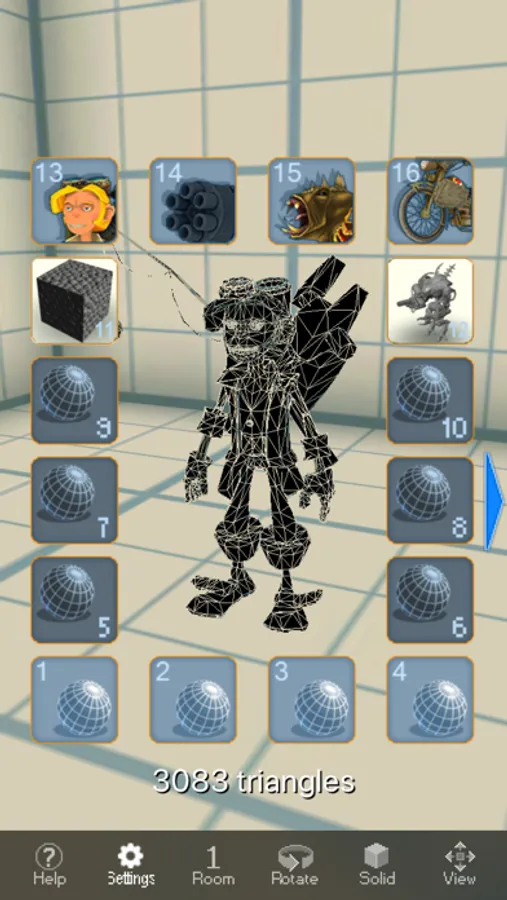
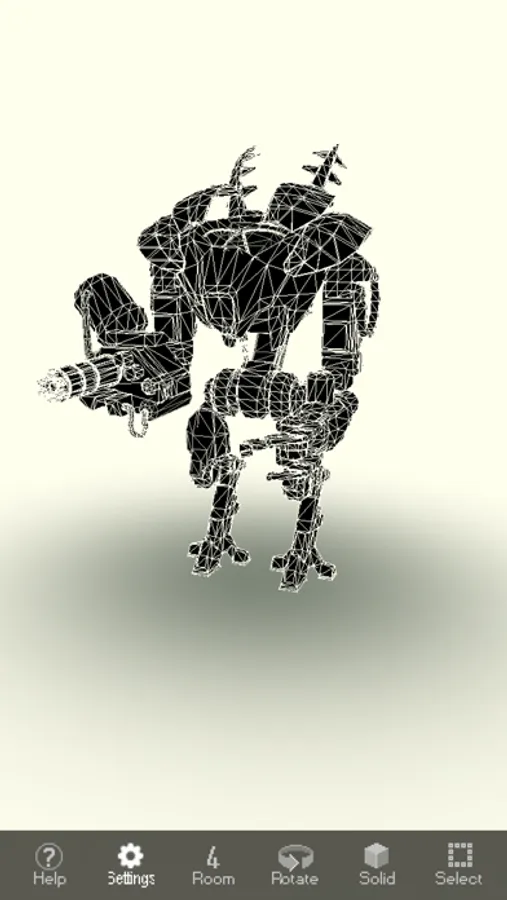
You can view a textured version of your OBJ model as a solid model, or view a wire-frame. When normals and texture coordinates are present in the OBJ model, you can view the lighting of the model; using the normal and specular maps.
Select one of the four built in backgrounds, or import your own.
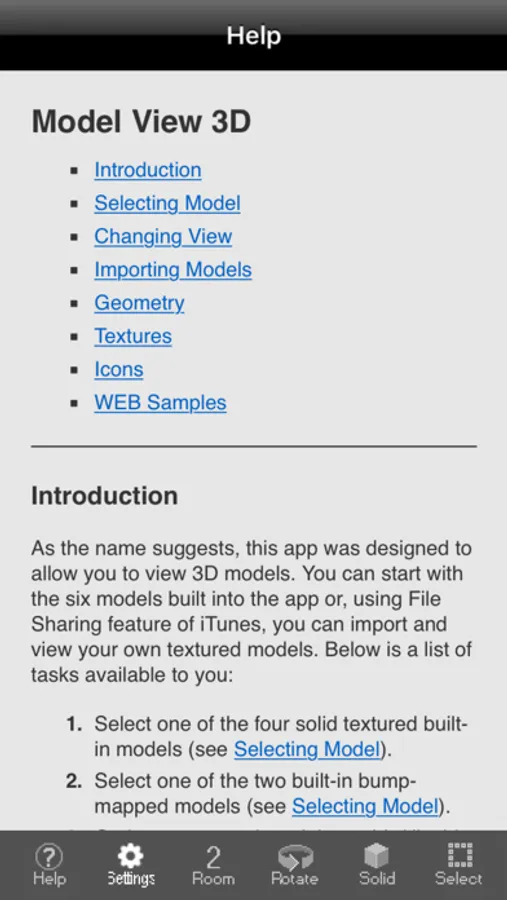
Use the extensive help built into the app.
You can start with the six models built into the app or, on use iTunes to load and view your own textured models. Below is a list of tasks available to you:
- Select one of the built-in models (four with diffuse texture, and two with normal map)
Use the settings menu to toggle diffuse, normal or specular textures
- View a model and change the camera distance and angles
- Get a model ready for import
Verify that your model is supported (e.g. Model1.obj)
Verify that your texture is supported (e.g. Model1.png, Model1NM.png, Model1SM.png)
Verify that your model icon is supported (e.g. Icon1.png)
- Load model into your device using the File Sharing feature of iTunes
You can view a textured version of your OBJ model as a solid model, or view a wire-frame. When normals and texture coordinates are present in the OBJ model, you can view the lighting of the model; using the normal and specular maps.
Select one of the four built in backgrounds, or import your own.
Use the extensive help built into the app.
Model View 3D - OBJ viewer Screenshots
Tap to Rate:
Reviews for Model View 3D - OBJ viewer
RefuseToPaySubs
obj not importing
my created character (CC3) is not importing as specified in the instructions. no new icon appears.
M1keeezzz
Good 3d viewer app
It works and easy to use. Would have been nice if it shows quads rather than tris for wireframe and allows you to see the textures that goes with the model