
AppRecs review analysis
AppRecs rating 3.3. Trustworthiness 78 out of 100. Review manipulation risk 20 out of 100. Based on a review sample analyzed.
★★★☆☆
3.3
AppRecs Rating
Ratings breakdown
5 star
53%
4 star
12%
3 star
6%
2 star
12%
1 star
18%
What to know
✓
Low review manipulation risk
20% review manipulation risk
✓
Credible reviews
78% trustworthiness score from analyzed reviews
⚠
Pricing complaints
Many low ratings mention paywalls or pricing
About iProject Viewer
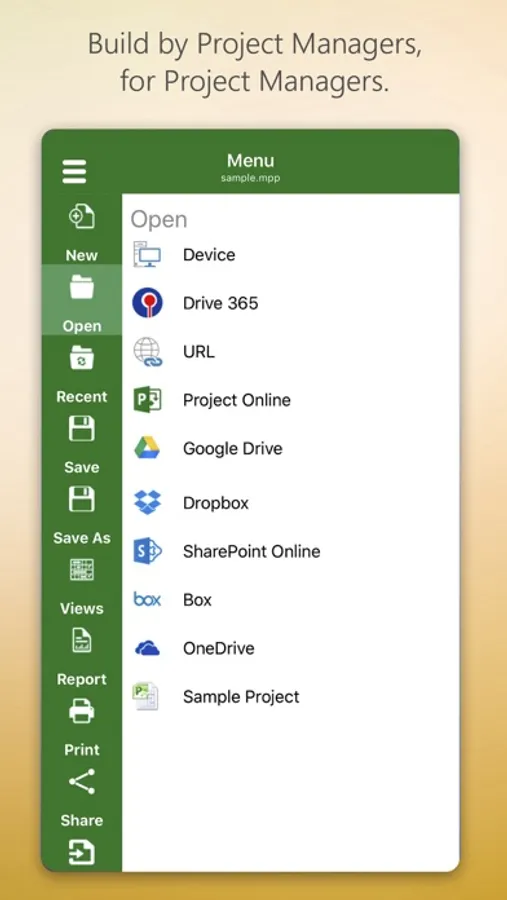
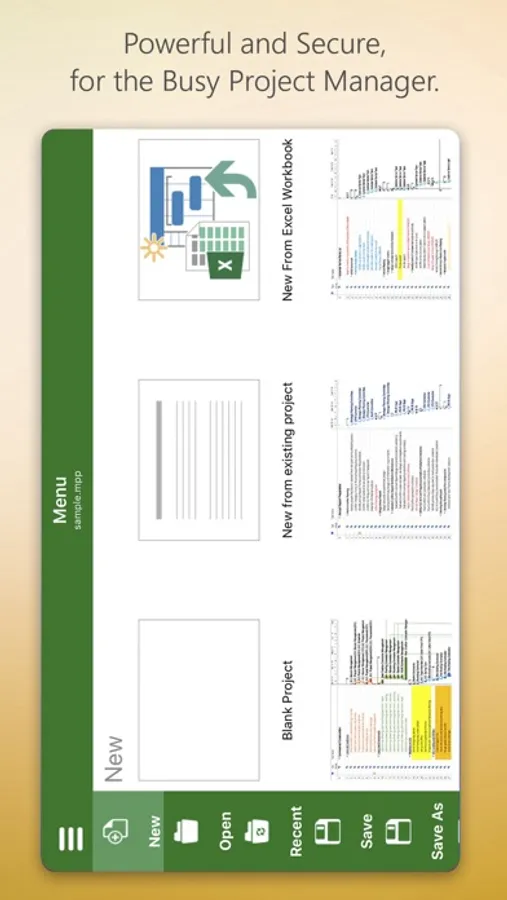
Housatonic’s Project Viewer 365 for iOS allows you to open MS Project Plans from cloud locations like Google Drive. Dropbox, OneDrive, SharePoint Online, Box, Basecamp, URL Links and email attachments.
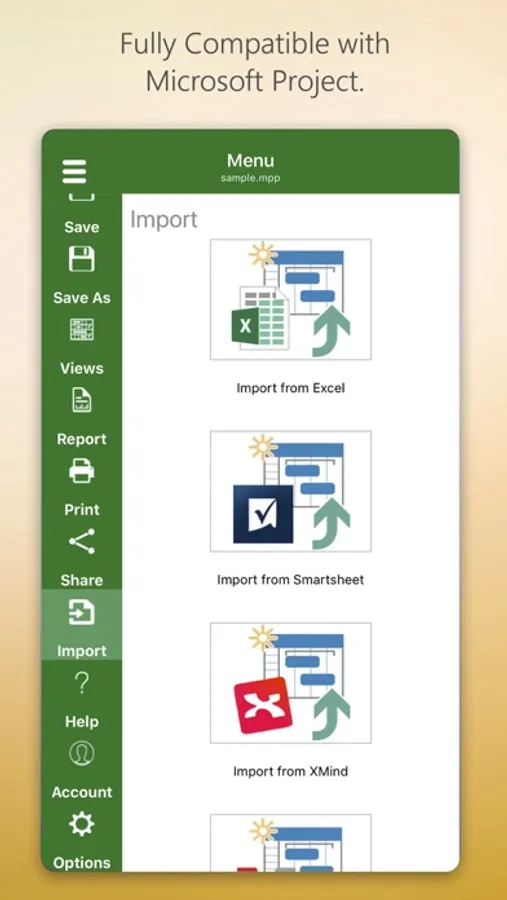
Housatonic Project Viewer 365 for iOS is compatible with Microsoft Project (MPP file format) 2016, 2013, 2010, 2007, 2003 and earlier versions. The interface is intuitive making Project Viewer simple for the end users.
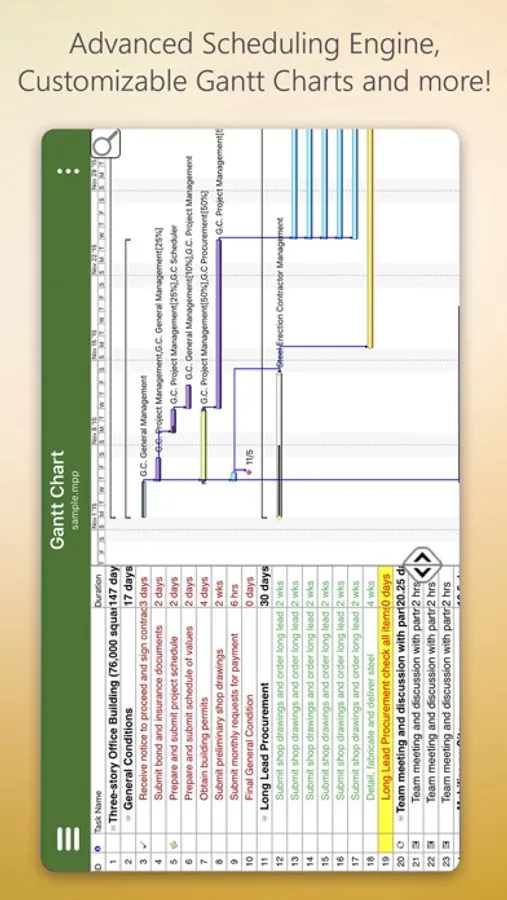
Now Microsoft Project Plans look better than ever on your iOS. Free view-only MS Project views like Gantt chart, Task Sheet and Resource Sheet are available along with basic project plan sorting, filters, zooming and time scale viewing capabilities.
Additional features can be enabled by subscribing to in-app-purchase packages:
In-App Option 1: Advanced View Only
Enable advanced sorting capabilities, apply additional filter options, customize time scale
Access additional project views like Calendar View, Resource and Task Usage, View Network Diagram
View Multiple Project Reports and Print Project Info to PDF or Paper
This in-app purchase option is offered on a yearly (1 year) basis for a price of $19.99 USD per year.
In-App Option 2: Standard Editor
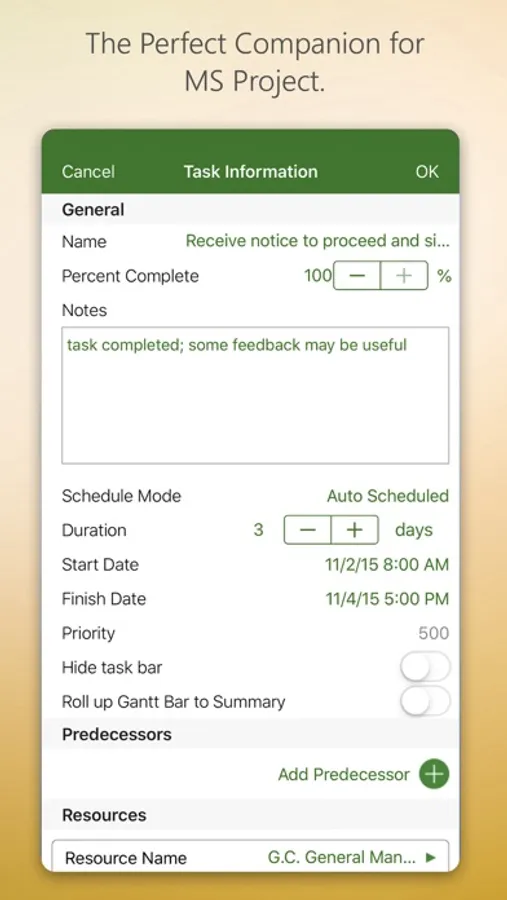
Create new Gantt charts and modify existing project schedules in the same intuitive way as MS Project. Save and Share your plans (MPP files) from any storage or cloud location on any iOS device. Works with, or as an alternative to Microsoft Project.
This in-app purchase option is offered on a yearly (1 year) basis for a price of $129.99 USD per year.
Payment will be charged to iTunes Account at confirmation of purchase
Subscription automatically renews unless auto-renew is turned off at least 24-hours before the end of the current period
Account will be charged for renewal within 24-hours prior to the end of the current period, and identify the cost of the renewal
Subscriptions may be managed by the user and auto-renewal may be turned off by going to the user's Account Settings after purchase
No cancellation of the current subscription is allowed during active subscription period
Any unused portion of a free trial period, if offered, will be forfeited when the user purchases a subscription to that publication, where applicable
Terms and Conditions: http://housatonic.com/terms.html
Privacy Policy: http://housatonic.com/privacy.html
iProject Viewer Screenshots
Tap to Rate:
Reviews for iProject Viewer
Josueismael
Best 1
Great it works for me and is more than enough for free. Sinks with the cloud. Like it
Mudlumps
Can't import MPP directly
I can't import a MPP file directly when sent to me in MPP format. I must have a converter outside of this app to make it work with this app. Plus, I can't import from iCloud.. ON AN APPLE DEVICE! Really? This is made for Apple iPad, but can't import from the Apple online storage? I'm out the $79 I paid to get the annual subscription before I figured out it wouldn't do what I needed.