
AppRecs review analysis
AppRecs rating 1.8. Trustworthiness 77 out of 100. Review manipulation risk 25 out of 100. Based on a review sample analyzed.
★☆☆☆☆
1.8
AppRecs Rating
Ratings breakdown
5 star
12%
4 star
6%
3 star
6%
2 star
0%
1 star
76%
What to know
✓
Low review manipulation risk
25% review manipulation risk
✓
Credible reviews
77% trustworthiness score from analyzed reviews
⚠
Mixed user feedback
Average 1.8★ rating suggests room for improvement
About Unit4 Timesheets
NOTE: To enable this application your employer must have Unit4 ERP.
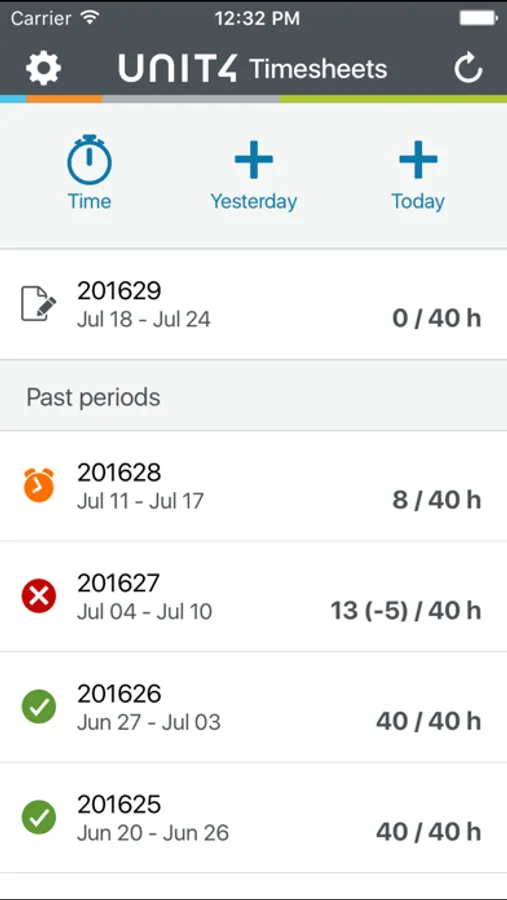
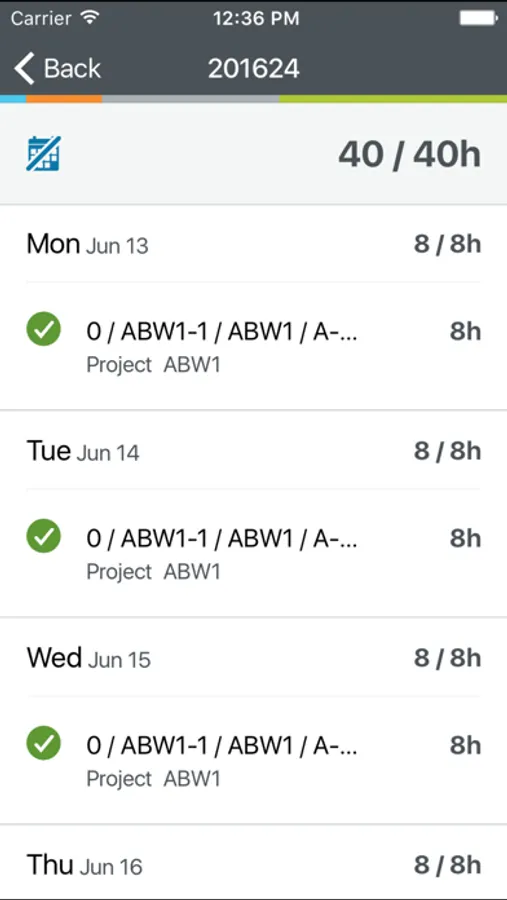
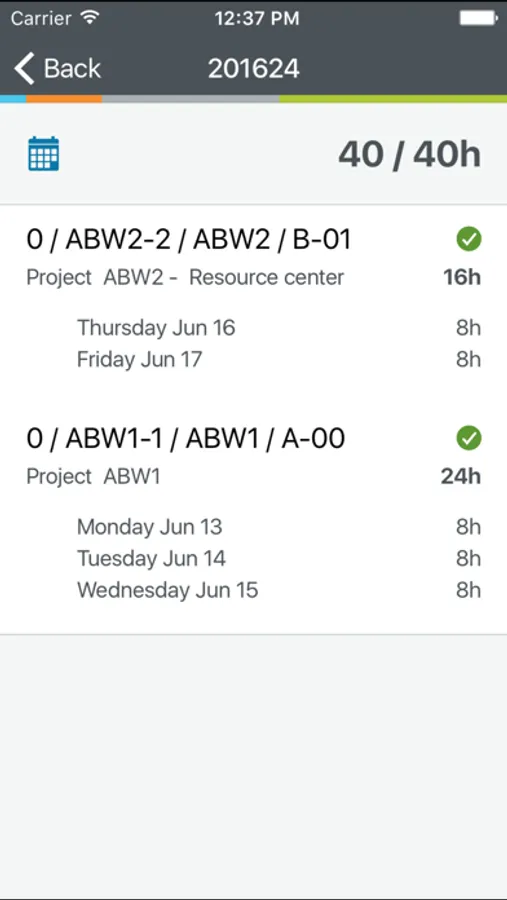
Unit4 Timesheets is a powerful and easy to use app that allows you to keep track of the time you spend in multiple projects simultaneously. It lets you enter time manually or clock in at the beginning of your day and clock out when you leave from a single screen, add a consolidated time entry to each project.
Use the Timesheets app to:
- Add, edit, or delete your timesheet entries online or offline
- Copy entries from last period
- Distribute remaining hours according to work schedule
- Enter hours for yesterday or today straightaway from the home screen
- Enter hours for future periods
- Record time spent - e.g., meetings and transfer it to your time sheet
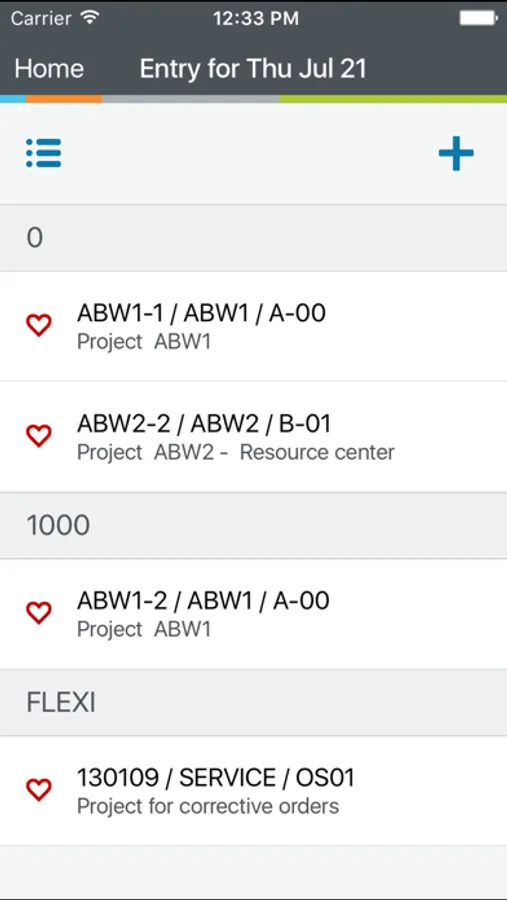
- A recently used combination of project, work order, activity etc. from a list can be selected
Special features:
- Tap and hold on code combinations to see more information
- Slide right to use the magic wand for row in code view entry mode
- Slide left to set 0 hours in code view entry mode
- Go landscape for a more familiar view from Unit4 ERP
We would love to hear from you. Please contact Unit4 Customer Support with any questions or ideas. We’re here to help.
Unit4 Timesheets is a powerful and easy to use app that allows you to keep track of the time you spend in multiple projects simultaneously. It lets you enter time manually or clock in at the beginning of your day and clock out when you leave from a single screen, add a consolidated time entry to each project.
Use the Timesheets app to:
- Add, edit, or delete your timesheet entries online or offline
- Copy entries from last period
- Distribute remaining hours according to work schedule
- Enter hours for yesterday or today straightaway from the home screen
- Enter hours for future periods
- Record time spent - e.g., meetings and transfer it to your time sheet
- A recently used combination of project, work order, activity etc. from a list can be selected
Special features:
- Tap and hold on code combinations to see more information
- Slide right to use the magic wand for row in code view entry mode
- Slide left to set 0 hours in code view entry mode
- Go landscape for a more familiar view from Unit4 ERP
We would love to hear from you. Please contact Unit4 Customer Support with any questions or ideas. We’re here to help.
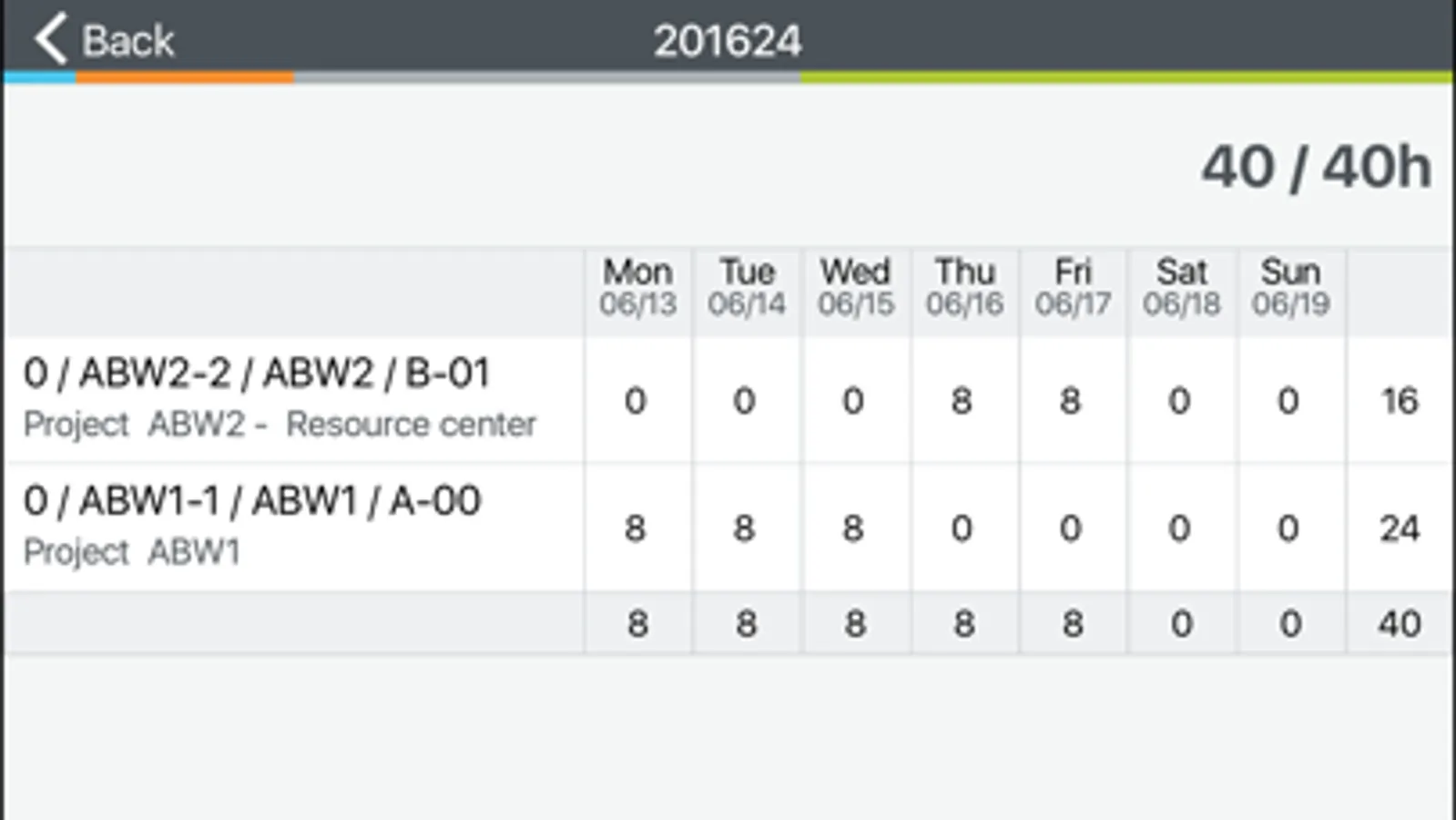
Unit4 Timesheets Screenshots
Tap to Rate:
Reviews for Unit4 Timesheets
Tre.bod
Adding new month
Adding a new month sucks it literally won’t take .
figureitout321
This app should not be used for anything important… like timesheets
Drop down boxes don’t work and it gets stuck in a loading page all the time making it un-usable