With this app, you can borrow, manage, and track physical and digital library items. Includes account switching, notifications, and customizable bookshelves.
AppRecs review analysis
AppRecs rating 4.5. Trustworthiness 76 out of 100. Review manipulation risk 24 out of 100. Based on a review sample analyzed.
★★★★☆
4.5
AppRecs Rating
Ratings breakdown
5 star
85%
4 star
10%
3 star
2%
2 star
1%
1 star
2%
What to know
✓
Low review manipulation risk
24% review manipulation risk
✓
Credible reviews
76% trustworthiness score from analyzed reviews
✓
High user satisfaction
85% of sampled ratings are 5 stars
About CloudLibrary
Extremely intuitive, all it takes is a library card to login and get started! Designed for an enjoyable experience, users can benefit from many new features, depending on their library’s subscription.
- Easily accessible library card, which conveniently displays when you’re near the library
- Switch accounts with ease and manage multiple library cards from one mobile device
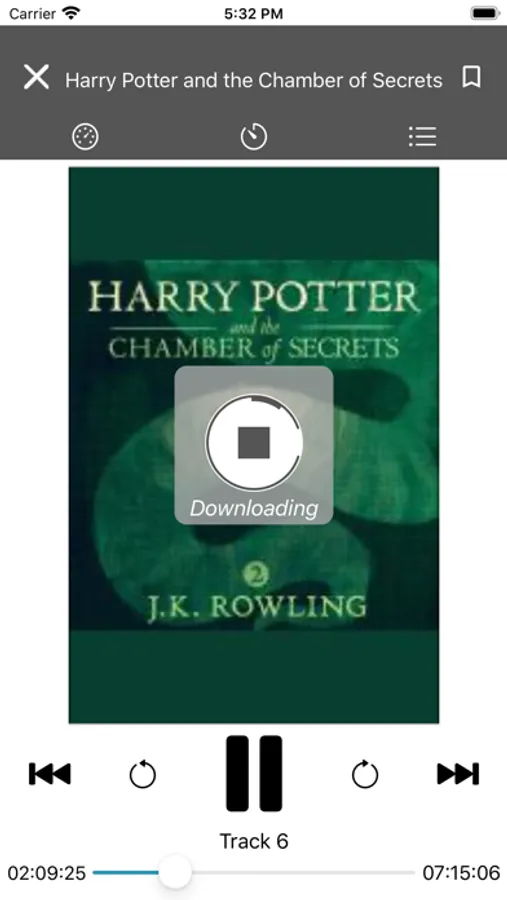
- Download and enjoy free eBooks and Audiobooks
- Keep track of your physical and digital library activity in one place
- Receive helpful receipts, due-date reminders and packable checklists
- Visible push notifications alert when hold items are available
- View upcoming library events and programs
- Checkout print items at your library using your mobile device
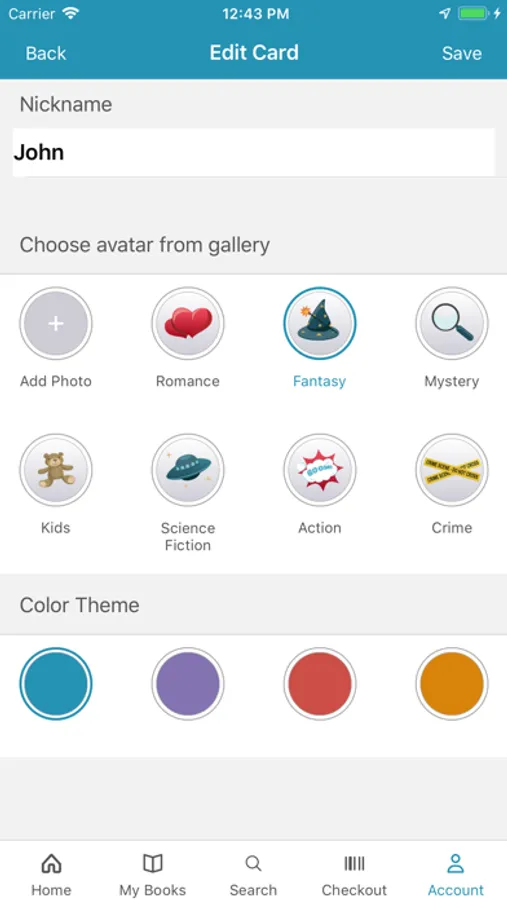
- Fun and loveable customizations include Themes, Avatars and Nicknames
For libraries that have a subscription to offer eBooks and Audiobooks:
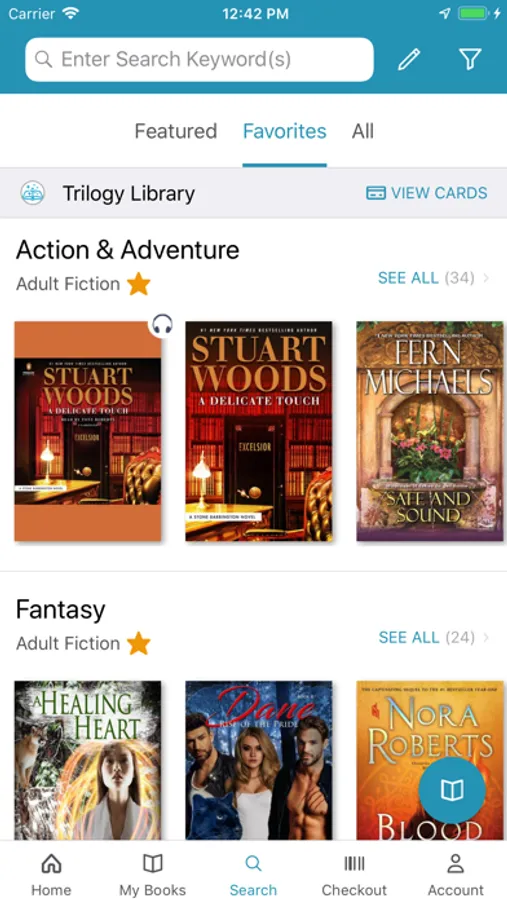
- Customize your homepage bookshelves to display your preferred genres
- Simple interface makes browsing and saving titles a breeze
- Filter content by format, availability and language to display exactly what you are looking for
- Mark titles as favorites or read to help with literary conversations with friends
- Sync digital content across multiple devices to easily pick up where you left off
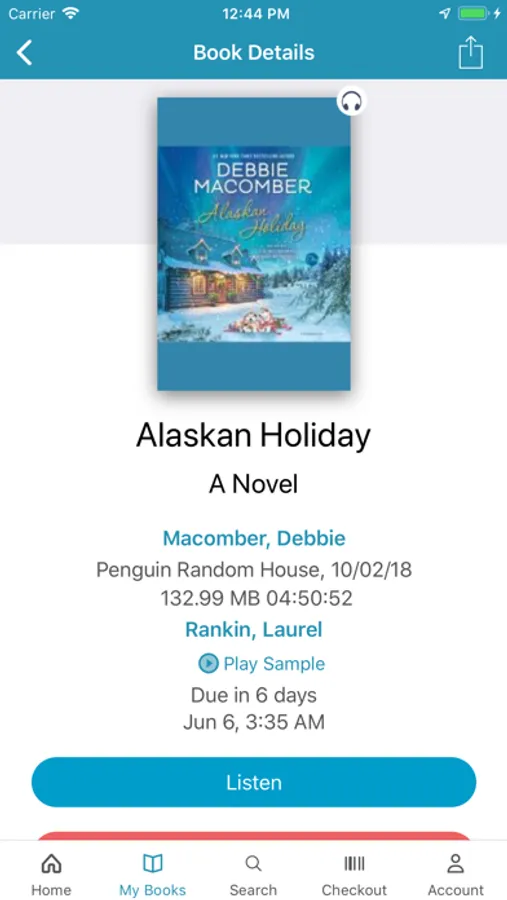
- View current books, full reading history, items on hold and saved titles in one place
- Sort titles by name or author to easily find what you’re looking for
- Receive reading recommendations or view additional titles by author or series
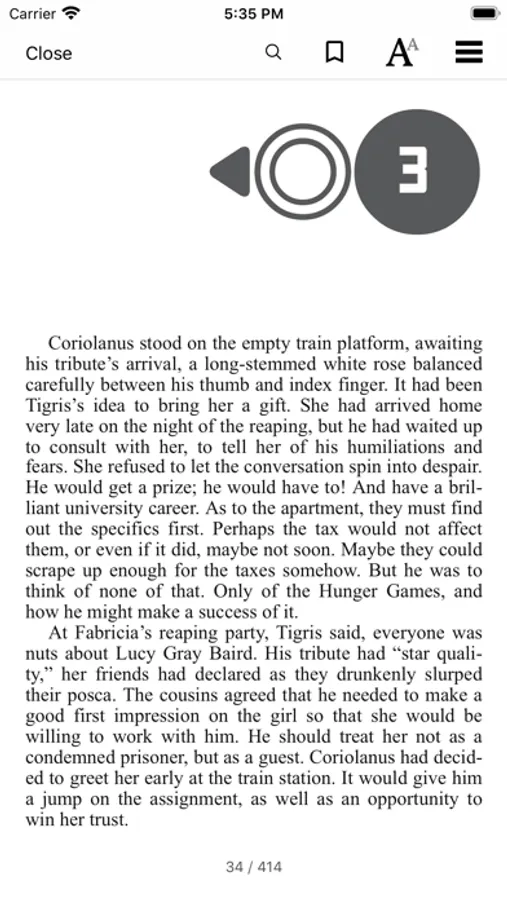
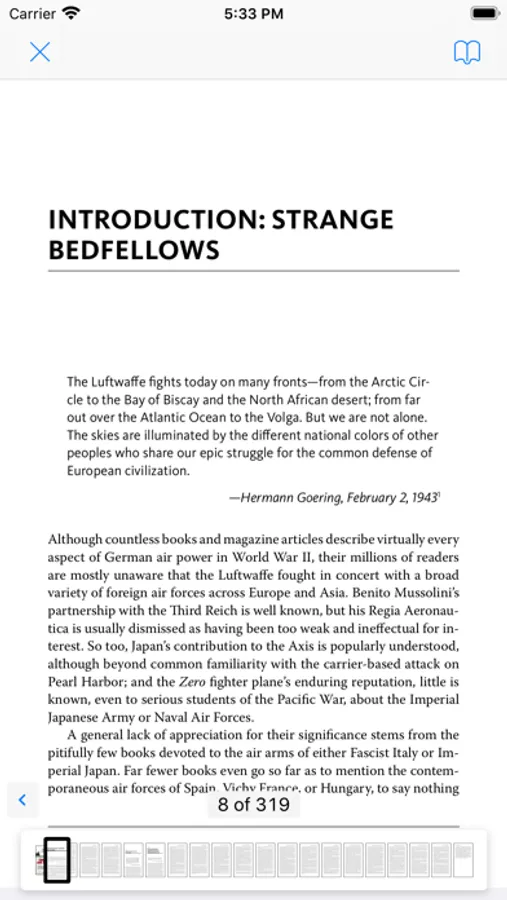
- Select font size, margins and background colors to create your preferred reading experience
- Search eBooks for a particular phrase to get back to that one spot you wanted to reference
- Bookmark pages and add notes if needed
- Return titles early when you’re finished and make available for other readers
Elevate your library experience today with the CloudLibrary app!
CloudLibrary Screenshots

Tap to Rate:
Reviews for CloudLibrary
Ph03nix100
it’s ok
i have used cloud library for about a year and it was really good until i was trying to download a book and it wouldn’t let me i tried a few different books and nothing would work so i decided to sign out and retry hit now i can’t sign back in please fix this
Cards Fan Judy
Cloud Library
Love the convenience and have experienced no wait times and the amount of money I am saving. Perfect!