In this legal practice management app, you can view your schedule, complete tasks, and message clients on the go. Includes features for file access, time tracking, and synchronization of case data.
AppRecs review analysis
AppRecs rating 2.0. Trustworthiness 78 out of 100. Review manipulation risk 21 out of 100. Based on a review sample analyzed.
★★☆☆☆
2.0
AppRecs Rating
Ratings breakdown
5 star
14%
4 star
5%
3 star
7%
2 star
29%
1 star
45%
What to know
✓
Low review manipulation risk
21% review manipulation risk
⚠
Mixed user feedback
Average 2.1★ rating suggests room for improvement
⚠
High negative review ratio
74% of sampled ratings are 1–2 stars
About MyCase
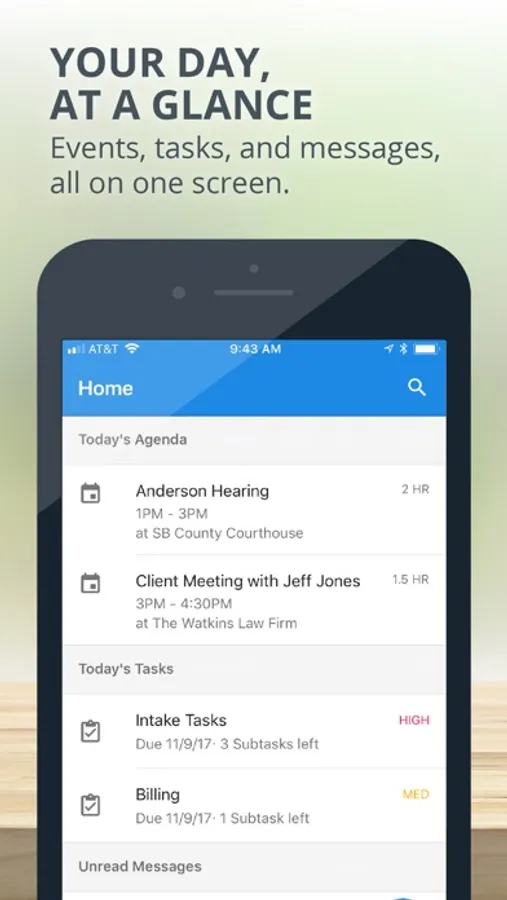
Whether in the office, in court, or somewhere in between, the MyCase Mobile App provides attorneys with the ability to manage their practice efficiently, take advantage of every moment of their day, and keep up-to-date with critical changes to their caseload.
The MyCase app allows you to:
See your day, at a glance: Upcoming events, tasks, and new client messages are instantly available when you open the app
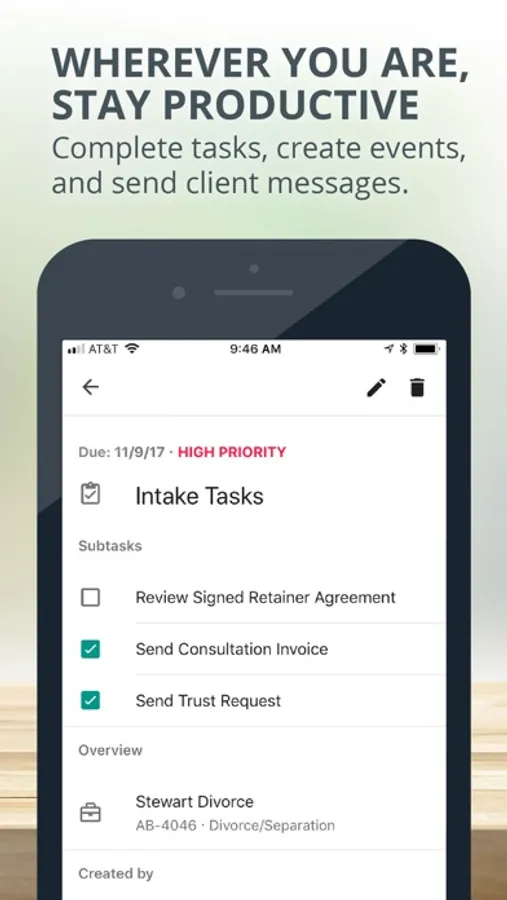
Be productive, wherever you are: Complete tasks, create events, and
send client messages
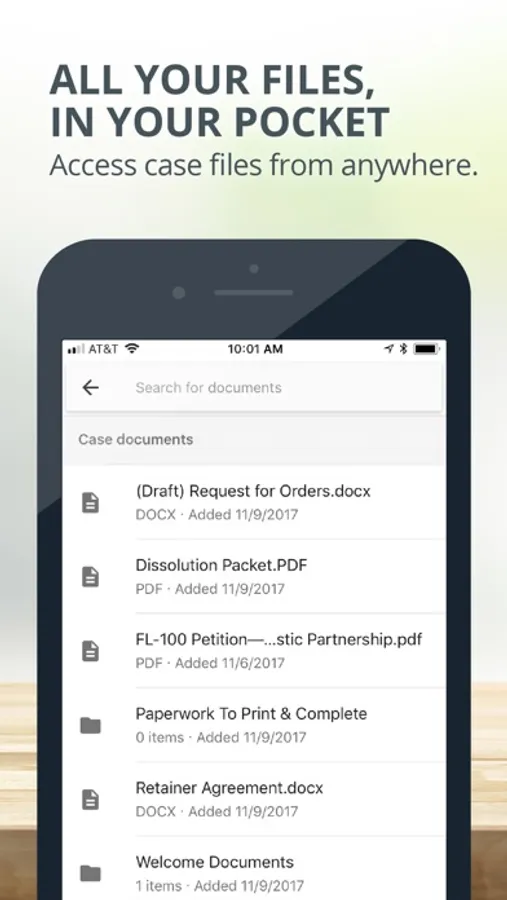
Carry all your files in your pocket: Access case and firm files from anywhere
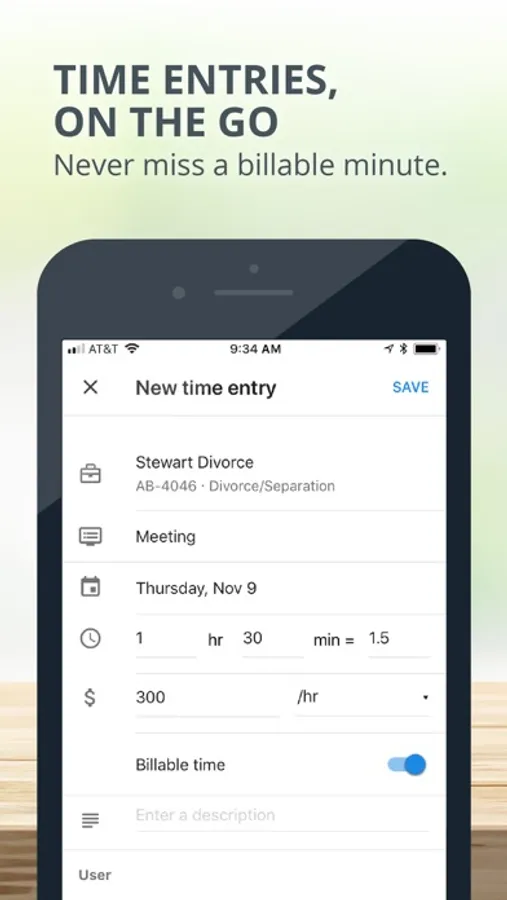
Create time entries on-the-go and never miss a billable minute
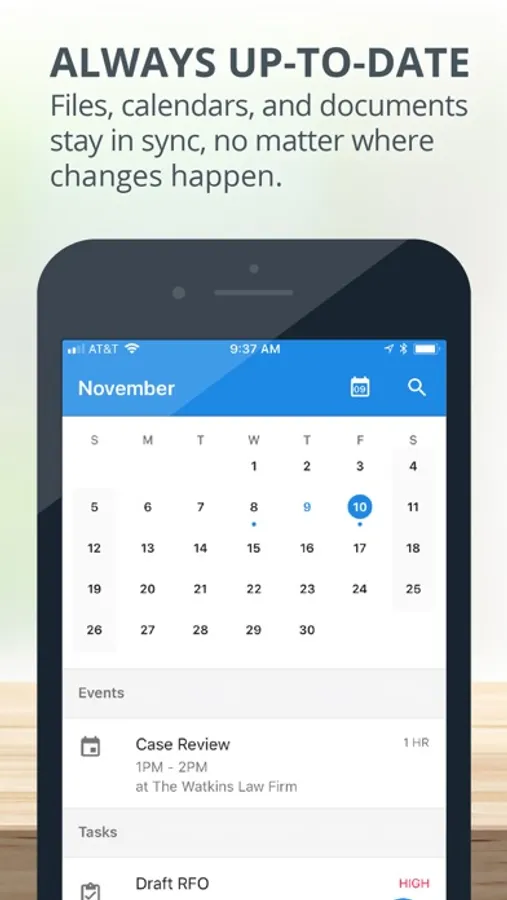
Stay up-to-date: Files, calendars, and documents stay in sync with all changes
Download the latest version of the MyCase Mobile App today!
MyCase Screenshots
Tap to Rate:
Reviews for MyCase
pdk972
This app is still awful
This app can be handy to quickly get to some of your information, but for some reason they have it hobbled where you can’t see a lot of important information about your case.
epravilionis
Completely different from web version
I like the simplicity of the MyCase. However, there are functions that works differently on the app or not available at all. I observed that certain functions are disorganized on the web app too. There are two ways to open messages and each of those work differently, as an example.