AppRecs review analysis
AppRecs rating . Trustworthiness 79 out of 100. Review manipulation risk 23 out of 100. Based on a review sample analyzed.
★
AppRecs Rating
Ratings breakdown
5 star
30%
4 star
18%
3 star
16%
2 star
8%
1 star
28%
What to know
✓
Low review manipulation risk
23% review manipulation risk
⚠
Ad complaints
Many low ratings mention excessive ads
⚠
High negative review ratio
36% of sampled ratings are 1–2 stars
About OOReader
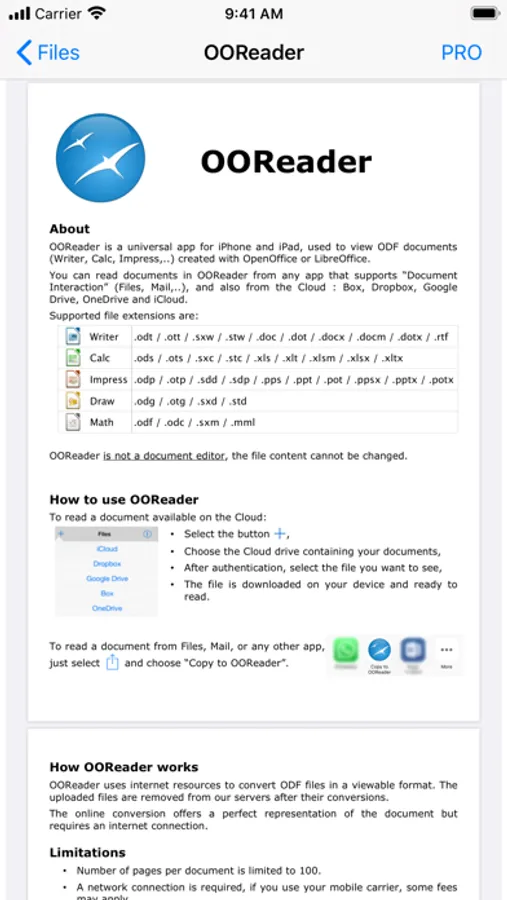
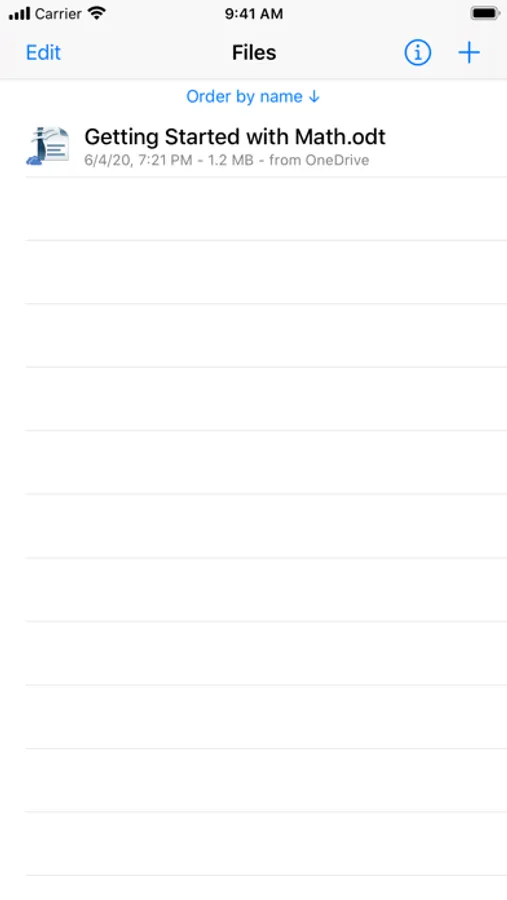
Instantly access all your critical information, regardless of the file type:
OpenOffice / LibreOffice (ODF Standard):
• Writer: ODT, OTT, STW, SXW
• Calc: ODS, OTS, STC, SXC
• Impress: ODP, OTP, SDD, SDP
• Draw & Math: ODG, OTG, STD, SXD, ODF, ODC, SXM, MML
Microsoft Office:
• Word: DOC, DOT, DOCX, DOTX, DOCM
• Excel: XLS, XLT, XLSX, XLTX, XLSM
• PowerPoint: PPS, PPT, POT, PPSX, PPTX, POTX
• Visio: VDX, VSD, VSDX
Other Formats:
• PDF (Adobe Portable Document Format)
• RTF (Rich Text Format, WordPad)
• Legacy: WordPerfect, Lotus 1-2-3, QuattroPro, WordPro, QuarkXPress
Key Features:
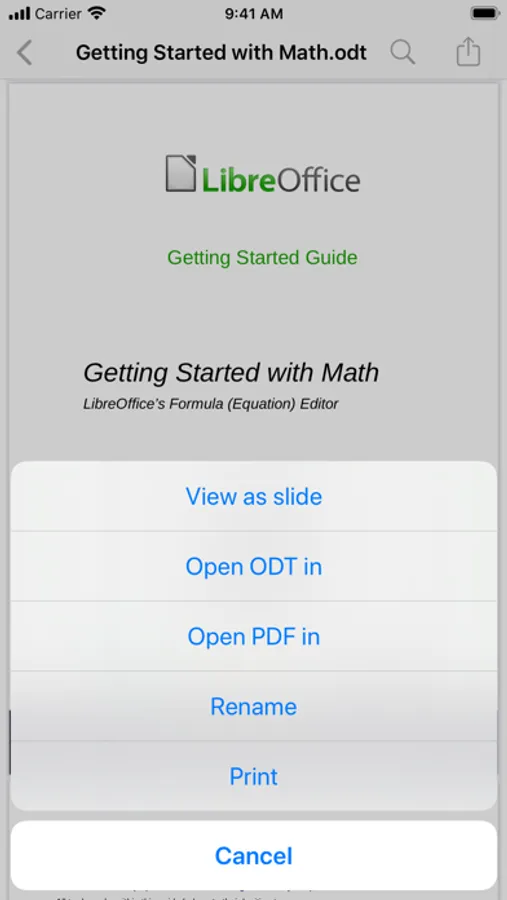
• Quick PDF Conversion: Easily convert any supported document into a standard PDF file for reliable sharing or archival.
• Sharing & Printing: Instantly share the converted PDF via email or to other apps, or print the document directly.
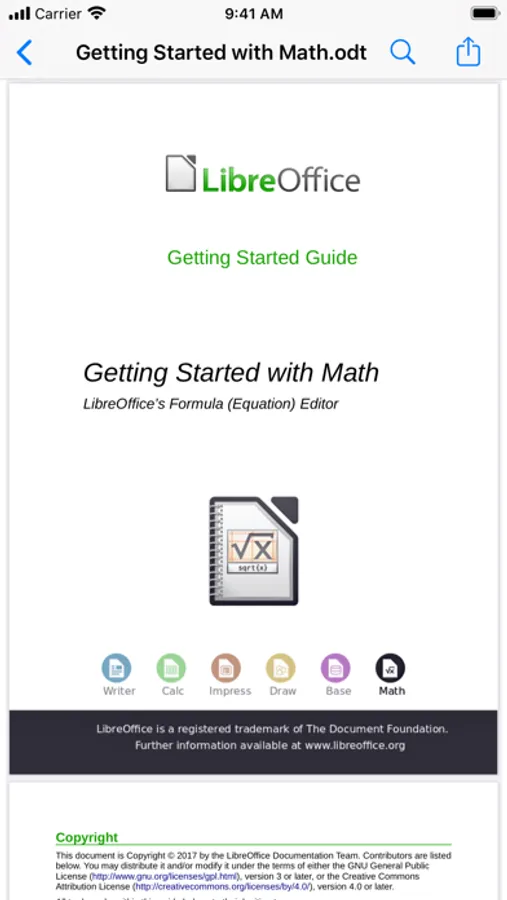
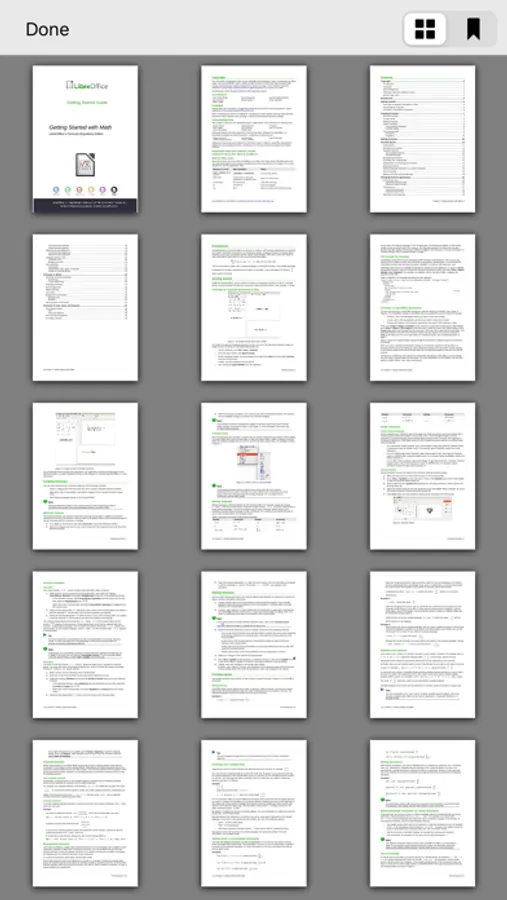
• Optimal Viewing: Seamless page-by-page or slide-by-slide reading modes.
• Essential Tools: Use the built-in search function to find specific text within long documents.
• Advanced Features (PRO Upgrade):
◦ Open documents with password protection.
◦ View documents with unlimited pages (removes the 100-page limit).
Important Notes:
• OOReader is a document viewer only. File content cannot be edited or modified.
• To perform document conversion for accurate viewing, OOReader utilizes an online service. An Internet connection is required for this conversion process.
OOReader Screenshots
Tap to Rate:
Reviews for OOReader
MinBallard
Not secure!
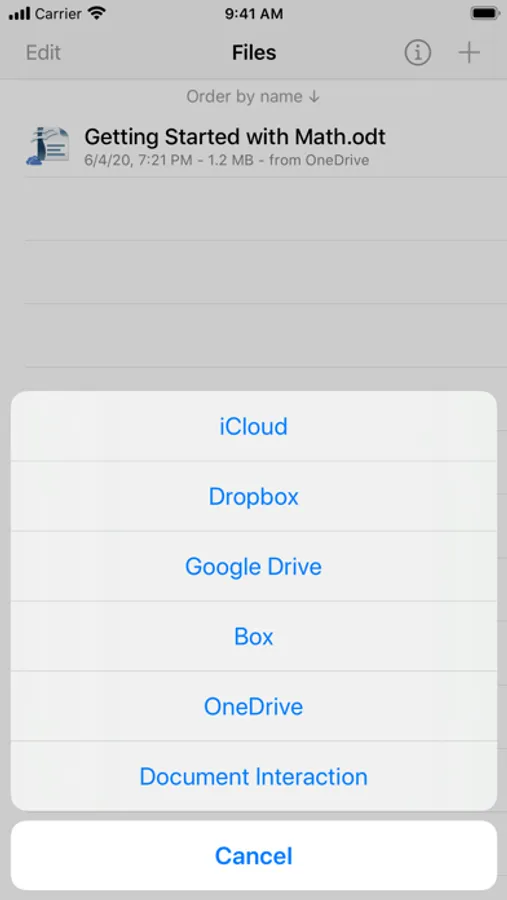
Uses remote server to process files (where?) and user must send password to open protected files = too risky for me.
MrEPig
Not ready for prime time
Bought the full version ($3… big deal). My experience is that it’s unreliable, had to access iCloud to see my Dropbox files rather than access Dropbox directly, and the paid version will not open password protected documents despite the developers’ claim to the contrary. Uninstalled it.