AutoVolume Lite ~ Self Adjusting Volume ~ Detect outside noise and automatically decrease or increase music volume loudness in your headphones
Jaroszlav Zseleznov
1.0 ★
2 ratings
Free
AppRecs review analysis
AppRecs rating 1.0. Trustworthiness 71 out of 100. Review manipulation risk 24 out of 100. Based on a review sample analyzed.
★☆☆☆☆
1.0
AppRecs Rating
Ratings breakdown
5 star
13%
4 star
7%
3 star
0%
2 star
13%
1 star
67%
What to know
✓
Low review manipulation risk
24% review manipulation risk
✓
Credible reviews
71% trustworthiness score from analyzed reviews
⚠
Mixed user feedback
Average 1.0★ rating suggests room for improvement
About AutoVolume Lite ~ Self Adjusting Volume ~ Detect outside noise and automatically decrease or increase music volume loudness in your headphones
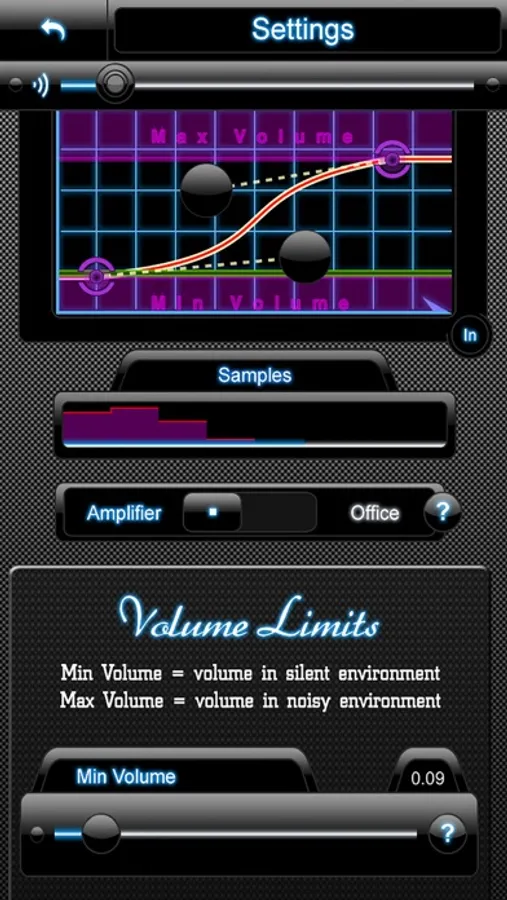
All this intelligently, gracefully and just as much as you prefer using the adjustable in/out characteristics curve!
Think of a world where music is always playing at the correct volume level.
◆◆◆ WHY ◆◆◆
√ You don’t have to play with the volume at every transport stop n goes, or when passing by a loud street.
√ You can have full attention to others while listening music and you don't have to take your earbuds out while talking to someone.
◆◆◆ HOW IT WORKS ◆◆◆
AutoVolume will constantly measure the outside noise level with the iPhone's built in microphone (on the headphones) and then gracefully adjust the music volume depending on the average noise measurements and your personal settings.
You can fine-tune just about everything and that is what makes AV so special.
•••• HOW TO USE ••••
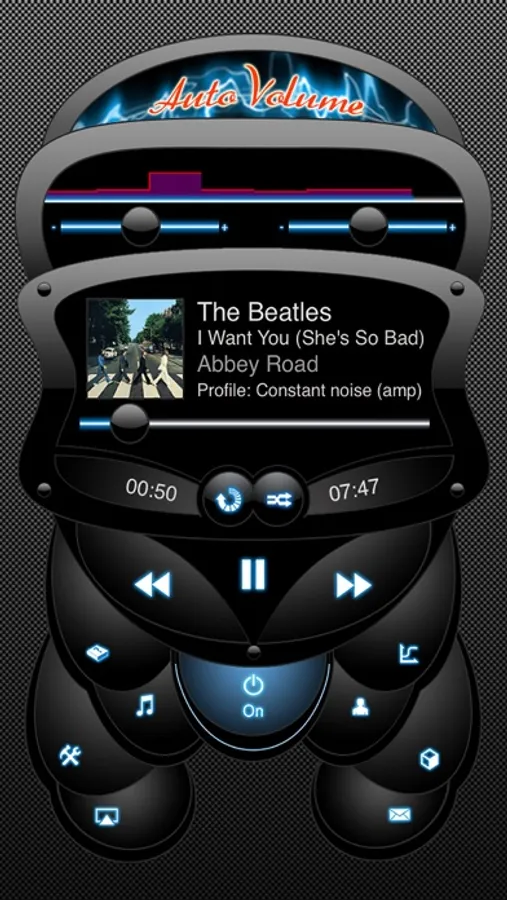
Plug your headphones in (with microphone), start music playing and turn AutoVolume to ON state. AutoVolume will run in the background and do it's job.
Fine-tuning and profile saving is only in full version!
•••• TWO MAIN MODE ••••
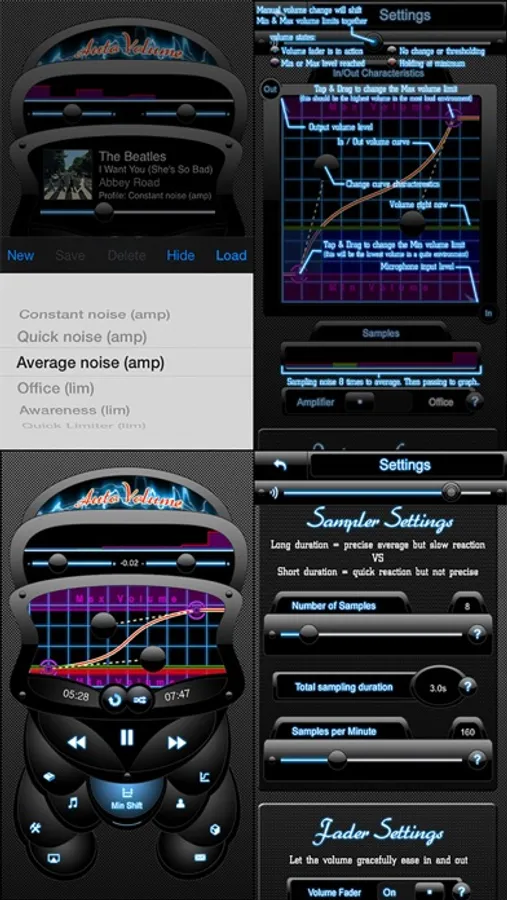
▸ Amplifier mode (volume adapts to the outside noise)
▸ Office mode (volume drops to the noise outside)
AutoVolume comes with a documentation BUT it can be used not only by professionals, using the pre-configured profiles made for typical noise environments.
•••• FEATURES ••••
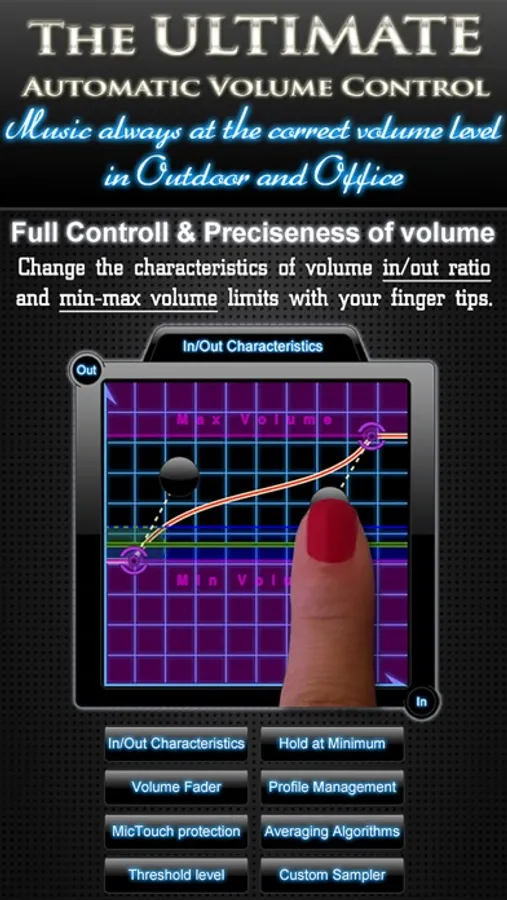
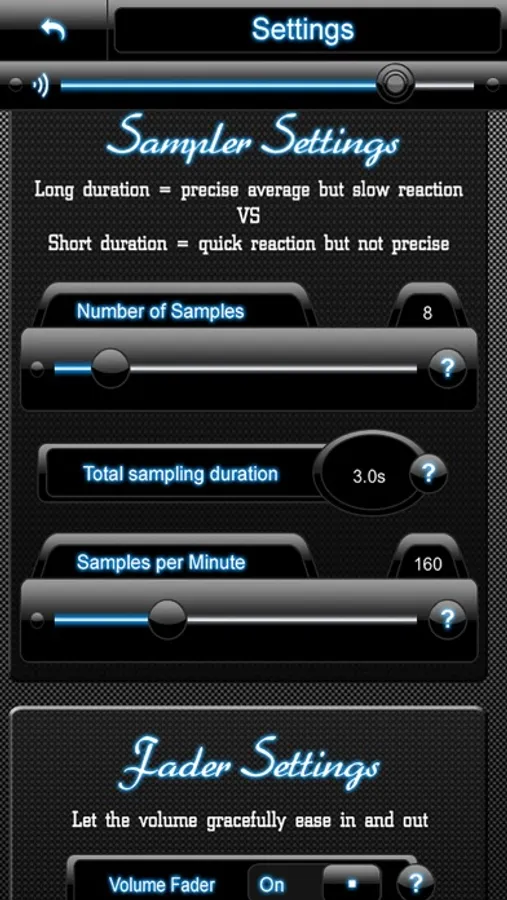
▸ Change sampling speed and duration (for reaction speed and averaging characteristics)
▸ Use Hold at Minimum function (volume remains low for a pre-configured amount of seconds)
▸ Use MicTouch protection (no more false volume inputs while switching songs with your fingers)
▸ Use different profiles (load configurations quickly for different situations)
▸ Built in Music player (access your iPod library right from the app)
▸ Shake device for visual help
▸ Bluetooth support (with built-in microphone)
Median averaging is very handy when it comes to excluding short period, on-off sounds.
◆◆◆◆ features NOT included in the Lite version ◆◆◆◆
▸ Change Minimum and Maximum volume limits
▸ Editing and saving Profiles
▸ Change characteristics of signal-to-noise ratio (inout/output volume curve) with your finger tips
▸ Change volume fader speed and increment (have the volume gracefully adjusted your way)
▸ Change threshold (set your preferences of minimum noise input)
▸ Choose between different averaging methods (Simple average or Median average)
▸ Change Hold at Minimum duration
•••• REQUIREMENTS ••••
▸ You will need to be wearing your headphones with integrated microphone.
AutoVolume Lite ~ Self Adjusting Volume ~ Detect outside noise and automatically decrease or increase music volume loudness in your headphones Screenshots
Tap to Rate:
Reviews for AutoVolume Lite ~ Self Adjusting Volume ~ Detect outside noise and automatically decrease or increase music volume loudness in your headphones
tripletopper
Many faults, birding on deceptive TGIF (f=free)
1 it turns off your Bluetooth surround headsets and microphone combo. 2 doesn’t work with XM 3 described as lowering music. I want amplified outside not lowered inside. If that horn is honking at me, blast the horn to scare me, not lower volume of music.
AlicePhantom
Crap
More like volume reducer. I want it louder. Not to auto adjust it lower.