
With this work management app, you can organize projects, assign tasks, and track progress. Includes task lists, project views, collaboration tools, and automatic notifications.
AppRecs review analysis
AppRecs rating 4.1. Trustworthiness 76 out of 100. Review manipulation risk 19 out of 100. Based on a review sample analyzed.
★★★★☆
4.1
AppRecs Rating
Ratings breakdown
5 star
85%
4 star
7%
3 star
2%
2 star
1%
1 star
4%
What to know
✓
Low review manipulation risk
19% review manipulation risk
✓
Credible reviews
76% trustworthiness score from analyzed reviews
⚠
Pricing complaints
Many low ratings mention paywalls or pricing
About Asana: Work Management
USE ASANA WHEREVER YOU ARE
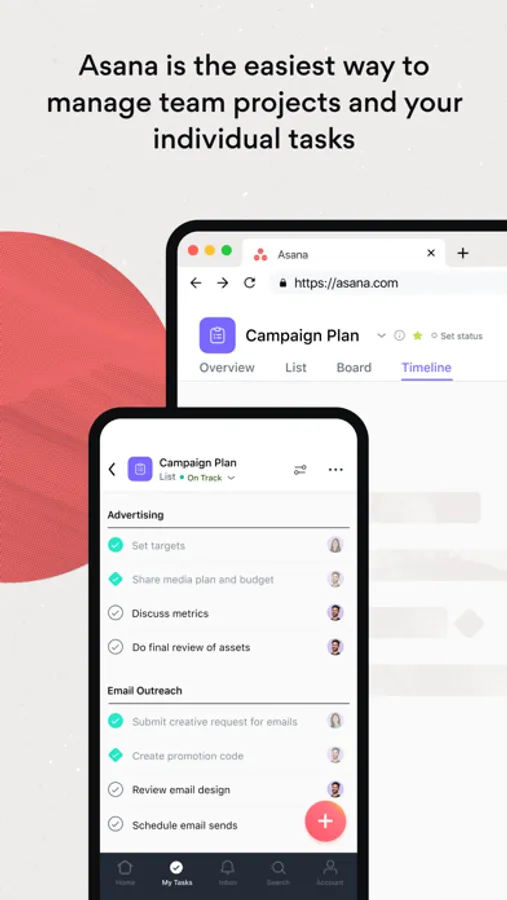
Access Asana on mobile or on the web. Project management doesn’t stop at your desk—no matter where you are, stay focused and keep your team’s work on track.
GET ORGANIZED
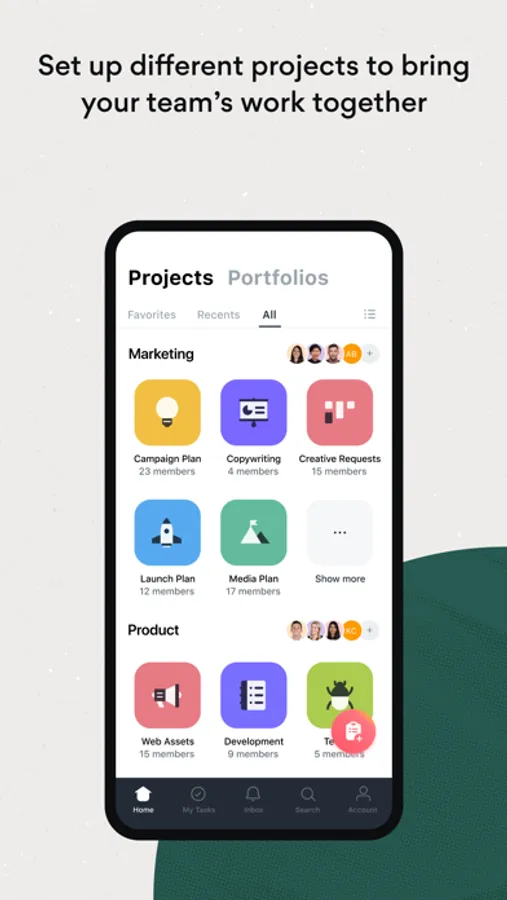
Set up different projects to bring your team’s work together in one shared space. Break the workload down into manageable tasks and give them a clear owner and due date. Choose a project view that suits your style—lists, kanban boards, or calendar.
IMPROVE FOCUS
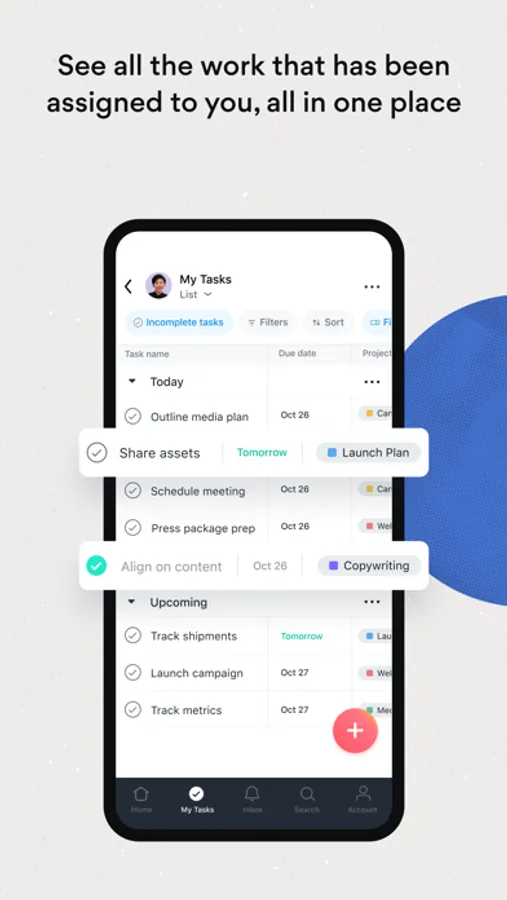
Boost your productivity with My Tasks, where you can see all the work that’s been assigned to you in one to-do list. Prioritize your work easily—drag & drop tasks into Asana’s built-in sections, create your own custom checklist sections, or sort by different dimensions.
STAY CONNECTED
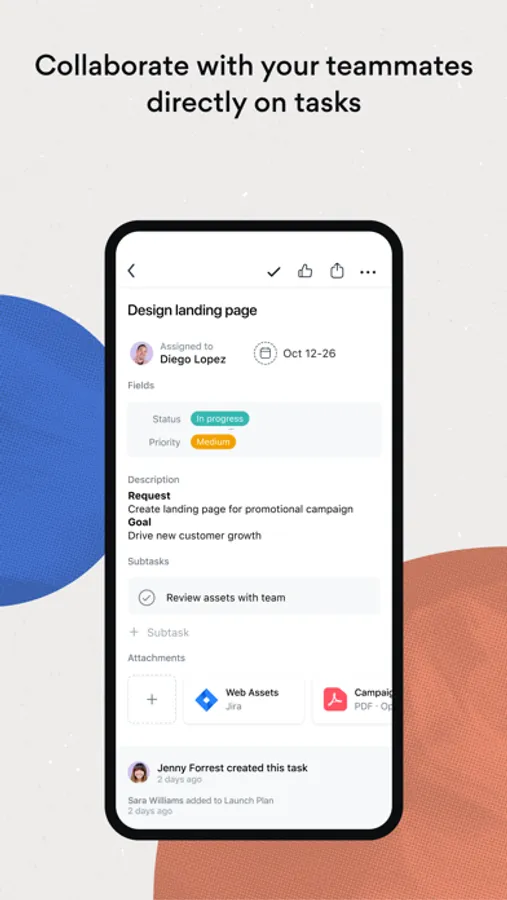
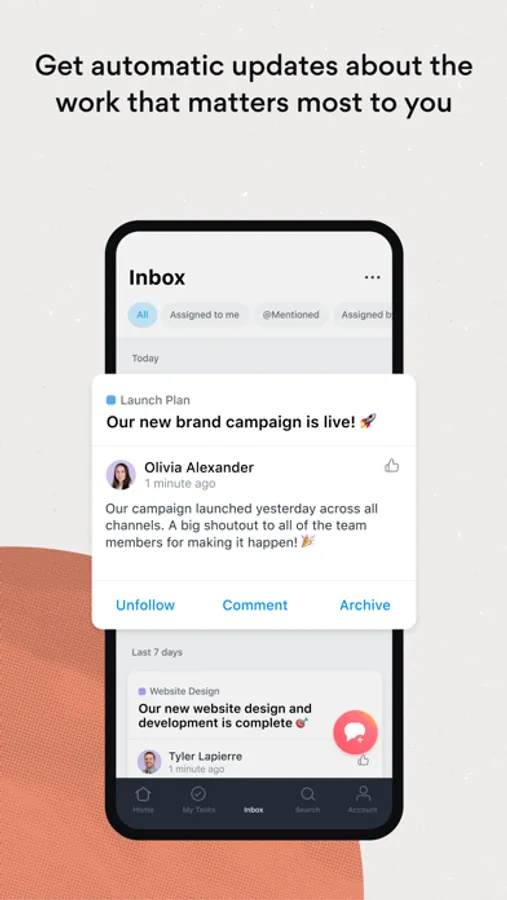
Keep collaboration going, wherever you are. Communicate with your teammates by liking, commenting, or attaching files directly to tasks. And get automatic updates about the projects and tasks that matter to you delivered directly to your Inbox.
AND DO EVEN MORE— ALL WITH ONE TOOL
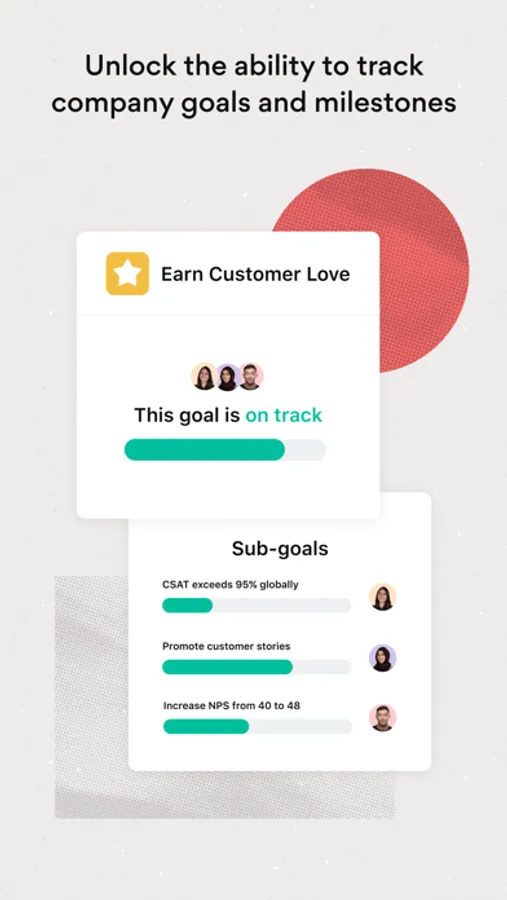
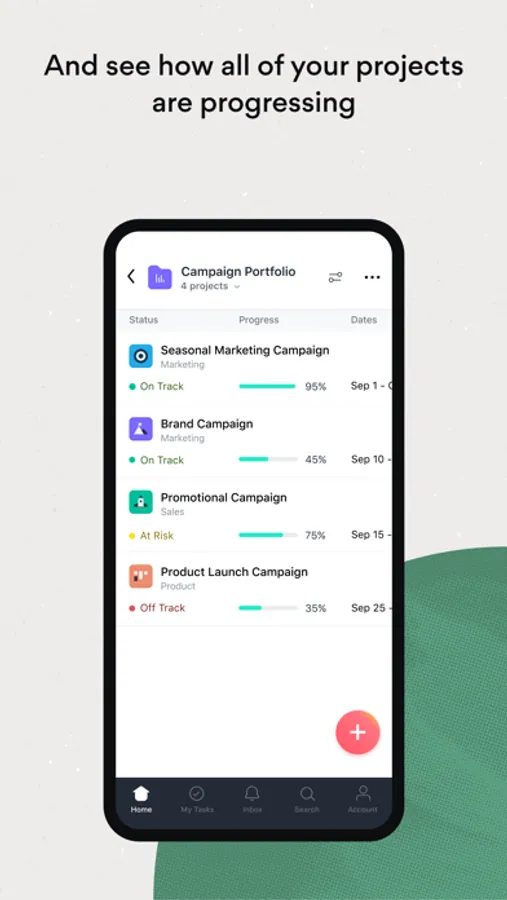
Visit the web app to see how all of your projects are progressing with Portfolios. Personalize task management with Custom Fields to capture important information about your tasks. Choose timeline view for projects to see a Gantt chart with task dependencies. And unlock the ability to track company goals and milestones with Goals.
Join more than 100,000 organizations and millions of users worldwide who trust Asana to stay organized and in control of their work.
Asana’s WORK GRAPH represents every task, project, and goal in your organization. Which means the Work Graph creates integrity, visibility, and coordination between every team and every department. All in one place.
Download the Asana work management app now.
By downloading Asana, you agree to our Terms of Service, which you can find at https://asana.com/terms.
Asana: Work Management Screenshots

Tap to Rate:
Reviews for Asana: Work Management
SeeSigns
Unethical Subscription Process
In general, I think it’s important to make deactivating an account as easy as possible. I don’t think there is any conceivable reason to bury the ability to do that under a series of cascading links and access points. I am the administrator, and nothing available to me on the site, the app, or the desktop client is taking me to where I need to go. This is a preposterous and unethical way to operate a business, but it is funny in a gallows humor kind of way that this level of navigation inscrutability exists at the core of a company + app whose reason for existing are to make business operations smoother and more efficient. I will be sure to let everyone know to go with other available alternatives when looking for applications that promise to deliver what this one fails to.
unique nickname – HAPPY?!
Terrible UX
I use Asana for work, and am used to the desktop app on my Mac computer which I like very much. I downloaded the app for my iPad hoping to be able to have it up next to my computer like a second monitor, but deleted the app within ten minutes of heightened frustration that culminated in a near meltdown-down as the app refused to display in a way that I am used to. I like to stay in calendar view, but in the app this was very minimized. I could not easily see all my tasks for the week, and it kept a task bar open on the side which would not close. I am filled with rage and hate everything.