
In this authentication app, you can approve sign-in requests or generate verification codes for secure access. Includes QR code scanning, push notifications, and account management features.
AppRecs review analysis
AppRecs rating 4.4. Trustworthiness 68 out of 100. Review manipulation risk 25 out of 100. Based on a review sample analyzed.
★★★★☆
4.4
AppRecs Rating
Ratings breakdown
5 star
88%
4 star
7%
3 star
2%
2 star
1%
1 star
3%
What to know
✓
Low review manipulation risk
25% review manipulation risk
✓
High user satisfaction
88% of sampled ratings are 5 stars
About Okta Verify
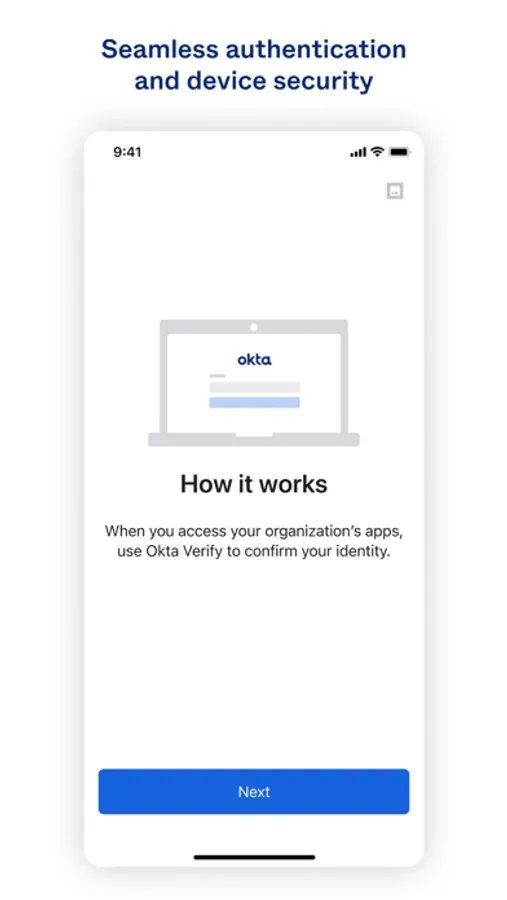
Okta Verify is a lightweight app that is used for 2-step verification so you can confirm your identity when you sign in to your Okta account. This gives you an extra layer of security so that you - and only you - can access your applications.
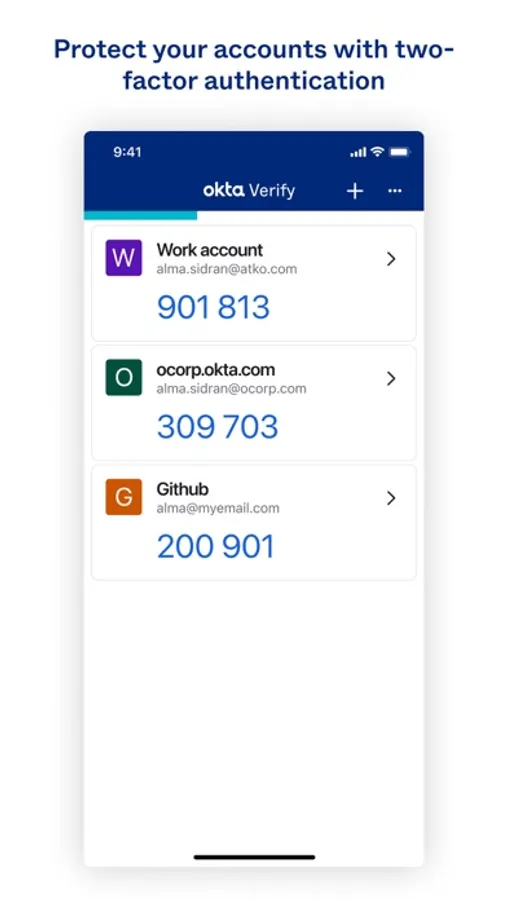
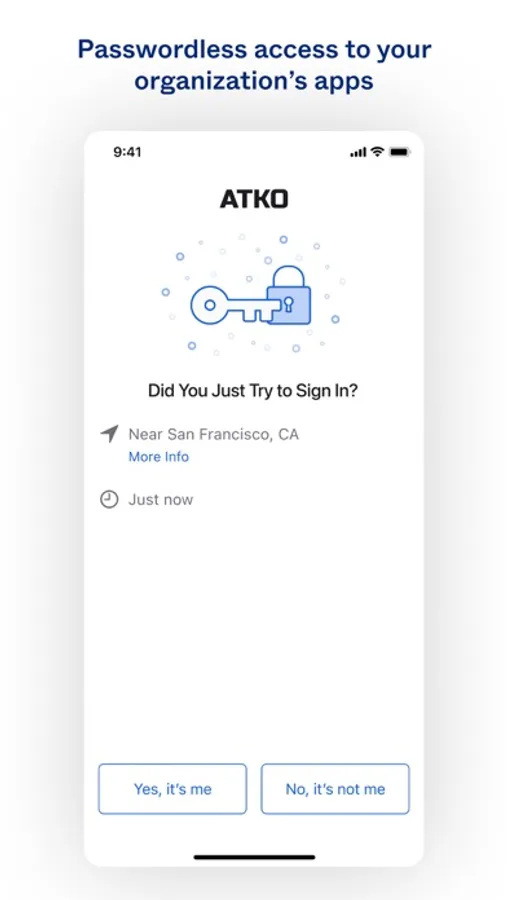
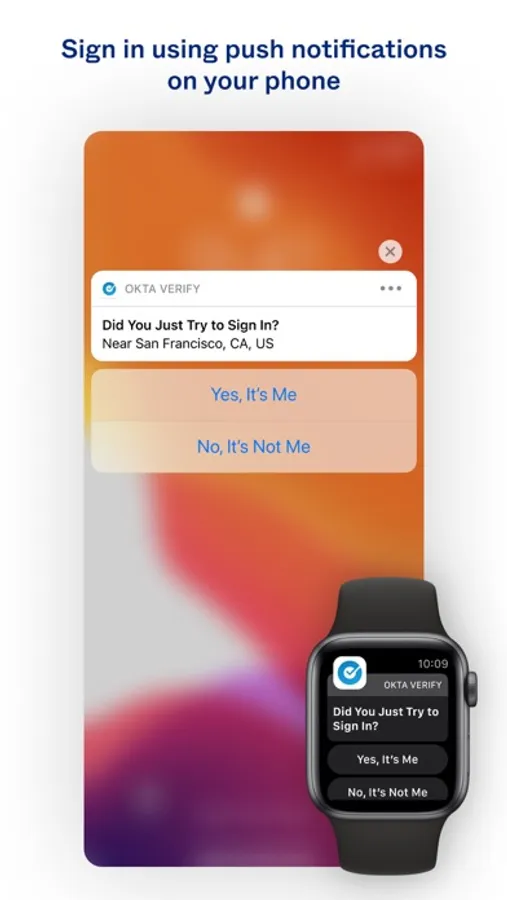
When you sign in to Okta, you can use Okta Verify to obtain a temporary 6-digit code or to approve a request notification sent to your device (your organization must enable notifications to use this feature).
Okta values your privacy. Okta Verify does not store personal information - we request permission only for your device camera, which is used to scan a QR code to register your device with Okta.
App Features
* Enroll in Okta Verify as a new user by registering your mobile device with your Okta account.
* Add one or more Okta accounts that require Okta Verify for authentication.
* Manage 2-factor authentication for non-Okta applications and web services that require the use of passcodes.
* Approve or deny sign-in requests on your device from a push notification (if enabled).
For more information, check out our docs at:
https://help.okta.com/en/prod/okta_help_CSH.htm#ext_okta_verify
When you sign in to Okta, you can use Okta Verify to obtain a temporary 6-digit code or to approve a request notification sent to your device (your organization must enable notifications to use this feature).
Okta values your privacy. Okta Verify does not store personal information - we request permission only for your device camera, which is used to scan a QR code to register your device with Okta.
App Features
* Enroll in Okta Verify as a new user by registering your mobile device with your Okta account.
* Add one or more Okta accounts that require Okta Verify for authentication.
* Manage 2-factor authentication for non-Okta applications and web services that require the use of passcodes.
* Approve or deny sign-in requests on your device from a push notification (if enabled).
For more information, check out our docs at:
https://help.okta.com/en/prod/okta_help_CSH.htm#ext_okta_verify
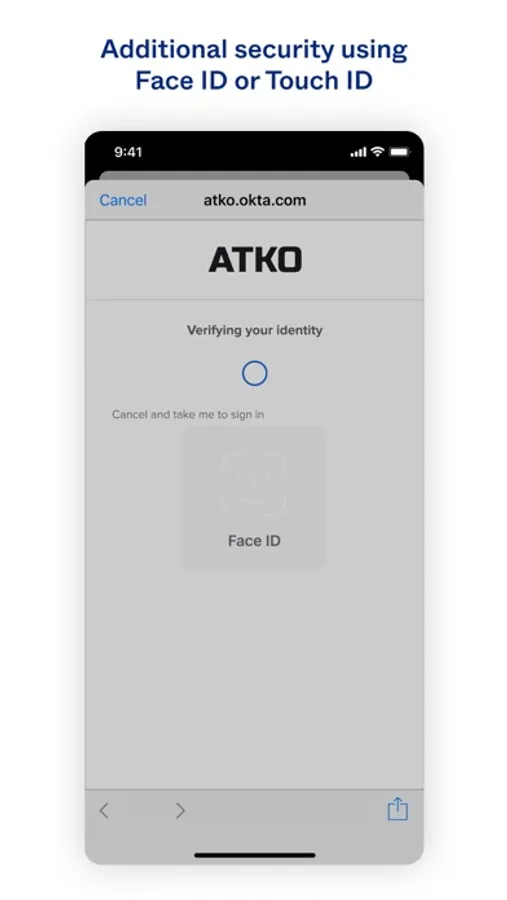
Okta Verify Screenshots
Tap to Rate:
Reviews for Okta Verify
mic11000
I’ve never hated an app more
I’ve never struggled with a verifying authenticator more than this one
Booknoir
Privacy issues
Very vague on the “other data”, what is that and why do you need that? It should be a simple app, send a code to verify, I choose yes and that’s it.