AppRecs review analysis
AppRecs rating 4.2. Trustworthiness 71 out of 100. Review manipulation risk 23 out of 100. Based on a review sample analyzed.
★★★★☆
4.2
AppRecs Rating
Ratings breakdown
5 star
60%
4 star
20%
3 star
0%
2 star
20%
1 star
0%
What to know
✓
Low review manipulation risk
23% review manipulation risk
✓
Credible reviews
71% trustworthiness score from analyzed reviews
✓
High user satisfaction
80% of sampled ratings are 4+ stars (4.2★ average)
About Convert Images
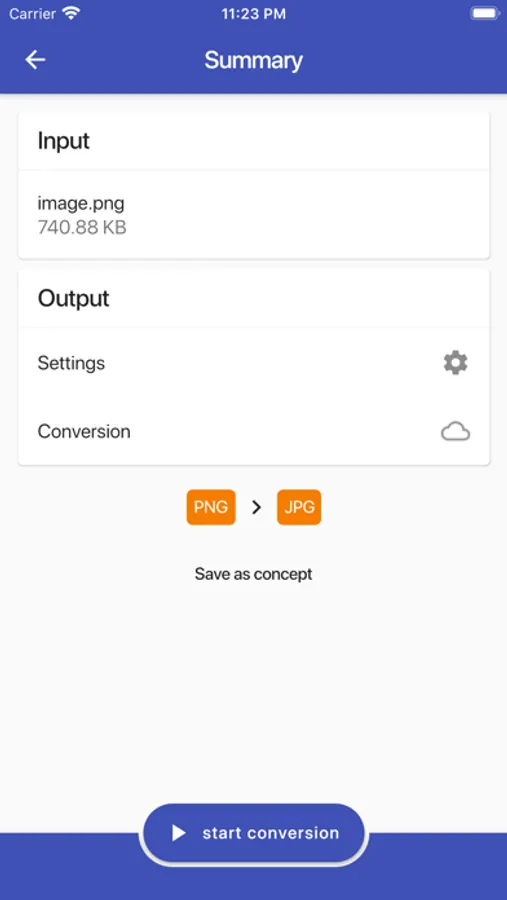
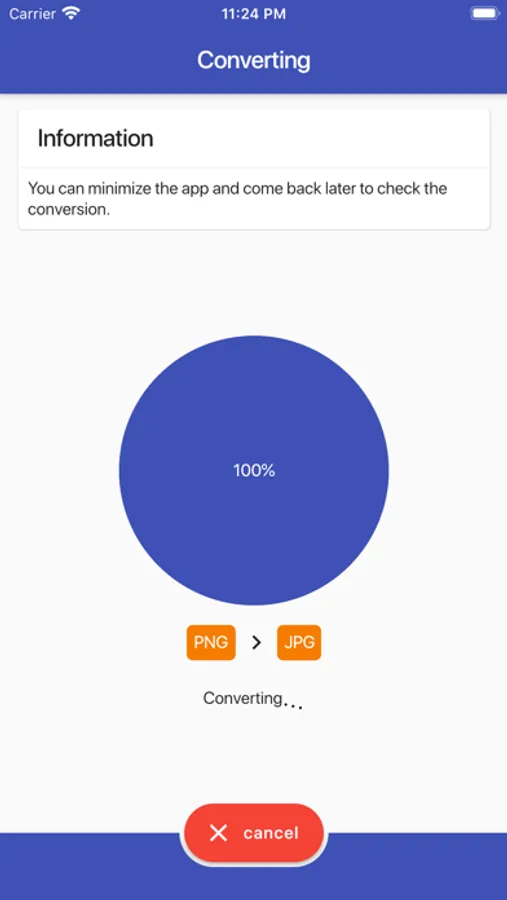
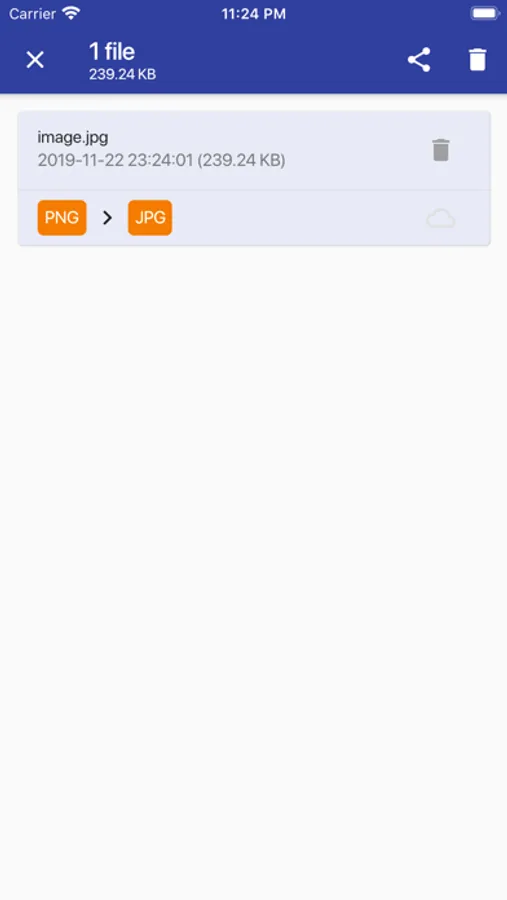
How can we convert almost every file on your phone? Well, the converting is accomplished by uploading your file to the cloud where it will be converted and downloaded back to your phone (and deleted from the conversion cloud). This all occurs really fast and while the converting is being done you can just continue using your phone.
Features:
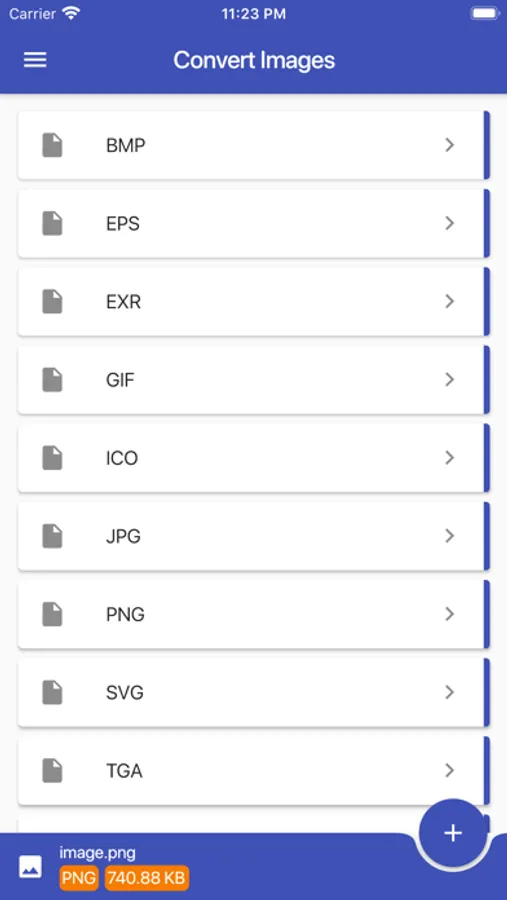
• Over 2000 source formats are supported
• Use the 'Open with' option to load files
• Use the image gallery to load an image or take one using the camera (or video)
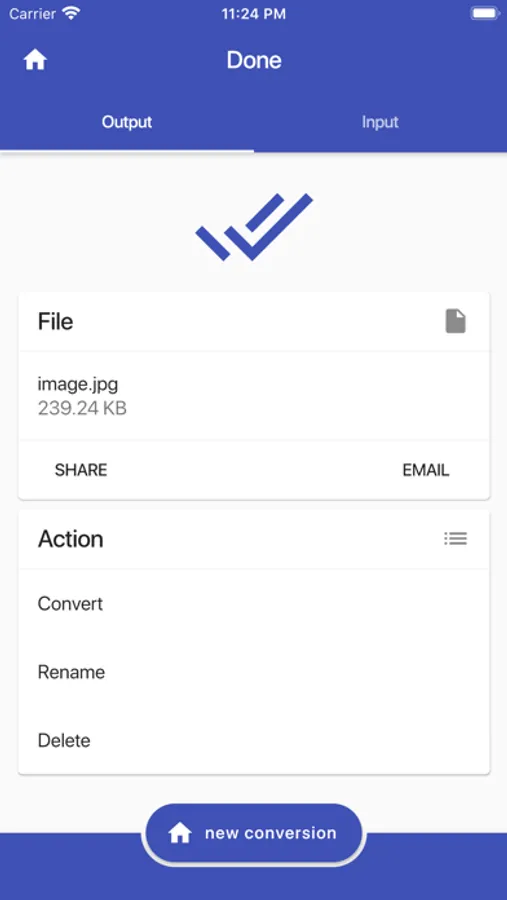
• Send the created file by email
• Load a website and convert to image!
• Convert raster to vector or vector to raster image
Formats:
• AI convert
• BMP convert
• EPS convert
• EXR convert
• GIF convert
• HEIC convert
• ICO convert
• JPG convert
• PCX convert
• PNG convert
• PS convert
• PSD convert
• SVG convert
• TGA convert
• TIFF convert
• WBMP convert
• WEBP convert
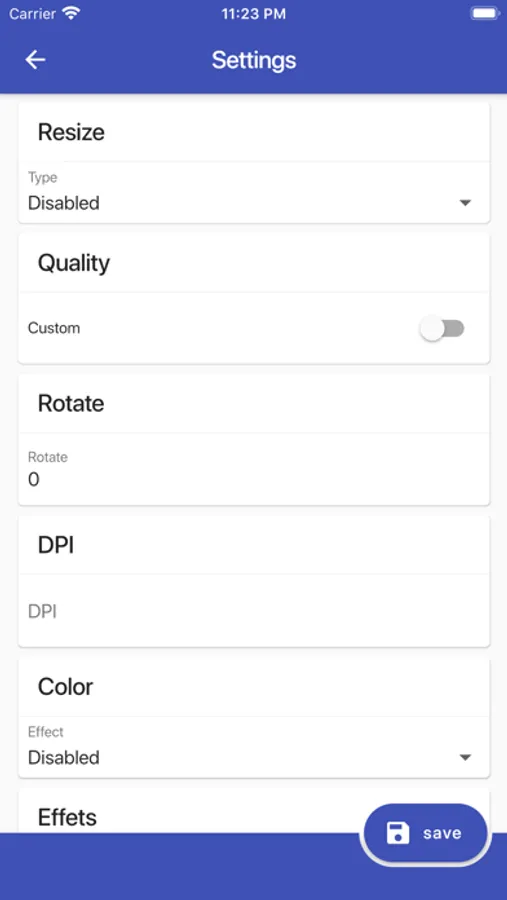
Settings:
• Resize
• Deskew
• Change quality
• Rotate / mirror
• DPI
• Magnify
• Auto set levels
• Color filters
• Replace a color
• Change background
• Effects
• Crop
More!
Converting from the following image formats supported (but not limited to):
*.3FR, *.ART, *.ARW, *.AVI, *.AVS, *.BGR, *.BMP, *.CGM, *.CIN, CMYK, *.CMYKA, *.CR2, *.CRW, *.CUR, *.CUT, *.DCM, *.DCR, *.DCX, *.DDS, *.DFONT, *.DNG, *.DPX, *.EPDF, *.EPI, *.EPS, *.EPSF, *.EPSI, *.EPT, *.EPT2, *.EPT3, *.ERF, *.EXR, *.FAX, *.FITS, *.FPX, *.FRACTAL, *.FTS, *.G3, *.GIF, *.GIF87, *.GRAY, *.GRB, *.HDR, *.HRZ, *.ICB, *.ICO, *.ICON, *.IPL, *.JBG, *.JBIG, *.JNG, *.JPE, *.JPEG, *.JPG, *.K25, *.KDC, *.M2V, *.M4V, *.MAT, *.MIFF, *.MNG, *.MONO, *.MOV, *.MP4, *.MPC, *.MPEG, *.MPG, *.MRW, *.MSL, *.MSVG, *.MTV, *.MVG, *.NEF, *.ORF, *.OTB, *.OTF, *.PAL, *.PALM, *.PAM, *.PBM, *.PCD, *.PCDS, *.PCL, *.PCT, *.PCX, *.PDB, *.PDF, *.PDFA, *.PEF, *.PES, *.PFA, *.PFB, *.PFM, *.PGM, *.PICON, *.PICT, *.PIX, *.PJPEG, *.PLASMA, *.PNG, *.PNG24, *.PNG32, *.PNG8, *.PNM, *.PPM, *.PS, *.PSD, *.PTIF, *.PWP, *.RAF, *.RAS, *.RGB, *.RGBA, *.RLA, *.RLE, *.SCT, *.SFW, *.SGI, *.SR2, *.SRF, *.SUN, *.TGA, *.TIF, *.TIFF, *.TIM, *.TTC, *.TTF, *.TXT, *.VDA, *.VICAR, *.VID, *.VIFF, *.VST, *.WBMP, *.WEBP, *.WMF, *.WMV, *.WMZ, *.X, *.X3F, *.XBM, *.XC, *.XPM, *.XPS, *.XV, *.XWD, *.YCBCR, *.YCBCRA, *.YUV
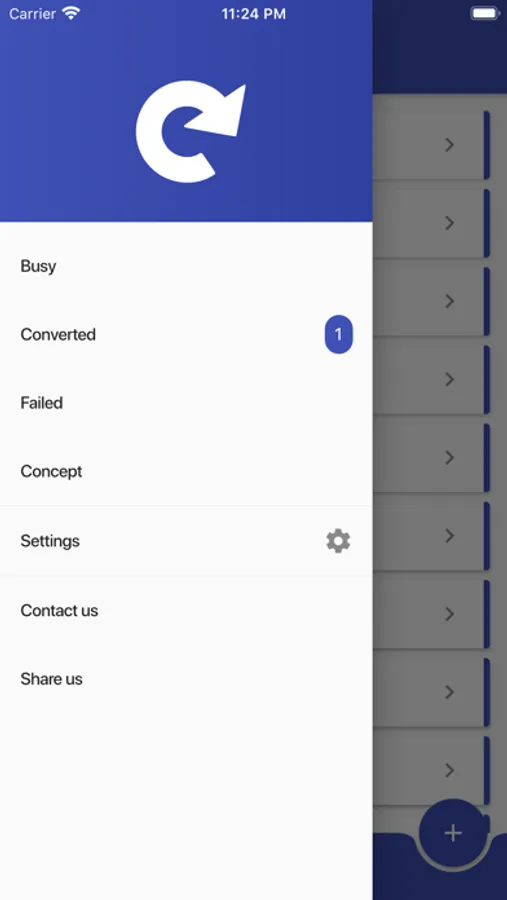
Convert Images Screenshots
Tap to Rate:
Reviews for Convert Images
10mm_404
The app now creates an unnecessarily large WebP image size
I convert images to the WebP image file format, because the lossy compression is supposed to be a smaller size file than a JPEG and far smaller size than a PNG; however, this app now converts it into the lossless compression for a WebP, rather than the lossy compression for WebP. It just converted a JPEG image that is 19,191 bytes into a WebP that is 74,976 bytes.
JPWheelr
One image at a time in this version
There’s a paid version that does bulk. This does one at a time.