AppRecs review analysis
AppRecs rating 3.5. Trustworthiness 80 out of 100. Review manipulation risk 29 out of 100. Based on a review sample analyzed.
★★★☆☆
3.5
AppRecs Rating
Ratings breakdown
5 star
47%
4 star
18%
3 star
12%
2 star
12%
1 star
12%
What to know
✓
Low review manipulation risk
29% review manipulation risk
✓
Credible reviews
80% trustworthiness score from analyzed reviews
⚠
Pricing complaints
Many low ratings mention paywalls or pricing
About Broadcast Me
Are you looking for a live video streaming app? Broadcast live with BroadcastMe on YouTube live, Facebook live, Twitch or any RTMP compatibe service.
You are an app developer. Why is BroadcastMe for you?
Whether you are fully dedicated to pushing the limits of video streaming or just playing with video technologies, BroadcastMe helps speed up research and validation.
BroadcastMe allows you to:
- broadcast to live social media sites (YouTube, Twitch, Facebook and others); Use BroadcastMe as an alternative to provider apps as it can connect to multiple platforms at once (Wowza, Akamai, Red5, Adobe Media Server or any other CDN)
- explore the possibilities of integrating live video social media platforms with your apps
- research different mobile streaming conditions with no up-front investment in custom mobile solutions
- effectively stream live video from your mobile device even while connected to low bandwidth or unstable GSM conditions; BroadcastMe uses a unique adaptive algorithm that keeps streaming when other solutions fail
- stream live mobile video to multiple servers at once; Some media platforms use this capability as a fail-safe solution for live transmissions
How to test it?
Go live on Youtube or Twitch straight from the settings menu. No need to configure anything, just login and you're live!
Don't worry if you do not have an RTMP server ready, as you can use ours. In the Settings Screen under Server URL there is a predefined URL with a random streamName. You can watch and share your live streaming here: http://play.streamaxia.com/streamName
If you have an RTMP server available... Perfect! Go to Settings Screen under Server URL fill in your server details. For example: rtmp://1.2.3.4/application/streamName
Make sure you use RTMP URL in this format: rtmp://hostname/application/instance
Technical Details
- codecs: H.264/AAC
- protocols: RTMP and RTMPS
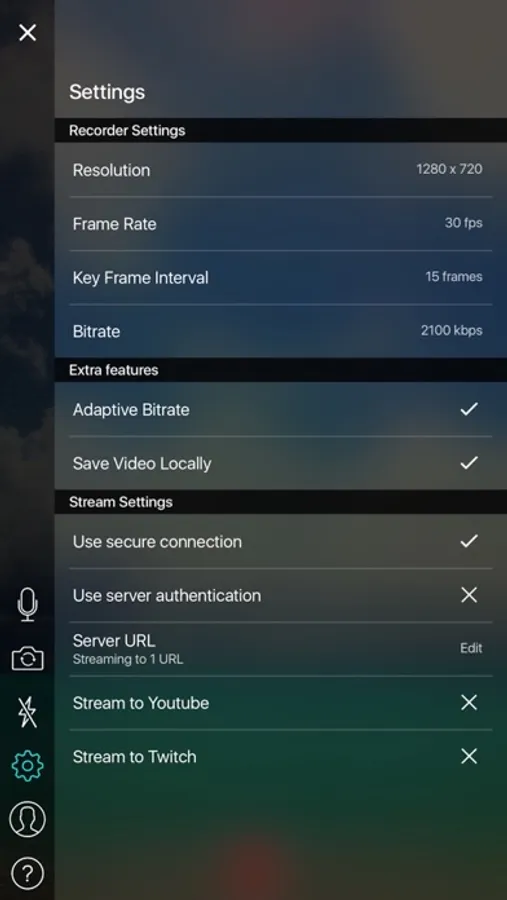
- Settings: Resolution, Frame Rate, Keyframe Rate, Bitrate (or adaptive), Server Link, Stream Name, Credentials and more...
Subscription Pricing and Terms
We made BroadcastMe Free!
Do you want your own BroadcastMe app? Buy the whitelabel app or just the RTMP SDK from Streamaxia.com. You'll get the same app, under your own brand and you'll have full access to the app's code for further development.
Read more about our terms and conditions here: https://www.streamaxia.com/termsconditions/
Read more about our privacy policy here: https://www.streamaxia.com/privacy/
You are an app developer. Why is BroadcastMe for you?
Whether you are fully dedicated to pushing the limits of video streaming or just playing with video technologies, BroadcastMe helps speed up research and validation.
BroadcastMe allows you to:
- broadcast to live social media sites (YouTube, Twitch, Facebook and others); Use BroadcastMe as an alternative to provider apps as it can connect to multiple platforms at once (Wowza, Akamai, Red5, Adobe Media Server or any other CDN)
- explore the possibilities of integrating live video social media platforms with your apps
- research different mobile streaming conditions with no up-front investment in custom mobile solutions
- effectively stream live video from your mobile device even while connected to low bandwidth or unstable GSM conditions; BroadcastMe uses a unique adaptive algorithm that keeps streaming when other solutions fail
- stream live mobile video to multiple servers at once; Some media platforms use this capability as a fail-safe solution for live transmissions
How to test it?
Go live on Youtube or Twitch straight from the settings menu. No need to configure anything, just login and you're live!
Don't worry if you do not have an RTMP server ready, as you can use ours. In the Settings Screen under Server URL there is a predefined URL with a random streamName. You can watch and share your live streaming here: http://play.streamaxia.com/streamName
If you have an RTMP server available... Perfect! Go to Settings Screen under Server URL fill in your server details. For example: rtmp://1.2.3.4/application/streamName
Make sure you use RTMP URL in this format: rtmp://hostname/application/instance
Technical Details
- codecs: H.264/AAC
- protocols: RTMP and RTMPS
- Settings: Resolution, Frame Rate, Keyframe Rate, Bitrate (or adaptive), Server Link, Stream Name, Credentials and more...
Subscription Pricing and Terms
We made BroadcastMe Free!
Do you want your own BroadcastMe app? Buy the whitelabel app or just the RTMP SDK from Streamaxia.com. You'll get the same app, under your own brand and you'll have full access to the app's code for further development.
Read more about our terms and conditions here: https://www.streamaxia.com/termsconditions/
Read more about our privacy policy here: https://www.streamaxia.com/privacy/
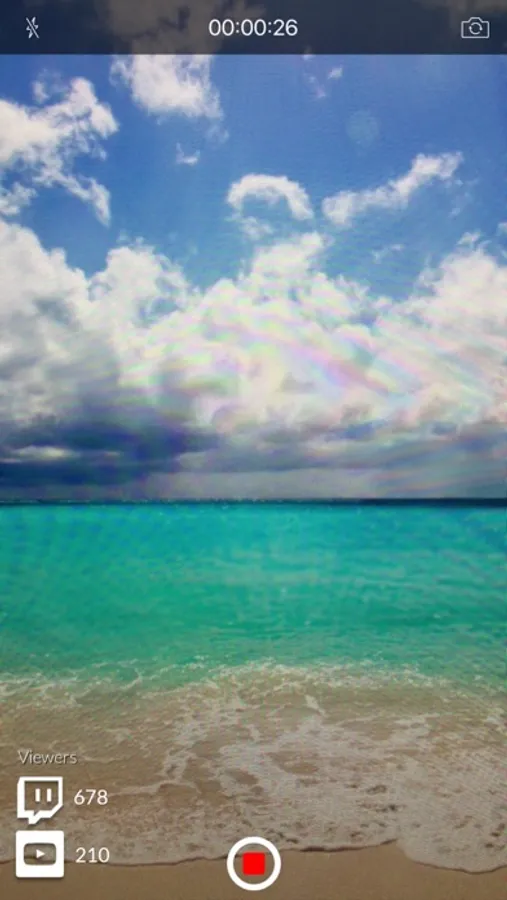
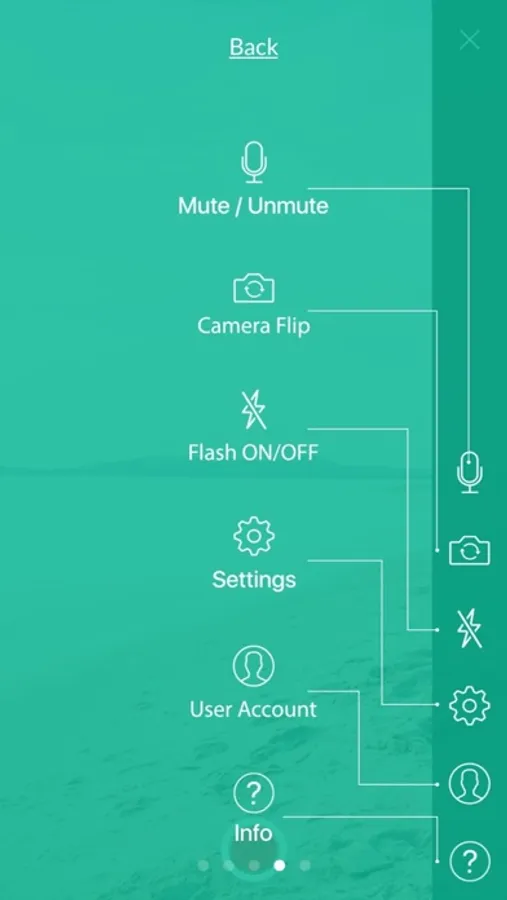
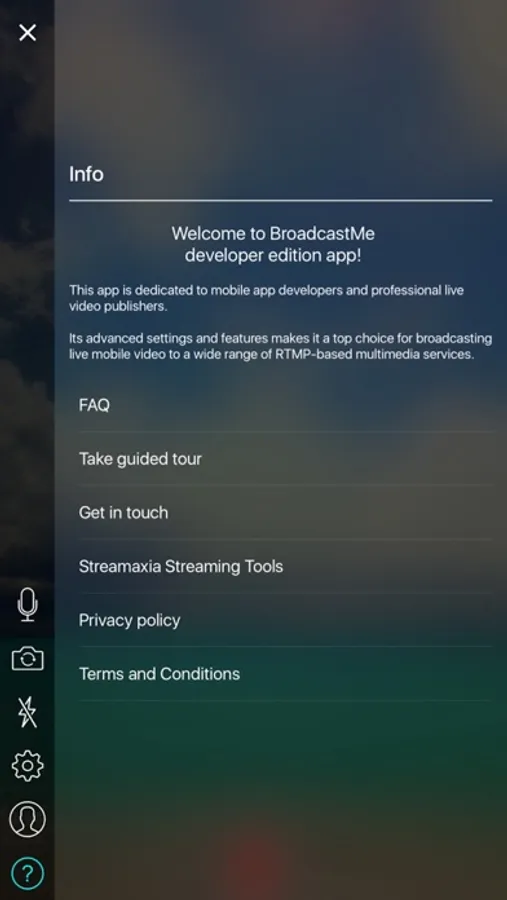
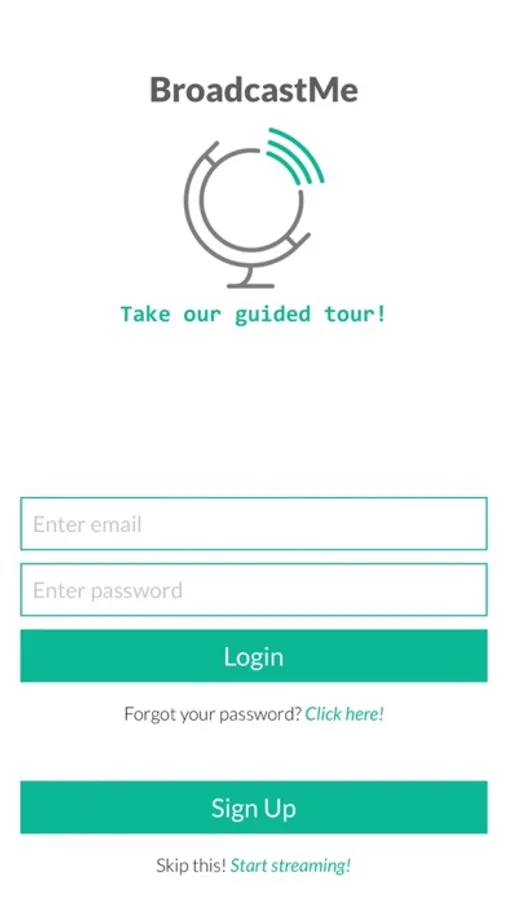
Broadcast Me Screenshots
Tap to Rate:
Reviews for Broadcast Me
TheGeekster
Useless
It will only stream for a few seconds then end the stream, won't stream a full-lenth podcast.
V0Z8
Bad app
There is no lifetime and could not creat account, it stucked