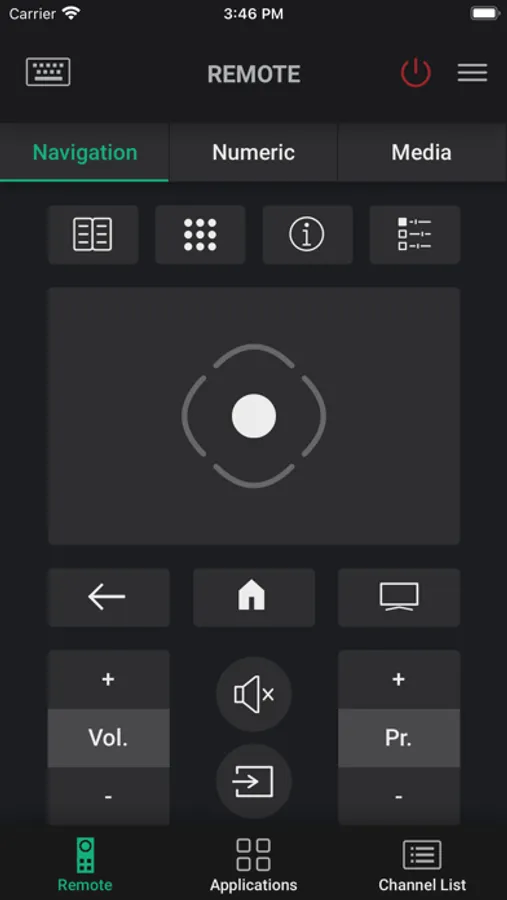
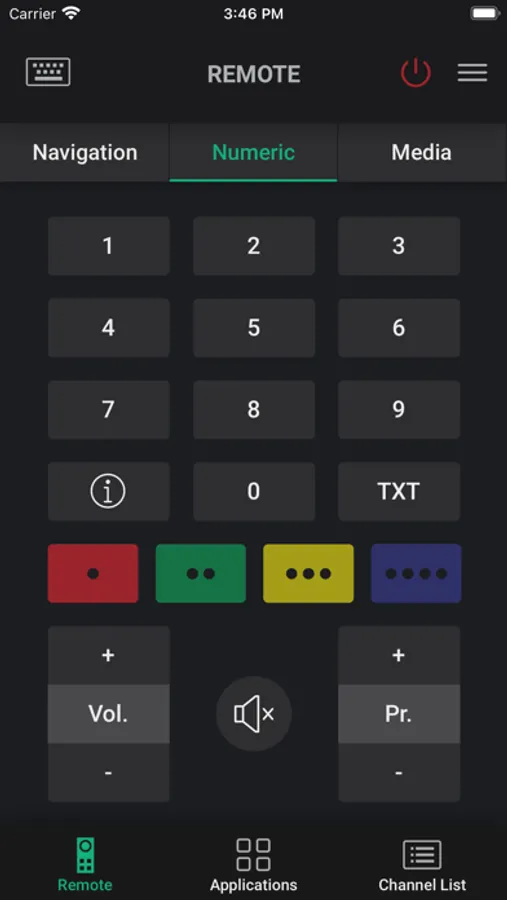
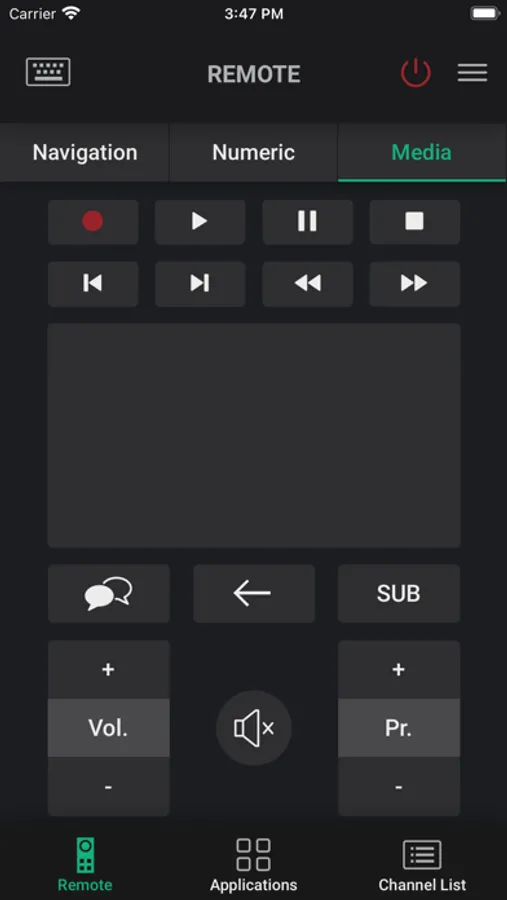
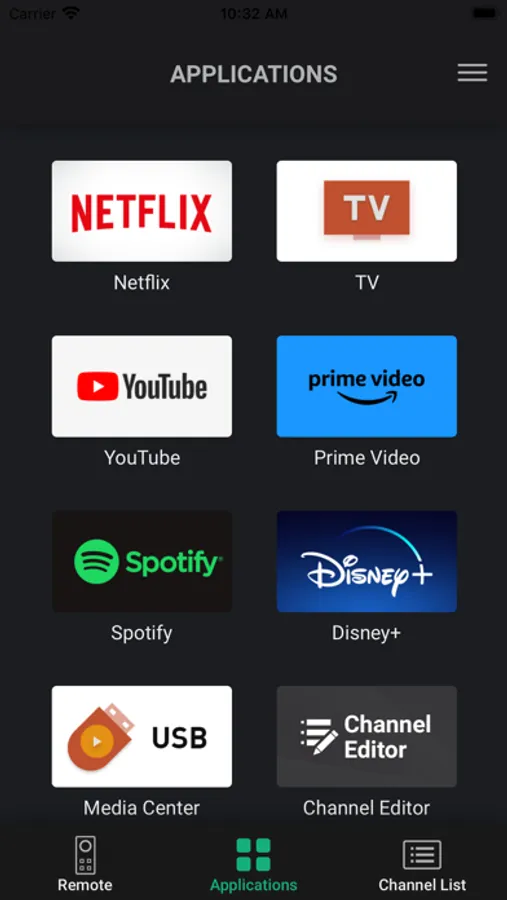
In this app, you can control your Grundig Smart TV using your iPhone or iPad and access remote, keyboard, and TV guide functions. Includes remote control, keyboard input, TV guide, and scheduling features.
AppRecs review analysis
AppRecs rating 4.4. Trustworthiness 72 out of 100. Review manipulation risk 22 out of 100. Based on a review sample analyzed.
★★★★☆
4.4
AppRecs Rating
Ratings breakdown
5 star
92%
4 star
4%
3 star
0%
2 star
0%
1 star
4%
What to know
✓
Low review manipulation risk
22% review manipulation risk
✓
Credible reviews
72% trustworthiness score from analyzed reviews
✓
High user satisfaction
92% of sampled ratings are 5 stars
About Grundig Smart Remote
Grundig Smart Remote application allows you to control your Grundig Smart TV using your iPhone/iPad
The only requirement is that your iPhone/iPad is connected to the same Access point as your TV. The Smart Remote app identifies your TV automatically and then you can control your TV in a comfortable way with it.
Connection
- Connect your Grundig Smart TV to your network access point.
- Connect your iPhone/iPad to the same access point.
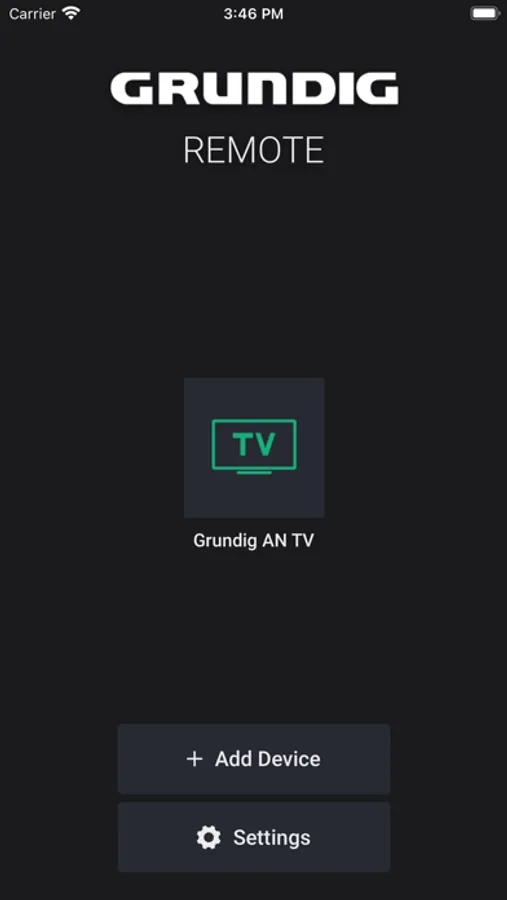
- Start "Grundig Smart Remote" application and press the "Add Device" button. If your iPhone/iPad cannot identify your Grundig Smart TV automatically, press the “+” button to connect your TV manually by entering your TV's IP-Address.
Features
The application offers different screen functions: Remote, Keyboard, Smart Guide and Schedule list.
- Remote: Remote control functionality for your Grundig Smart TV.
- Keyboard: Allows you to use the keyboard on your iPhone/iPad for TV applications in cases where input is needed.
- TV Guide: Allows you to navigate the TV channel list, search for channels and set a reminder or recorder for any event without changing the channel while watching TV.
- Schedule: Allows to see all available reminder and recorder events you set before and all are listed in one screen.
* Features may vary depend on your product.
Please check the “Supported Models" screen in the Settings to see if Grundig Smart Remote is compatible with your Grundig Smart TV.
The only requirement is that your iPhone/iPad is connected to the same Access point as your TV. The Smart Remote app identifies your TV automatically and then you can control your TV in a comfortable way with it.
Connection
- Connect your Grundig Smart TV to your network access point.
- Connect your iPhone/iPad to the same access point.
- Start "Grundig Smart Remote" application and press the "Add Device" button. If your iPhone/iPad cannot identify your Grundig Smart TV automatically, press the “+” button to connect your TV manually by entering your TV's IP-Address.
Features
The application offers different screen functions: Remote, Keyboard, Smart Guide and Schedule list.
- Remote: Remote control functionality for your Grundig Smart TV.
- Keyboard: Allows you to use the keyboard on your iPhone/iPad for TV applications in cases where input is needed.
- TV Guide: Allows you to navigate the TV channel list, search for channels and set a reminder or recorder for any event without changing the channel while watching TV.
- Schedule: Allows to see all available reminder and recorder events you set before and all are listed in one screen.
* Features may vary depend on your product.
Please check the “Supported Models" screen in the Settings to see if Grundig Smart Remote is compatible with your Grundig Smart TV.
Grundig Smart Remote Screenshots
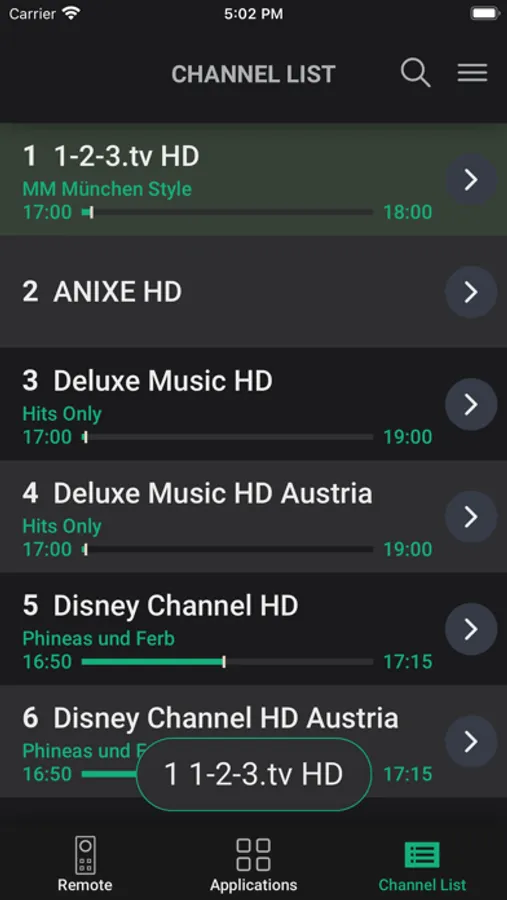
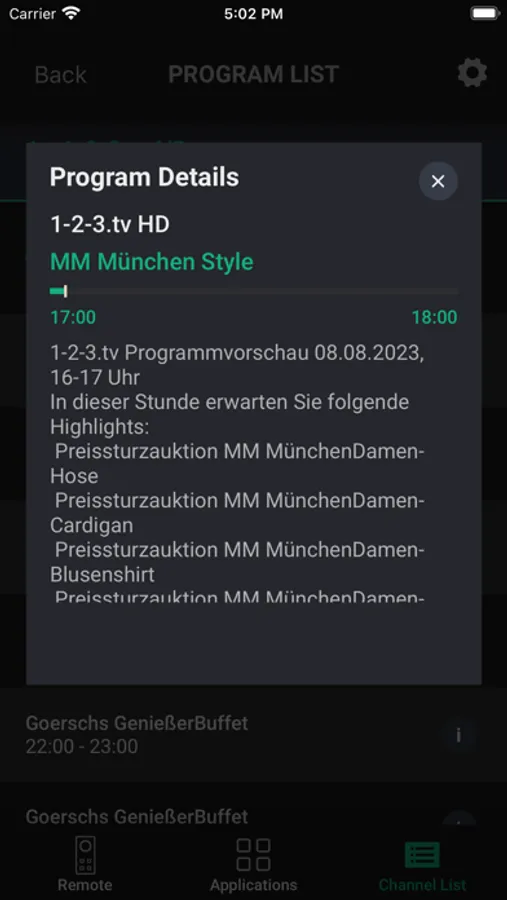
Tap to Rate:
Reviews for Grundig Smart Remote
Mistre Quakes
Perfect
👌🏼 that’s all I can say
Cr@zy FrOg
Hideous
As much as i loved the old app, i find this update to be useless, i cannot evaluate its menu and design and i have not yet gone past the Loading page when the app opens, i need the app to open first to be able to evaluate it,