
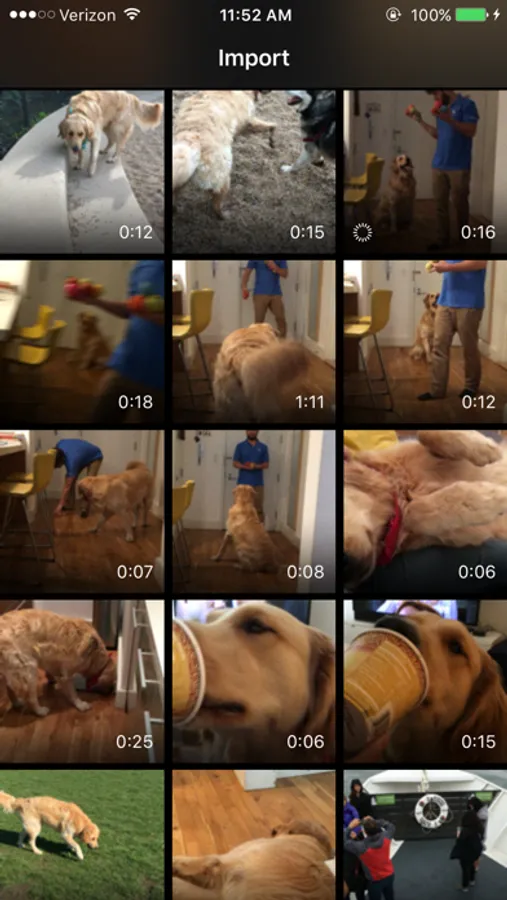
With this video editing app, you can change the speed of videos from your camera roll and convert frame rates for smooth slow motion or normal playback. Includes advanced image processing tools and options to export videos at various frame rates.
AppRecs review analysis
AppRecs rating 4.2. Trustworthiness 78 out of 100. Review manipulation risk 24 out of 100. Based on a review sample analyzed.
★★★★☆
4.2
AppRecs Rating
Ratings breakdown
5 star
81%
4 star
9%
3 star
4%
2 star
2%
1 star
5%
What to know
✓
Low review manipulation risk
24% review manipulation risk
✓
Credible reviews
78% trustworthiness score from analyzed reviews
⚠
Ad complaints
Many low ratings mention excessive ads
About TimeFreeze
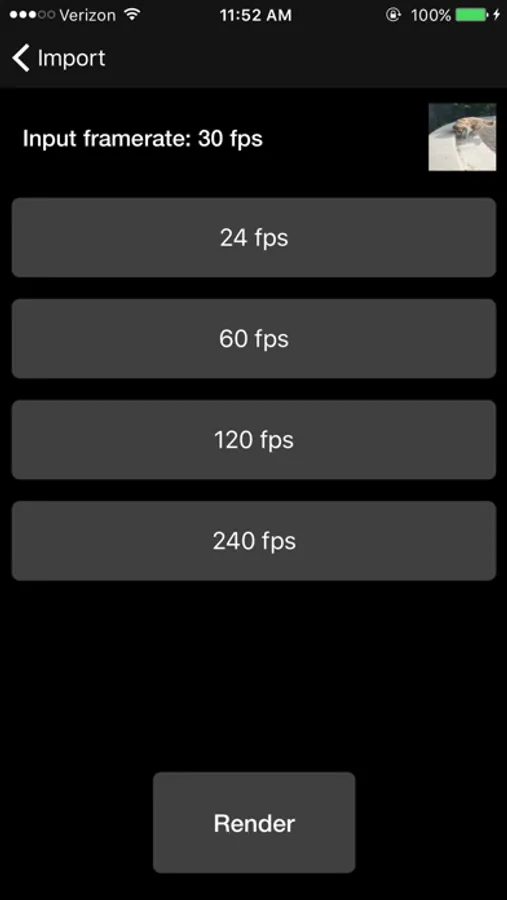
TimeFreeze is a unique video editing app that allows you to change the speed of videos from your camera roll. It uses advanced image processing algorithms to convert footage from 30 frames per second to 120 or even 240 looking surprisingly smooth.
The app also allows you to convert high speed video to normal 30 or 24 frames per second videos.
The app currently supports converting seamlessly between 24, 30, 60, 120 and 240 frames per second.
As a bonus TimeFreeze also allows you to export your slow motion edits into shareable 30 or 60 frames per second videos.
TimeFreeze has already been downloaded by hundreds of thousands of people. Try it out and let us know what you think.
TimeFreeze Screenshots
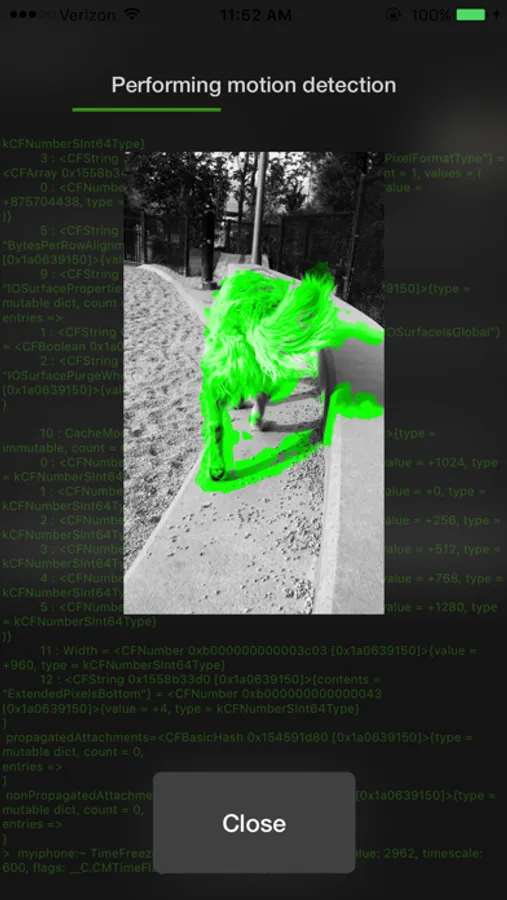
Tap to Rate:
Reviews for TimeFreeze
mr.downtown
¯\_(ツ)_/¯
App looks promising trying to process my video slow downs ... But NEVER is able to complete the retiming. I have to crash out every time. Even the cancel button is frozen
DylanAndElsa
No 60fps Option?
Edit: ‘Smooth motion’ did 60 fps. Alright! I’ve used this app for a month now, and I see in the description for the app, it says you can make any video (like my 30 fps) convert to 60 fps. But upon selecting HFR, I only see 120 or 240.