AppRecs review analysis
AppRecs rating 1.0. Trustworthiness 76 out of 100. Review manipulation risk 21 out of 100. Based on a review sample analyzed.
★☆☆☆☆
1.0
AppRecs Rating
Ratings breakdown
5 star
0%
4 star
13%
3 star
13%
2 star
13%
1 star
63%
What to know
✓
Low review manipulation risk
21% review manipulation risk
✓
Credible reviews
76% trustworthiness score from analyzed reviews
⚠
Mixed user feedback
Average 1.0★ rating suggests room for improvement
About OpenSeaMap
FEATURES:
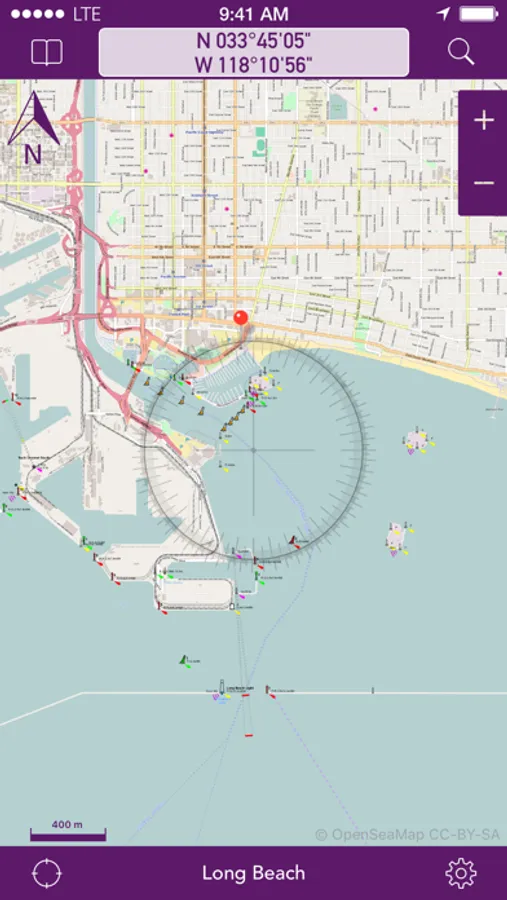
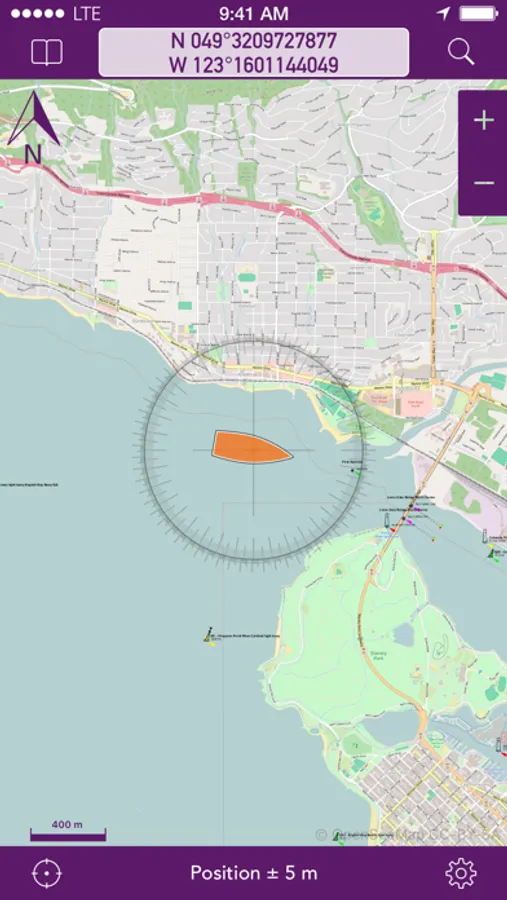
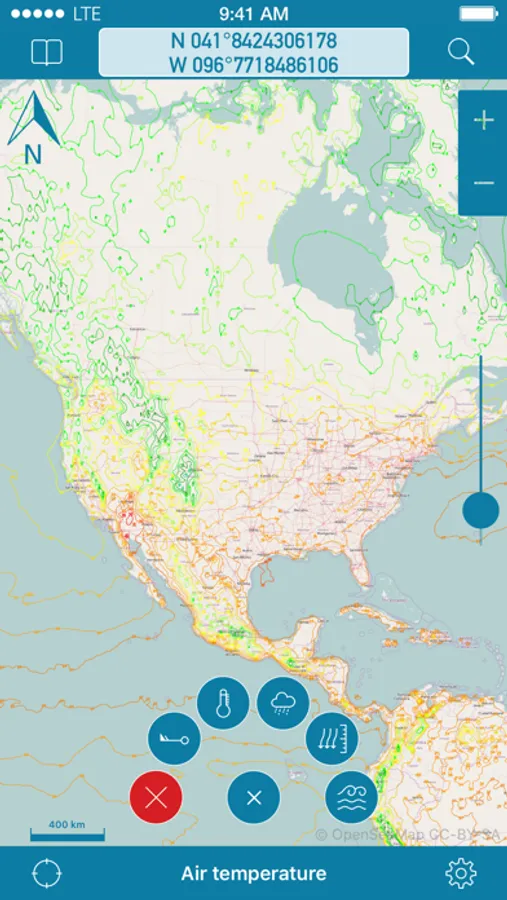
- Free worldwide sea chart (incl. HD chart graphics)
- Search for geolocations worldwide
- Chartplotting with continuous tracking
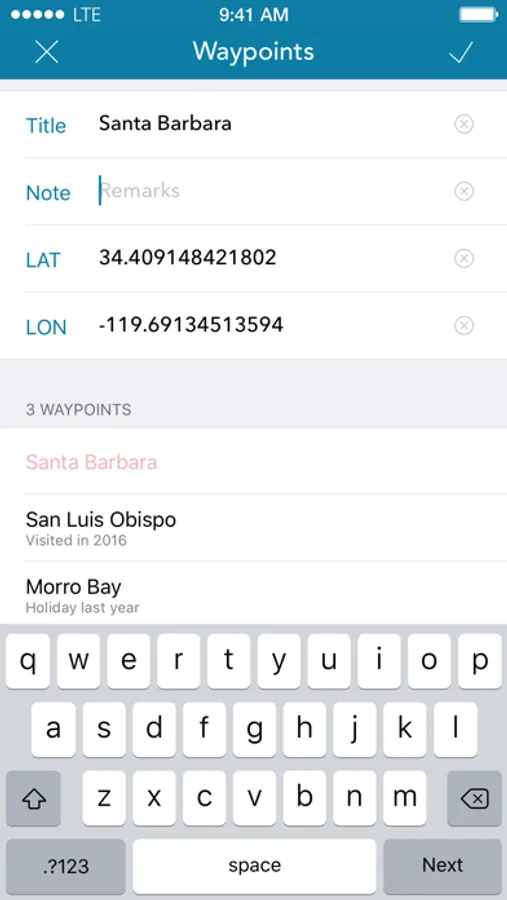
- Waypoints can easily be created, edited, deleted & exported
- Mark locations in the chart
- Zoom chart optically to fit your preferred reading size
- Enter coordinates directly to be displayed in the chart
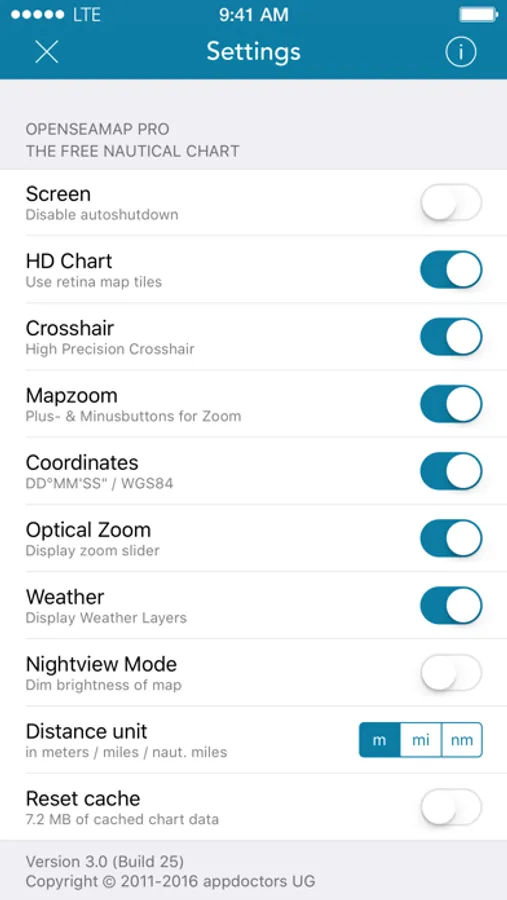
- Offline caching of up to 1 million map tiles
- Cleanup of chart cache data at any time
To ensure future development and support of the OpenSeaMap app we encourage you to buy the In-App-Product "PRO". This will help keeping new updates and features coming.
DISCLAIMER:
OpenSeaMap is part of the OpenStreetMap and uses the same database. As an experienced navigator you should NEVER rely your descisions on one source of information alone. Please keep in mind that the OpenSeaMap can not replace official sea charts on bord of your boat. Please use the OpenSeaMap app only in conjunction with official sea charts and conforming to national and international regulations. Please recognize that no depth information is provided by this product.
IMPORTANT:
The continued use of the GPS can significantly decrease the battery level.
OpenSeaMap Screenshots
Tap to Rate:
Reviews for OpenSeaMap
shushing3
Can’t create a route, App crashes
First time user - I was looking forward to simply plotting a route over a marine chart, to visualize the likely vessel path before a recent South Korea marine accident. I’m usually quite adept at making apps work for me, including several other marine apps, but I couldn’t find a way to create a route on the map in this one. The bar at the bottom appears to be where an option like that might appear, but tapping on it just causes the app to immediately crash. I did try creating a few waypoints, but I couldn’t find a way to create a route that follows them.
turkeybar
wheres the chart data?
had high hopes for open crowd sourced charting, this isnt it. for marine navigation, even google streetmaps on sat view has more detail. willing to be told im wrong, but i deleted it after 15 minutes.