AppRecs review analysis
AppRecs rating 4.0. Trustworthiness 80 out of 100. Review manipulation risk 20 out of 100. Based on a review sample analyzed.
★★★★☆
4.0
AppRecs Rating
Ratings breakdown
5 star
38%
4 star
13%
3 star
13%
2 star
13%
1 star
25%
What to know
✓
Low review manipulation risk
20% review manipulation risk
✓
Credible reviews
80% trustworthiness score from analyzed reviews
About Read What I Say
We apologize for the recent disruption of service due to a license expiration. Previous purchasers can delete their old version and download this new version free of charge and be back in action.
Read What I Say has two valuable applications.
Learning to Read
Very young children who hear speech and then see it written can learn to read naturally without direct instruction. The parent or caregiver simply dictates a short meaningful comment to the infant, toddler, or pre-school child, and the child then sees it written in big clear letters on the iPad or iPod.
Difficult Listening Conditions
This application makes it possible for all of us to understand a conversation by reading easily seen text on the iPad or iPod screen. The talker dictates a statement or question which is then written on the iPad or iPod. By seeing the talker and then reading the text, the listener will usually understand the message. You can find it as an app on the iPhone, iPad, or iPod.
How It Works
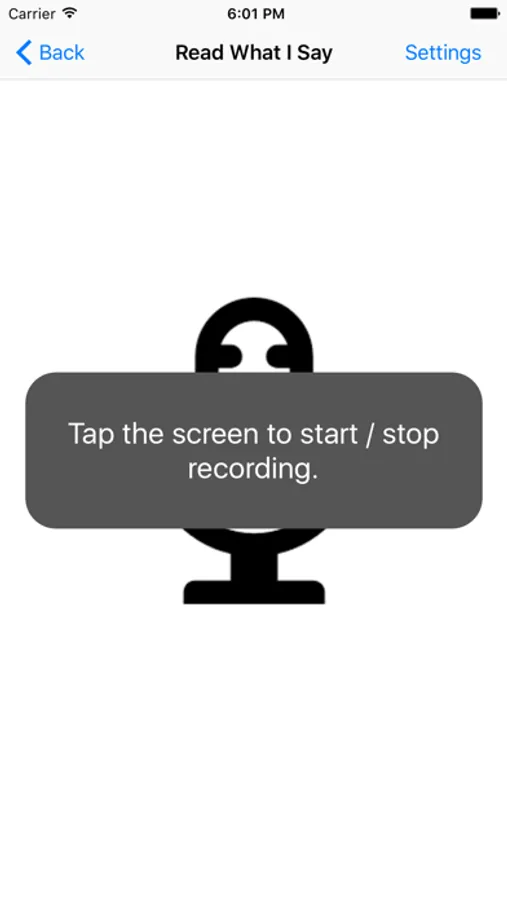
For best accuracy, the talker should talk clearly and with emphasis. The talker simply touches the screen just before and just after talking. The words will then appear on the iPad screen. Make sure the reader has a good view of the screen.
Optimizing the Settings
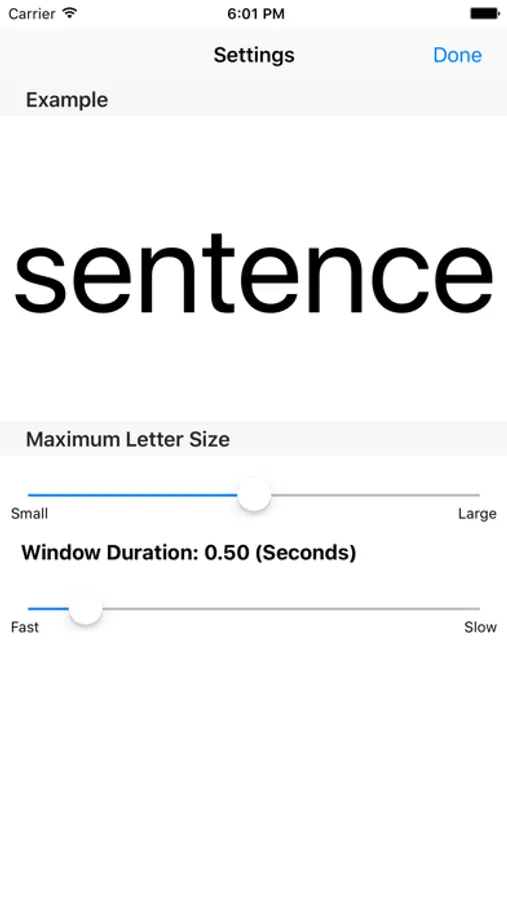
The Settings page allows the presentation of the words to be written in a size and at a pace preferred by you or your child. These settings are remembered until they are changed.
Why It Works: Learning to Read
When an appropriate form of written text is meaningfully associated with children’s experience early in life, reading will be learned inductively with ease and with no significant negative consequences. This application could empower your child to learn to read naturally without instruction. Simply dictate some of your remarks to your child so he or she can view them in written form. Given that the speech recognition cannot be perfectly accurate, display the output to yourself to determine if it is accurate before you dictate it again to show to your child.
Why It Works: Difficult Listening Conditions
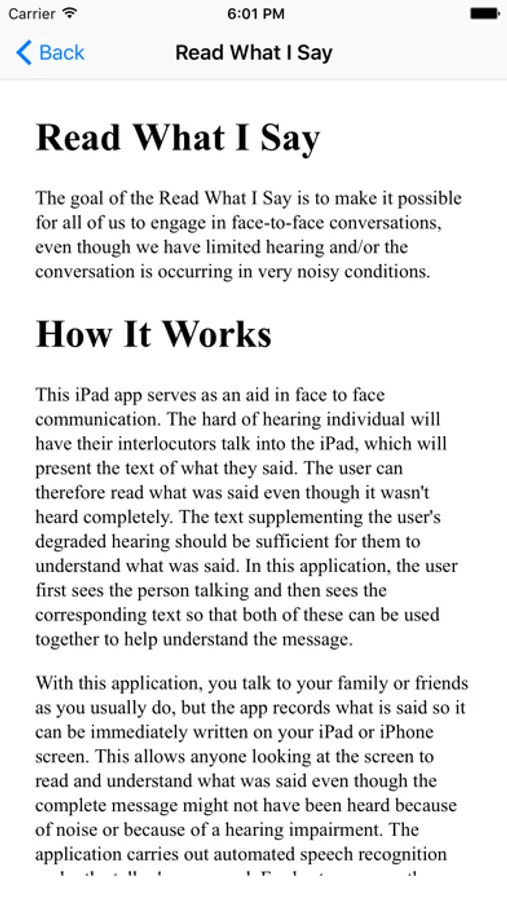
This app serves as an aid in face to face communication. The text supplementing the user's degraded hearing should be sufficient for them to understand what was said. In this application, the user first sees the person talking and then sees the corresponding text so that both of these can be used together to help understand the message.
For a demonstration in difficult listening conditions and hints on how to use the application, view the youtube video
http://www.youtube.com/watch?v=P9w5wH8dLO0&feature=youtu.be
For support, go to
http://psyentificmind.com/apps/read-what-i-say-2
Read What I Say has two valuable applications.
Learning to Read
Very young children who hear speech and then see it written can learn to read naturally without direct instruction. The parent or caregiver simply dictates a short meaningful comment to the infant, toddler, or pre-school child, and the child then sees it written in big clear letters on the iPad or iPod.
Difficult Listening Conditions
This application makes it possible for all of us to understand a conversation by reading easily seen text on the iPad or iPod screen. The talker dictates a statement or question which is then written on the iPad or iPod. By seeing the talker and then reading the text, the listener will usually understand the message. You can find it as an app on the iPhone, iPad, or iPod.
How It Works
For best accuracy, the talker should talk clearly and with emphasis. The talker simply touches the screen just before and just after talking. The words will then appear on the iPad screen. Make sure the reader has a good view of the screen.
Optimizing the Settings
The Settings page allows the presentation of the words to be written in a size and at a pace preferred by you or your child. These settings are remembered until they are changed.
Why It Works: Learning to Read
When an appropriate form of written text is meaningfully associated with children’s experience early in life, reading will be learned inductively with ease and with no significant negative consequences. This application could empower your child to learn to read naturally without instruction. Simply dictate some of your remarks to your child so he or she can view them in written form. Given that the speech recognition cannot be perfectly accurate, display the output to yourself to determine if it is accurate before you dictate it again to show to your child.
Why It Works: Difficult Listening Conditions
This app serves as an aid in face to face communication. The text supplementing the user's degraded hearing should be sufficient for them to understand what was said. In this application, the user first sees the person talking and then sees the corresponding text so that both of these can be used together to help understand the message.
For a demonstration in difficult listening conditions and hints on how to use the application, view the youtube video
http://www.youtube.com/watch?v=P9w5wH8dLO0&feature=youtu.be
For support, go to
http://psyentificmind.com/apps/read-what-i-say-2
Read What I Say Screenshots
Tap to Rate:
Reviews for Read What I Say
kalib 1
I’ll give it a 3 star
I do not like when this app crashes it has some concerns and needs Wi-Fi.
Dlb1115
This does not work!
I really wanted to like the app, but it is really bad. How did this get past apple? I don't have an accent yet the app cannot understand a single word I say. My kids get a kick out of how inaccurate it is, but that is the only positive thing I can say. What a waste of money.