AppRecs review analysis
AppRecs rating 4.1. Trustworthiness 80 out of 100. Review manipulation risk 23 out of 100. Based on a review sample analyzed.
★★★★☆
4.1
AppRecs Rating
Ratings breakdown
5 star
66%
4 star
11%
3 star
6%
2 star
3%
1 star
14%
What to know
✓
Low review manipulation risk
23% review manipulation risk
✓
Credible reviews
80% trustworthiness score from analyzed reviews
✓
High user satisfaction
77% of sampled ratings are 4+ stars (4.1★ average)
About Runner's Log
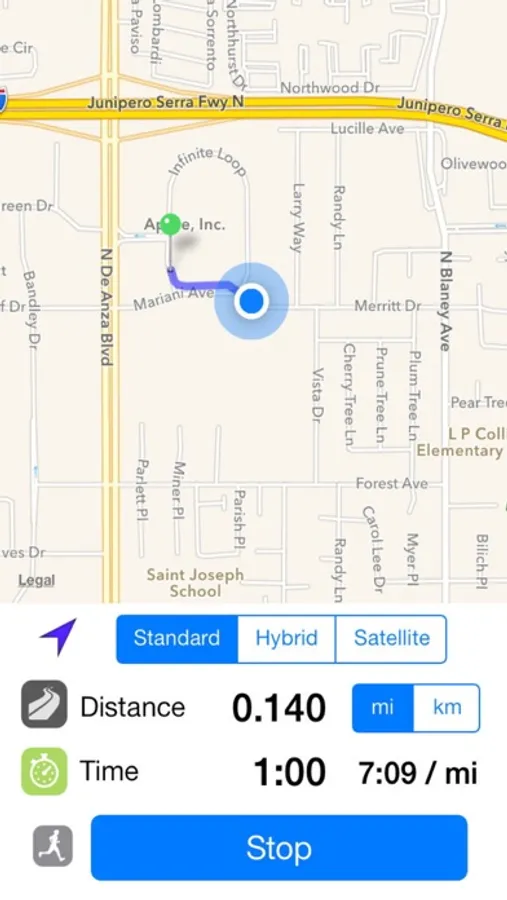
● Use the built-in map to plan out a route, or if using an iPhone, simply track your course with GPS.*
● Sync your iPhone and iPad using iCloud (enable via Settings app).
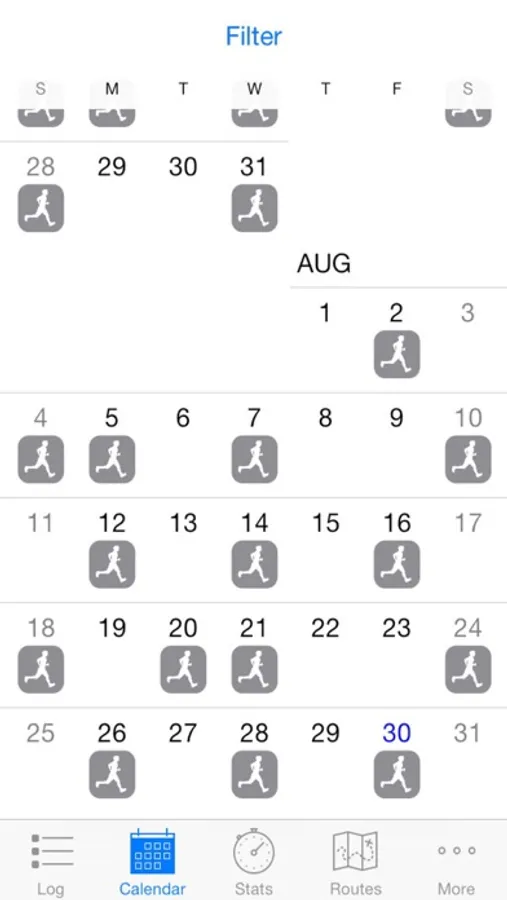
● View a calendar showing which days you ran recently.
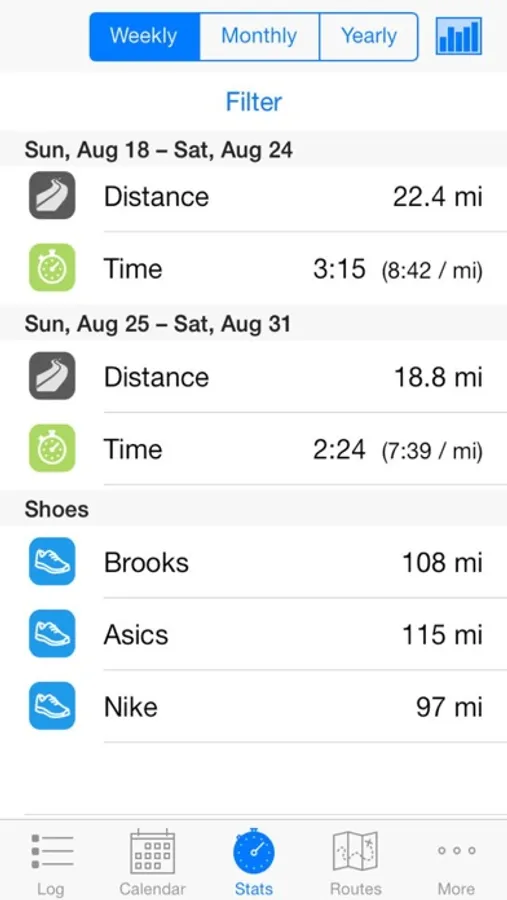
● View statistics and charts of weekly, monthly, and yearly progress.
● Track the total mileage put on your running shoes (which typically last 350–550 miles).
● Categorize log entries with user-defined tags.
● Share on dailymile.com, Twitter, Facebook.
● Import and export data in CSV format. Import GPX files.
Runner's Log makes it easy to record the results of a running session in a matter of seconds. You can also use Runner's Log to review your running history, and plan new routes for future running sessions.
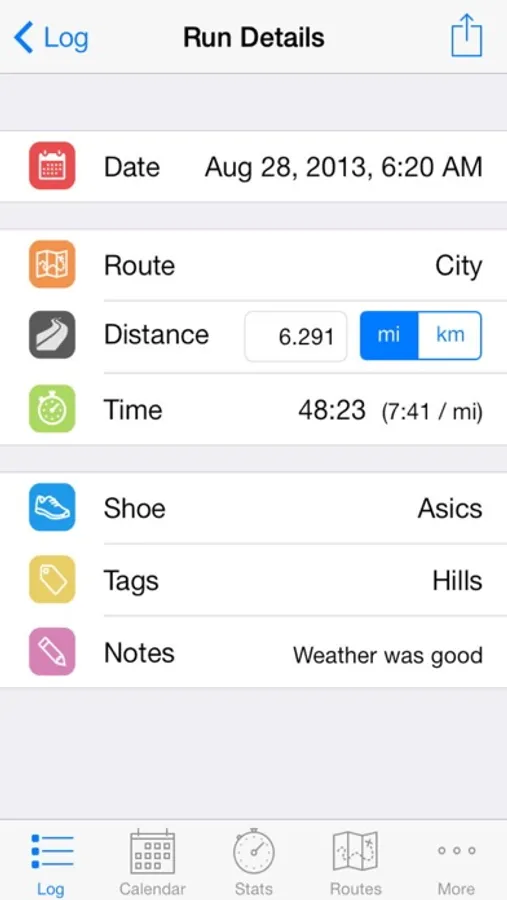
You can simply use GPS if using an iPhone or, when you return from a run, use Runner's Log to record your session: The date, route, and shoes used are all automatically filled in based on defaults. The time spent on your last run for the route is also presented as the default. Simply adjust the minutes or seconds and you are done! Your pace will be shown to you.
To plan a new route to try in your neighborhood, go to the routes tab and bring up the map, which centers on your current location. Simply tap points on the map in order to create your route. When done, the route distance is automatically computed. If you run this route frequently, you can set it as the default.
Runner's Log makes it a cinch to keep track of shoe mileage. Any unlogged mileage already on your shoes can be added to the total tracked. You can track each pair separately, and you can choose a pair of shoes to be the default for new running sessions. When a pair is ready to be retired, you can mark it as such.
You can view a calendar showing which days you ran recently. This makes it easy to decide if you are due for a run today, or should take a break. You can also view statistics and charts showing weekly, monthly, and yearly summaries of your distance, time and pace, as well as the accumulated mileage put on your shoes. You can focus on runs of a particular type by filtering by tags.
“Runner’s Log is a fantastic application for keeping track of your runs.” —makeuseof.com
“Aesthetically, Runner's Log is really nice. Simple, user-friendly, just a nice looking app.” —TheMiddleMiles.blogspot.com
“Runner's Log … has all of the features that runners need. Created by a runner, for runners. What more could you ask for?” —imrunnerchica.com
*Continued use of GPS running in the background can dramatically decrease battery life.
Runner's Log Screenshots
Tap to Rate:
Reviews for Runner's Log
Clara123👍
Awesome App!
I really enjoy using this app. It works perfectly for tracking your progress with running. I’m a track athlete, so I use it for meeting benchmarks for my races and keeping a log of my times with different races. The only thing that bugs me is that it rounds up the miles. If I submit “0.25 mile” for the distance, it shows up on the Home Screen (where it says “log”) as “0.3 mile”. I understand this and acknowledge that this app is more geared towards long-distance or cross country runners, but it would greatly benefit me if it was changed to say the exact precise distance, rather than a rounded distance.
DC76
Since 2014
No need to change. Have my complete history. Awesome.