About TriggerSVD
TriggerSVD extends the operational control of a Director deployment to iOS. Manipulating individual script states, going to or returning from an ad-hoc state, starting or stopping of the script, or controlling TV power venue wide can all be done within TriggerSVD.
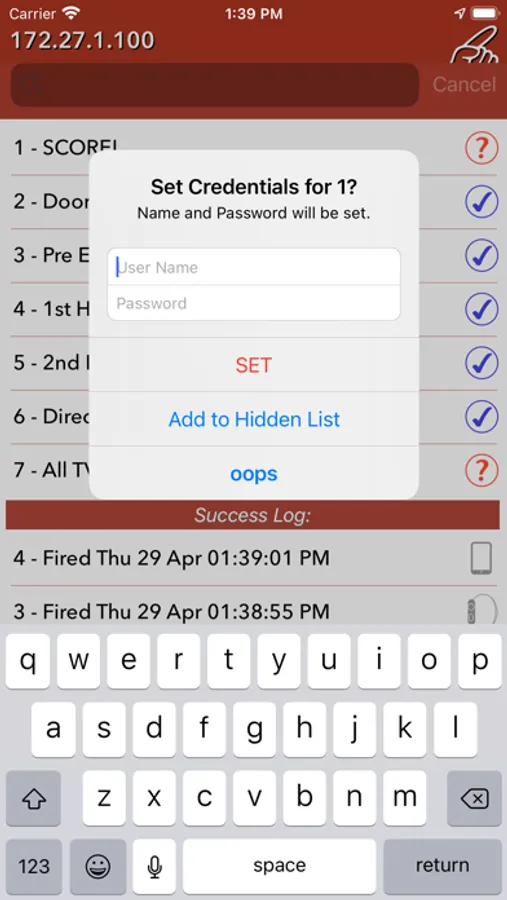
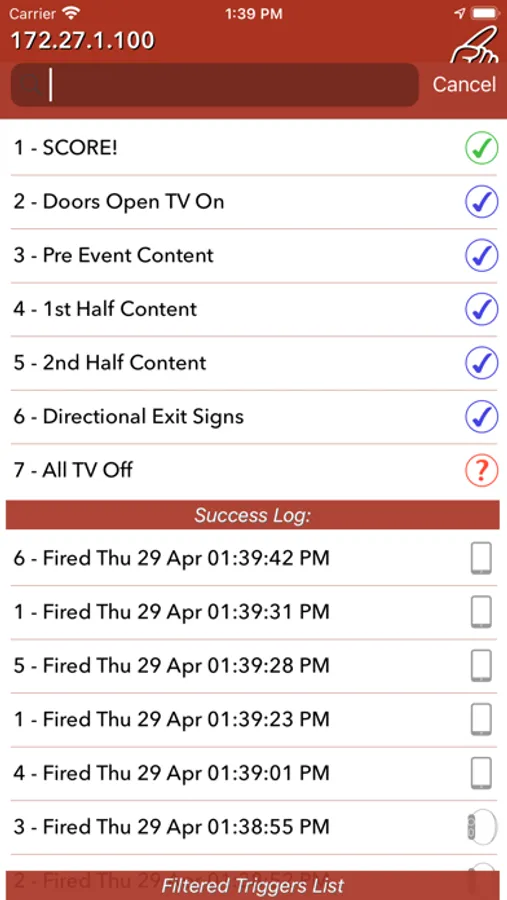
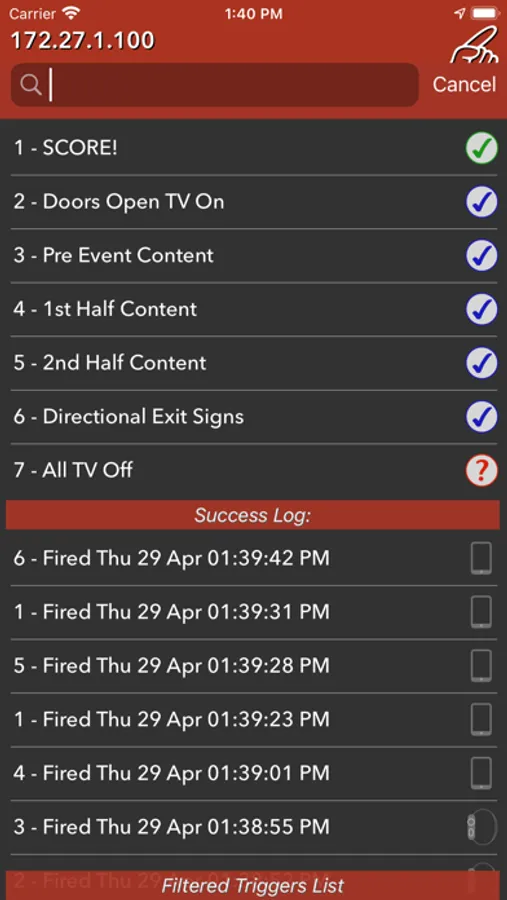
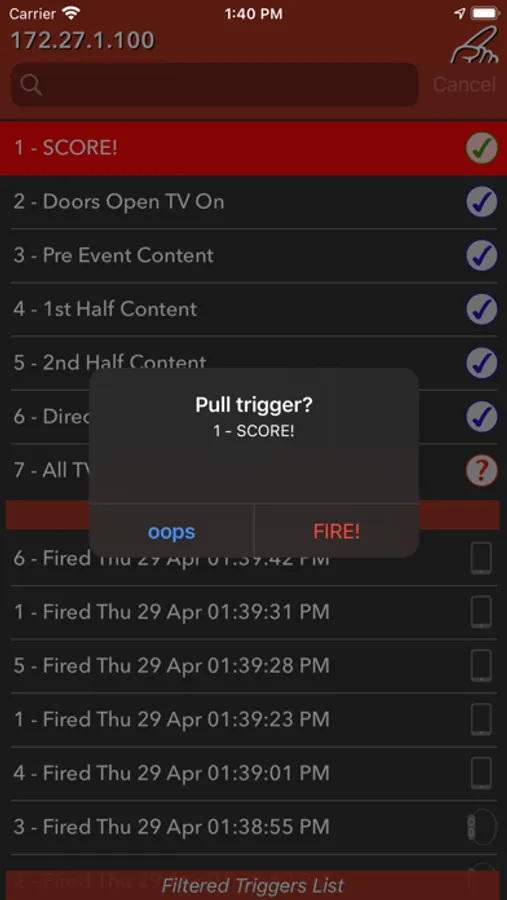
Triggers are pulled from Director upon launch and are listed individually with details. Director configuration will determine the credential need of each trigger. TriggerSVD will use the appropriate GET or POST method as defined on Director to send the trigger. The Credentials for each trigger should be set within TriggerSVD to match the Director configuration.
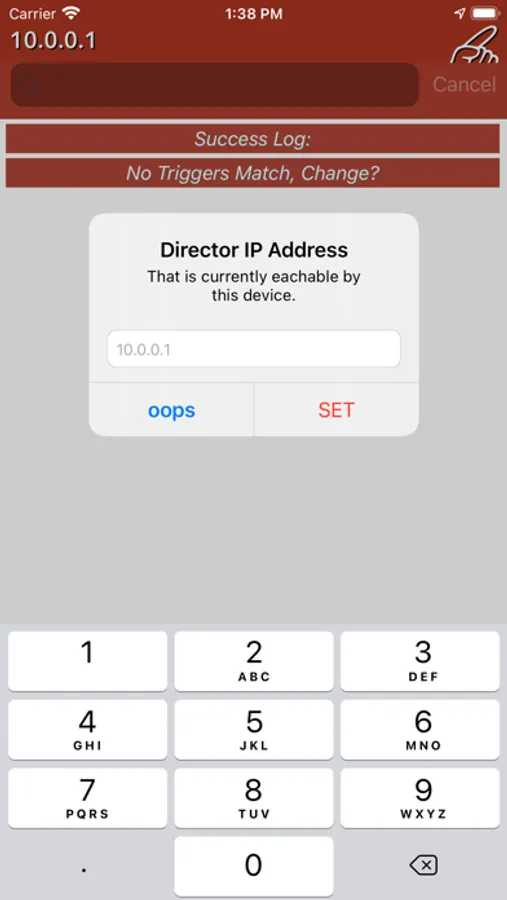
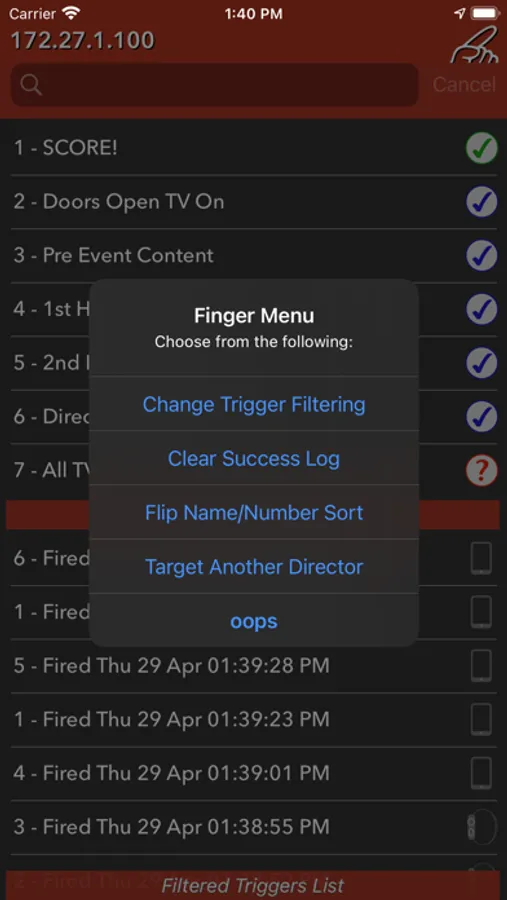
When first run TriggerSVD will prompt for the Director IP Address and will store it within Settings This is also where HTTPS and other options can be enabled. Two more directors for a total of three can be specified and chosen within TriggerSVD via the finger menu listings.
TriggerSVD will request access to location services to obtain and display the Wi-Fi network to you (optional). Use directly over a secure WiFi enabled venue. Works over a VPN connection as well.
Quick note on Apple watch - supported with a paired device. If possible have the watch updated for the best experience.
Quick note on Siri integration - iOS 12.1 is required for the shortcuts to appear in Settings>Siri & Search or the Shortcuts app. Send a trigger the usual way, then look to make a shortcut.
Triggers are pulled from Director upon launch and are listed individually with details. Director configuration will determine the credential need of each trigger. TriggerSVD will use the appropriate GET or POST method as defined on Director to send the trigger. The Credentials for each trigger should be set within TriggerSVD to match the Director configuration.
When first run TriggerSVD will prompt for the Director IP Address and will store it within Settings This is also where HTTPS and other options can be enabled. Two more directors for a total of three can be specified and chosen within TriggerSVD via the finger menu listings.
TriggerSVD will request access to location services to obtain and display the Wi-Fi network to you (optional). Use directly over a secure WiFi enabled venue. Works over a VPN connection as well.
Quick note on Apple watch - supported with a paired device. If possible have the watch updated for the best experience.
Quick note on Siri integration - iOS 12.1 is required for the shortcuts to appear in Settings>Siri & Search or the Shortcuts app. Send a trigger the usual way, then look to make a shortcut.
TriggerSVD Screenshots

Tap to Rate: