With this cloud storage app, you can securely save, organize, and collaborate on files from any device. Includes file sharing, offline access, and AI-powered insights for productivity.
AppRecs review analysis
AppRecs rating 4.5. Trustworthiness 72 out of 100. Review manipulation risk 32 out of 100. Based on a review sample analyzed.
★★★★☆
4.5
AppRecs Rating
Ratings breakdown
5 star
88%
4 star
7%
3 star
2%
2 star
1%
1 star
2%
What to know
✓
Credible reviews
72% trustworthiness score from analyzed reviews
✓
High user satisfaction
88% of sampled ratings are 5 stars
✓
Proven track record
Strong volume of user ratings
About Google Drive
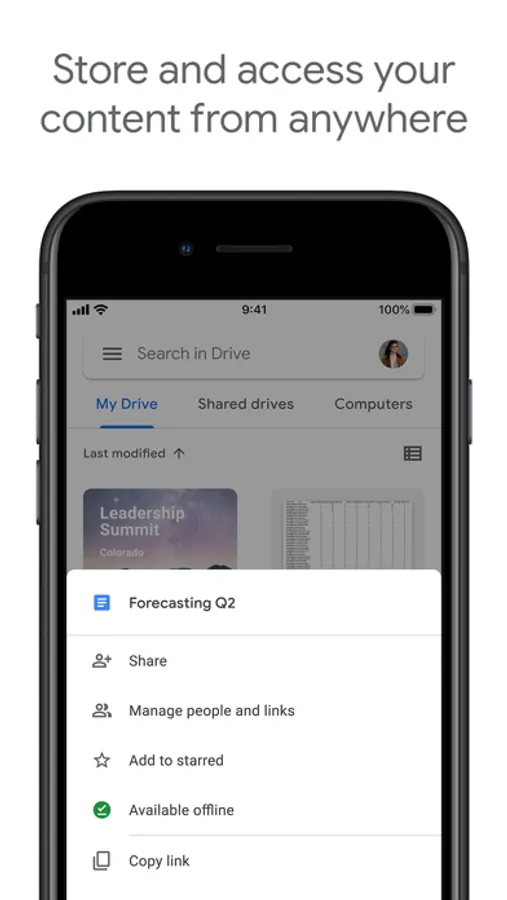
Google Drive lets you securely store, intelligently organize and collaborate on files and folders from anywhere, on any device.
With Drive, you can:
• Safely store and access your files anywhere
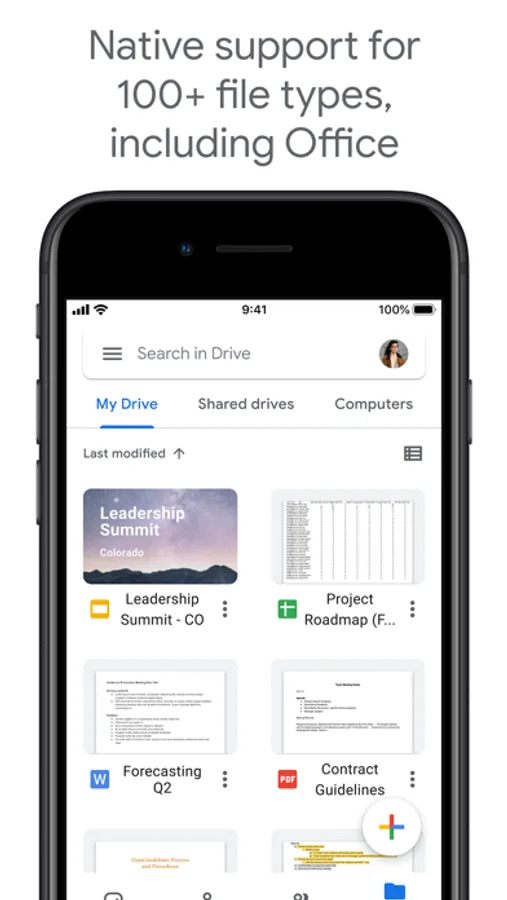
• Edit and store 100+ file types, including PDFs, Office files, videos and more
• Scan and upload paper documents using your device’s camera
• Quickly access recent and important files
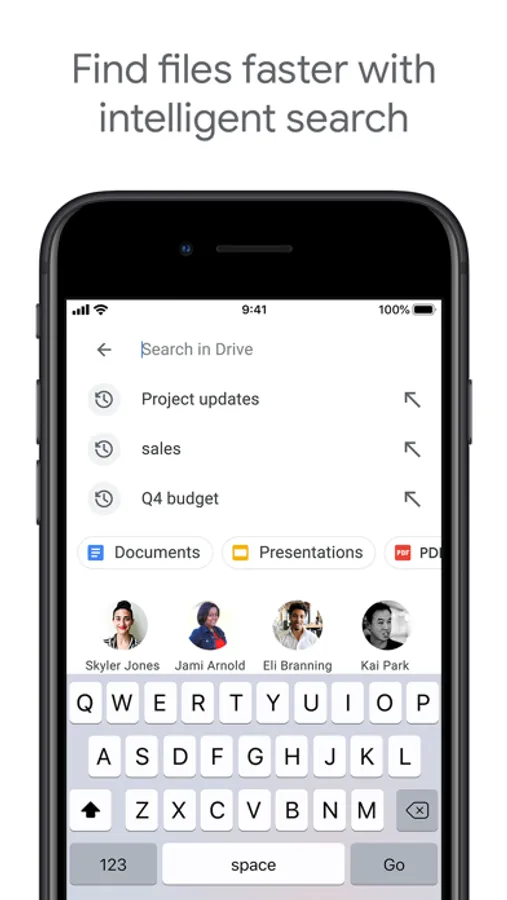
• Search for files by name and content
• Filter files by type, last modified date and more
• Share and set permissions for files and folders
• View your content on the go while offline
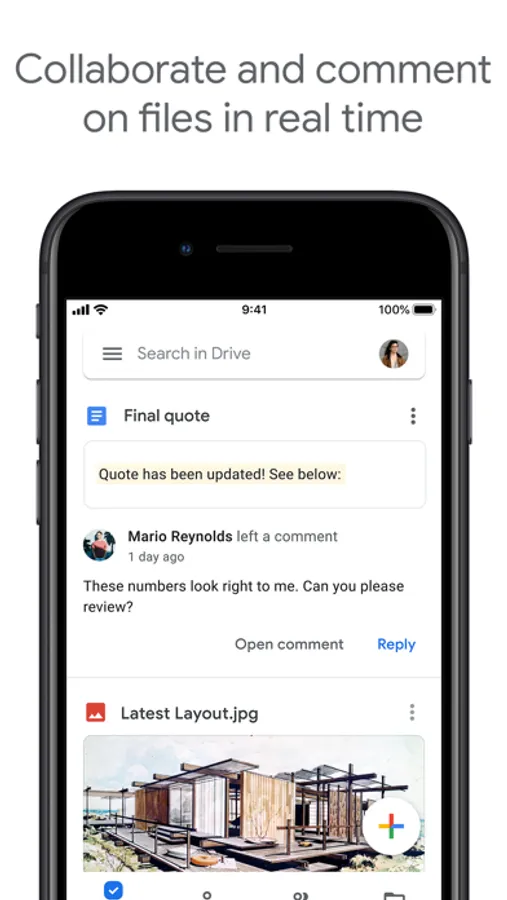
• Receive notifications about important activity on your files
Google Workspace subscribers have access to additional Drive functionality, including:
• Using AI to summarize information, retrieve quick facts, and surface insights from your files
• Security and management controls for admins to help meet data compliance needs
• Sharing files and folders directly with groups or teams within your organization
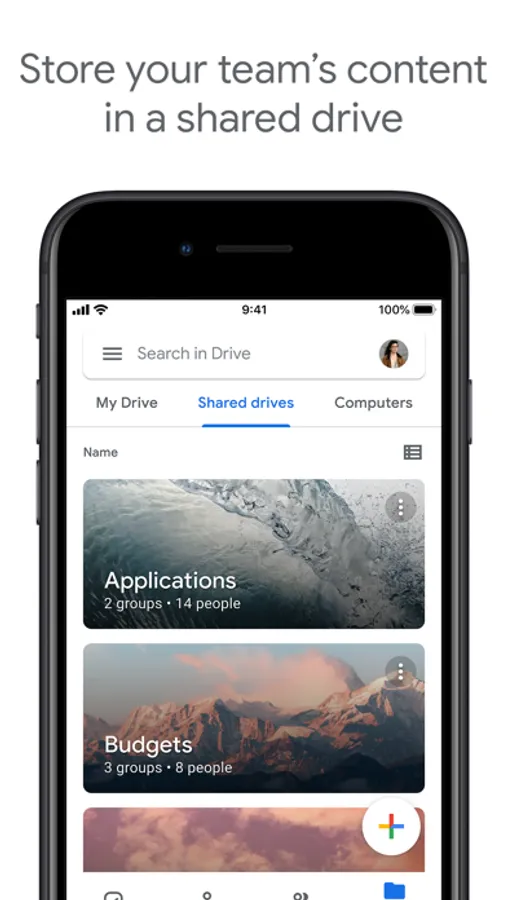
• Creating a shared drive to store all of your team’s content
• Requesting electronic signatures and manage vendor agreements, customer contracts, and more
Learn more about Google Apps update policy: https://support.google.com/a/answer/6288871
Google accounts get 15GB of storage, shared across Google Drive, Gmail, and Google Photos. For additional storage, you can upgrade to Google Workspace or Google One as an in-app purchase.
Storage subscriptions purchased from the app will be charged to your iTunes Account, and automatically renew unless auto-renew is turned off at least 24 hours before the end of the current period. Subscriptions and auto-renewal may be managed by going to iTunes Account Settings after purchase.
Google Privacy Policy: https://www.google.com/intl/en_US/policies/privacy
Google Drive Terms of Service: https://www.google.com/drive/terms-of-service
Follow us for more:
X: https://x.com/googleworkspace and https://x.com/googledrive
LinkedIn: https://www.linkedin.com/showcase/googleworkspace
Facebook: https://www.facebook.com/googleworkspace/
With Drive, you can:
• Safely store and access your files anywhere
• Edit and store 100+ file types, including PDFs, Office files, videos and more
• Scan and upload paper documents using your device’s camera
• Quickly access recent and important files
• Search for files by name and content
• Filter files by type, last modified date and more
• Share and set permissions for files and folders
• View your content on the go while offline
• Receive notifications about important activity on your files
Google Workspace subscribers have access to additional Drive functionality, including:
• Using AI to summarize information, retrieve quick facts, and surface insights from your files
• Security and management controls for admins to help meet data compliance needs
• Sharing files and folders directly with groups or teams within your organization
• Creating a shared drive to store all of your team’s content
• Requesting electronic signatures and manage vendor agreements, customer contracts, and more
Learn more about Google Apps update policy: https://support.google.com/a/answer/6288871
Google accounts get 15GB of storage, shared across Google Drive, Gmail, and Google Photos. For additional storage, you can upgrade to Google Workspace or Google One as an in-app purchase.
Storage subscriptions purchased from the app will be charged to your iTunes Account, and automatically renew unless auto-renew is turned off at least 24 hours before the end of the current period. Subscriptions and auto-renewal may be managed by going to iTunes Account Settings after purchase.
Google Privacy Policy: https://www.google.com/intl/en_US/policies/privacy
Google Drive Terms of Service: https://www.google.com/drive/terms-of-service
Follow us for more:
X: https://x.com/googleworkspace and https://x.com/googledrive
LinkedIn: https://www.linkedin.com/showcase/googleworkspace
Facebook: https://www.facebook.com/googleworkspace/
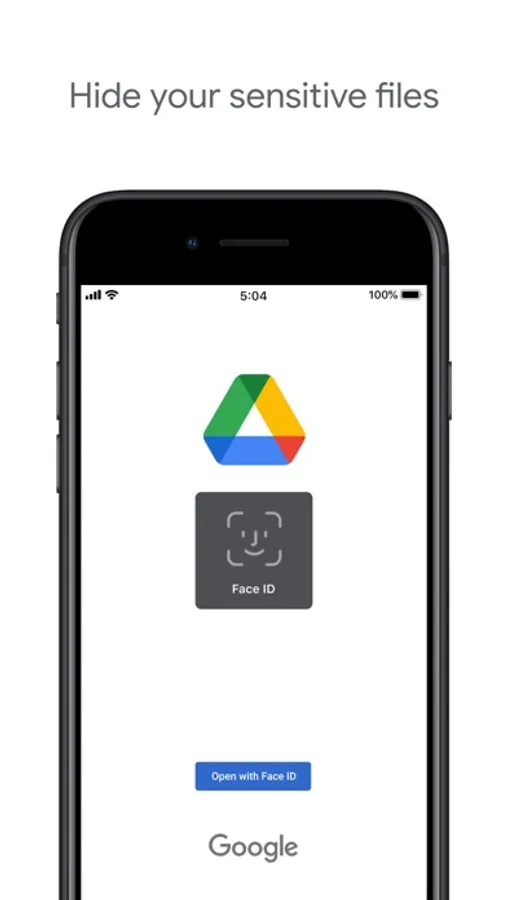
Google Drive Screenshots
Tap to Rate:
Reviews for Google Drive
Oluwatafunmi
Almost so good
Why do I have to pay for more than 15GB of storage
MHN70!
Message
Just now saw your contact