AppRecs review analysis
AppRecs rating 3.6. Trustworthiness 78 out of 100. Review manipulation risk 21 out of 100. Based on a review sample analyzed.
★★★☆☆
3.6
AppRecs Rating
Ratings breakdown
5 star
36%
4 star
27%
3 star
18%
2 star
9%
1 star
9%
What to know
✓
Low review manipulation risk
21% review manipulation risk
✓
Credible reviews
78% trustworthiness score from analyzed reviews
✓
Good user ratings
64% positive sampled reviews
About Xer
Features:
+ Real-pixel editing.
+ Create projects with photos or a blank background.
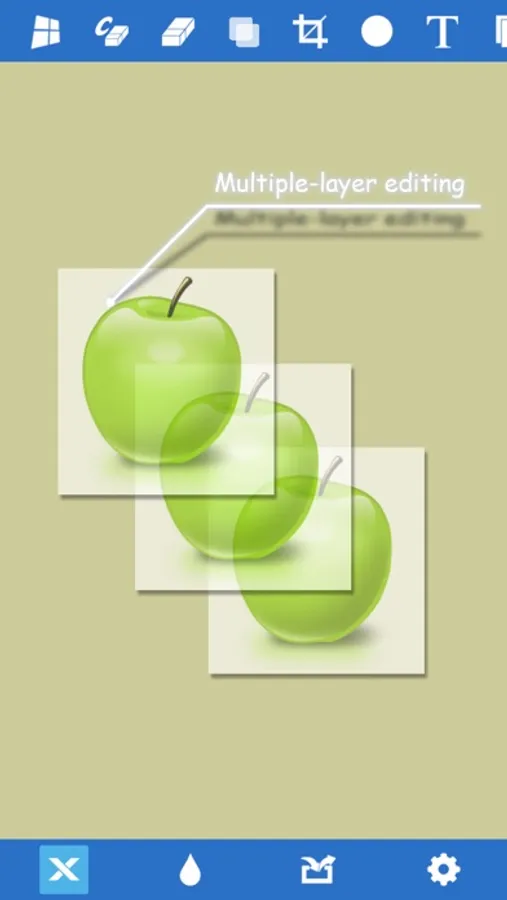
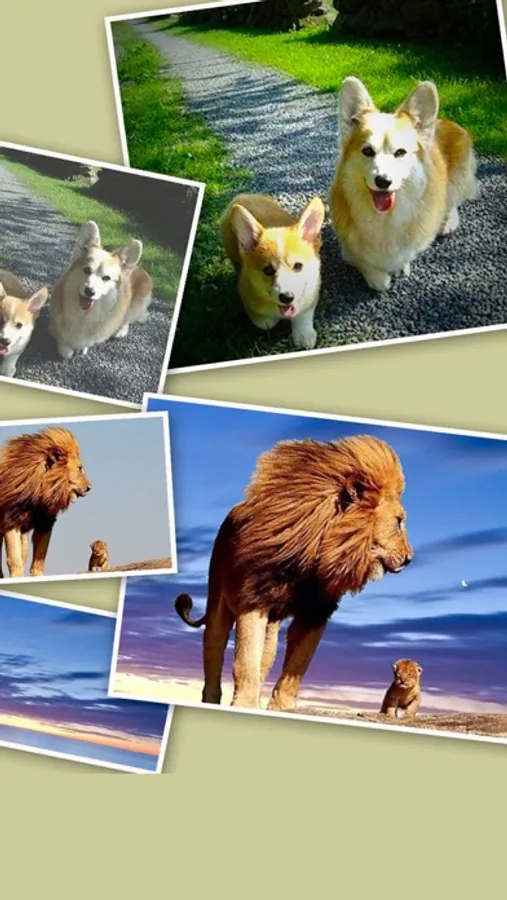
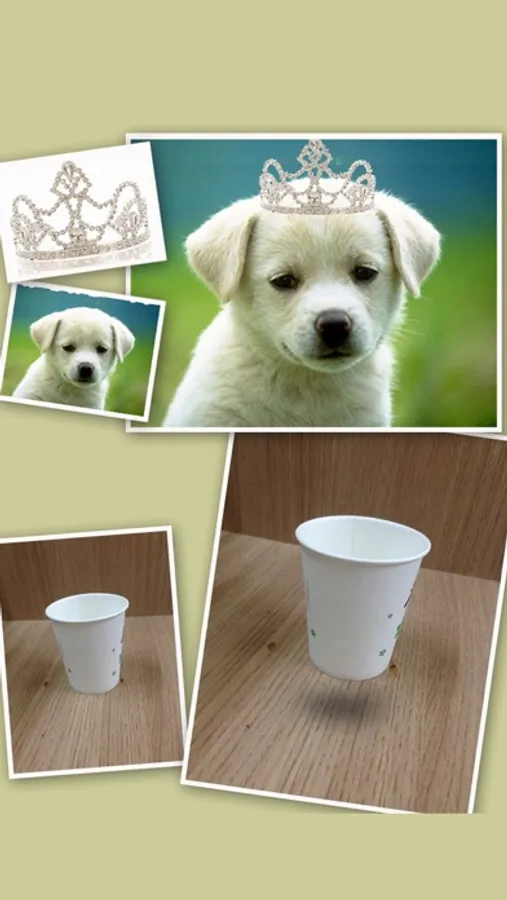
+ Multiple-layer editing: Tap on a layer to select it.
+ Add new layers from the photo album or the camera.
+ Move, rotate, flip a layer, zoom in/out to edit with accuracy.
+ Move up a layer with a double-tap.
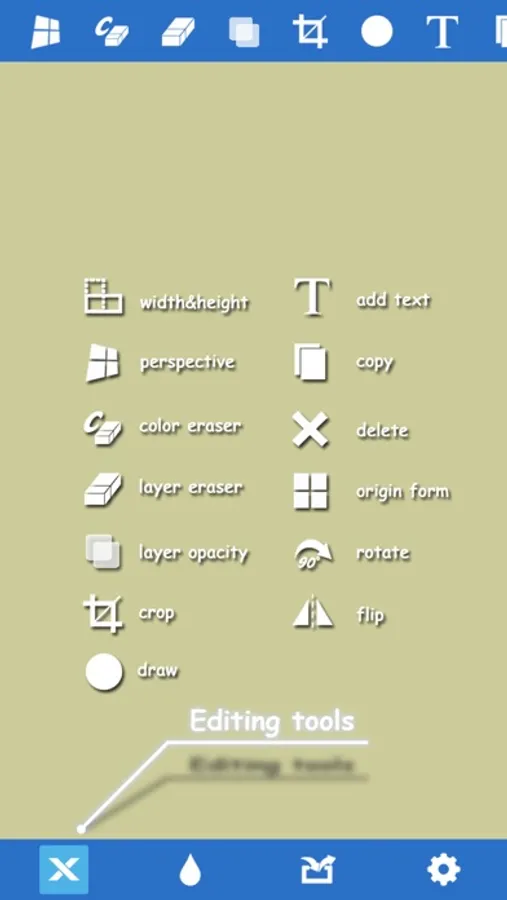
+ Change a layer's width or height.
+ The only app in the App Store capable of performing perspective transformations.
+ Color eraser: Quickly erase a layer's background color.
+ Eraser: Erase on a layer with desired size and offset.
+ Add transparency to a layer.
+ Copy a layer or the whole image.
+ Crop a layer.
+ Delete a layer.
+ Add a text layer.
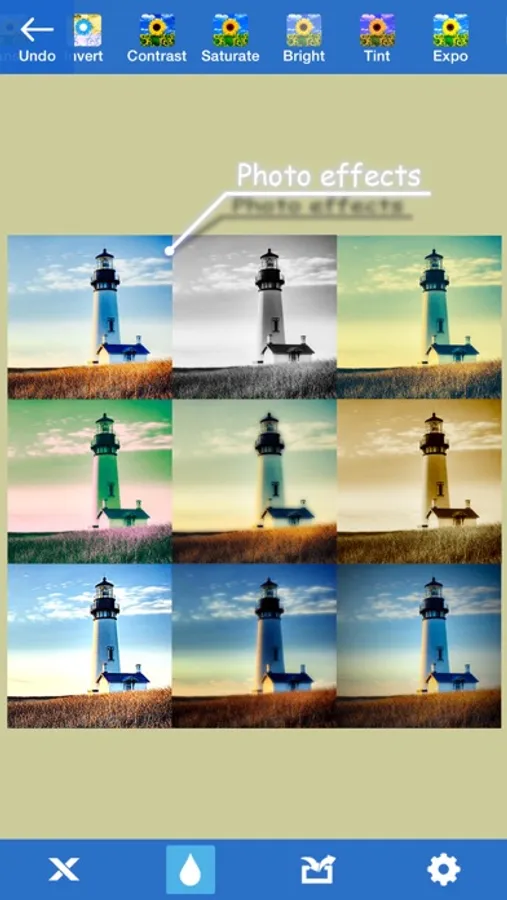
+ Control your photos: Contrast, Saturation, Brightness, Tint, Exposure, Blur, USM, Vibrance, Gloom, Vignette, Gamma, Bloom, Sepia Tone, Posterize, Hue Adjust, etc.
+ Apply combined photo effects with convenience.
+ Project auto-save.
+ Save or mail.
+ Share to SNS.
THE ONLY TIP: ALWAYS SELECT A LAYER BEFORE DOING ANYTHING TO IT.
See the demo on the support website.
Xer Screenshots
Tap to Rate:
Reviews for Xer
Philip A. Sheehan
It’s ok for quick edits but not very powerful
It’s good for quick image manipulation but the lack of a layer tab makes it difficult to swap between layers and see what adjustments have been made. It’s no photoshop, but if you’re looking for something to throw memes together with this will work just fine.
Wow this game is worth it!!!!!!
Love it - been using it for years
Does exactly what you need it to, I use it to cut pics and paste them onto others. Super easy