
AppRecs review analysis
AppRecs rating 3.4. Trustworthiness 0 out of 100. Review manipulation risk 0 out of 100. Based on a review sample analyzed.
★★★☆☆
3.4
AppRecs Rating
Ratings breakdown
5 star
60%
4 star
0%
3 star
0%
2 star
0%
1 star
40%
About fororing
You can merge photos vertically or horizontally with Fororing.
(Up to 10 photos can be merged at once)
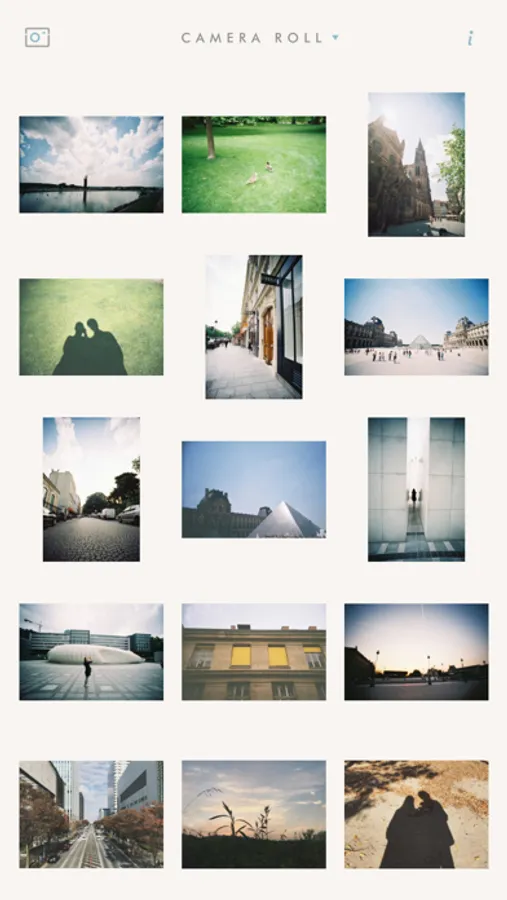
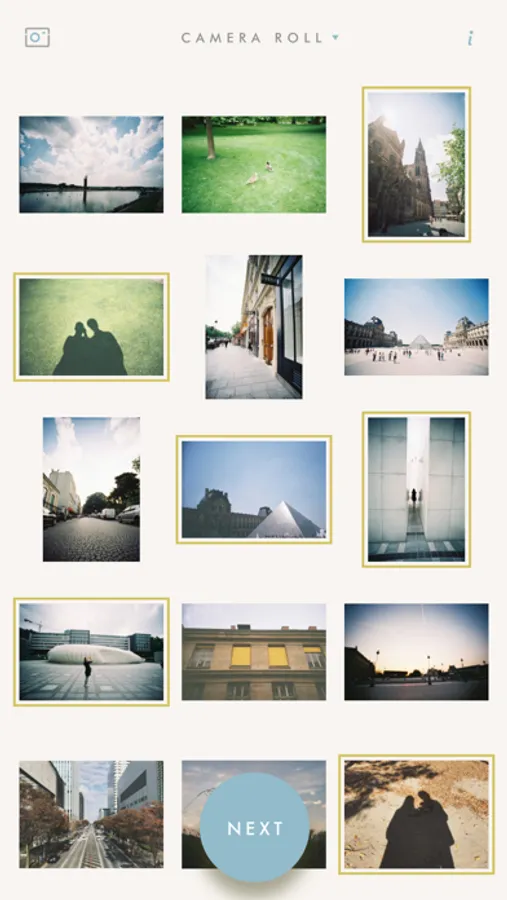
Just pick photos you want to merge. Merged result will be appeared right away on the screen.
Adding, deleting and reordering photos can be done in a very easy and intuitive way.
If you want to merge photos side by side, just tap rotate icon to landscape mode.
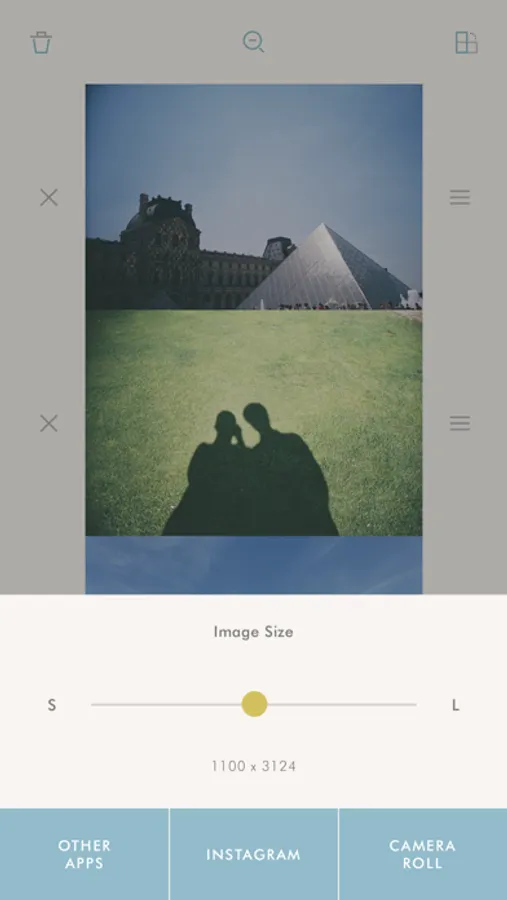
You can see the merged result at a glance with preview function.
Press and hold the photo to edit.
When you save, you can adjust merged size.
Merged photo will be saved in your photo library and you can also share with Email, Twitter, Facebook.
A merged result image may be resized when you share by Email, Twitter or Facebook.
When you save in your photo library, it'll be saved in a size you set.
(Up to 10 photos can be merged at once)
Just pick photos you want to merge. Merged result will be appeared right away on the screen.
Adding, deleting and reordering photos can be done in a very easy and intuitive way.
If you want to merge photos side by side, just tap rotate icon to landscape mode.
You can see the merged result at a glance with preview function.
Press and hold the photo to edit.
When you save, you can adjust merged size.
Merged photo will be saved in your photo library and you can also share with Email, Twitter, Facebook.
A merged result image may be resized when you share by Email, Twitter or Facebook.
When you save in your photo library, it'll be saved in a size you set.
fororing Screenshots

Tap to Rate:
Reviews for fororing
wildefae
Stitches, doesn’t merge.
While this attaches photos to each other, it doesn’t allow you to even manually merge them to combine overlaps, which is what I wanted it for. Language in the description is super confusing — Wish I could get a refund.
Spudly Dudly
Non responsive. No horizontal only vertical
First I wrote to developers using the site and email they provide. I gave benefit of the doubt that they just had an error not an intentional lie/fraud. No response after a week. There's no option for horizontal combination of images.