In this drawing app, you can create sketches using various brushes, import photos, and share artwork. Includes color picker, undo/redo functions, photo import, and sharing options.
AppRecs review analysis
AppRecs rating 3.9. Trustworthiness 77 out of 100. Review manipulation risk 28 out of 100. Based on a review sample analyzed.
★★★☆☆
3.9
AppRecs Rating
Ratings breakdown
5 star
63%
4 star
21%
3 star
8%
2 star
4%
1 star
3%
What to know
✓
Low review manipulation risk
28% review manipulation risk
⚠
Ad complaints
Many low ratings mention excessive ads
⚠
Pricing complaints
Many low ratings mention paywalls or pricing
About @Draw
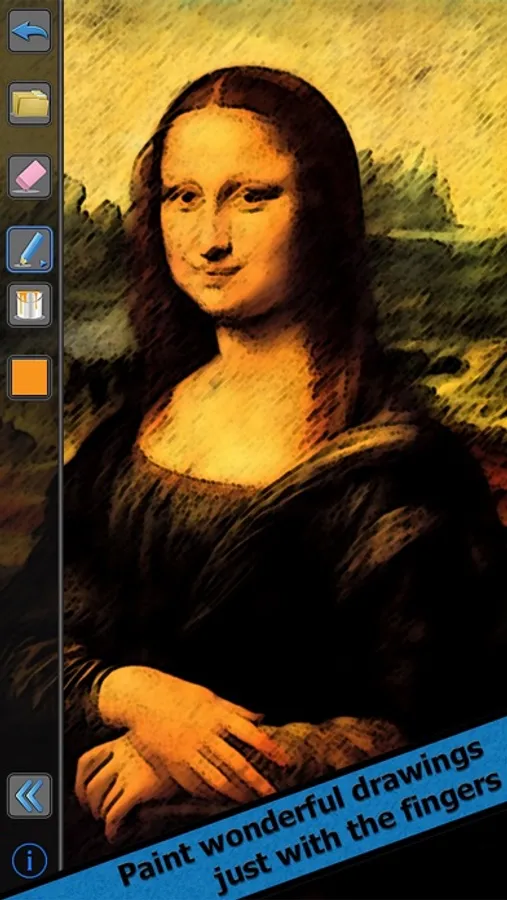
Quickly draw sketches and show the artist within you with @Draw. @Draw is one of the finest and easiest to use drawing Apps that you can find. You will be amazed of how easy it is to do great drawings and edit photos with it.
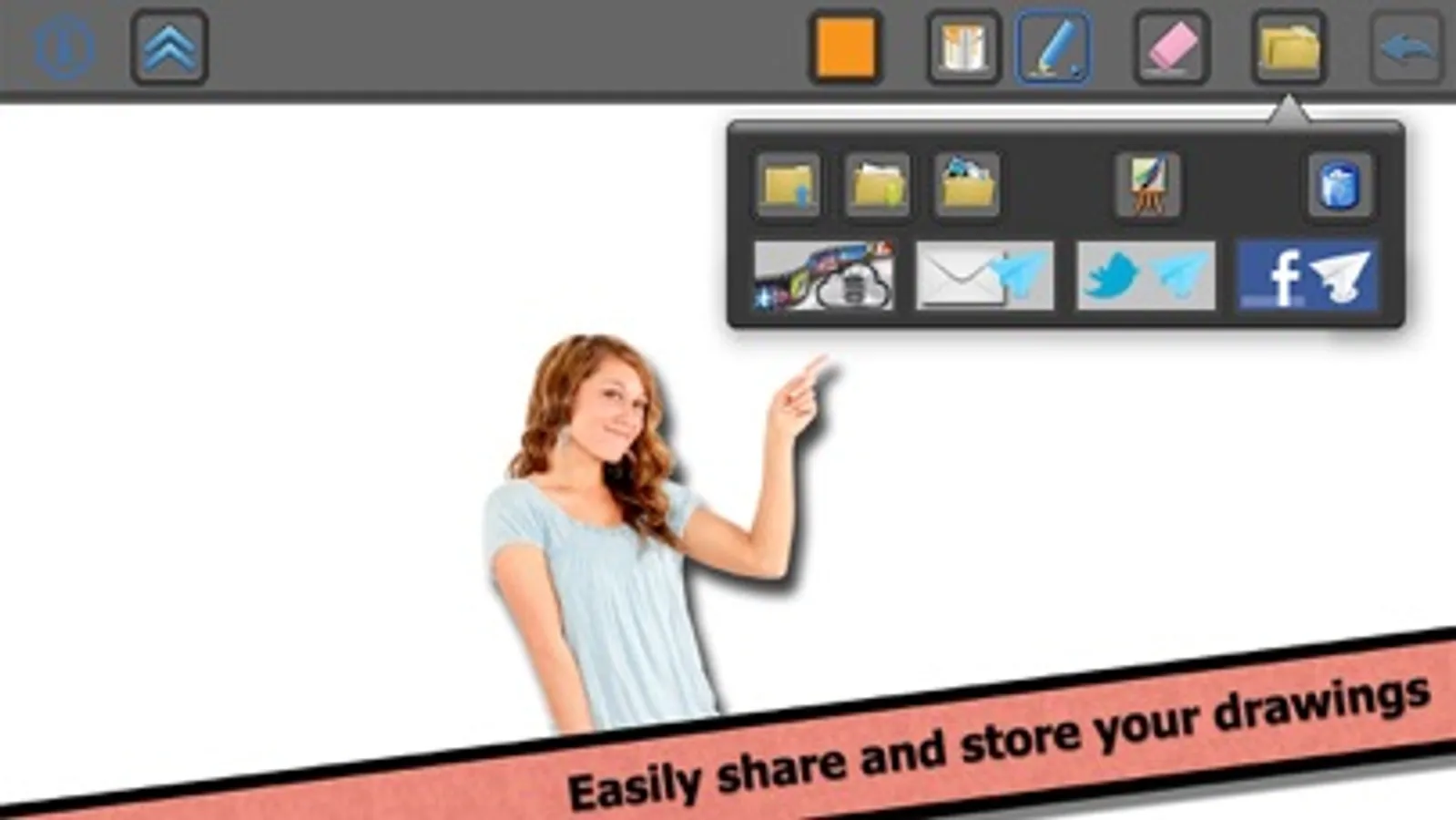
Furthermore, with @Draw you will be able to publish, store and share your drawings, even with the complete step-by-step process on how you did your little piece of art. Choose among all the different colors and brushes and let the inspiration flow.
You will love it!
@Draw includes:
- An easy to use but powerful drawing App using your fingers.
- Various brush types, with many configuration options, including- size, opacity, etc…
- The possibility to import photos from your Photos Album and edit them.
- An online gallery to share drawings between users, learn and vote.
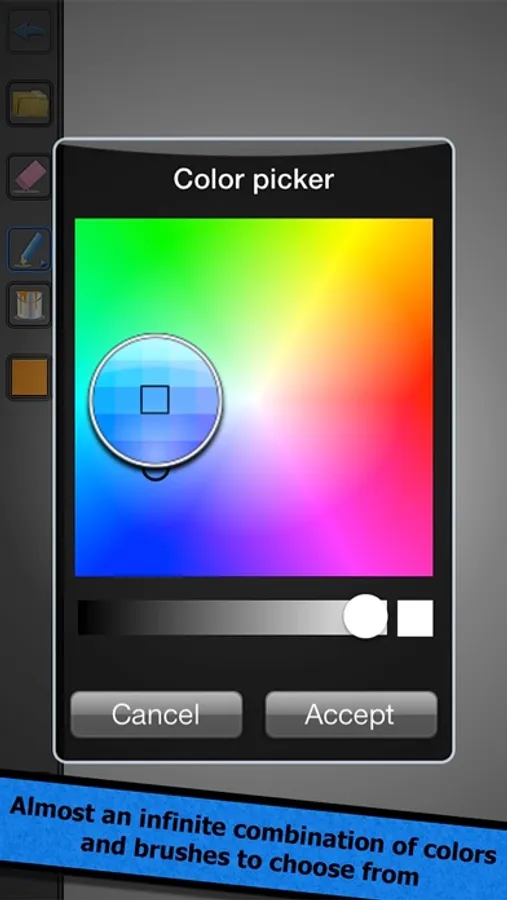
- A very cool color picker with almost an infinite color set to choose from, a pipette to pick colors directly from an image or drawing and a list of recently used colors.
- Drawings can be stored, sent to the Camera Roll, sent by email and published to Twitter and Facebook.
- The possibility to undo and redo all the actions and traces.
- A soft eraser.
- A great file manager with an auto save system to organize, copy and share your drawings.
- A rotatable interface to adapt to all situations.
- A shaking control to go back to the main screen or hide the menus.
- A design thought to memorize and adapt to your preferences.
- The possibility to upgrade to a Pro, ad free version of the App with an In-App Purchase.
- It is available in various languages, including: English, Spanish, French, Deutsch, Italian, Portuguese and Catalan.
Contact: mobile@evolutive.co
Website: https://evolutive.co/
Furthermore, with @Draw you will be able to publish, store and share your drawings, even with the complete step-by-step process on how you did your little piece of art. Choose among all the different colors and brushes and let the inspiration flow.
You will love it!
@Draw includes:
- An easy to use but powerful drawing App using your fingers.
- Various brush types, with many configuration options, including- size, opacity, etc…
- The possibility to import photos from your Photos Album and edit them.
- An online gallery to share drawings between users, learn and vote.
- A very cool color picker with almost an infinite color set to choose from, a pipette to pick colors directly from an image or drawing and a list of recently used colors.
- Drawings can be stored, sent to the Camera Roll, sent by email and published to Twitter and Facebook.
- The possibility to undo and redo all the actions and traces.
- A soft eraser.
- A great file manager with an auto save system to organize, copy and share your drawings.
- A rotatable interface to adapt to all situations.
- A shaking control to go back to the main screen or hide the menus.
- A design thought to memorize and adapt to your preferences.
- The possibility to upgrade to a Pro, ad free version of the App with an In-App Purchase.
- It is available in various languages, including: English, Spanish, French, Deutsch, Italian, Portuguese and Catalan.
Contact: mobile@evolutive.co
Website: https://evolutive.co/