
AppRecs review analysis
AppRecs rating 2.1. Trustworthiness 75 out of 100. Review manipulation risk 19 out of 100. Based on a review sample analyzed.
★★☆☆☆
2.1
AppRecs Rating
Ratings breakdown
5 star
11%
4 star
11%
3 star
5%
2 star
21%
1 star
53%
What to know
✓
Low review manipulation risk
19% review manipulation risk
✓
Credible reviews
75% trustworthiness score from analyzed reviews
⚠
Mixed user feedback
Average 2.1★ rating suggests room for improvement
About Zipit Confirm™
Features:
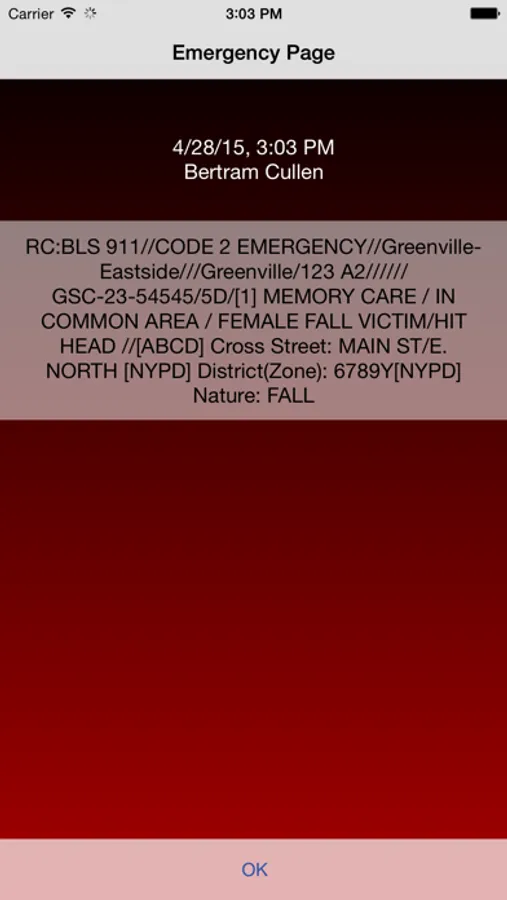
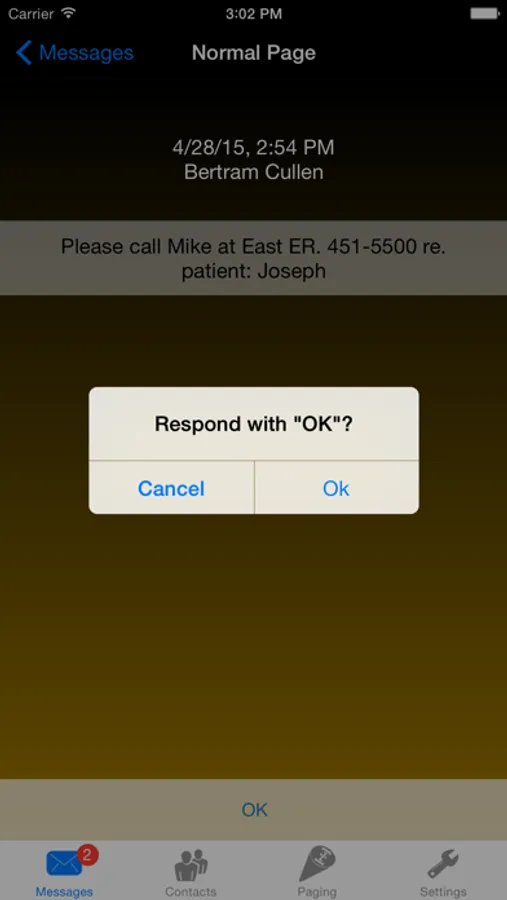
• Priority Messaging - messages that can be sent with one of multiple priority levels that rise above the noise to get your attention. Priority messages can be initiated and monitored from Zipit's dispatch system, 3rd party systems, and directly through the Zipit Confirm application. With Zipit's unique Smart Message™ capability, priority messages can be customized to improve organizational efficiency by matching the needs of your specific workflows.
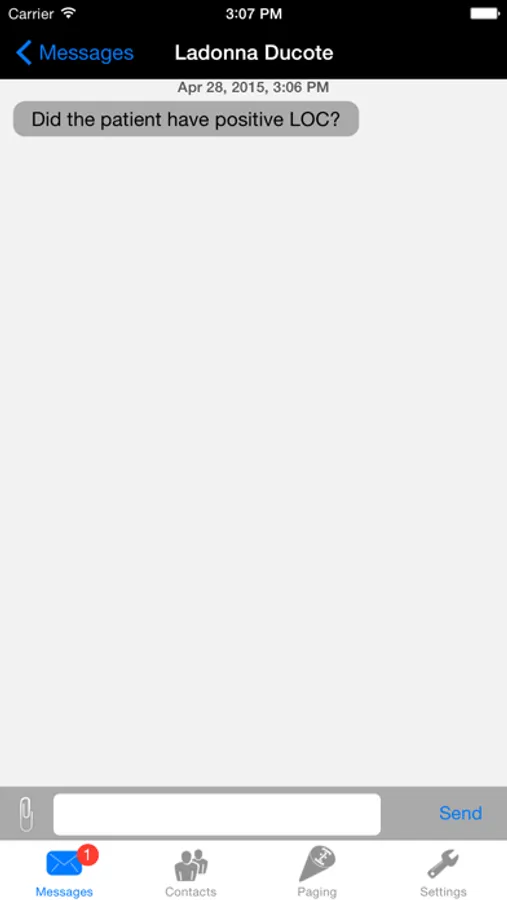
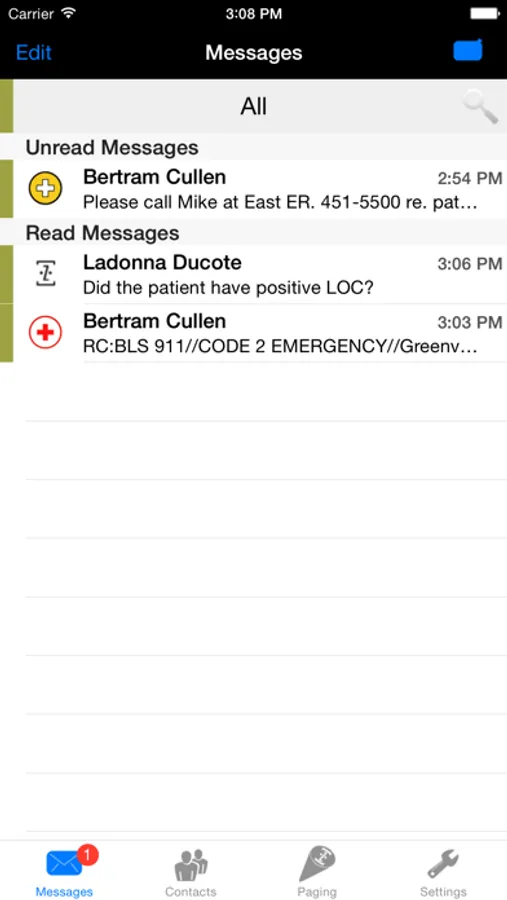
• Secure Texting - Send and receive secure text messages and attachments in two-way and group conversations.
• Integration with third party systems such as dispatch systems, automated alerts, nurse call and patient transport systems, EHRs, and hotel management systems.
• Speed and Reliability with messages being delivered in an average of less than 10 seconds and system uptime of greater than 99.99%
• Security and HIPAA Compliance with user authentication, end-to-end encryption as well as remote wipe and customizable automated message removal from the application.
When your messages are critical, turn to Zipit - Because Seconds Matter.™
Additional Information:
The Zipit Confirm application, part of the Zipit® Enterprise Critical Messaging Solution™, requires a subscription.
https://icons8.com
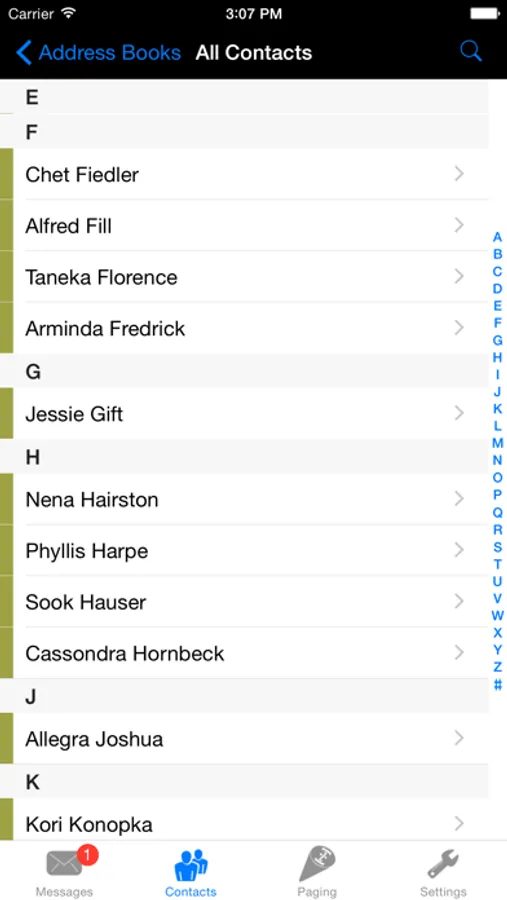
Zipit Confirm™ Screenshots
Tap to Rate:
Reviews for Zipit Confirm™
PyroTek72
Fix override silent!!!!
Decent app if it didn’t have costly critical errors such as “override silent switch” DOES NOT FUNCTION!!!!!!!
Herr10m
Is there a bug?
**** it’s fixed! I can now easily scroll through dates and times without it being cut off at the very bottom of my screen. Don’t have to listen to my pager going off when I’m not actually on call, or completely sign out to avoid getting pages. Thank you! When attempting to add off call end time, it looks like the date and time windows aren’t appearing. Finally found them one day at the way bottom right-hand corner, almost off of the screen. Attempting to click on the date and time is very difficult because of its location on the screen, the phone doesn’t always register. I have an image I can upload.