With this reminder and countdown app, you can set, customize, and organize alerts for tasks and events, adjust notifications, and manage categories. Includes options for importing data, syncing via iCloud, and customizing UI and sharing features.
AppRecs review analysis
AppRecs rating 4.9. Trustworthiness 73 out of 100. Review manipulation risk 24 out of 100. Based on a review sample analyzed.
★★★★☆
4.9
AppRecs Rating
Ratings breakdown
5 star
87%
4 star
9%
3 star
2%
2 star
1%
1 star
1%
What to know
✓
Low review manipulation risk
24% review manipulation risk
✓
Credible reviews
73% trustworthiness score from analyzed reviews
✓
High user satisfaction
87% of sampled ratings are 5 stars
About Reminder & Countdown Pro
Reminder Pro highlights:
▸ Specify the event title.
▸ Assign default or custom category.
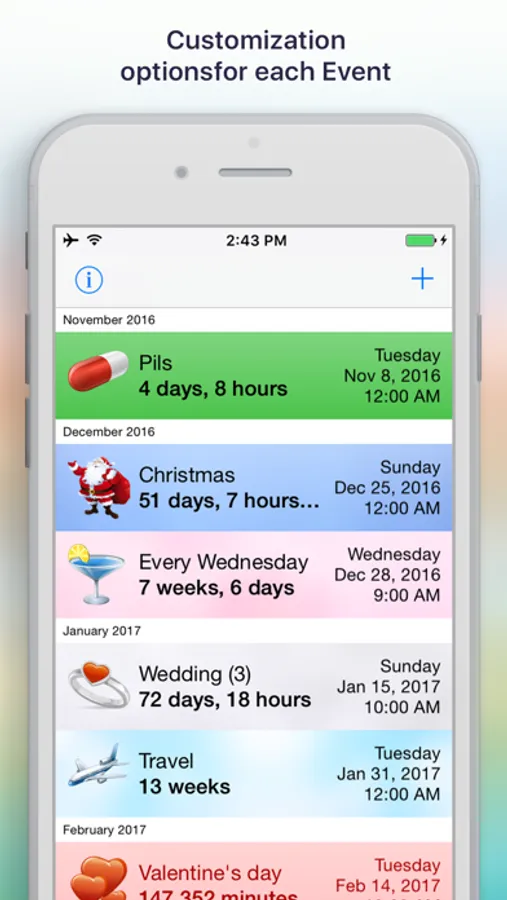
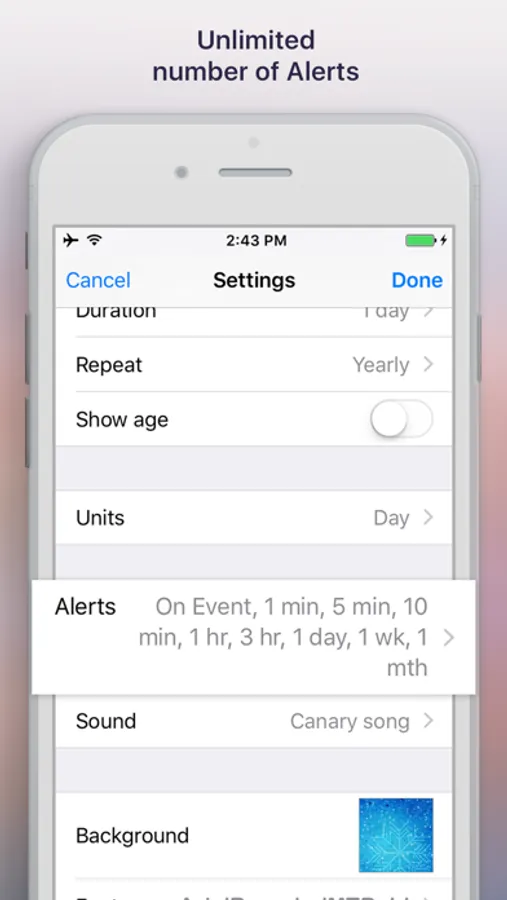
▸ Adjust icon, background, sound, time of alerts, font and text color.
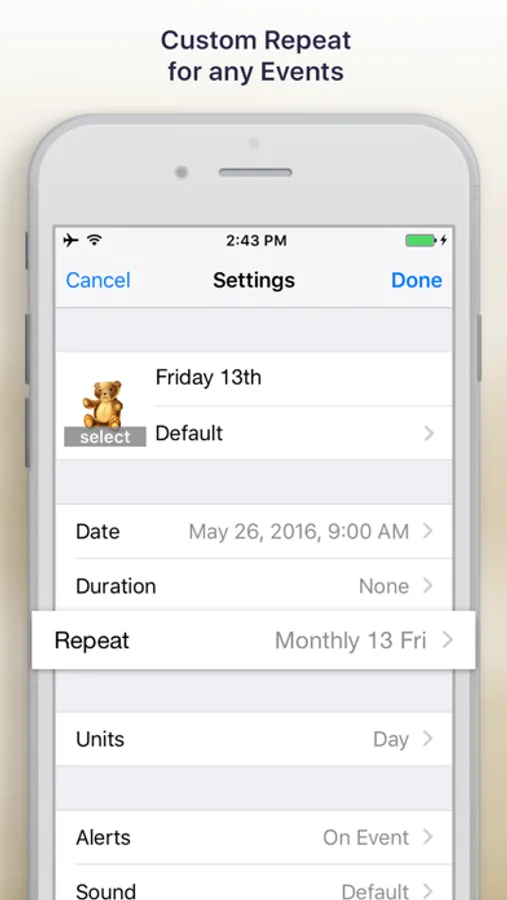
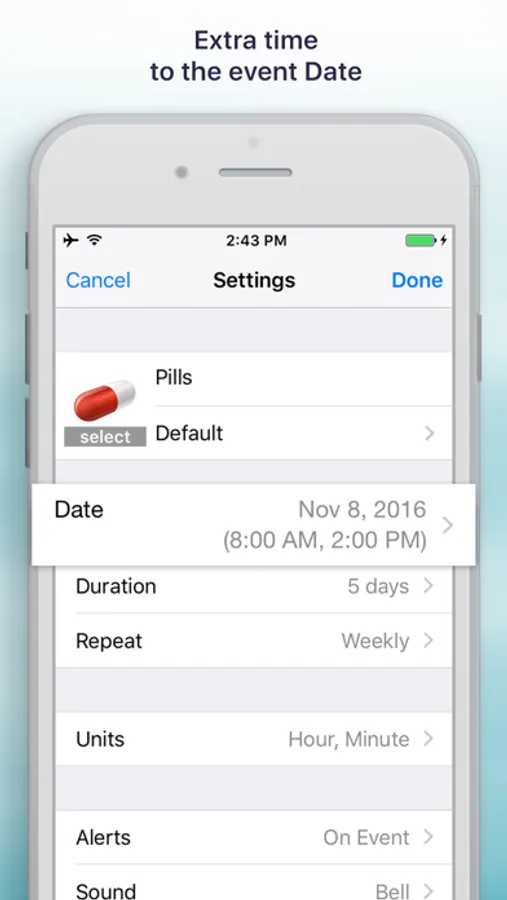
▸ Set up date and time, duration, repetition, and units of countdown time.
▸ Add an optional description.
▸ Sort events by date, title, category or custom.
▸ Show or hide icons of the events.
▸ Set up events default values.
▸ Manage categories of the events.
▸ Import data from Address book, iCal, Reminders.
▸ Sync events between devices via iCloud.
▸ Show a badge number on the app’s icon.
▸ Switch between the old UI and the new UI.
▸ Locking / Unlocking the app using Touch & Face ID.
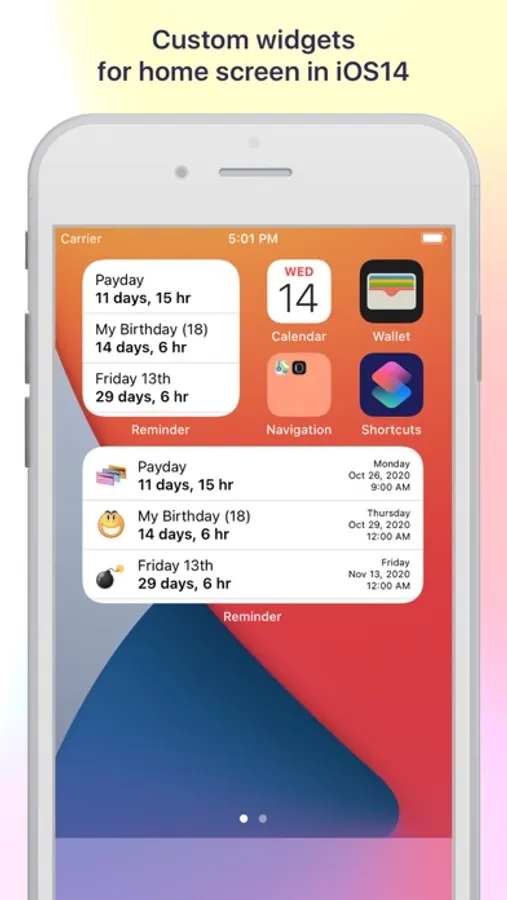
▸ IOS 14 home screen widgets.
▸ Run in the background.
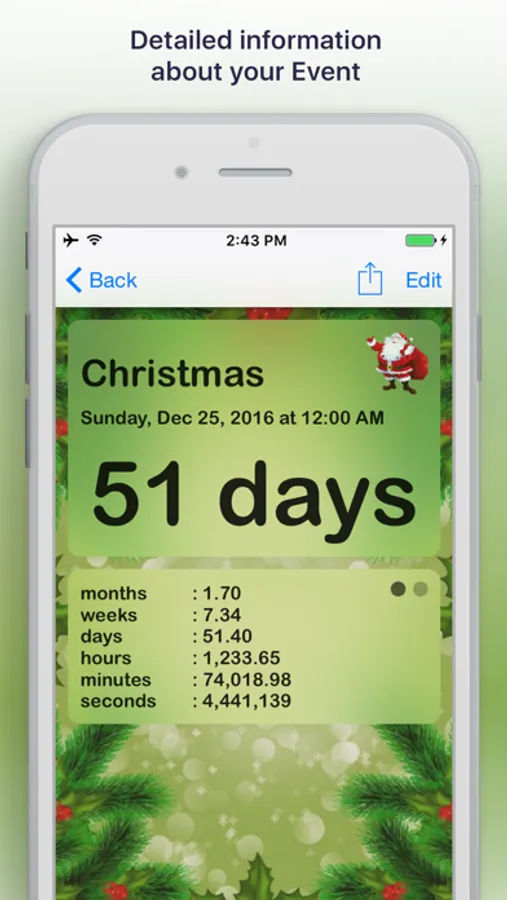
Information on events comes in a nicely-wrapped card which you can create by yourself, just open an event and swipe left or right to pick a screen and arrange custom boxes to fit your needs. Additionally, the app is complemented with excellent sharing options which give you an opportunity to share your reminders with the world via Email, Facebook, Twitter and even more.
Reminder & Countdown Pro Screenshots
Tap to Rate:
Reviews for Reminder & Countdown Pro
donupby4
I’ve tried many,..this is the Best of All
This app gives me simple but totally satisfying results every day. At this point in my life, my needs for help in remembering things is critical, and this app does it all!
MsTäs
Good… but…
I’ve recently transitioned to Apple and the difference in how the alarm works annoys me so I was looking for an app that would get me closer to what I had before. I do like a lot of the functionality on this one as a whole, it seems like it will be a good fit. However, I do not see a way to have it override when my phone is on silent. Which as an alarm app, I would think that should be an option. I did see a way to make it if I have my phone on, do not disturb or something like that but when I actually turn off the ringer all that I get for my alarms from this is a small vibration the sound does not come through and I cannot find anywhere in the settings that would allow it to… other apps for the iPhone do have this option. I would also like a snooze option. Other than that, I haven’t found anything that appears missing. I do like the countdown and the widget.. The customization options are nice too.