With this app, you can view daily darshan images and read spiritual content based on your time zone. Includes sections for Murti Darshan, Swamishri’s Darshan, audio satsang, history, and favorites.
AppRecs review analysis
AppRecs rating 4.4. Trustworthiness 64 out of 100. Review manipulation risk 30 out of 100. Based on a review sample analyzed.
★★★★☆
4.4
AppRecs Rating
Ratings breakdown
5 star
96%
4 star
1%
3 star
0%
2 star
0%
1 star
2%
What to know
✓
Low review manipulation risk
30% review manipulation risk
✓
High user satisfaction
96% of sampled ratings are 5 stars
⚠
Low-content positive reviews
Many 5-star reviews use very limited vocabulary
About Daily Satsang
Features:
1.Daily Satsang as per your time zone:
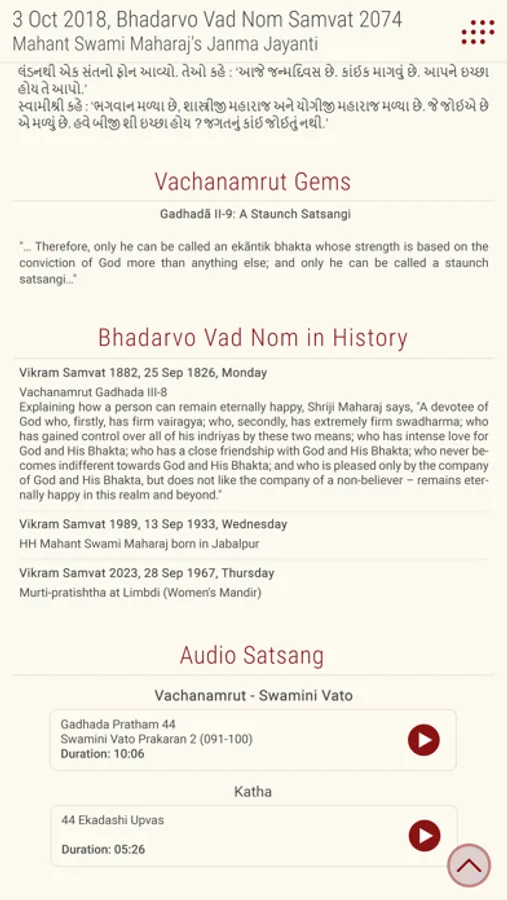
Daily Satsang will show you Images, Text and History for today as per your phone’s time zone.
2. Scroll up-down to move between sections:
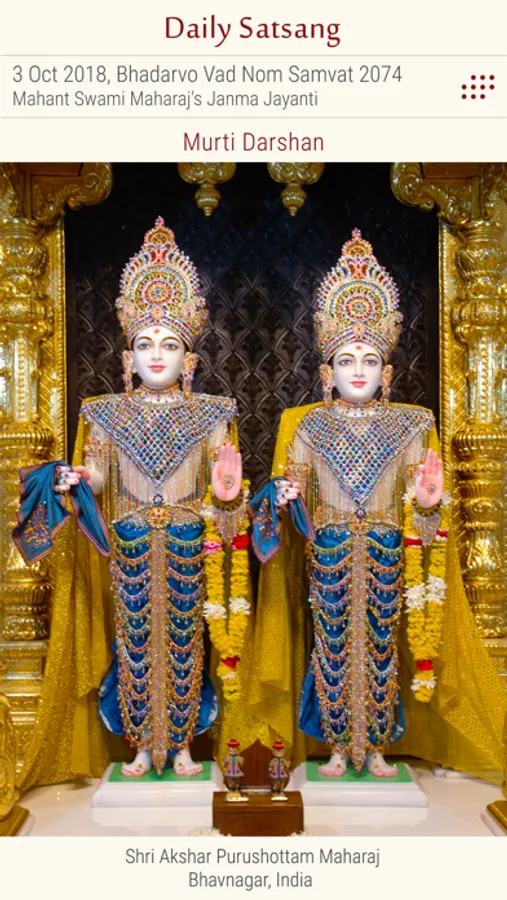
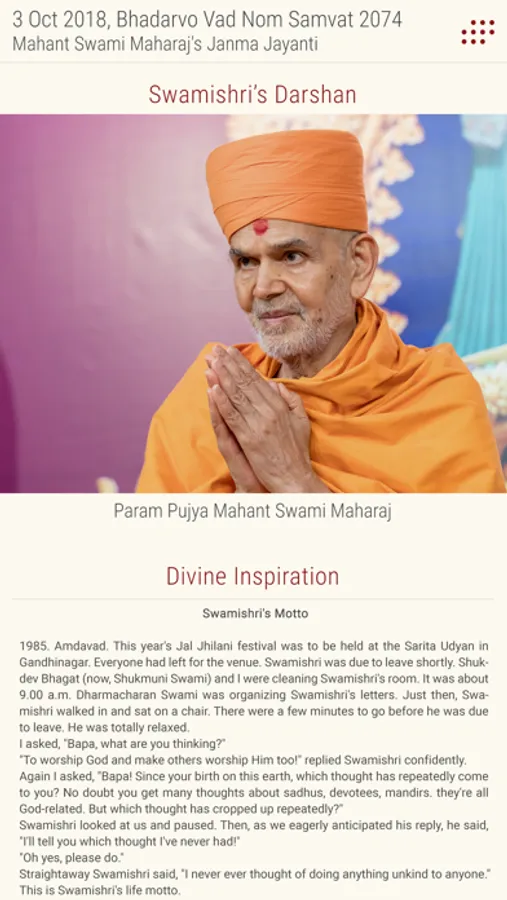
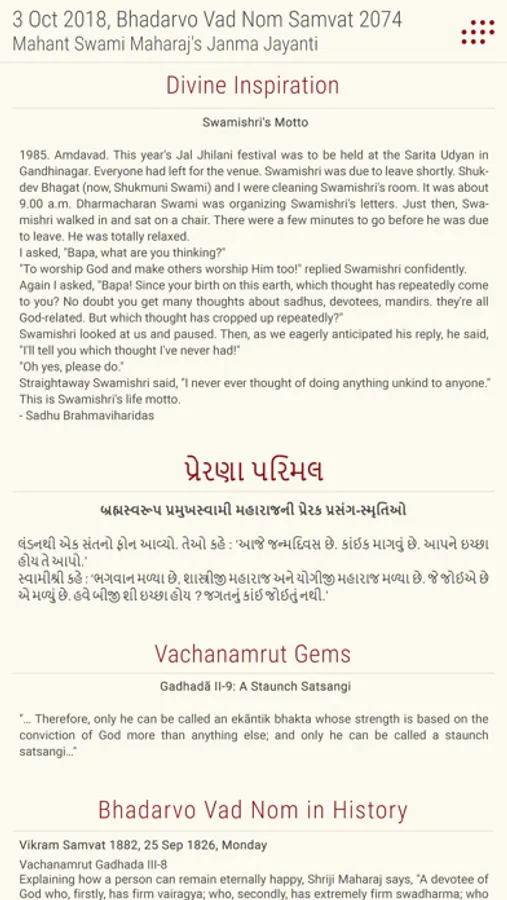
This application has many sections – Murti Darshan, Swamishri’s Darshan, Divine Inspiration, Vachanamrut Gems, Prerna Parimal, Today’s History and Audio satsang which offers daily listening of one Vachanamrut, five Swamini Vato and Katha. Scroll up-down will allow to see these sections.
3.Pinch-zoom gesture for a closer look:
In the picture section, clicking on the picture will open a popup with picture, while a pinch-zoom gesture will enlarge the murti for a closer look of the picture.
4.Option to save the picture:
A long-press on the picture will open a popup menu with the option to ‘Save’ the picture. The picture will be stored in the default image gallery of the device so that you can easily set it as a wallpaper or share on your social network.
5. Archive:
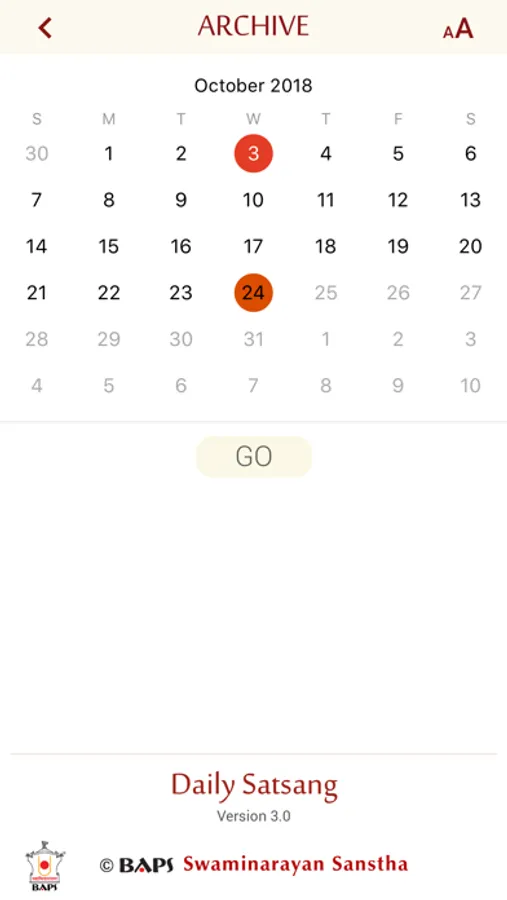
Clicking on archive icon next to Date and Tithi will take you to the calendar page. Choosing any past date and clicking ‘Go’ will load Daily Satsang of that date.
7. Changing font size:
On the ‘Archive’ page, the Font icon will open popup menu to customize font size as ‘Small’ , ‘Medium’ or ‘Large’ to have a better experience in reading text.
Daily Satsang Screenshots
Tap to Rate:
Reviews for Daily Satsang
Dhrucha
Widgets
This is a great app, but with recent updates to IOS, widgets are much more expandable. You don’t have to but I think it would be a great idea to have small little widgets that give nice quotes from the Swami Ni Vato, the Vachnamvrut and the jivan chaitra’s. Again this is just a suggestion, other than that the app is really nice.
amichints
Can not open App
From Sunday can not do darshan.