AppRecs review analysis
AppRecs rating 4.0. Trustworthiness 80 out of 100. Review manipulation risk 20 out of 100. Based on a review sample analyzed.
★★★★☆
4.0
AppRecs Rating
Ratings breakdown
5 star
50%
4 star
28%
3 star
6%
2 star
8%
1 star
8%
What to know
✓
Low review manipulation risk
20% review manipulation risk
✓
Credible reviews
80% trustworthiness score from analyzed reviews
✓
High user satisfaction
78% of sampled ratings are 4+ stars (4.0★ average)
About TEFpad
Just like TEFview for iOS, our free file viewer, TEFpad opens, displays, prints and plays all TablEdit files (.tef format). It imports as well many types of music files (ASCII tablatures, ABC files, MusicXML, MIDI, Guitar Pro, PowerTab...).
In addition to this, TEFpad opens TabRite files and lets you create new tablature arrangements from scratch.
The files you have created on your device with TEFpad can be edited and saved without any limitation.
Warning: You can edit files not created with TEFpad or imported into TEFpad, but only the first 16 measures can be saved. Likewise the app does not allow copying the contents of one of these files into another .tef file. To get rid of these limitations, you can upgrade to TEFpad Pro (available as an In-App purchase).
The .tef files saved with TEFpad can be opened and modified in the TablEdit desktop program that offers advanced capabilities not completely available in TEFpad.
Please submit your suggestions and bug reports to http://www.tabledit.com/contact/feedback/
Specifications:
- Open/Import TablEdit, ASCII, ABC, MIDI, Music XML, PowerTab, TABrite and GuitarPro files
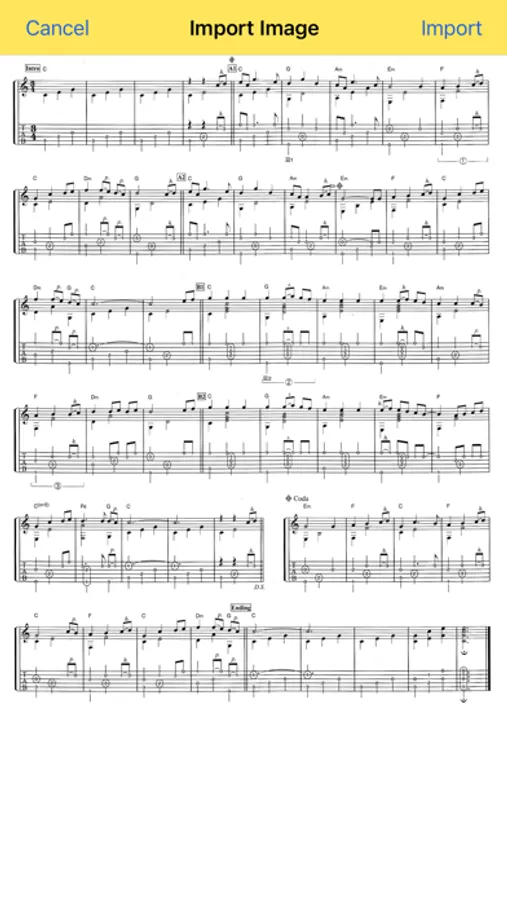
- Optical recognition of tablatures and scores (PDF or image)
- Extracts TablEdit files contained in a zip archive
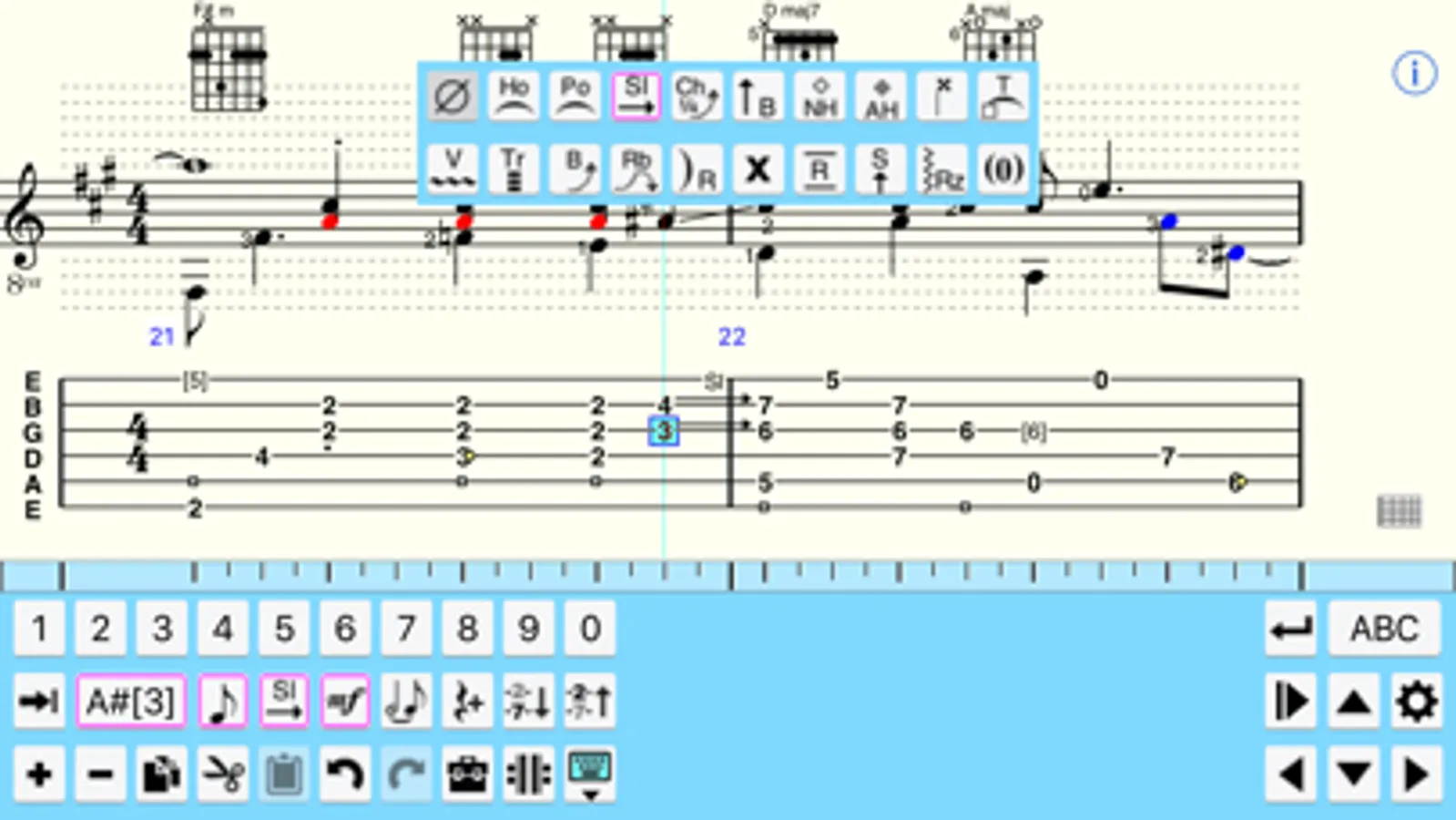
- Display tablature and/or standard notation
- English, French, German, Spanish, Japanese, Russian, Chinese and Italian language support
- Embedded Help (tap the info button in the top-right corner of the screen)
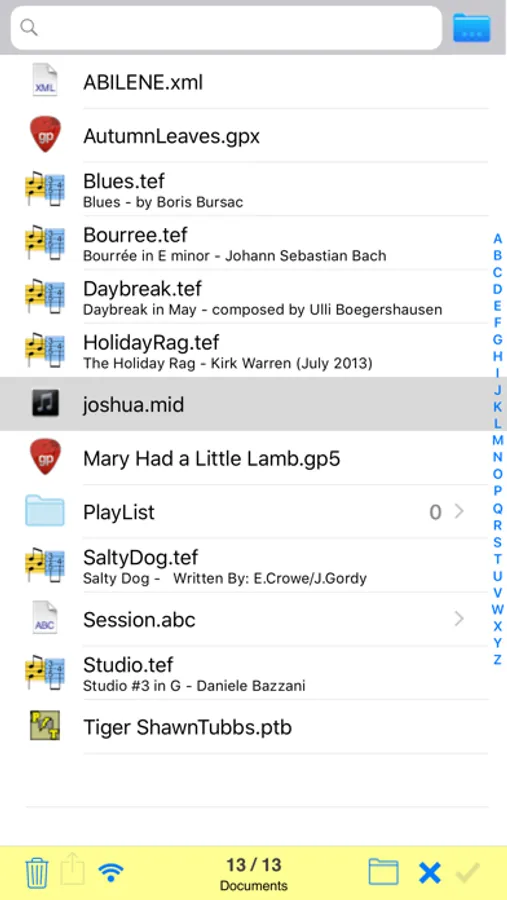
- File manager with subdirectory management
- Email files as attachment
- PDF export. The PDF can be emailed or opened in a third party app
- iTunes file sharing
- WIFI file sharing
- Integration with the Files app
- MIDI Playback with full real time control (speed, pitch, volume and MIDI instrument)
- Metronome and count down settings
- Ability to change the soundfont and to access all the presets
- Playlist
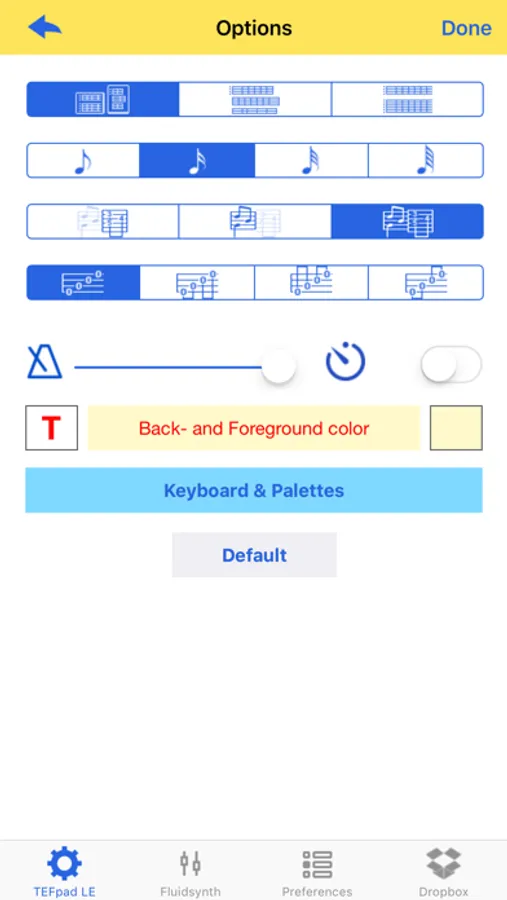
- Customize background color for screen, special keyboard, palettes,
- Print to an Air Printer
- ABC, MIDI, ASCII, WAV file, Music XML export
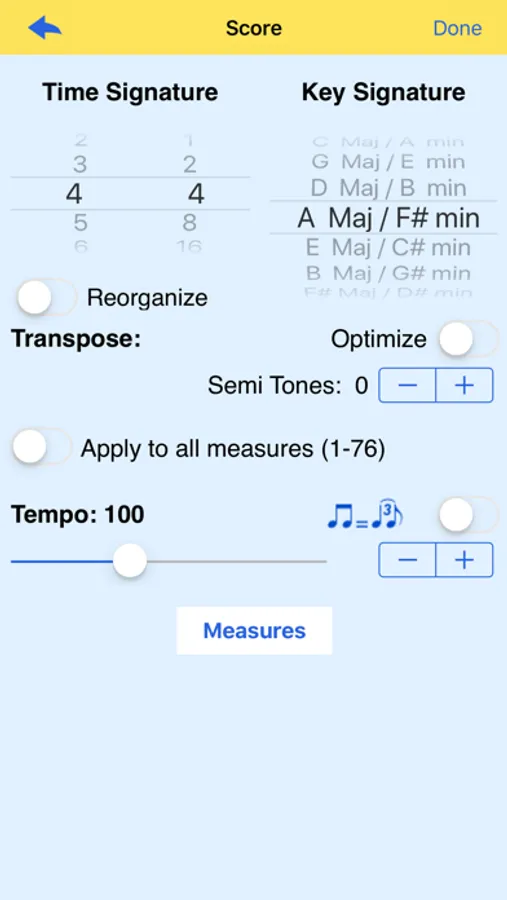
- Time and Key signature setup along with a transpose feature
- Measures management (Add/Delete/Copy/Move/Pick-up measure)
- Instrument setup (String number, Tuning, Capo, Clef...)
- Quantize notes (after a MIDI import)
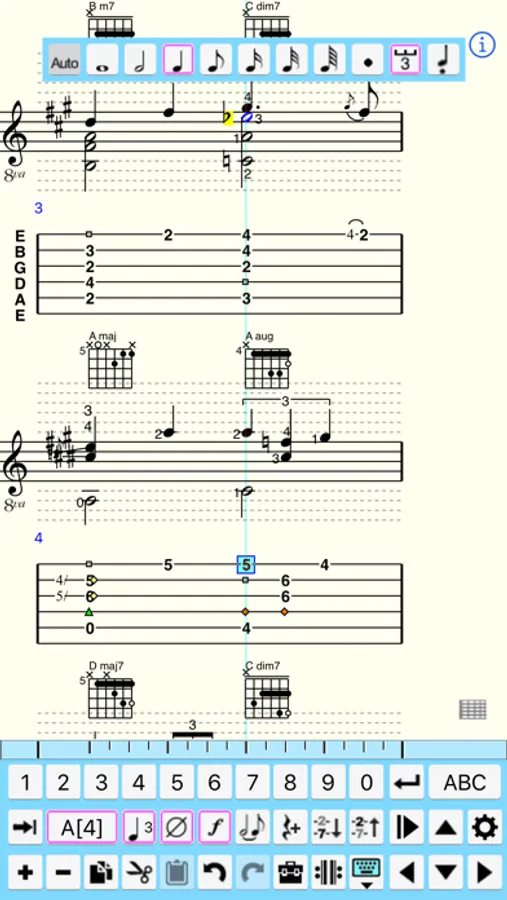
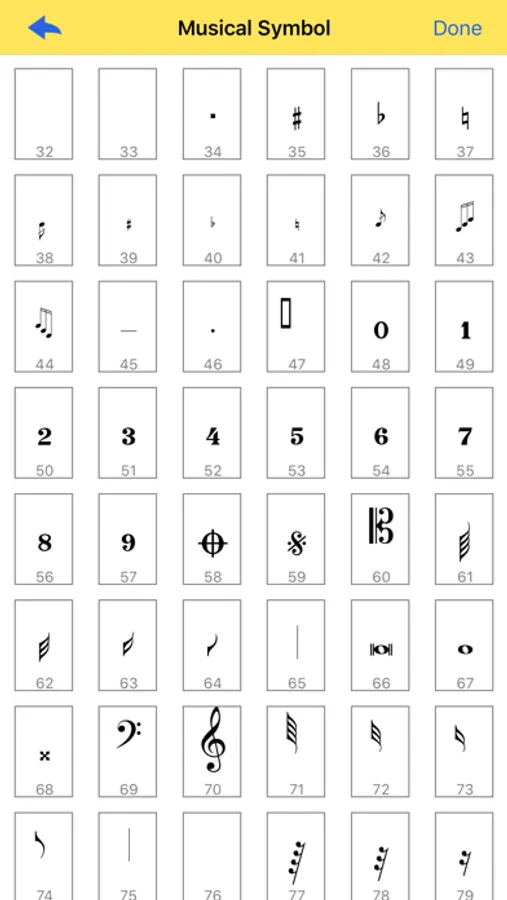
- Enter notes and rests in the tablature or standard notation
- Edit notes (duration, velocity, special effect, staccato...)
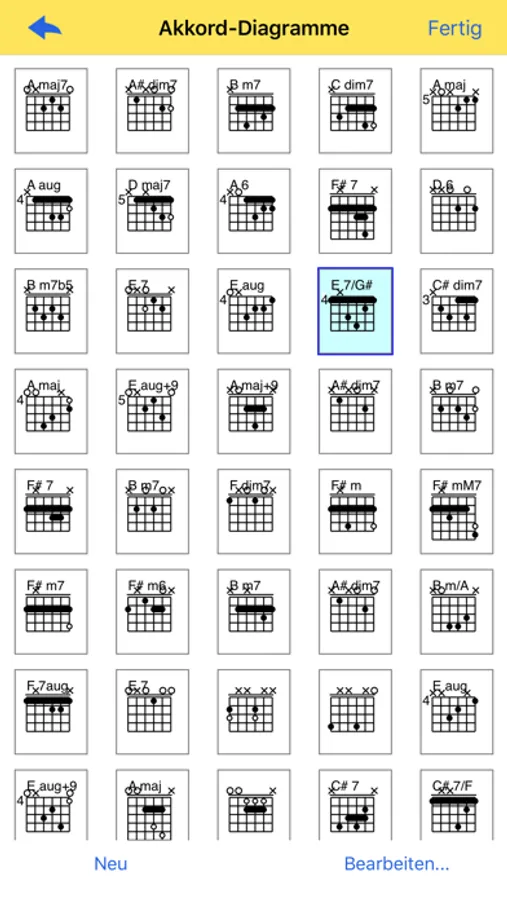
- Create chord diagrams
- Insert text, tempo changes, pick strokes and fingerings and format them
- Reading guides (repeats and endings)
- Fingerboard or keyboard view
- External keyboard support
- Support for Page turners
- Print options dialog
- Support drum tabs and pedal steel guitar tabs
- Simple grace note management
- iPad Pro support
TEFpad Screenshots

Tap to Rate:
Reviews for TEFpad
_CLL_
Rating Pop-Ups
The developer ignores iOS settings to disallow ratings requests and spams users with its own pop-ups begging for ratings. This willful disregard for user preferences is an automatic 1 star rating.
NamasTeTe
LOVE THIS, but…
I love the immediate intuitive usability of this app, but wish the manual were easier to use. I would love a search function for the manual. We’re not all music pros, so simply trying to find how the special notation works is NOT obvious. I can see where and how to PUT in “D.C” and “al” and “Coda” and “Fine”, but to make them work on playback is another function… perhaps I am missing something obvious?? Otherwise, I love being able to score tablatures on my iPad with this app.