
AppRecs review analysis
AppRecs rating 3.6. Trustworthiness 77 out of 100. Review manipulation risk 29 out of 100. Based on a review sample analyzed.
★★★☆☆
3.6
AppRecs Rating
Ratings breakdown
5 star
53%
4 star
6%
3 star
6%
2 star
12%
1 star
24%
What to know
✓
Low review manipulation risk
29% review manipulation risk
✓
Credible reviews
77% trustworthiness score from analyzed reviews
About Mediprocity
Communicate via text message using Mediprocity's secure app on your iPhone, iPad or iPod Touch. All of your communication remains secure and private on Mediprocity.
Improve your workflow and become more productive by sharing sensitive patient health information (PHI).
Send encrypted messages as text
Archive your messages
Use your camera phone securely
Sync your account online
Access from any browser
Full administrative panel offered
File system allows you to store attachments for later review
No more waiting for call backs and missed messages! Get started by creating your account online, download the app and sign in!
Mediprocity is compatible on all iPhone and iPad devices, however it must be using iOS 11.0.0 operating system or higher.
Mediprocity Screenshots
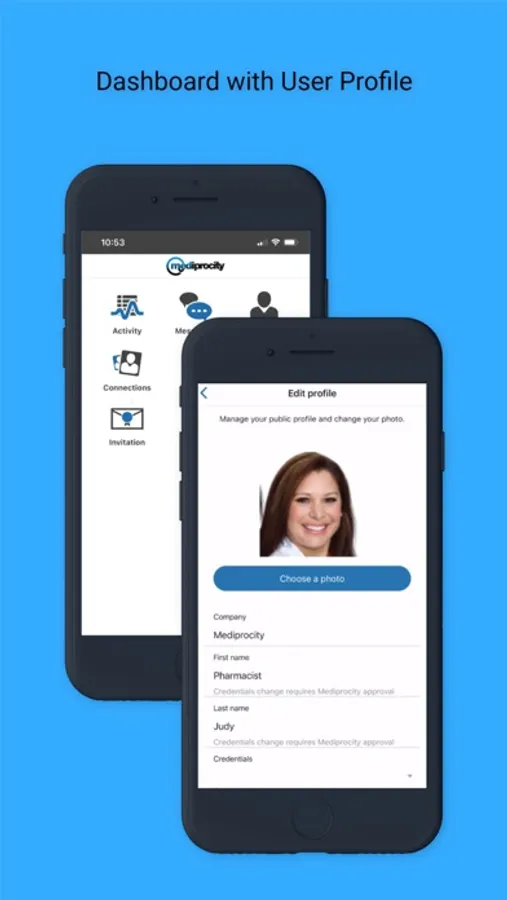
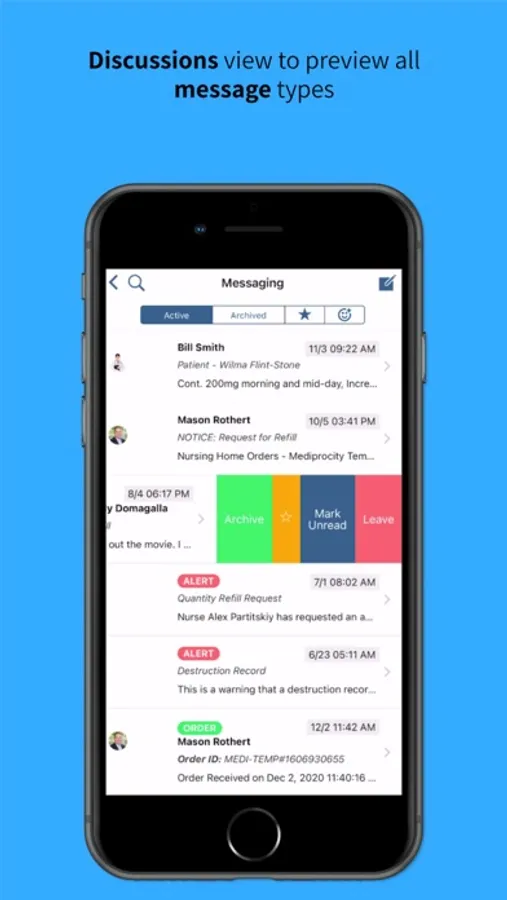
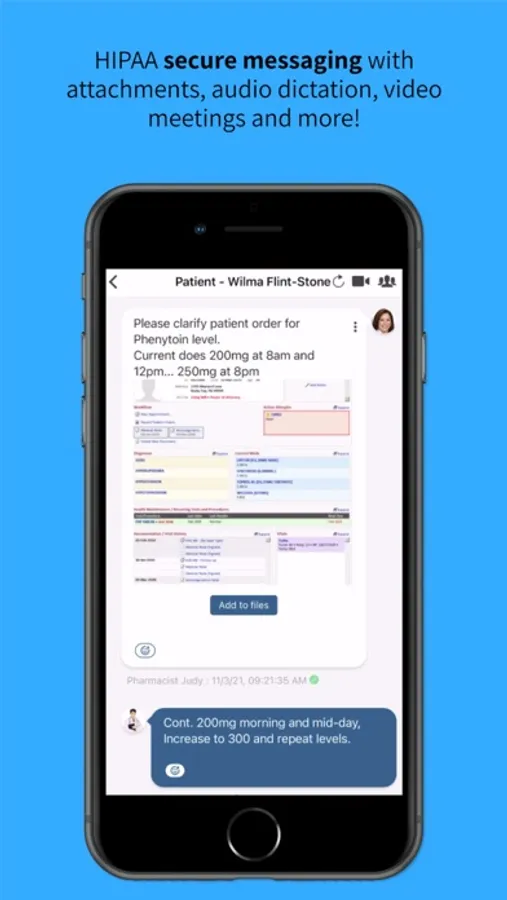

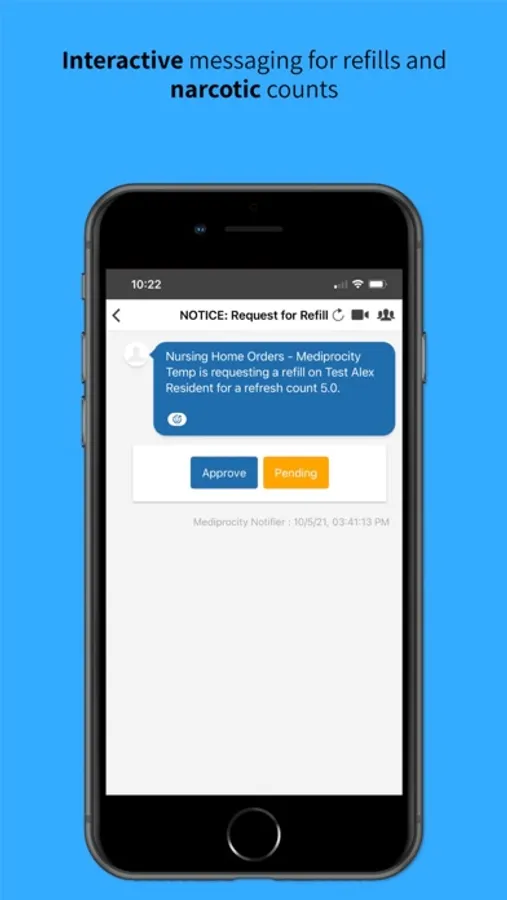
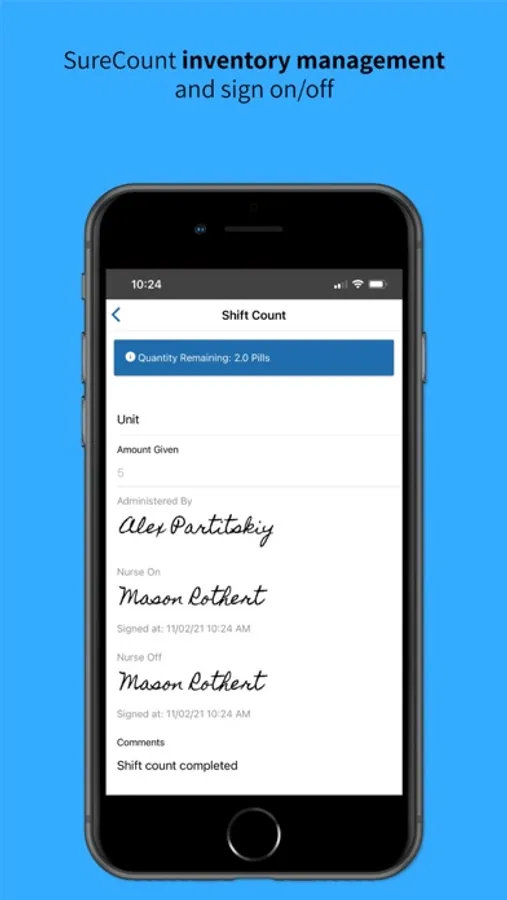
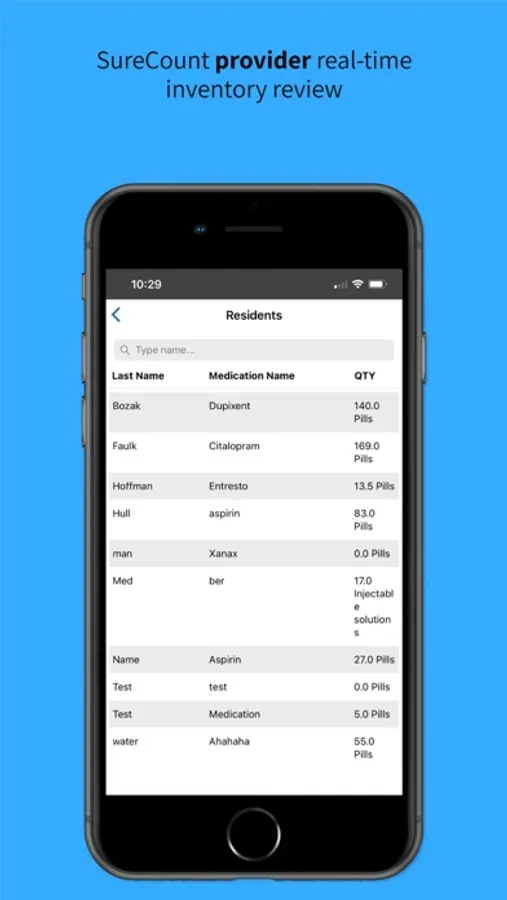
Tap to Rate:
Reviews for Mediprocity
Haolomeno
Mildly infuriating
1/26/26: App still not reliable. Notifications broken, meaning that we rack up charges because our answering service has to use alternate methods to contact us when the app inevitably fails. Had to uninstall and reinstall again. Original review: In some ways, life has never been better for health care providers. We’re curing incurable cancers, making the blind see again (I’m an ophthalmologist), and focusing on our own mental well being. For this reason, it’s ironic that Mediprocity is already a fossilized app , not evolving or addressing problems using feedback from providers. I get dropped notifications, one forcing me to drive a half hour back to the office and several requiring the answering service to text, then call. This wastes our time and creates extra charges. Feedback to Mediprocity means doing troubleshooting. Yes, I have iOS Up to date, yes, Mediprocity is up to date. Yes, I restarted the app. Yes, I power cycled my phone. Yes, I deleted and reinstalled the Mediprocity app. Notifications don’t consistently work, and haven’t for at least since our answering service adopted it. Also, to add to the annoyances, I cannot log in to the app with my password keychain, like most of my apps. Instead three fields have to be entered: username, password and encryption key. You cannot copy and paste either. Why? you ask. Because, after you enter your username and leave the login page, go back to your notes app to retrieve your password, the login screen refreshes…every time. So, now you have to re-enter your username, paste the password, and what? you have to enter the encryption key in another field. Don’t know it? Need to go back to your notes to get it? Well, you just went back to square one. You have to fill in all three fields again. Support has been, again, unhelpful. I got a nonsensical answer as to why I can’t store my credentials in the Apple Password app. And although we didn’t pay directly for the Mediprocity app, we are certainly paying indirectly. Our exchange pays for the service and passes on the cost. We also rack up extra charges because Mediprocity can’t, or more likely won’t, get notifications to consistently work on an iPhone.
Haolomeno
Mildly infuriating
I landed on this iPad app review page through the mac OS App Store, even though it’s installed on my iPhone and our answering service messages us through our phones. Long story short, notifications are unreliable. When they don’t work, basically every time we are on call, it forces our exchange to text and call, thus generating extra charges for us. Some dropped/silent notifications have resulted in trips back to the office when a notification didn’t pop up while driving home. Others have made it necessary for the exchange to call at night when notifications remain silent. Customer support? Typical, with user error at the top of the list, with no acknowledgement that the problem lies with Mediprocity. Yes, I’ve restarted and re-logged-in to the app. Yes, I’ve power cycled my phone. Yes, I’ve deleted and re-installed the Mediprocity app. No, I don’t use “focus” or other modes that silence notifications and anyhow, I’ve put Mediprocity on a “whitelist” so that it wouldn’t be excluded/silenced anyway. Also, to add to the annoyances, I cannot log in to the app with my password keychain, like most of my apps. Instead three fields have to be entered: username, password and encryption key. You cannot copy and paste either. Why? you ask. Because, after you enter your username and leave the login page, go back to your notes app to retrieve your password, the login screen refreshes…every time. So, now you have to re-enter your username, paste the password, and what? you have to enter the encryption key in another field. Don’t know it? Need to go back to your notes to get it? Well, you just went back to square one. You have to fill in all three fields again. Support has been, again, unhelpful. I got a nonsensical answer as to why I can’t store my credentials in the Apple Password app. And although we didn’t pay directly for the Mediprocity app, we are certainly paying indirectly. Our exchange pays for the service and we rack up extra charges because Mediprocity can’t, or more likely won’t, get notifications to consistently work on an iPhone.