AppRecs review analysis
AppRecs rating 5.0. Trustworthiness 67 out of 100. Review manipulation risk 20 out of 100. Based on a review sample analyzed.
★★★★★
5.0
AppRecs Rating
Ratings breakdown
5 star
33%
4 star
33%
3 star
0%
2 star
33%
1 star
0%
What to know
✓
Low review manipulation risk
20% review manipulation risk
✓
Good user ratings
67% positive sampled reviews
About HANKO Maker
"HANKO Maker" is an app to make original seal briefly.
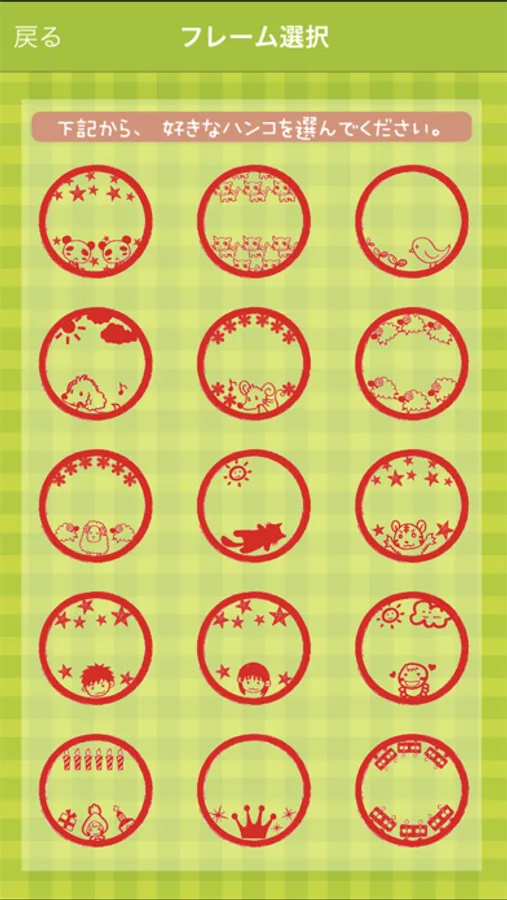
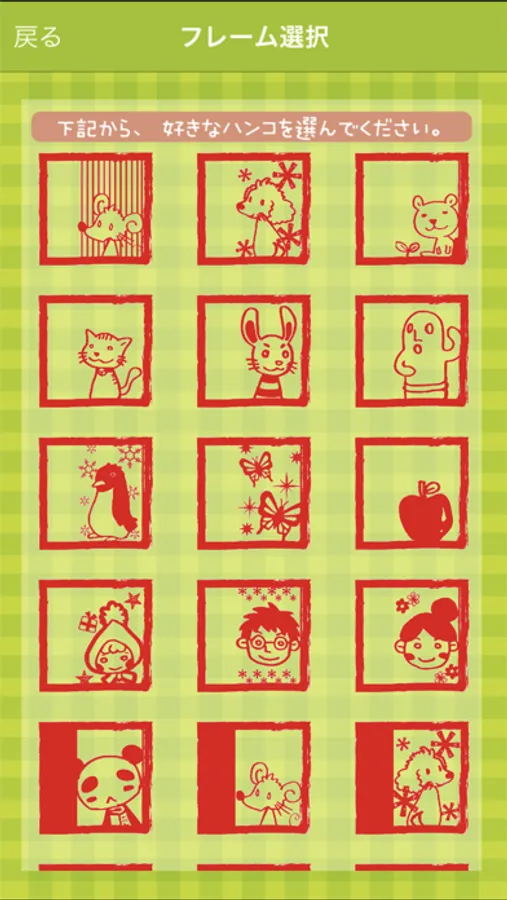
There are 51 types 100, is the basic frame for Hanko Hanko original.
In the ability to create original stamp, you can create original stamp his name or pseudonym.
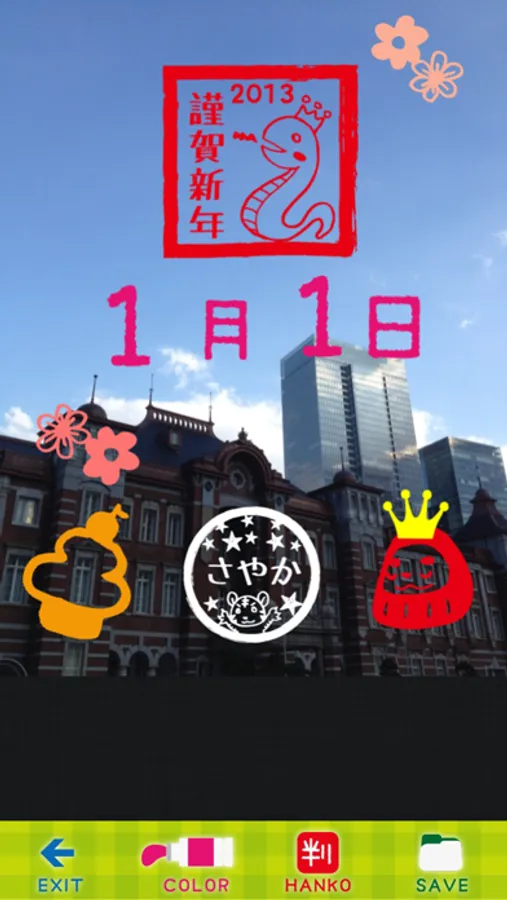
After you create a seal affixed to a photo or image freely.
-Operating Procedure
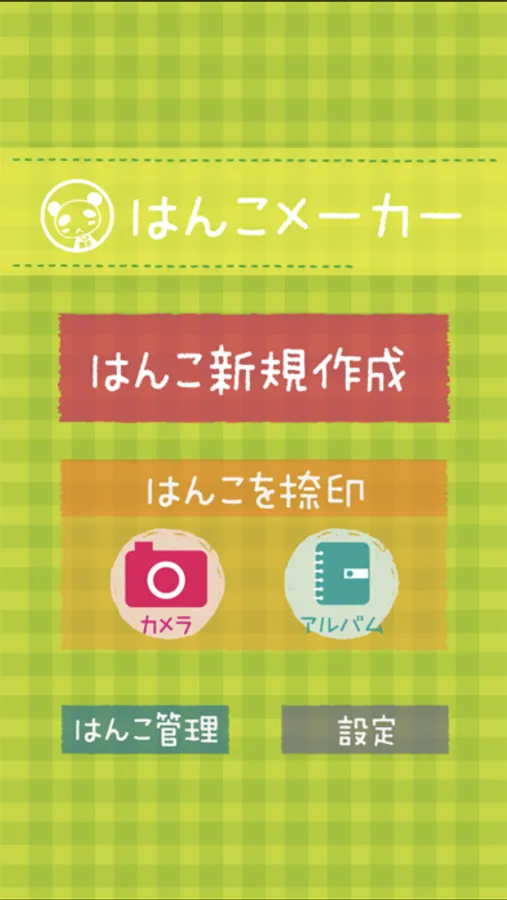
1.Press the "はんこ新規作成" on the Start menu.
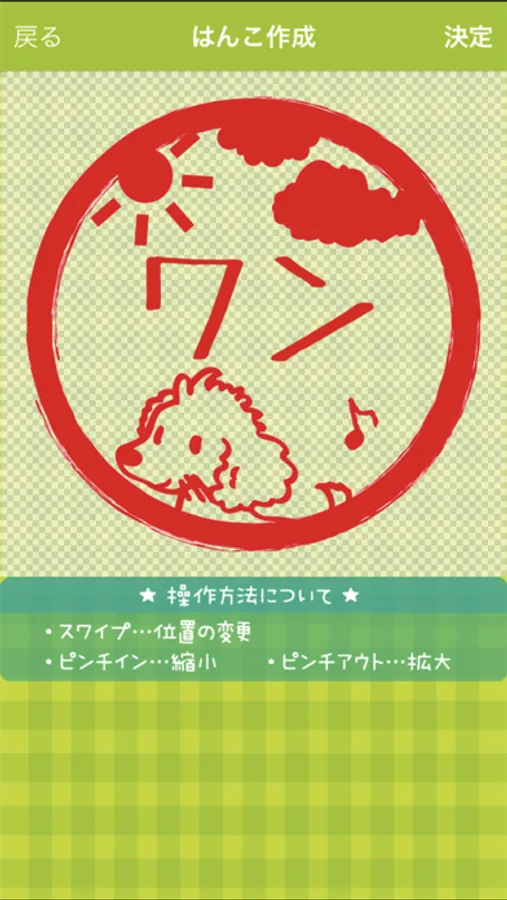
2.Select one of the frames in the frame selection screen.
3.I enter the name you want your name in the input screen.
4.Adjust the size and position of your name creation screen seal, press "決定" button if you like.
5.Select the "カメラ" button or "アルバム" button in the start menu.
6.Select the image you want to paste the stamps.
7.Press the "HANKO" button, I want the stamp you want to paste.
8.Each of the following operations are possible.
swipe · · ·Adjust the position of the stamp
multi-touch · · ·Scaling of stamp
color buttons · · · Change the color of the Stamp
9.Paste by pressing the "SAVE" button when you are finished, be sure to save the image.
-how to remove ads
You can remove the advertising and display options can be purchased from non-ad ads Settings > Hide ads.
Before using this application, be sure to read the Terms of Use below.
By installing, you are deemed to have agreed to these Terms.
https://www.apple.com/legal/internet-services/itunes/dev/stdeula/
There are 51 types 100, is the basic frame for Hanko Hanko original.
In the ability to create original stamp, you can create original stamp his name or pseudonym.
After you create a seal affixed to a photo or image freely.
-Operating Procedure
1.Press the "はんこ新規作成" on the Start menu.
2.Select one of the frames in the frame selection screen.
3.I enter the name you want your name in the input screen.
4.Adjust the size and position of your name creation screen seal, press "決定" button if you like.
5.Select the "カメラ" button or "アルバム" button in the start menu.
6.Select the image you want to paste the stamps.
7.Press the "HANKO" button, I want the stamp you want to paste.
8.Each of the following operations are possible.
swipe · · ·Adjust the position of the stamp
multi-touch · · ·Scaling of stamp
color buttons · · · Change the color of the Stamp
9.Paste by pressing the "SAVE" button when you are finished, be sure to save the image.
-how to remove ads
You can remove the advertising and display options can be purchased from non-ad ads Settings > Hide ads.
Before using this application, be sure to read the Terms of Use below.
By installing, you are deemed to have agreed to these Terms.
https://www.apple.com/legal/internet-services/itunes/dev/stdeula/
HANKO Maker Screenshots
Tap to Rate:
Reviews for HANKO Maker
Peachworm
Loved it!
Such a simple, easy and fun way to produce our own stamps!! Thanks you!!
sang2012
If I can use my own pictures to make.
I have made lots of pictures in scan stamp. Wanna use those in this app.