
AppRecs review analysis
AppRecs rating 2.0. Trustworthiness 79 out of 100. Review manipulation risk 21 out of 100. Based on a review sample analyzed.
★★☆☆☆
2.0
AppRecs Rating
Ratings breakdown
5 star
40%
4 star
0%
3 star
0%
2 star
0%
1 star
60%
What to know
✓
Low review manipulation risk
21% review manipulation risk
✓
Credible reviews
79% trustworthiness score from analyzed reviews
⚠
Mixed user feedback
Average 2.6★ rating suggests room for improvement
About TrueConf: Business Messenger
No computer? No problem. With TrueConf, you can quickly jump on a call, schedule or start meeting on the go and collaborate with your colleagues from anywhere.
Please note that you need to connect TrueConf application either to TrueConf Server or TrueConf Online cloud service.
- Video calls. Free point-to-point video calls with TrueConf users.
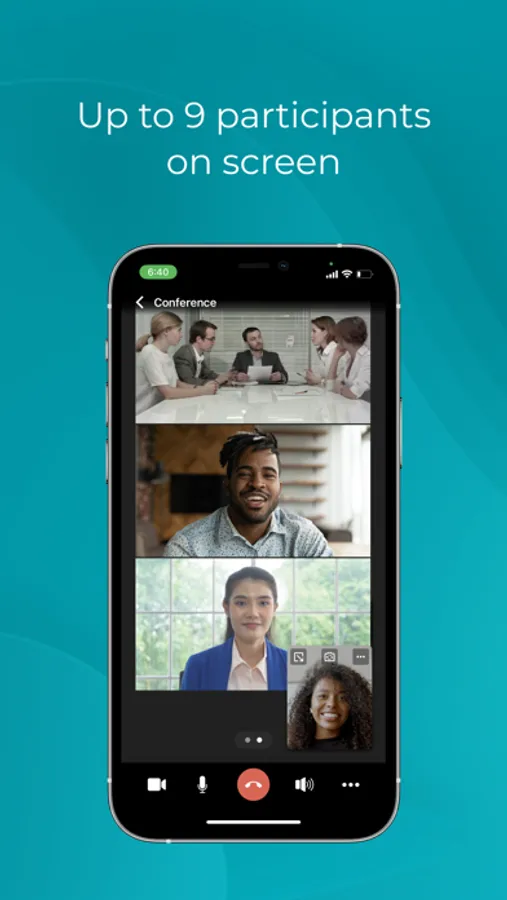
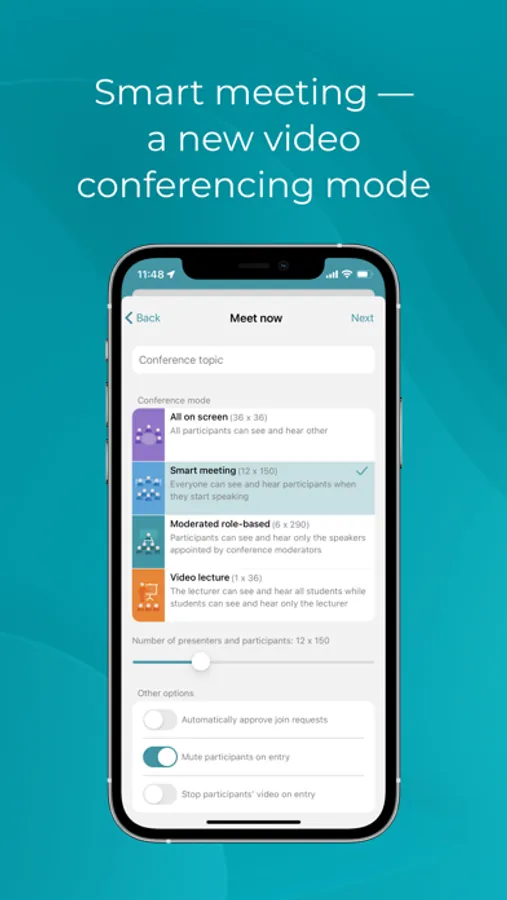
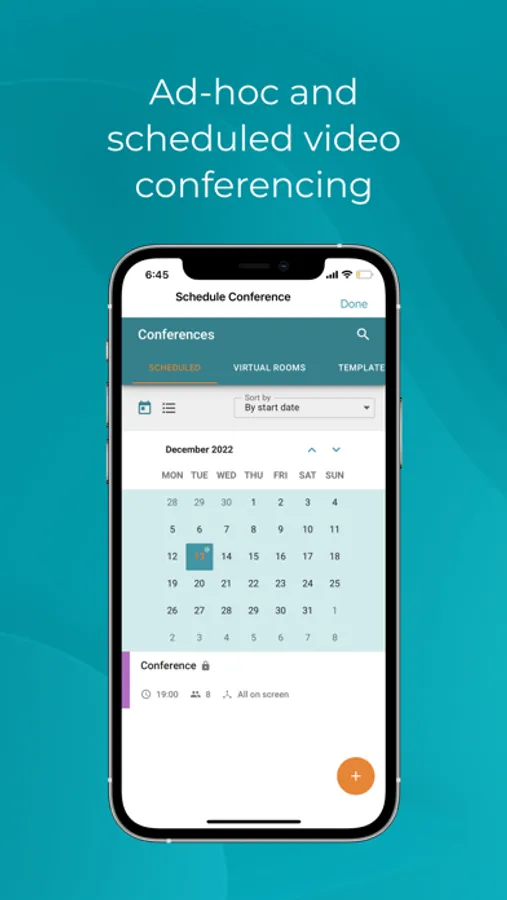
- Video conferences. Schedule video meetings or create them ad hoc. Up to 1500 users in a conference with TrueConf Server full version.
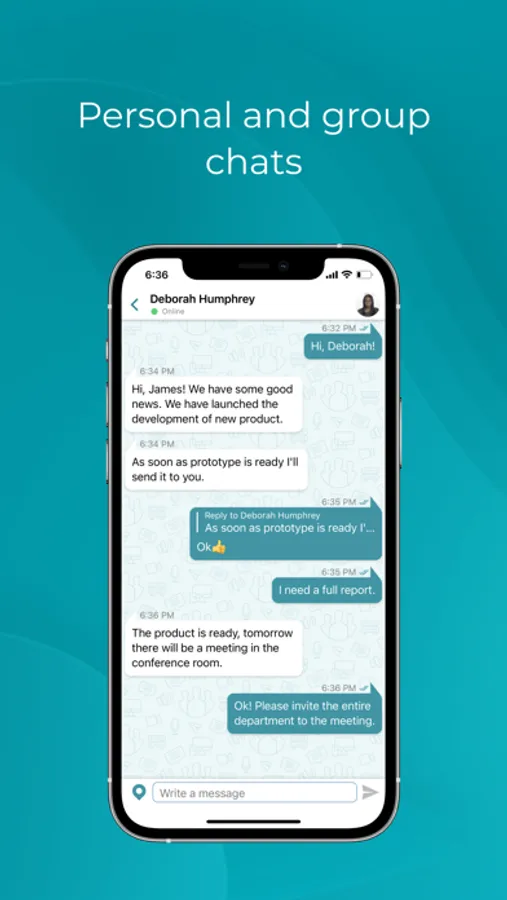
- Team messenger. Communicate with colleagues in group and personal chats during and outside of a video meeting — dialogues are synchronized on all your devices.
- Files sharing. Send images, documents and other files from your device's memory, iCloud Drive cloud storage and third-party applications.
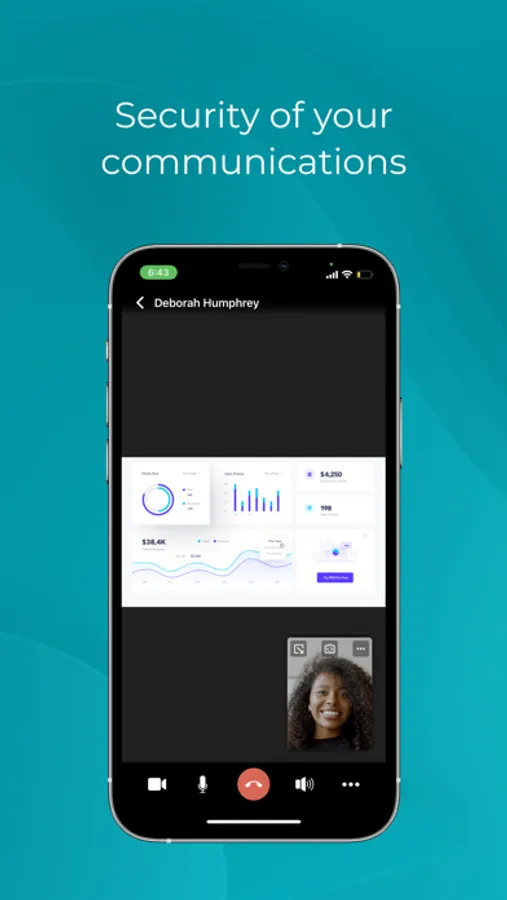
- Slideshow. Share photos, images, and charts during video meetings.
- Reactions. Speak your mind and get instant team feedback on the matters discussed right during a meeting.
- Conference scheduling. Schedule conference and send automatic email invitations to other participants (available when connected to TrueConf Server).
- Moderator controls. Make your meetings run smoothly: select presenters or control participants' audio and video devices whenever it is needed.
- Quick authorization: Sign up or sign in with your social network accounts (Facebook, Google+) or Apple ID.
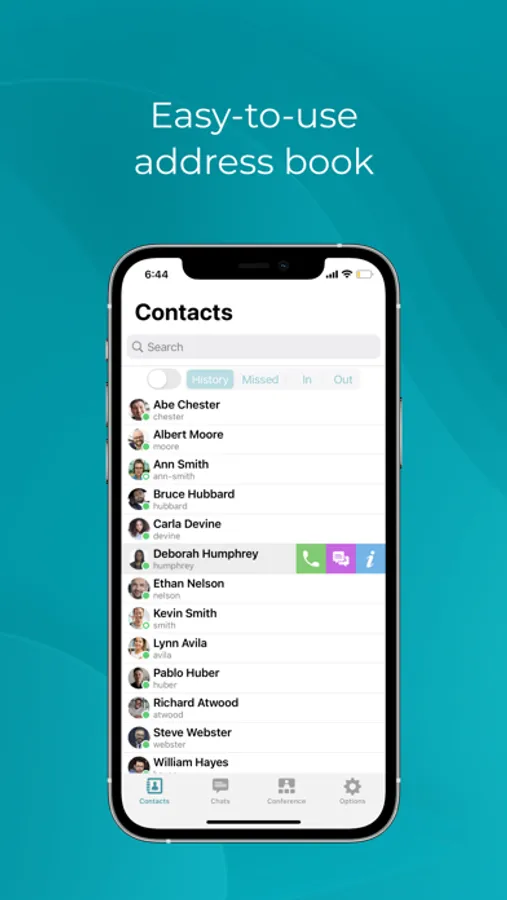
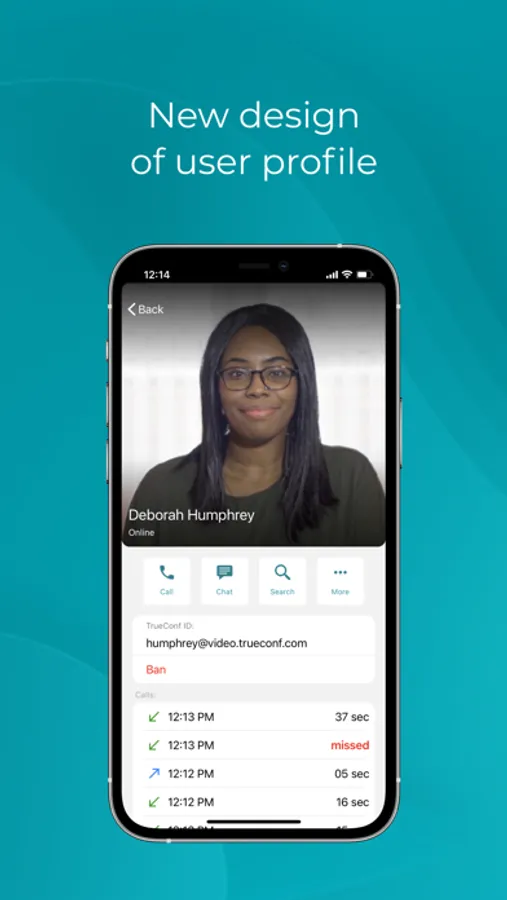
- Address book. A global list of contacts and groups available on all devices. Presence statuses allow you to see which of your colleagues is currently available for communication
- Support for screen rotation. Hold your device vertically or horizontally when using the app. Up to 20 participants on the screen.
- Support of Center Stage technology. You will remain centered in the frame even while moving and when working with the board.
- Adjustable video quality. A user can quickly change video quality settings depending on the amount of available mobile traffic or bandwidth.
If you have any questions, please email us at help@trueconf.com.
Please note that you need to connect TrueConf application either to TrueConf Server or TrueConf Online cloud service.
- Video calls. Free point-to-point video calls with TrueConf users.
- Video conferences. Schedule video meetings or create them ad hoc. Up to 1500 users in a conference with TrueConf Server full version.
- Team messenger. Communicate with colleagues in group and personal chats during and outside of a video meeting — dialogues are synchronized on all your devices.
- Files sharing. Send images, documents and other files from your device's memory, iCloud Drive cloud storage and third-party applications.
- Slideshow. Share photos, images, and charts during video meetings.
- Reactions. Speak your mind and get instant team feedback on the matters discussed right during a meeting.
- Conference scheduling. Schedule conference and send automatic email invitations to other participants (available when connected to TrueConf Server).
- Moderator controls. Make your meetings run smoothly: select presenters or control participants' audio and video devices whenever it is needed.
- Quick authorization: Sign up or sign in with your social network accounts (Facebook, Google+) or Apple ID.
- Address book. A global list of contacts and groups available on all devices. Presence statuses allow you to see which of your colleagues is currently available for communication
- Support for screen rotation. Hold your device vertically or horizontally when using the app. Up to 20 participants on the screen.
- Support of Center Stage technology. You will remain centered in the frame even while moving and when working with the board.
- Adjustable video quality. A user can quickly change video quality settings depending on the amount of available mobile traffic or bandwidth.
If you have any questions, please email us at help@trueconf.com.
TrueConf: Business Messenger Screenshots

Tap to Rate:
Reviews for TrueConf: Business Messenger
magnetcorn
Contacts
There is no way to invite people without sharing all the contents of your contacts
Лев1986
Отличные видеоконференции
Высокая оценка оправдана, серьезных проблем с производительностью не заметил. Незаменимый инструмент на работе, во время удаленки не раз выручал.