About When: Quick Reminders
You do not need professional task managers, but do you want to complete everything on time and without mistakes? "When" is easy to use, easy to understand, and it does half the task management for you.
EASY AND UNDERSTANDABLE
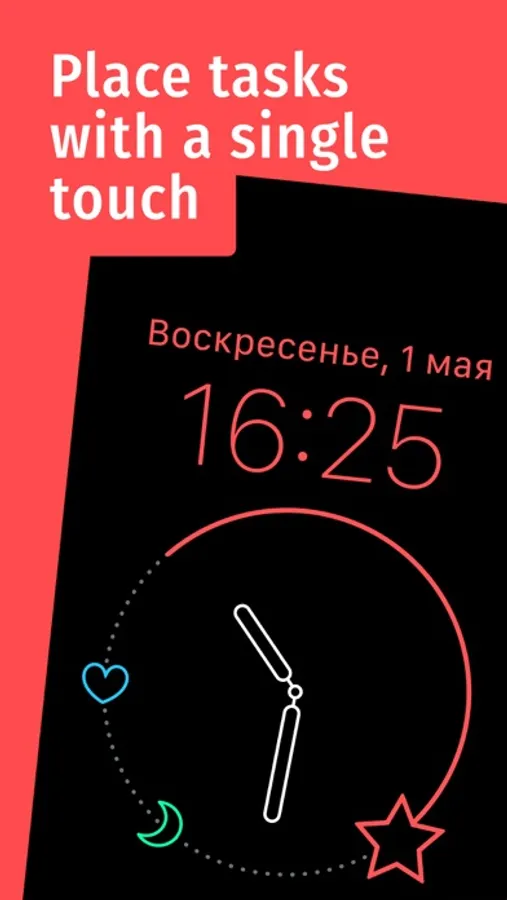
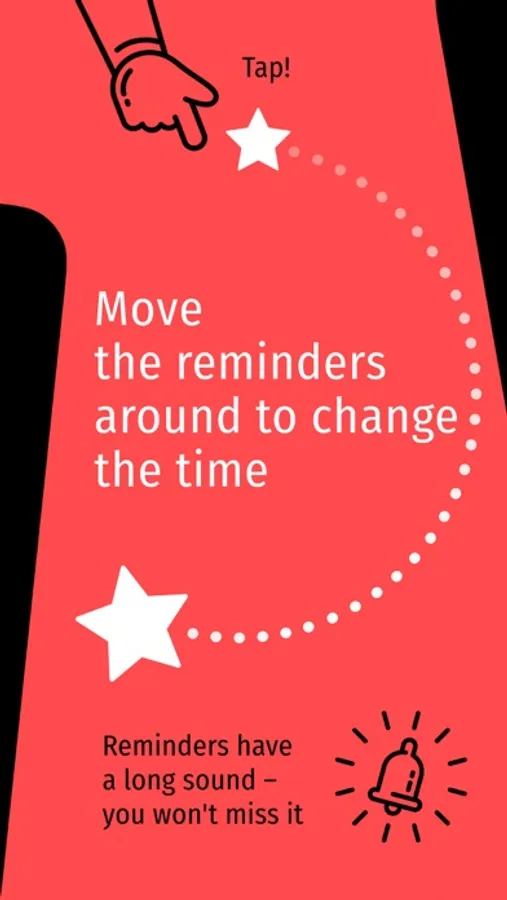
Your day is set up like a clock, and your tasks are unique icons on the dial. One glance is enough to understand what to do and when to do it. "When" makes task management visual and tangible. To create a new task, touch the dial of the clock. To delete a task, drag the icon outside the dial. To change the reminder time to 10 minutes, an hour, or a few days, just change the position of the icon.
IT DOES HALF THE TASK MANAGEMENT FOR YOU
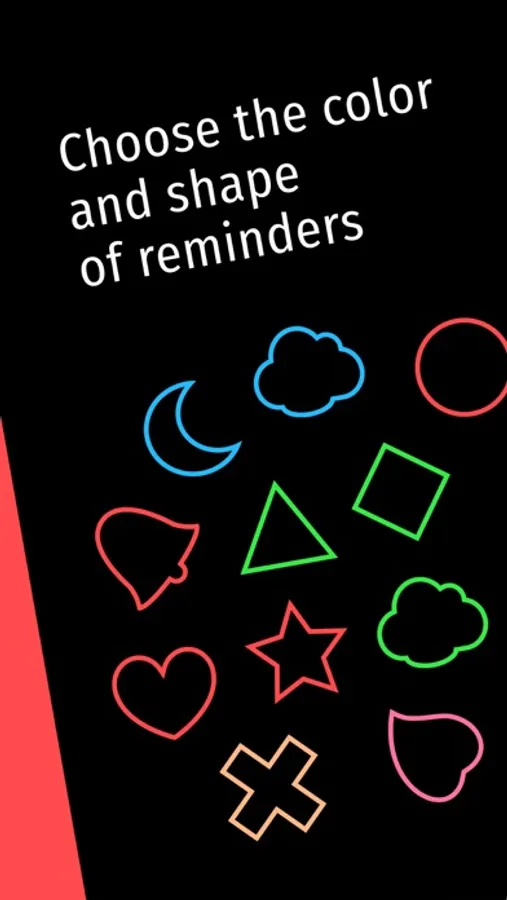
"When" saves you the trouble of doing something manually which can be done automatically. The application groups your tasks under the place of action: household tasks will be marked with one color and work related tasks with another. You won’t even have to name the tasks. "When" appoints a unique icon to each task, so you can easily remember what you are required to do.
Try to do everything on time and without mistakes and leave the task management to "When".
EASY AND UNDERSTANDABLE
Your day is set up like a clock, and your tasks are unique icons on the dial. One glance is enough to understand what to do and when to do it. "When" makes task management visual and tangible. To create a new task, touch the dial of the clock. To delete a task, drag the icon outside the dial. To change the reminder time to 10 minutes, an hour, or a few days, just change the position of the icon.
IT DOES HALF THE TASK MANAGEMENT FOR YOU
"When" saves you the trouble of doing something manually which can be done automatically. The application groups your tasks under the place of action: household tasks will be marked with one color and work related tasks with another. You won’t even have to name the tasks. "When" appoints a unique icon to each task, so you can easily remember what you are required to do.
Try to do everything on time and without mistakes and leave the task management to "When".
When: Quick Reminders Screenshots
Tap to Rate: