Use this weather app to view live streams, access on-demand video forecasts, and customize weather maps. Includes real-time conditions, radar, satellite imagery, and the ability to share user-submitted weather media.
AppRecs review analysis
AppRecs rating 3.1. Trustworthiness 80 out of 100. Review manipulation risk 21 out of 100. Based on a review sample analyzed.
★★★☆☆
3.1
AppRecs Rating
Ratings breakdown
5 star
40%
4 star
13%
3 star
11%
2 star
8%
1 star
28%
What to know
✓
Low review manipulation risk
21% review manipulation risk
⚠
Ad complaints
Many low ratings mention excessive ads
⚠
High negative review ratio
37% of sampled ratings are 1–2 stars
About WeatherNation App
Fan favorite features:
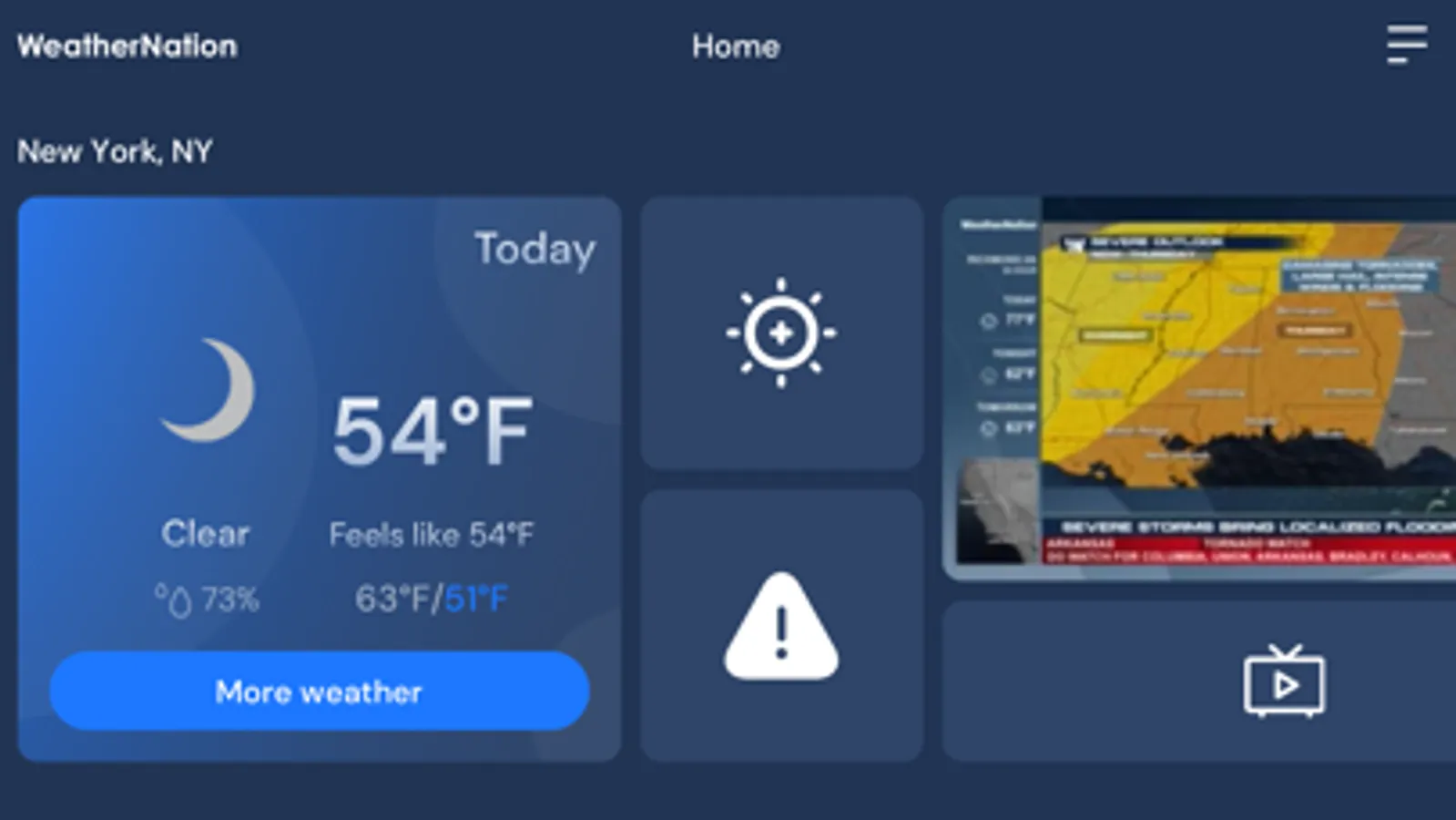
• Watch what's on air right now, we stream our 24-hour in depth and nationwide weather service right to the palm of your hand.
• On the go? We feature video forecasts on demand with regional, national, breaking weather news, travel and specialty shows instantly.
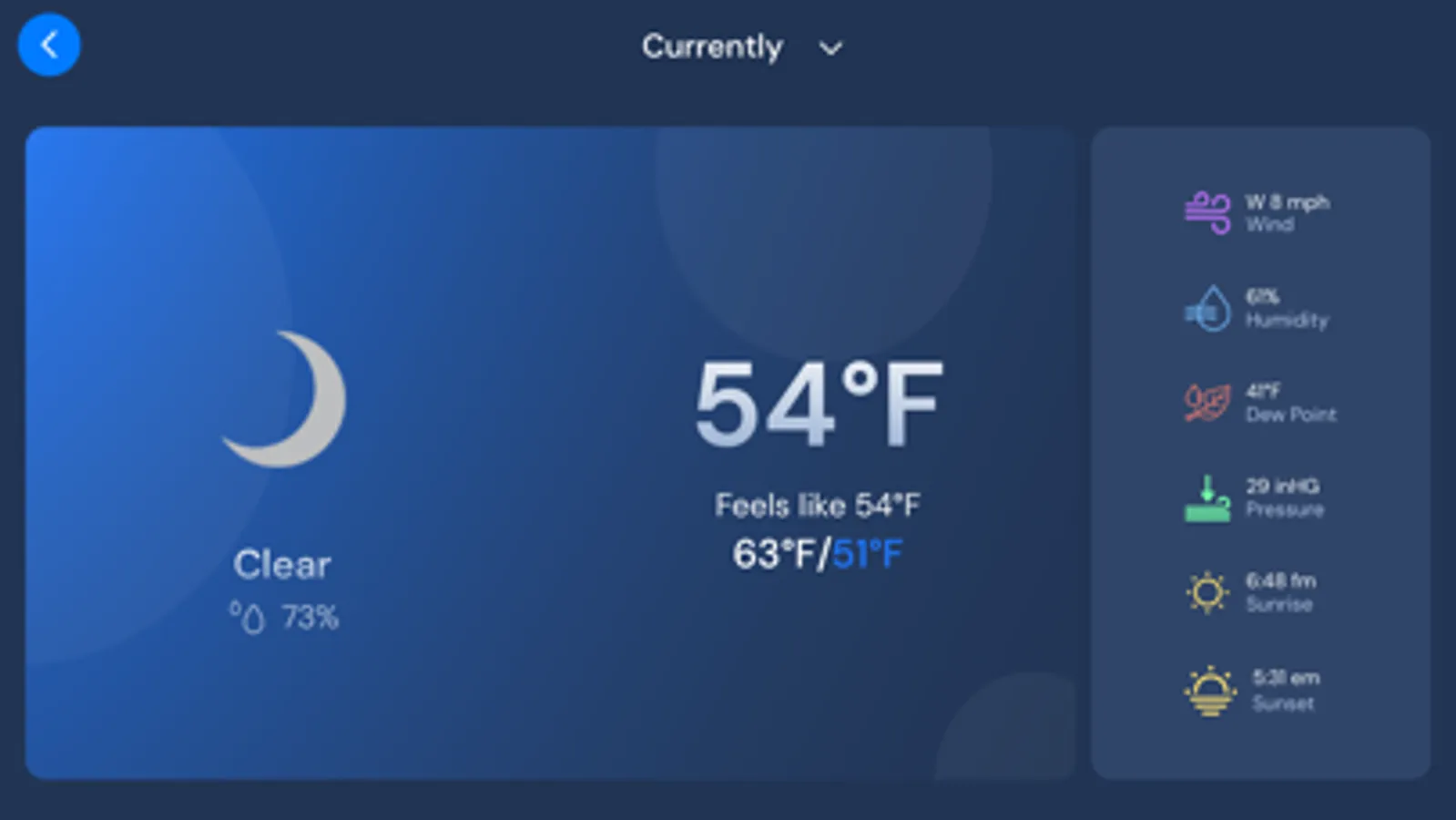
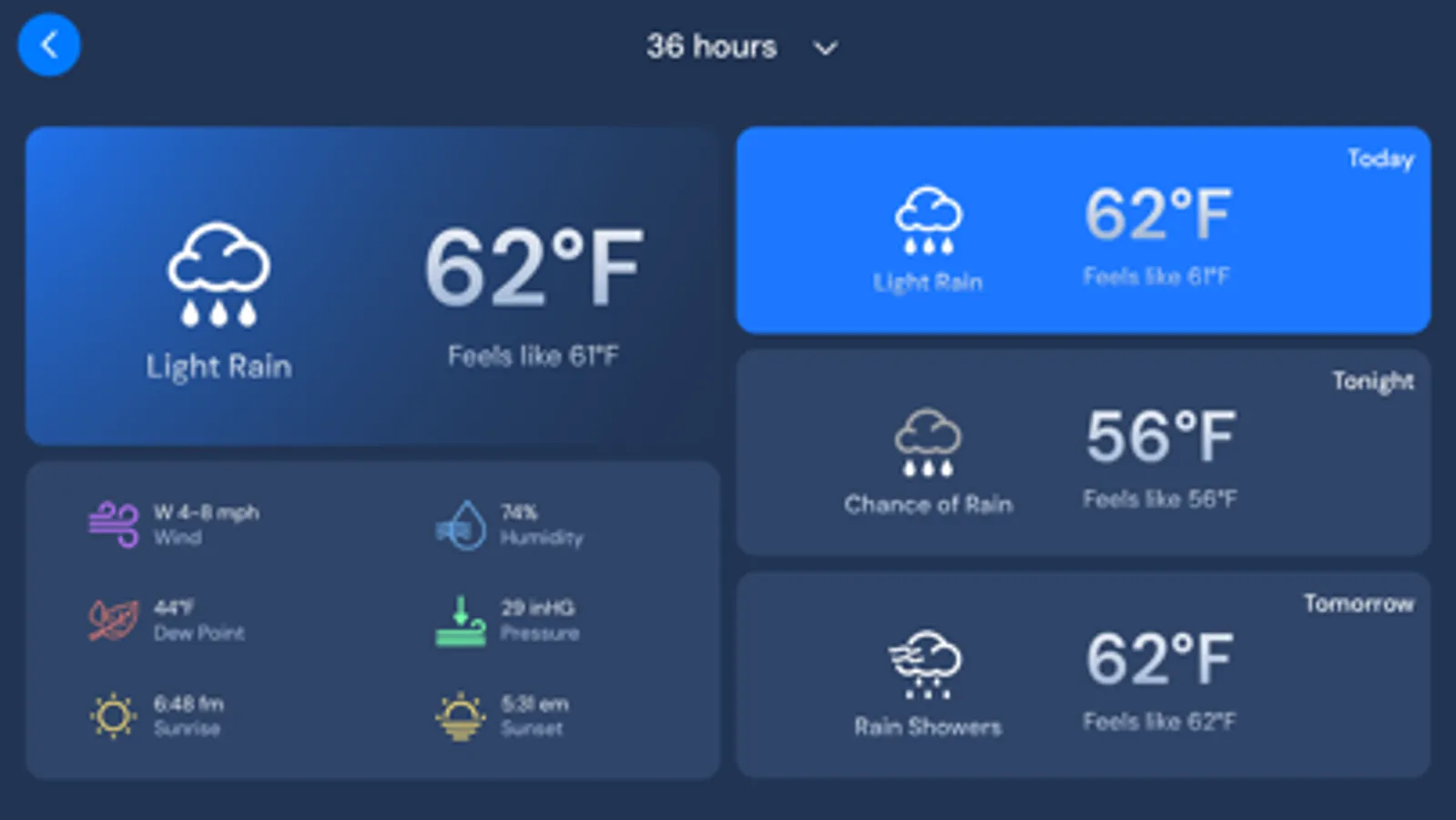
• Really on the go? Get instant access to your current conditions, temperature and extended outlooks.
• Easy swiping between your favorite locations for detailed up to the moment weather information anywhere.
• Our fully customizable interactive radar and weather maps let you decide what you want to see. Combine data and images from current radar, satellite, severe advisories, snow depth, temperatures, wind speeds, wind chill, dew point, humidity and heat index so you can finally have the perfect weather.
• With one click, you can easily send us your weather pics and videos so we can share them live on air and across social media. Don't just watch the weather, be part of it.
FEEDBACK:
We are eager to hear your feedback. If you can't get enough of WeatherNation's weather app, please rate us in the iTunes App Store. Have suggestions? Please send them our way at TechSupport@WeatherNationTV.com
WeatherNation App Screenshots
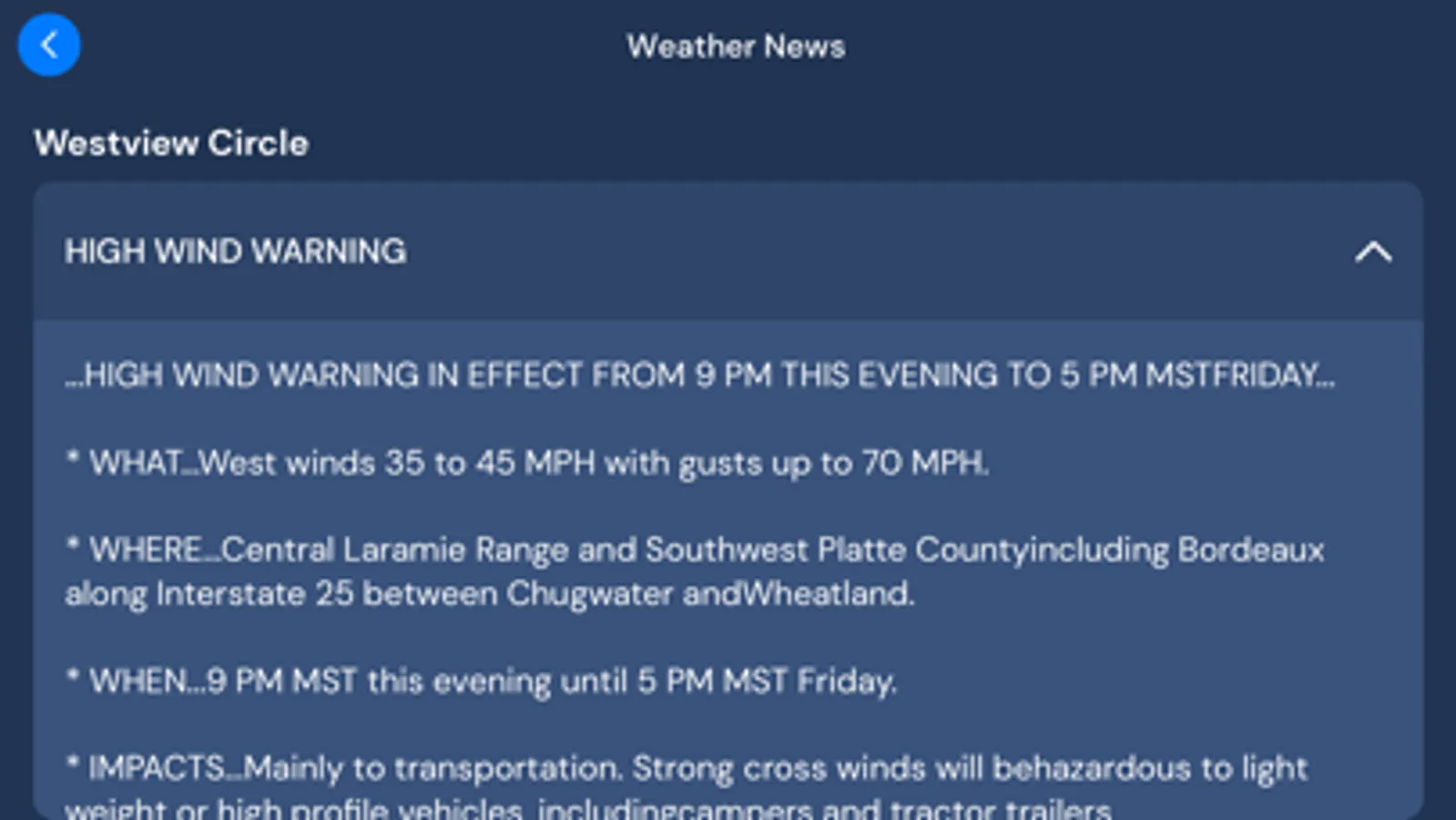
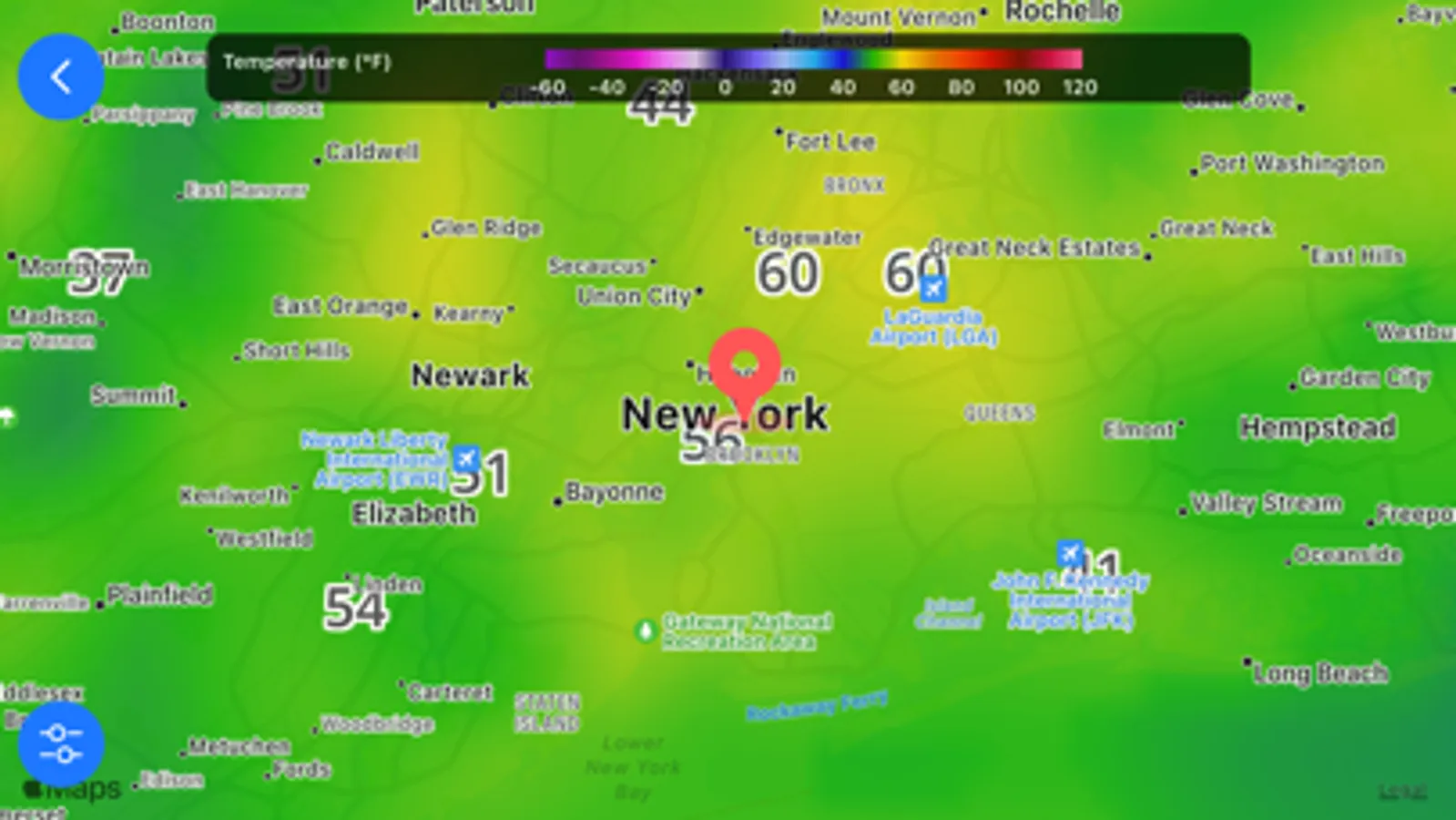
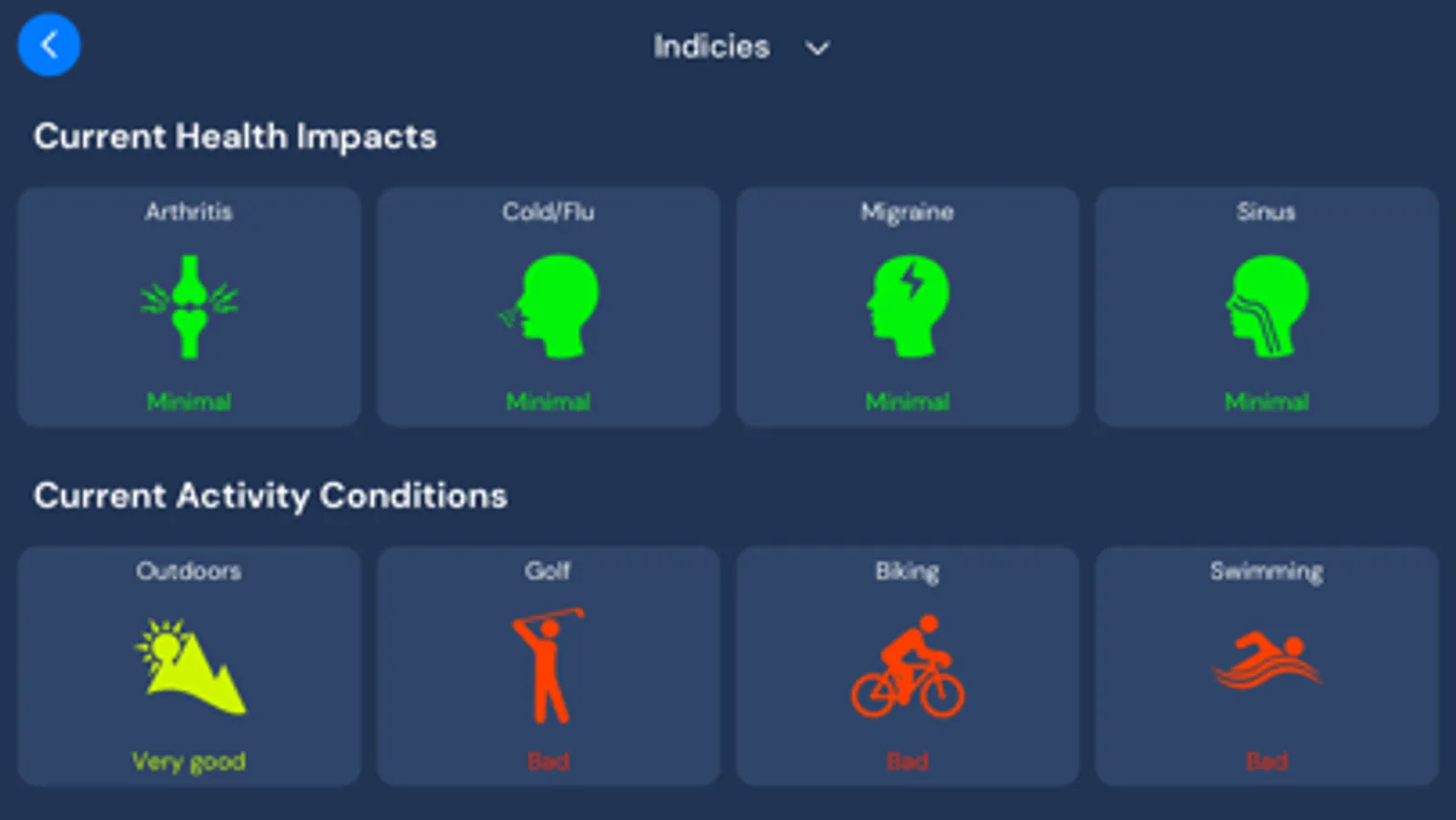
Tap to Rate:
Reviews for WeatherNation App
Corolla Virus-19
Apple Widget
Need Apple Widget For Apple iPhone 12 Pro Max
Warroom Fan
Weather Nation on iPhone…
When first, using the app, the user is prompted to enter their local ZIP Code. Seemingly, the screen is automatically forced into the ‘landscape mode’. At that point, after entering the ZIP Code from the virtual keypad that is presented…. hitting “return” will not advance the screen, and the screen is “frozen“ in place so that the user cannot find any screen button to press to advance on from the ZIP Code entry box. Quite frustrating…