AppRecs review analysis
AppRecs rating 3.3. Trustworthiness 0 out of 100. Review manipulation risk 0 out of 100. Based on a review sample analyzed.
★★★☆☆
3.3
AppRecs Rating
Ratings breakdown
5 star
0%
4 star
100%
3 star
0%
2 star
0%
1 star
0%
About 1st Calc
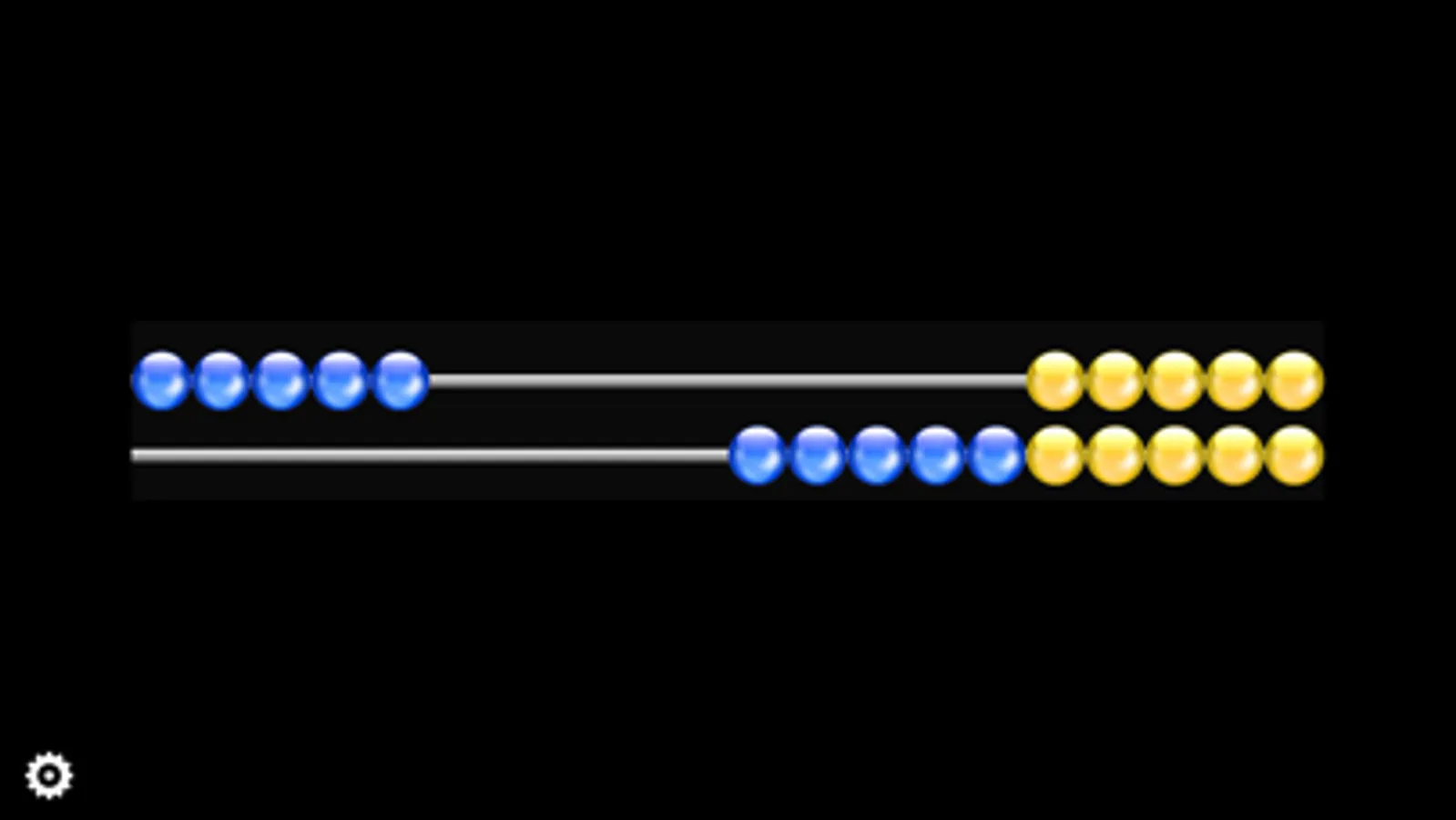
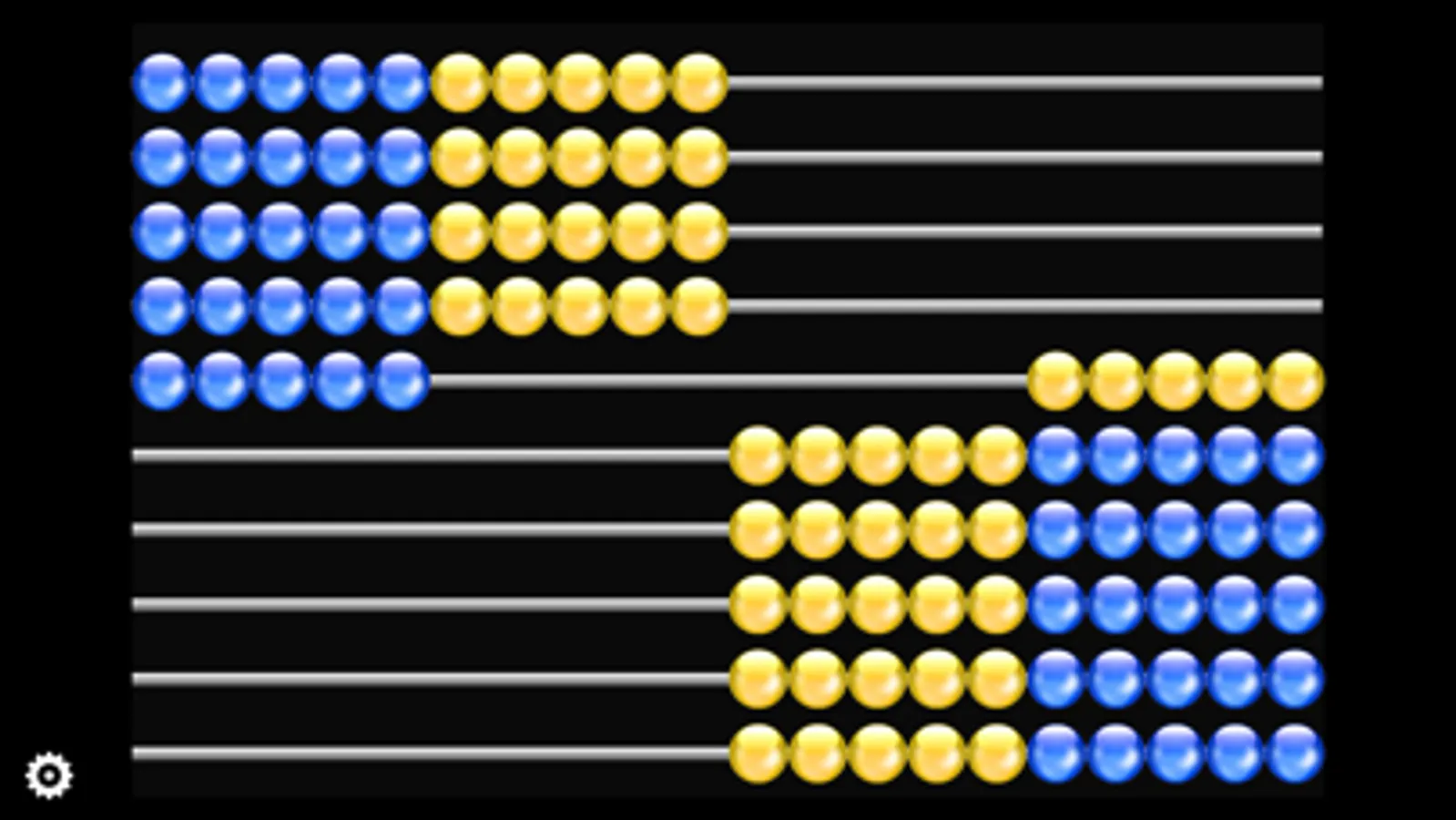
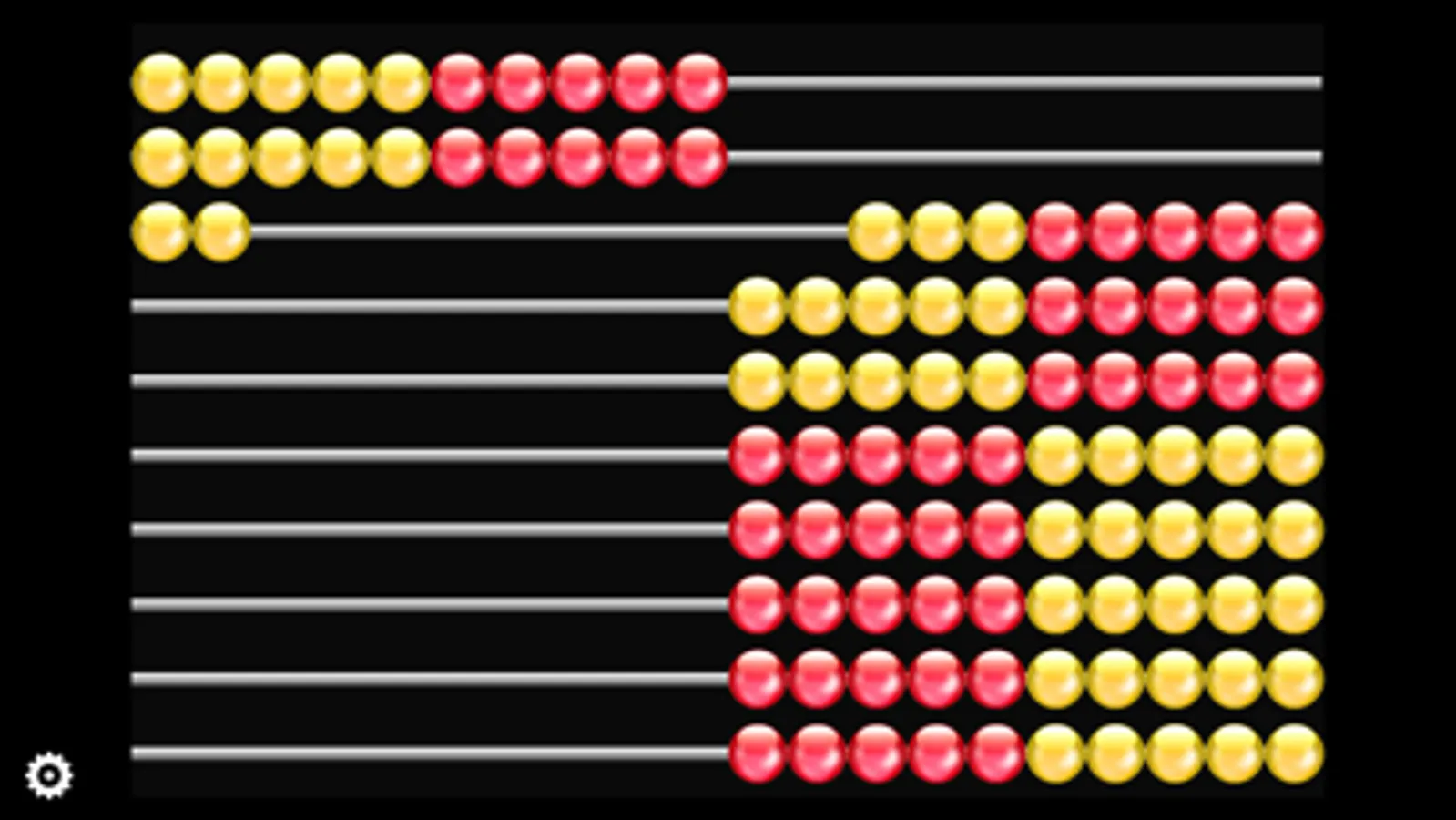
„1st Calc“ is an Abacus-style bead frame, that helps primary school children to discover numbers up to 100. It provides them with a visual tool to play with numbers and lets them solve addition and subtraction problems.
It is based on the latest math-teaching knowledge and its use contributes significantly to avoid any mathematical disabilities at an early stage and counteract this.
„1st Calc“ is an invaluable tool harvesting the children's motivation to use the iPad or iPhone and makes up with a more fun learning experience.
FEATURES
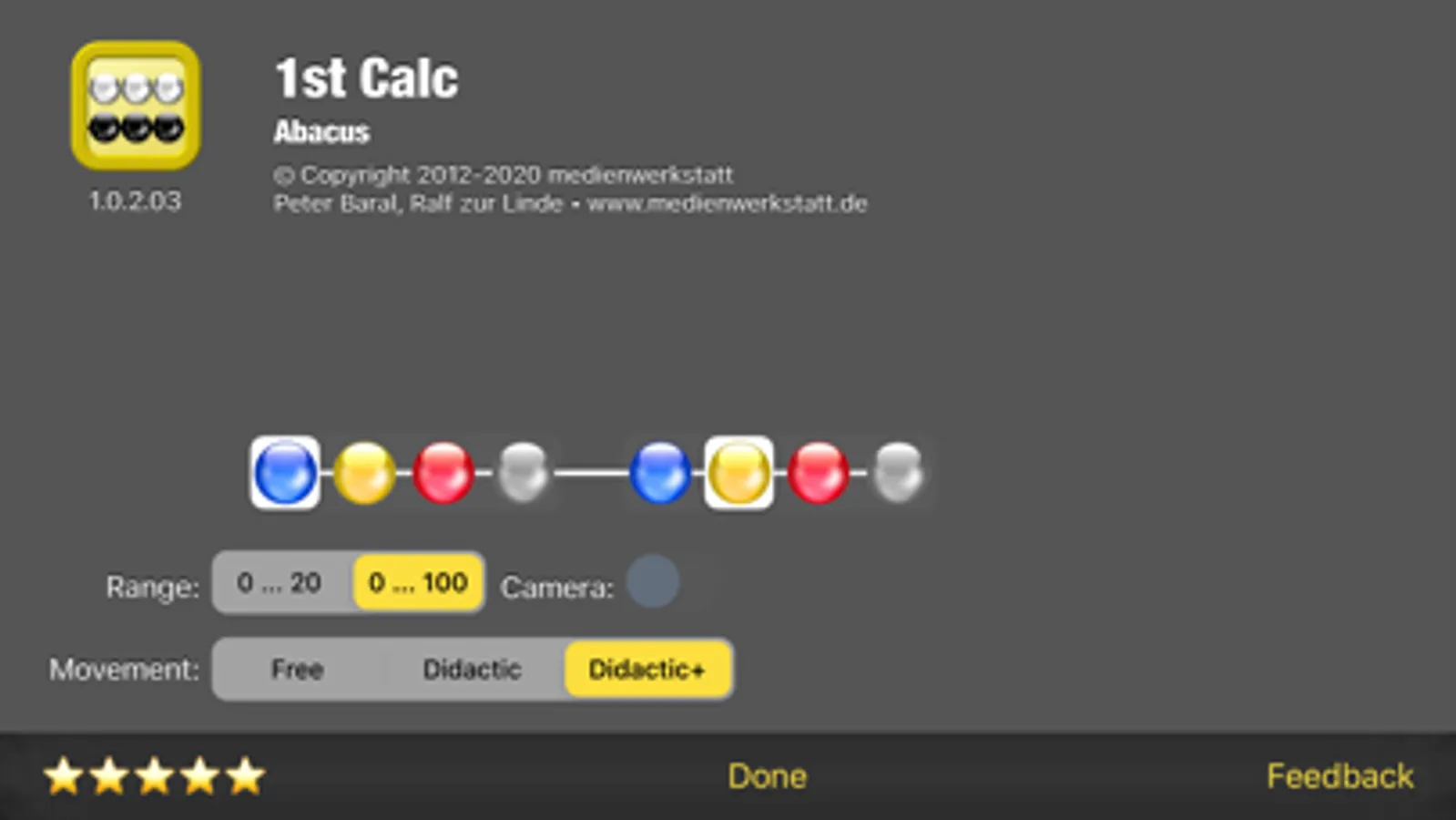
· Selectable range of numbers: 0 - 20 or 0 - 100
· Bead frame for children
· Choose between 4 different colors
· Optional live cam view as background
We will provide you with further updates. "1st Calc" will then be able to generate addition and subtraction problems, to guide the child through the solution process and to control and diagnose the child's input.
It is based on the latest math-teaching knowledge and its use contributes significantly to avoid any mathematical disabilities at an early stage and counteract this.
„1st Calc“ is an invaluable tool harvesting the children's motivation to use the iPad or iPhone and makes up with a more fun learning experience.
FEATURES
· Selectable range of numbers: 0 - 20 or 0 - 100
· Bead frame for children
· Choose between 4 different colors
· Optional live cam view as background
We will provide you with further updates. "1st Calc" will then be able to generate addition and subtraction problems, to guide the child through the solution process and to control and diagnose the child's input.
1st Calc Screenshots
Tap to Rate:
Reviews for 1st Calc
MouseLove
Landscape orientation stopped working.
When I first got this app, about a week ago, I loved how the rods and beads would turn when I turned my iPhone longways or landscape. Now the app no longer changes with the orientation of the phone. I’m very disappointed because in landscape the beads were a little larger and easier to use. While I don’t like the click noise every time you move beads, I have adjusted to it.