In this digital learning app, teachers assign and review student work, provide annotations, and share digital portfolios. Includes tools for assignment distribution, feedback via digital ink and voice, and integration with iPad apps.
AppRecs review analysis
AppRecs rating 3.6. Trustworthiness 76 out of 100. Review manipulation risk 20 out of 100. Based on a review sample analyzed.
★★★☆☆
3.6
AppRecs Rating
Ratings breakdown
5 star
62%
4 star
5%
3 star
6%
2 star
0%
1 star
28%
What to know
✓
Low review manipulation risk
20% review manipulation risk
✓
Credible reviews
76% trustworthiness score from analyzed reviews
✓
Good user ratings
66% positive sampled reviews
About Showbie
DNA of Learning: Your Foundation for Student Success
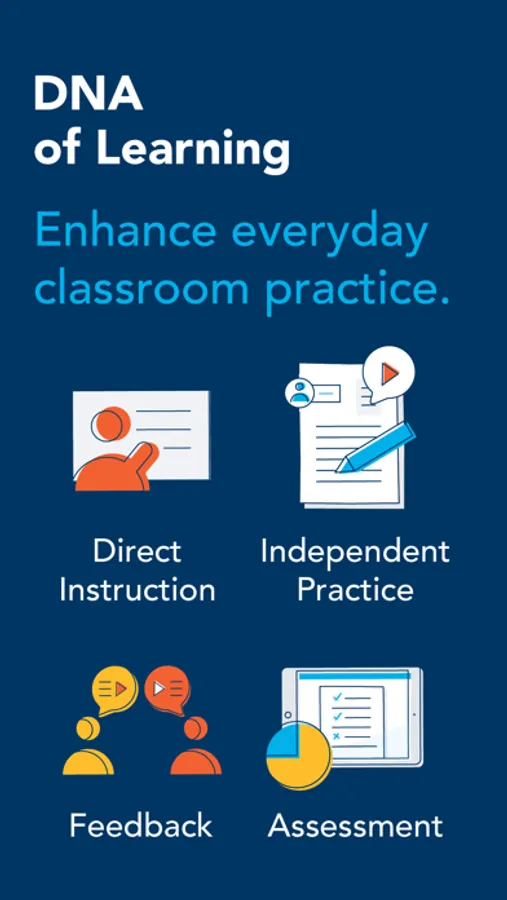
Showbie supports the improvement of everyday teaching and learning by elevating four essential strands of effective classroom practice - direct instruction, independent practice, personalised feedback and real-time assessment - all in one platform.
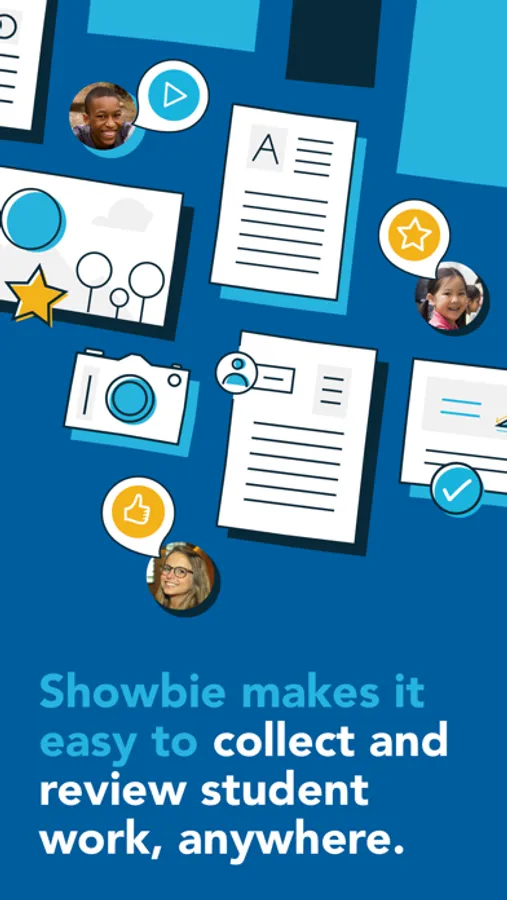
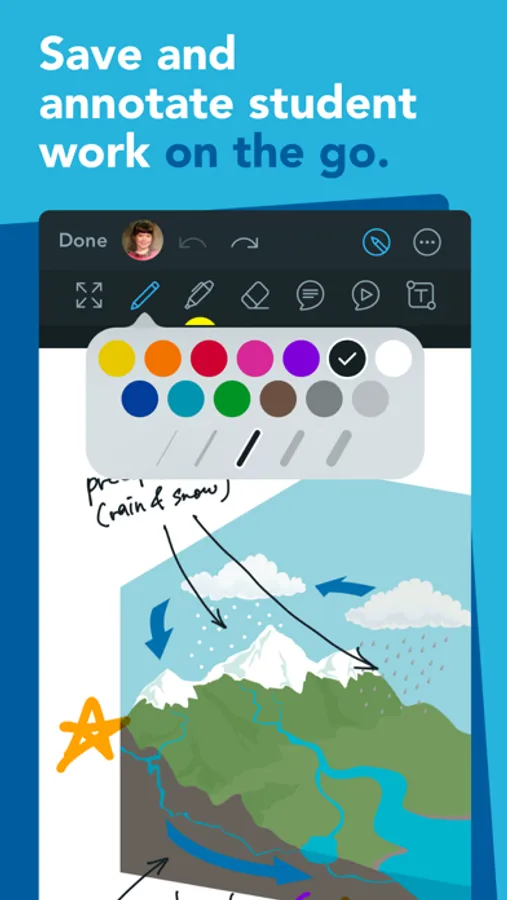
Find out how easy it is to assign, collect and review student work from thousands of compatible iPad apps, or have your students complete assignments with Showbie’s built in tools. Provide rich feedback using digital ink, text and voice annotations right on images and PDFs, and then add your students’ best work to personalized digital portfolios that can be securely shared with parents.
WHAT EDUCATORS ARE SAYING
“Showbie is my number one can't live without app! It makes the iPad workflow process a breeze! I especially love how it works seamlessly with so many other apps.”
— Kristen Paino, Lead Technology Integrator at Avenues: The World School
“I don't need to convince my colleagues that they need to use this app — it sells itself. I like that it gives me the flexibility in how I choose to grade my student's work, especially with the voice notes feature. There is no single third party app that I would rather champion.”
— Suzanne Lustenhouwer, Teacher and iPad Coordinator, Apple Distinguished Educator
“I love that Showbie is so versatile that the youngest of students can use it independently, yet it is appropriate for older grades as well. The ease of use makes it a great workflow solution for classes with iPads.”
— Kristi Meeuwse, Kindergarten Teacher, Apple Distinguished Educator
KEY FEATURES FOR TEACHERS & STUDENTS
• Share work from thousands of compatible iPad apps in a few taps
• Use the pen tool and pin text notes directly on any PDF or image
• Gauge class understanding in real-time with minute-by-minute assessment
• Instantly differentiate assignments and materials to specific students
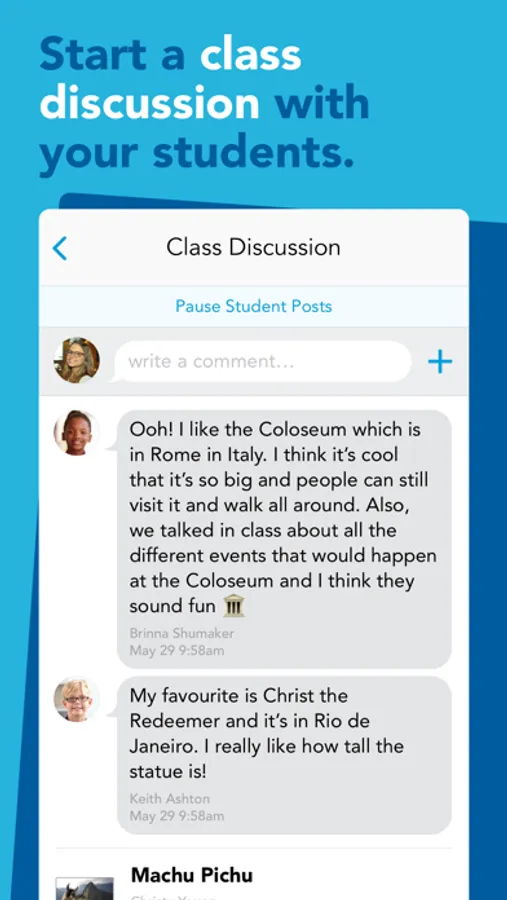
• Quickly distribute instructions and materials to your whole class
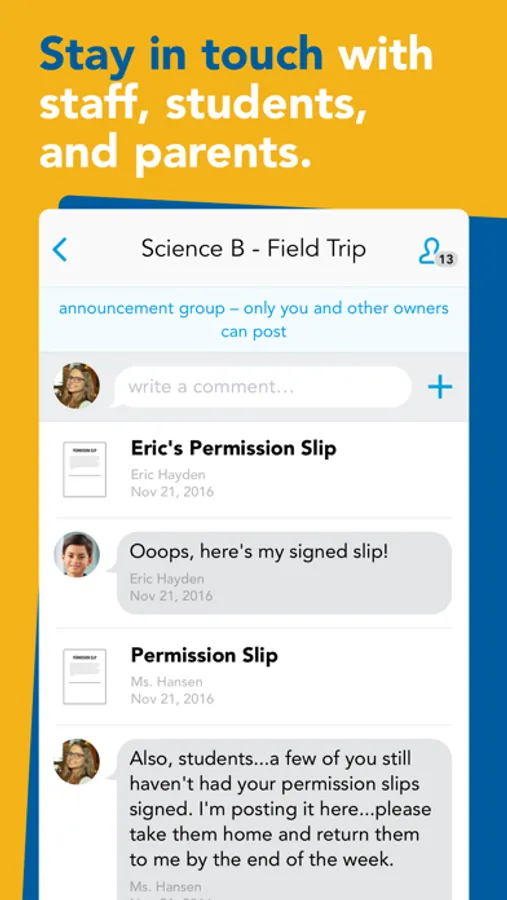
• Chat privately with individual students to provide timely feedback
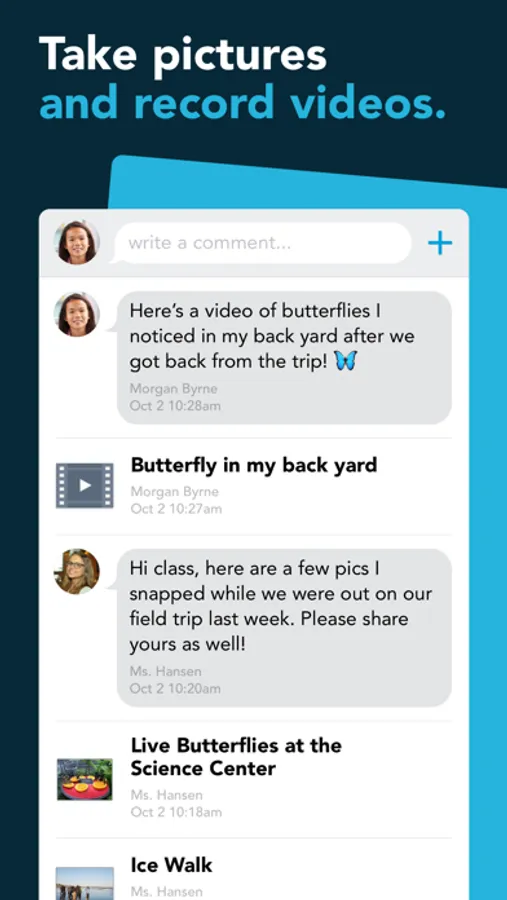
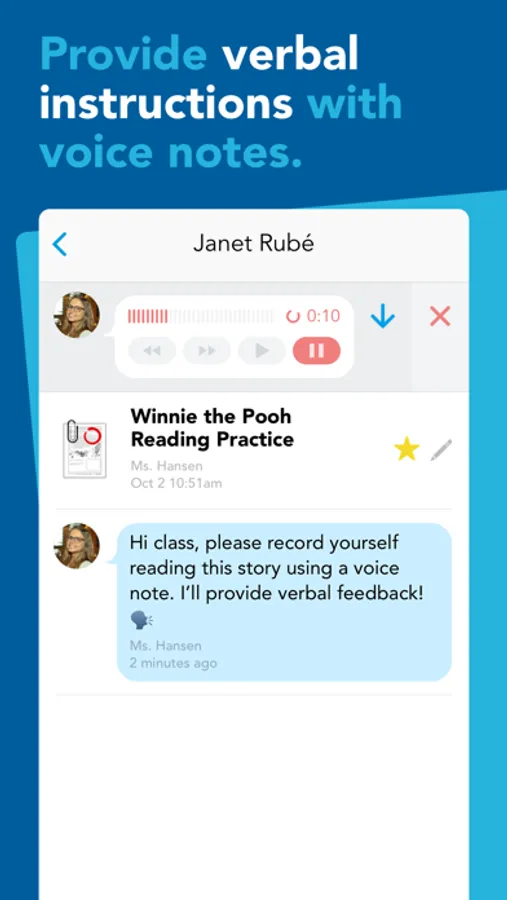
• Record voice notes for verbal feedback or language exercises
• Quickly review and assess batches of student work and provide rich, valuable feedback
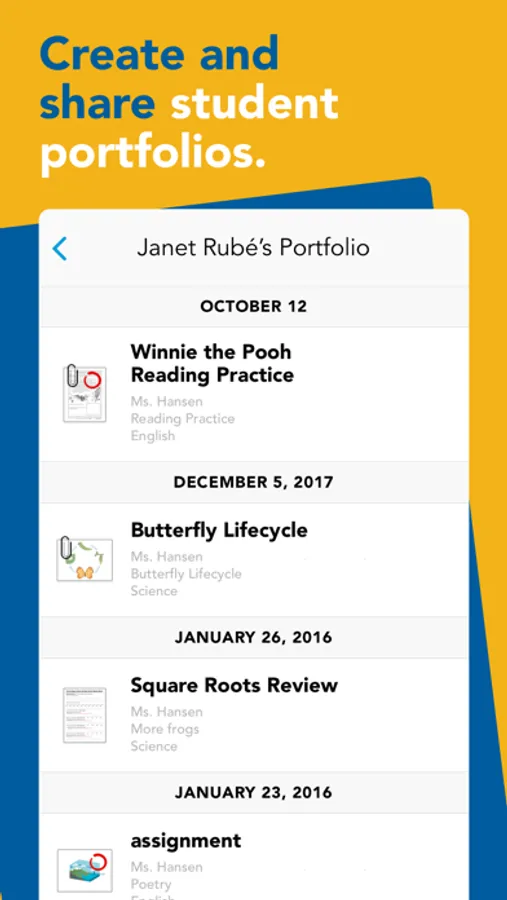
• Add student work to individual digital portfolios, or enable students to curate their own portfolios
• Invite parents to view their student’s work and keep them informed of classroom activity
• Can be used with any classroom subject
• Available in 18 languages
ENHANCED SHOWBIE PRO FEATURES
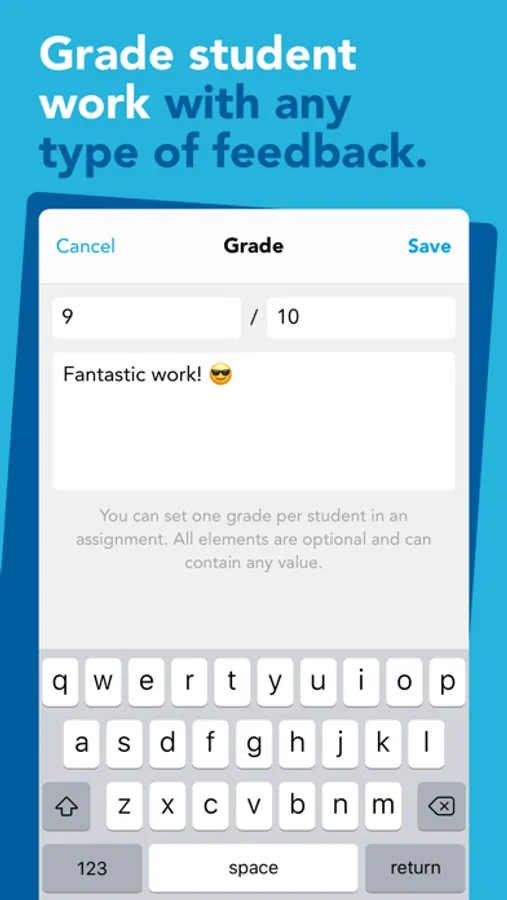
• Record and track grades as numeric scores or letter grades, along with qualitative feedback
• Provide richer feedback with more pen colours and line thicknesses, by typing on the page, or by pinning voice notes directly to student work
• Record longer voice notes and videos and upload larger files
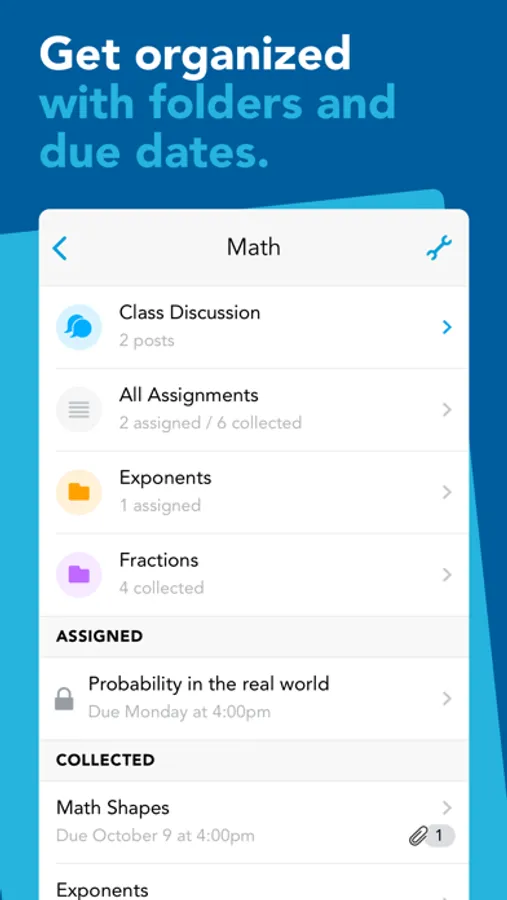
• Lock assignments to control student access to documents and feedback
• Give parents complete access to assignments in the classes you choose
Showbie Screenshots
Tap to Rate:
Reviews for Showbie
ErraticHare1599
Me no likey
The Frustrating Experience of Using Showbie: Lag, Glitches, and Usability Challenges In the rapidly evolving landscape of educational technology, efficiency, reliability, and user experience are paramount. Among the many platforms available to support learning and classroom management, Showbie has carved out a niche by offering tools for teachers and students to exchange assignments, feedback, and communication in a digital format. However, despite its intentions and useful core features, Showbie is notorious among many users—especially students—for its persistent lag, frequent glitches, and overall frustrating performance. These issues compromise its utility and undermine the very goals it aims to support. 1. Chronic Lag and Slow Response Times One of the most common and universally experienced problems with Showbie is lag—delays in the app’s responsiveness, particularly during peak hours or when multiple users are online. Whether on mobile devices, tablets, or desktop browsers, students often report that Showbie takes an unusually long time to load assignments, submit work, or open annotated feedback from teachers. This sluggishness is more than a minor inconvenience. In a learning environment where students are expected to meet tight deadlines and quickly respond to teacher feedback, even a 5-10 second delay in navigation can cause unnecessary stress and loss of focus. For students with slower internet connections, the platform can become practically unusable, with documents failing to load entirely or uploads timing out without warning. 2. Glitches That Undermine Trust Beyond lag, Showbie suffers from a variety of technical glitches that make it unreliable. A common and infuriating issue involves lost work—files that were uploaded seemingly successfully only to disappear or fail to register on the teacher’s end. This kind of bug is particularly disheartening for students who may have spent hours on an assignment, only to discover later that their work wasn’t received. Trust in a digital platform erodes quickly when users cannot count on their submissions being properly saved or delivered. Other glitches include random logouts, disappearing annotations, notifications that never go away even after a task is completed, or messages that don’t appear until hours later. In many cases, users must manually refresh the app or even reinstall it to fix bugs that should never have occurred in the first place. In the classroom setting—where time is precious—these interruptions disrupt learning, create confusion, and increase workloads for both students and teachers. 3. User Interface Problems While Showbie tries to keep its interface simple, it often feels clunky and unintuitive. Navigation between classes and assignments can be confusing, especially for younger students. The layout is not particularly customizable or responsive, which can be frustrating for users who have different needs or learning preferences. Sometimes features are buried in unexpected places or are inconsistently available depending on the device being used. The annotation tool—one of Showbie’s core features—often lags, freezes, or fails to save changes, especially on touchscreens or older iPads. For a platform that’s supposed to enable smooth communication between teachers and students, the interface often feels more like an obstacle course than a helpful environment. 4. Poor Optimization Across Devices Another key issue is Showbie’s lack of consistent performance across platforms. While it has apps for iOS and Android and can be used in web browsers, the experience varies widely. On iPads—the device it supposedly works best with—users still experience crashes and freezing during annotation or file uploads. Android support, meanwhile, feels neglected, with many users reporting broken features and compatibility issues. Even on modern devices with strong internet connections, Showbie does not always run smoothly. This suggests the problem lies not just with end-user hardware or network conditions, but with the app's core optimization. In an age when educational tools must function across diverse ecosystems, this lack of consistency is a major failing. 5. Compounding Frustration in Educational Settings What makes all these issues even more aggravating is that they interfere directly with learning. Students often get blamed for late or missing work that was actually lost due to a Showbie error. Teachers waste time troubleshooting rather than teaching. And administrators—who may have chosen the platform for its promise of seamless classroom management—face mounting complaints and technical support requests. For many students, the frustration builds over time. Instead of being a helpful educational companion, Showbie becomes something to dread: an app that wastes time, eats assignments, and rarely works when it matters most. The cumulative effect is disengagement from the learning process and growing resentment toward the use of tech in education. 6. Is It Fixable? Showbie does have some redeeming features. The ability to leave voice notes, attach multimedia files, and conduct class discussions digitally can be powerful when the system works. However, to be taken seriously as a long-term solution, the developers must address the core performance issues. This means: Investing in faster backend infrastructure to reduce lag. Fixing bugs and improving file submission reliability. Improving app optimization for all major platforms. Streamlining the interface to be more intuitive and less frustrating. Conclusion: A Platform Full of Potential, Undermined by Poor Performance Showbie, in theory, has the tools needed to support digital classrooms effectively. However, in practice, the platform is plagued by performance issues that frustrate users and hinder learning. Chronic lag, frequent glitches, and a non-intuitive interface all contribute to a negative experience that leaves students, teachers, and parents alike dissatisfi
CorneliaWaldorflower
hate
i hate this app. google classroom is so much better.