
AppRecs review analysis
AppRecs rating . Trustworthiness 0 out of 100. Review manipulation risk 0 out of 100. Based on a review sample analyzed.
★
AppRecs Rating
Ratings breakdown
5 star
0%
4 star
0%
3 star
50%
2 star
0%
1 star
50%
What to know
⚠
Mixed user feedback
Average 2.0★ rating suggests room for improvement
About Slope Calculator
SLOPE - PROFESSIONAL GRADE CALCULATIONS FOR SURVEYORS, ENGINEERS & CONTRACTORS
Slope 5.0 represents a complete ground-up rebuild of the app trusted by thousands of professionals. Built entirely with modern SwiftUI and powered by iCloud, Slope delivers lightning-fast slope, elevation, and distance calculations right at your fingertips.
THREE POWERFUL CALCULATORS IN ONE APP
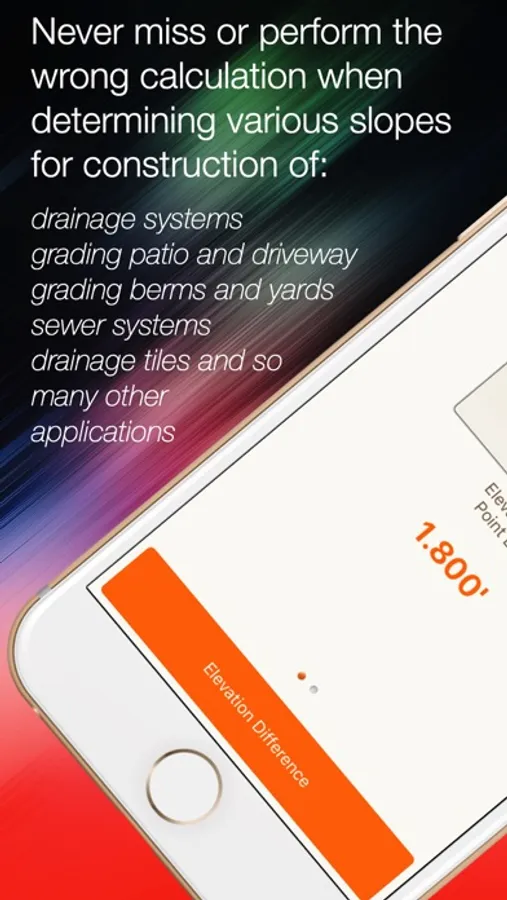
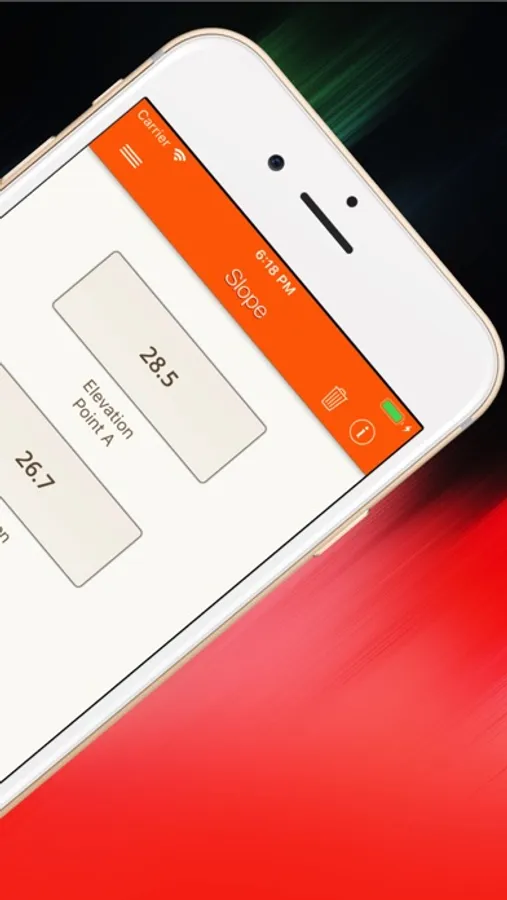
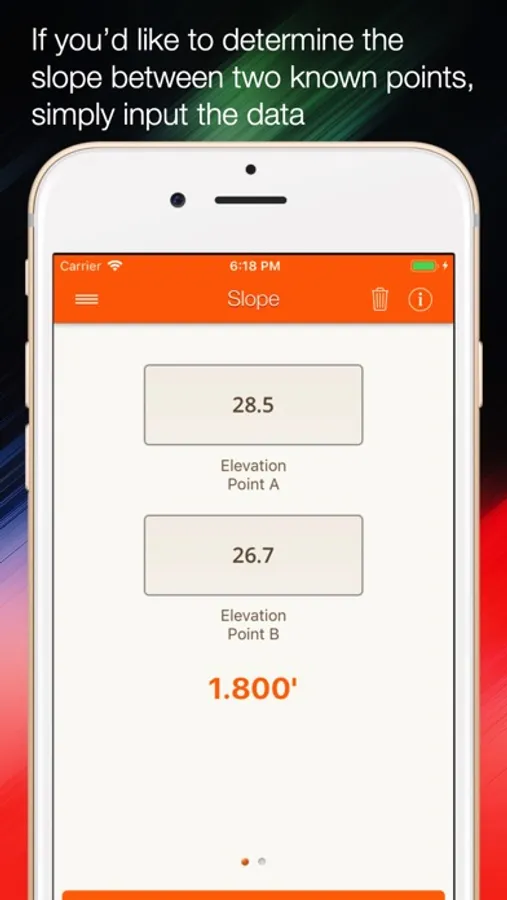
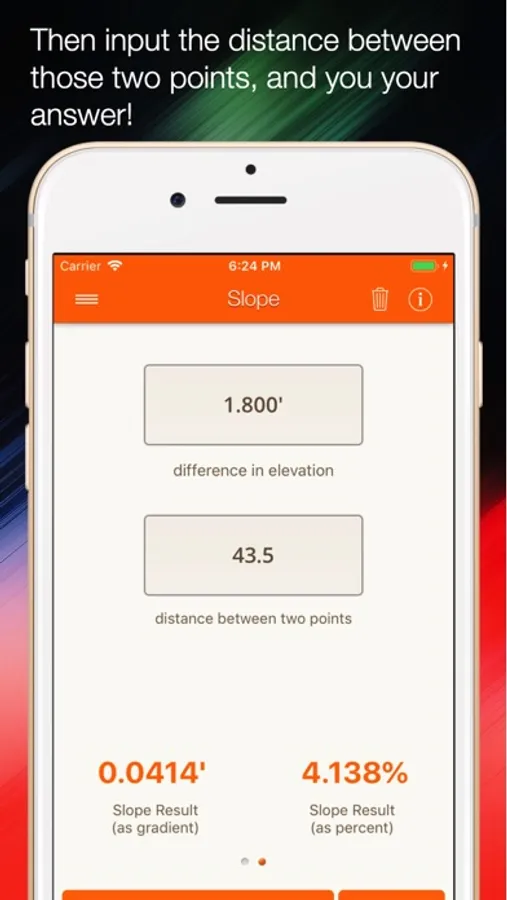
Slope Calculator Input Point A elevation, Point B elevation, and horizontal distance to instantly calculate elevation difference, slope as a decimal, and slope as a percentage. Perfect for grading plans, site analysis, and verifying field measurements.
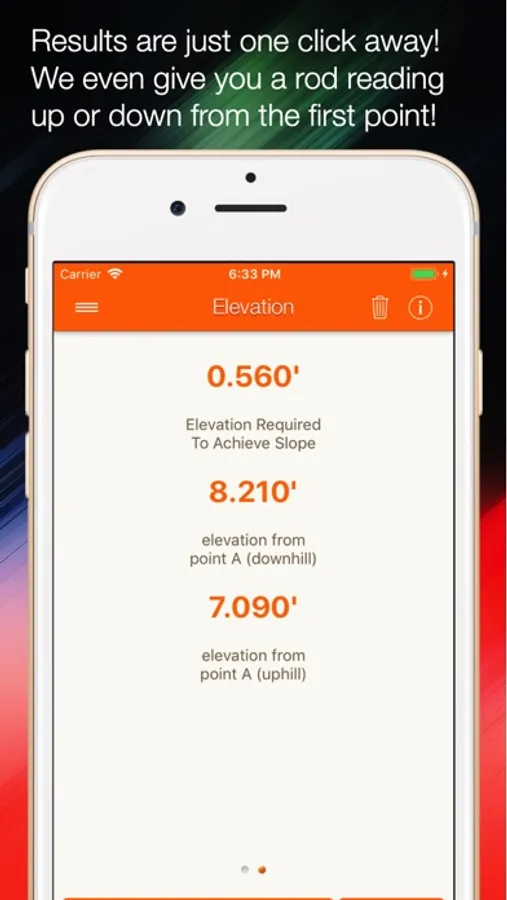
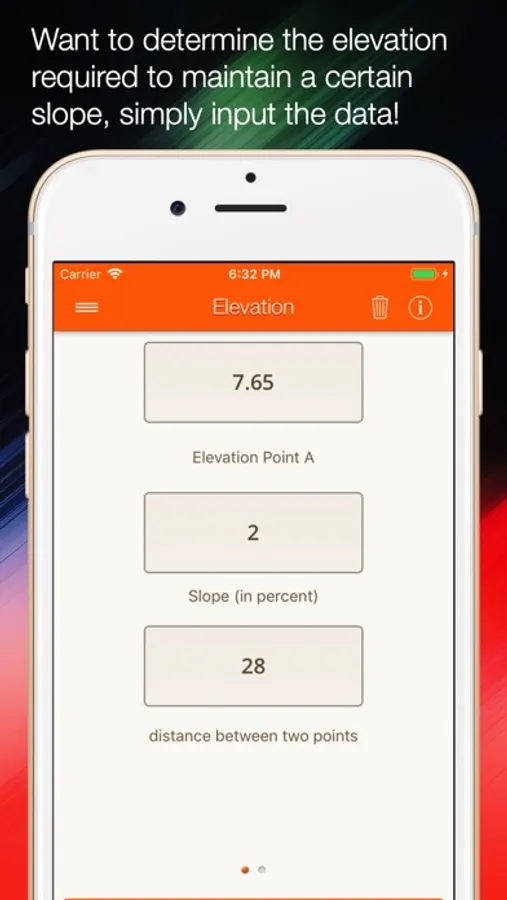
Elevation Calculator Enter slope percentage, horizontal distance, and starting elevation to determine elevation difference and true elevations in both positive (upward) and negative (downward) directions. Ideal for planning drainage, roads, and accessibility ramps.
Distance Calculator Input slope percentage and elevation change to calculate the horizontal distance required. Essential for estimating project scope and material quantities.
MODERN FEATURES DESIGNED FOR THE FIELD
iCloud Sync Across All Your Devices Your projects, calculations, and field notes automatically sync across your iPhone and iPad through iCloud. Start measurements on site with your iPhone and review them later on your iPad in the office - your data is always up to date.
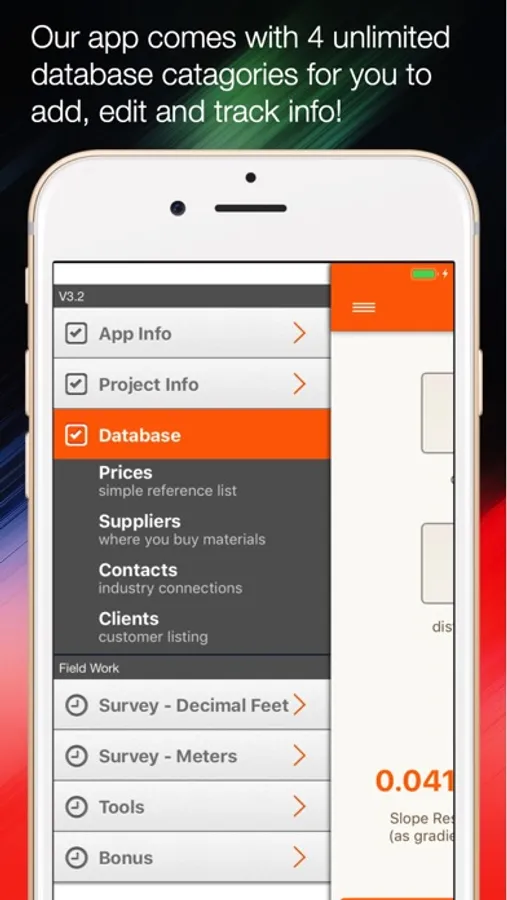
Organize by Project Create unlimited projects to keep calculations organized by job site, client, or phase. Each project maintains its own set of calculations and field notes, making it easy to reference past work or generate reports.
Field Notes & Shot Naming Save important calculations with custom names and notes. Label each shot for easy reference later - "Property Corner NW," "Driveway Grade," "Foundation Elevation" - whatever helps you stay organized.
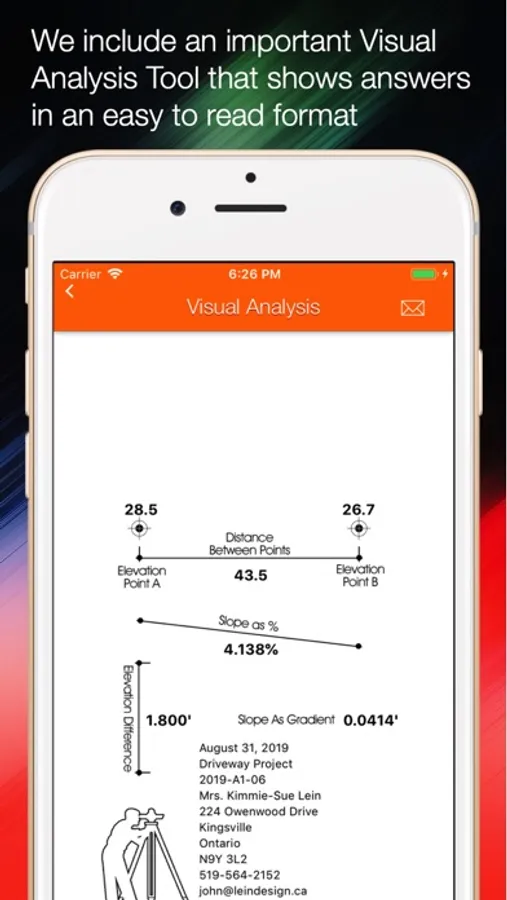
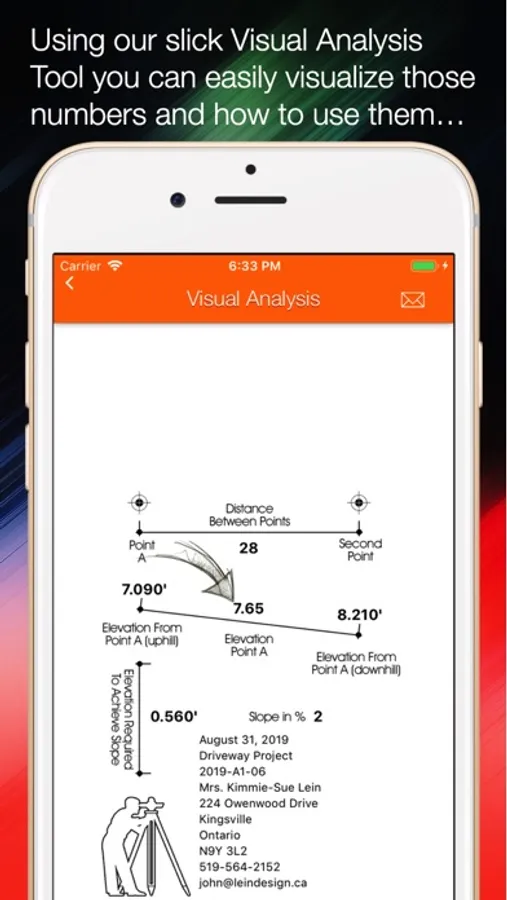
Visual Diagrams Every calculator includes color-coded visual diagrams that update in real-time as you enter data. See the slope relationship between points graphically, making it easier to communicate with clients and crew members.
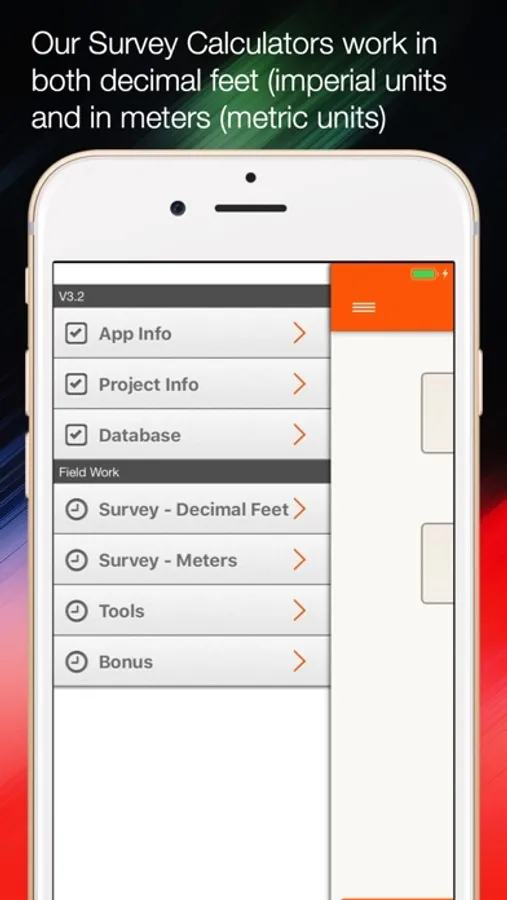
Imperial & Metric Units Switch instantly between feet and meters with a single tap. All calculations and saved data automatically convert, so you can work with whatever unit system your project requires.
Real-Time Calculation Results update instantly as you type - no need to tap a calculate button. The faster workflow means more measurements in less time.
Precision When You Need It All results display with 3 decimal places using locale-aware number formatting. Whether you're working to tenths or thousandths, Slope delivers the precision your work demands.
BUILT FOR PROFESSIONALS
Slope 5.0 is specifically designed for surveyors, civil engineers, landscape architects, grading contractors, and construction professionals who need accurate slope calculations on demand. The intuitive interface means less time fumbling with a calculator and more time getting work done.
WHAT MAKES VERSION 5.0 SPECIAL
This isn't an update - it's a complete rewrite. Every line of code was reimagined using Apple's latest technologies including SwiftUI, SwiftData, and CloudKit. The result is an app that's faster, more reliable, and more powerful than ever before.
UNIVERSAL APP One purchase works on both iPhone and iPad with interfaces optimized for each device size. Use your iPhone in the field and your iPad in the office - all with the same app.
NO SUBSCRIPTION REQUIRED Pay once and own it forever. No monthly fees, no feature limitations, no ads. Professional tools at a one-time price.
WHAT USERS SAY
Professionals rely on Slope every day for accurate, fast calculations. Whether you're checking grades, verifying survey shots, or planning drainage, Slope delivers the results you need when you need them.
Download Slope 5.0 and experience the most advanced slope calculation app ever built for iOS. Your projects deserve professional-grade tools.
Slope 5.0 represents a complete ground-up rebuild of the app trusted by thousands of professionals. Built entirely with modern SwiftUI and powered by iCloud, Slope delivers lightning-fast slope, elevation, and distance calculations right at your fingertips.
THREE POWERFUL CALCULATORS IN ONE APP
Slope Calculator Input Point A elevation, Point B elevation, and horizontal distance to instantly calculate elevation difference, slope as a decimal, and slope as a percentage. Perfect for grading plans, site analysis, and verifying field measurements.
Elevation Calculator Enter slope percentage, horizontal distance, and starting elevation to determine elevation difference and true elevations in both positive (upward) and negative (downward) directions. Ideal for planning drainage, roads, and accessibility ramps.
Distance Calculator Input slope percentage and elevation change to calculate the horizontal distance required. Essential for estimating project scope and material quantities.
MODERN FEATURES DESIGNED FOR THE FIELD
iCloud Sync Across All Your Devices Your projects, calculations, and field notes automatically sync across your iPhone and iPad through iCloud. Start measurements on site with your iPhone and review them later on your iPad in the office - your data is always up to date.
Organize by Project Create unlimited projects to keep calculations organized by job site, client, or phase. Each project maintains its own set of calculations and field notes, making it easy to reference past work or generate reports.
Field Notes & Shot Naming Save important calculations with custom names and notes. Label each shot for easy reference later - "Property Corner NW," "Driveway Grade," "Foundation Elevation" - whatever helps you stay organized.
Visual Diagrams Every calculator includes color-coded visual diagrams that update in real-time as you enter data. See the slope relationship between points graphically, making it easier to communicate with clients and crew members.
Imperial & Metric Units Switch instantly between feet and meters with a single tap. All calculations and saved data automatically convert, so you can work with whatever unit system your project requires.
Real-Time Calculation Results update instantly as you type - no need to tap a calculate button. The faster workflow means more measurements in less time.
Precision When You Need It All results display with 3 decimal places using locale-aware number formatting. Whether you're working to tenths or thousandths, Slope delivers the precision your work demands.
BUILT FOR PROFESSIONALS
Slope 5.0 is specifically designed for surveyors, civil engineers, landscape architects, grading contractors, and construction professionals who need accurate slope calculations on demand. The intuitive interface means less time fumbling with a calculator and more time getting work done.
WHAT MAKES VERSION 5.0 SPECIAL
This isn't an update - it's a complete rewrite. Every line of code was reimagined using Apple's latest technologies including SwiftUI, SwiftData, and CloudKit. The result is an app that's faster, more reliable, and more powerful than ever before.
UNIVERSAL APP One purchase works on both iPhone and iPad with interfaces optimized for each device size. Use your iPhone in the field and your iPad in the office - all with the same app.
NO SUBSCRIPTION REQUIRED Pay once and own it forever. No monthly fees, no feature limitations, no ads. Professional tools at a one-time price.
WHAT USERS SAY
Professionals rely on Slope every day for accurate, fast calculations. Whether you're checking grades, verifying survey shots, or planning drainage, Slope delivers the results you need when you need them.
Download Slope 5.0 and experience the most advanced slope calculation app ever built for iOS. Your projects deserve professional-grade tools.
Slope Calculator Screenshots
Tap to Rate:
Reviews for Slope Calculator
DonMoell
Glorified calculator
I needed an app that automatically measures distance and slope. This app does the same as a normal calculator; everything has to be put in manually. Not worth the double digit price!
Joe743805
Would be a five if it had a inch input on both measurements
I with you could input both feet and inches into both measurements, that would make this the perfect app. Overall still a good app.