AppRecs review analysis
AppRecs rating 3.0. Trustworthiness 0 out of 100. Review manipulation risk 0 out of 100. Based on a review sample analyzed.
★★★☆☆
3.0
AppRecs Rating
Ratings breakdown
5 star
50%
4 star
0%
3 star
0%
2 star
0%
1 star
50%
About midi Keyboard
With “midi Keyboard” you will have:
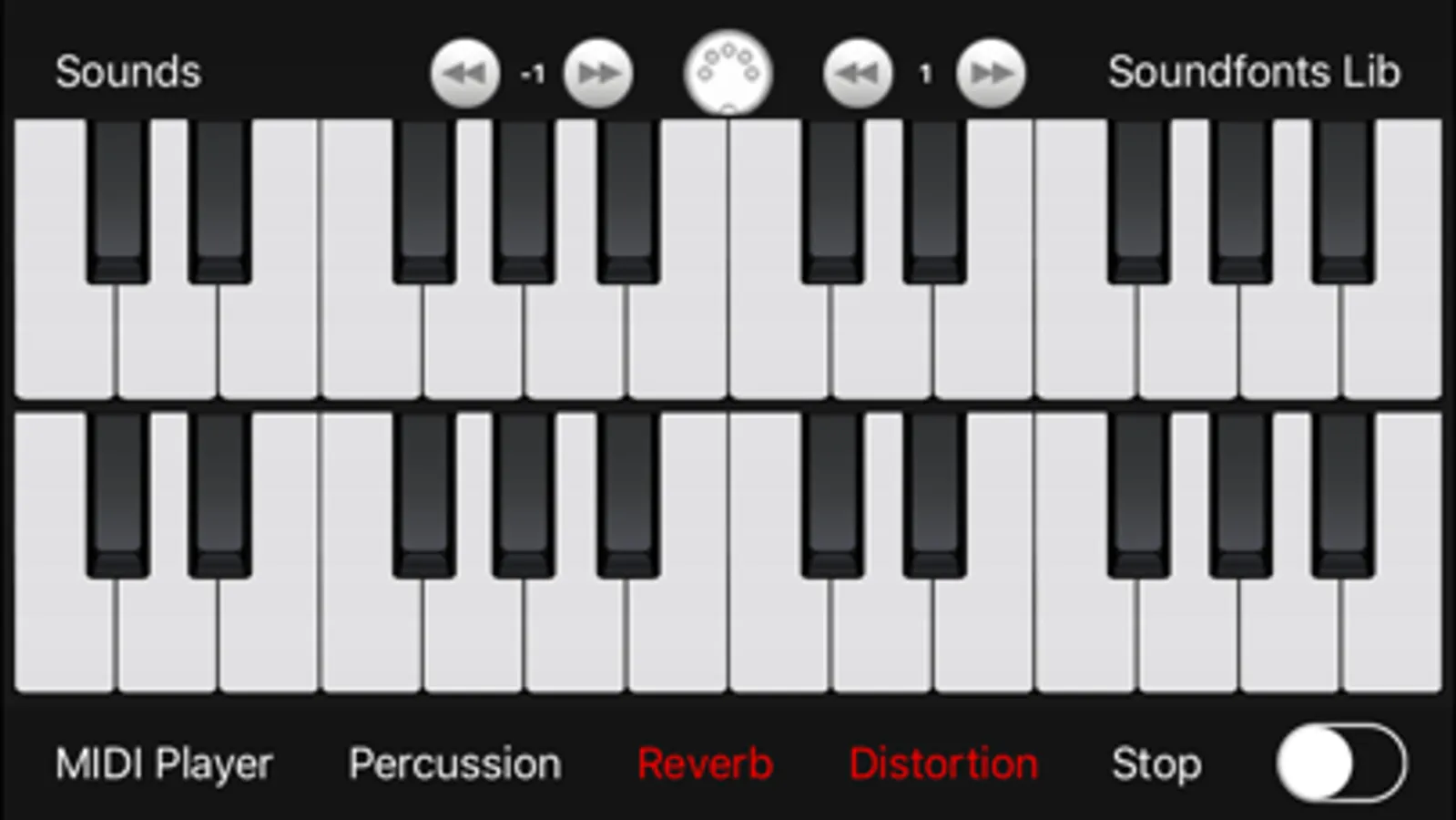
- two independent GM/GS MIDI keyboards each one with 9 octaves (multitouch , with independent octaves for each keyboard)
- ability to connect an external MIDI keyboard to use "midi keyboard" like a real MIDI EXPANDER (the external keyboard can be used as the first or third keyboard available)
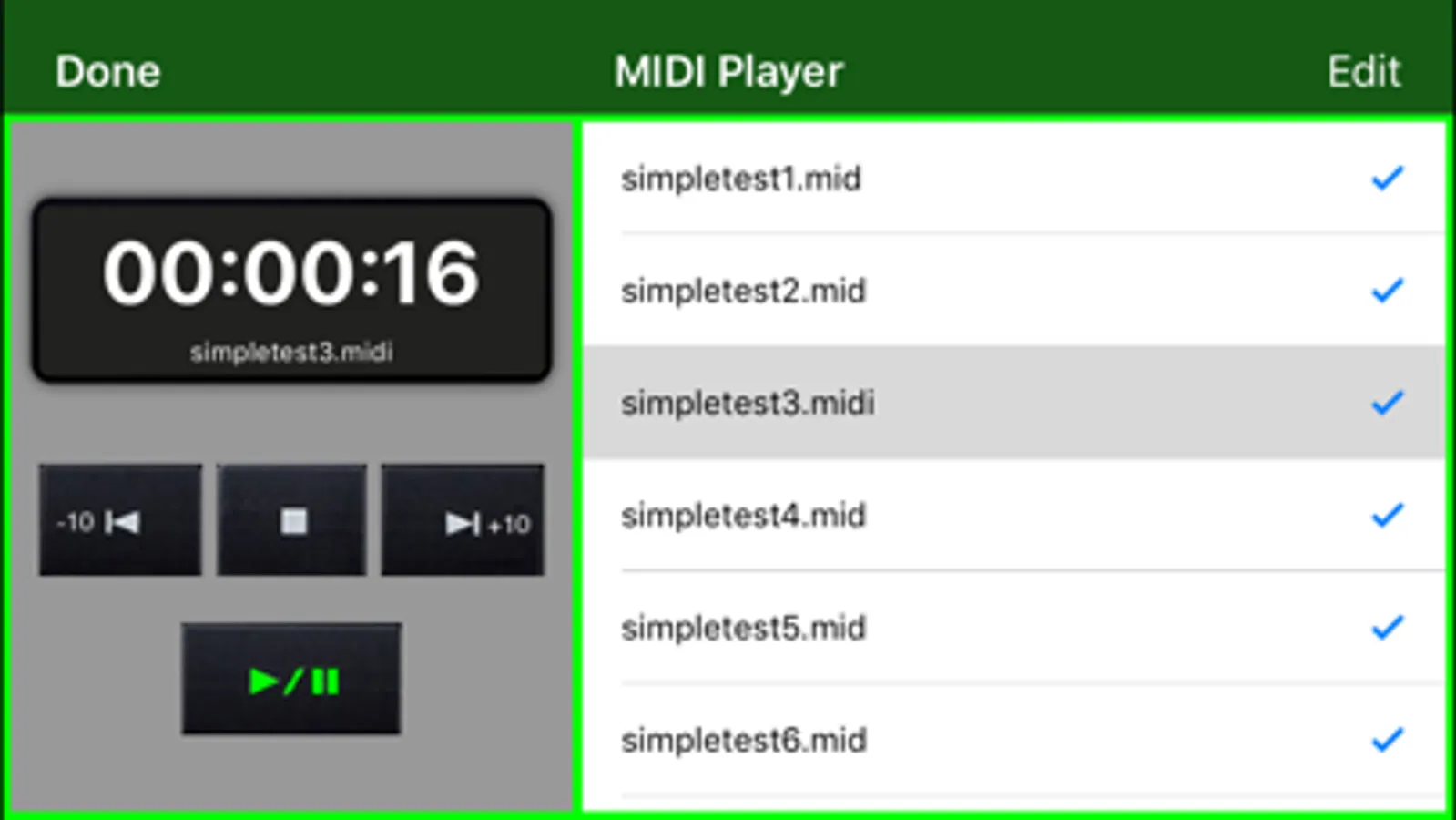
- MIDI Player for playing MIDI files ( .mid or .midi - with the ability to save MIDI files within the portable device and choose the desired instrument in real time to play the MIDI file)
- reverb and distortion sound effects (they can be used together, with each generated sound)
- sustain pedal
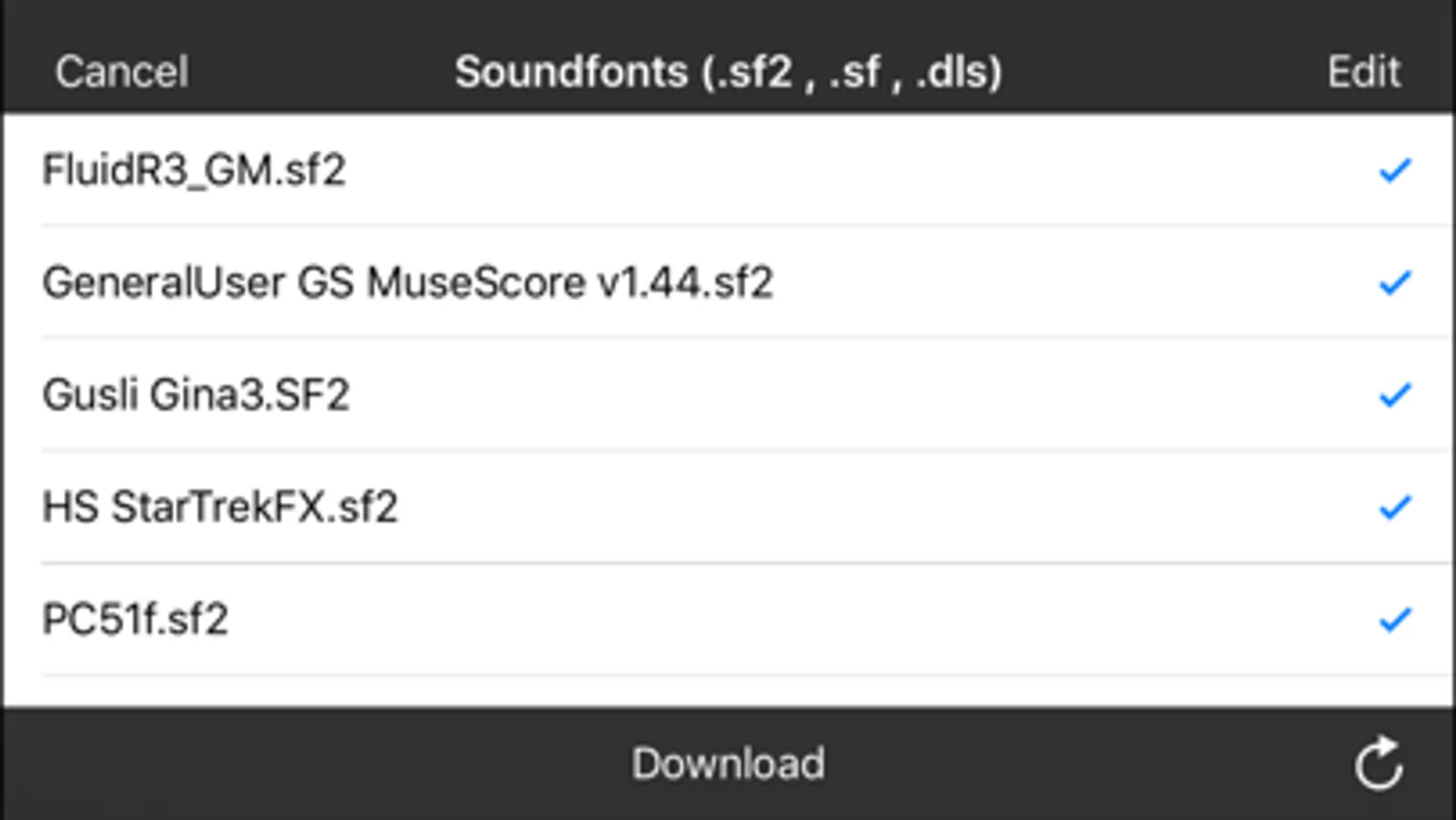
- soundfonts archive (you will be able to import and save all the soundfonts you want and switch in real time from one sound to another one)
- percussion bank
To generate the sounds "midi Keyboard" uses the GM/GS soundfonts (files with extension .sf2 / .sf / .dls ).
The application is compatible with all the existing soundfonts, you can:
- load and use the soundfonts files in real time
- store in the local "midi Keyboard" archive an infinite number of professional soundfonts, free downloadable from the web (the soundfonts can be also purchased from third parties)
Examples of free soundfonts that can be downloaded from the web are: FluidR3_GM.sf2 , PC51f.sf2 , Unison.SF2 , GeneralUser GS MuseScore v1.44.sf2 , TimGM6mb.sf2, etc...
"midi Keyboard" also gives you the ability to store, read and listen your MIDI files (.mid or .midi) using the integrated MIDI Player of "midi keyboard".
During the playback of MIDI files you can play a piece of song using the two independent keyboards of "midi Keyboard" and/or an external MIDI keyboard (multitouch keyboards sounds + external keyboard sounds + MIDI Player sounds, all together).
During a live music performance you can also set the MIDI files as background music with the ability to change the MIDI sounds in realtime.
Choose Your preferred sounds and play "midi Keyboard" using the two multitouch keyboards of "midi Keyboard" and/or using an external MIDI keyboard connected with "midi keyboard" MIDI EXPANDER.
Features:
- 2 independent MIDI keyboards each one with 9 octaves (multitouch, with independent octaves for each keyboard)
- drivers to connect an external MIDI keyboard (using "USB to MIDI adapter" + "Camera Connection Kit" or “Apple lightning to USB adapter” or other commercial MIDI adapter compatible with iOS CoreMIDI like for example “iRig MIDI 2”, iRig Keys, etc…)
- archive of soundfonts GM/GS
- an infinite number of sounds (loadable from the chosen soundfonts)
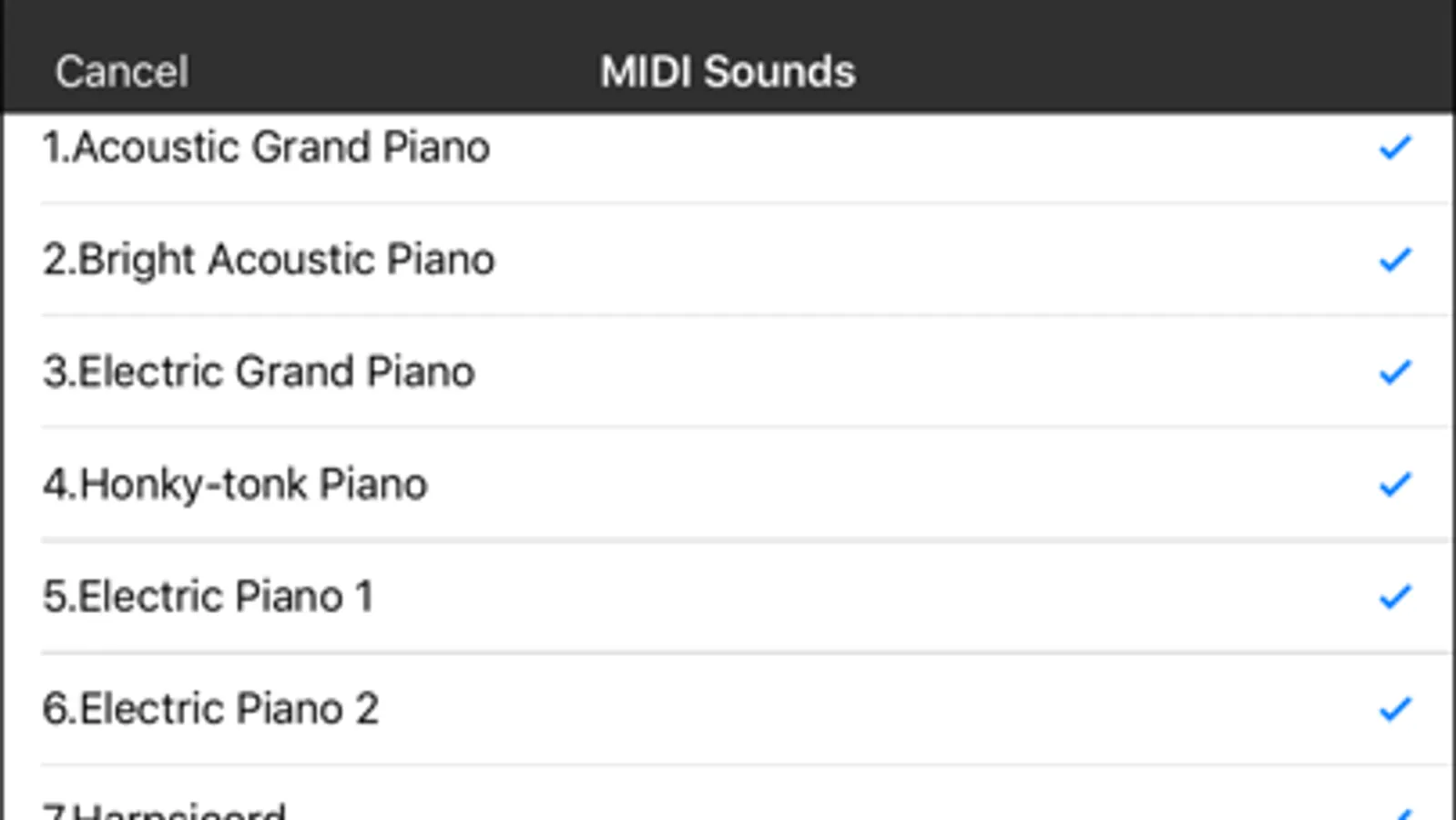
- GENERAL MIDI sounds list
- archive of MIDI files
- MIDI player (can be used as background music for live performances)
- sustain pedal
- percussions
- reverb
- distortion
- 128 MIDI sounds + MIDI percussion included in the application
- soundfonts and MIDI file remote sharing (cloud)
- MIDI EXPANDER (external MIDI keyboard drivers)
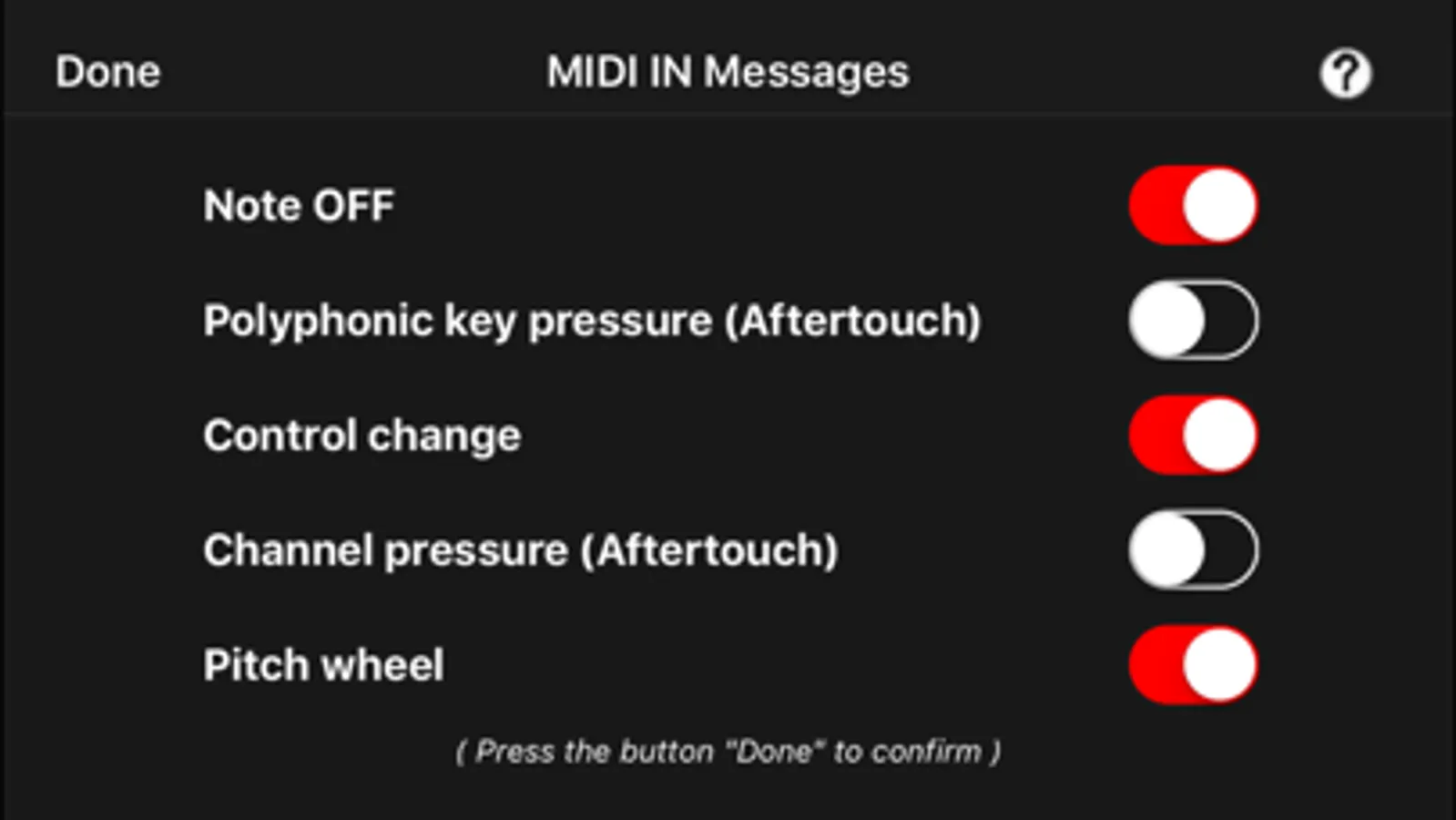
- MIDI IN messages filters:
* Note ON
* Note OFF
* Polyphonic key pressure (Aftertouch)
* Control change
* Channel pressure (Aftertouch)
* Pitch wheel
App type:
- UNIVERSAL APP (you pay it only once and it runs on all Your devices)
midi Keyboard Screenshots
Tap to Rate:
Reviews for midi Keyboard
johnfromberkeley
Corrupt-Causes MIDI sharing bug
I have been trying to solve a problem on my iPad for months: when I try to share a midi file, the share file share sheet never opens, it just spins and spins and spins. I finally decided to go through my apps one by one and delete them, and try to identify the culprit. Well, guess what, I found the culprit, and it is MIDI Keyboard! I deleted it, and now, I can finally share midi files again. This was a nightmare. If you have midi files in dropbox or a AudioShare or FileBrowser, and you want to use them on your iPad DO NOT download this app.
rin.elyran
Very nice SoundFont app for iPhone and iPad
This app works with just about any .SF2 file I've thrown at it, including ones that failed to load in GarageBand on my old MacBook. I love how I can also use MIDI over Wi-Fi, which is great if you don't want to shell out cash for an adapter that directly connects your MIDI controller to your iOS device. One thing I think would make midi Keyboard even better, is if AudioBus support was added, but other than that, I can't ask for much more from this app.