
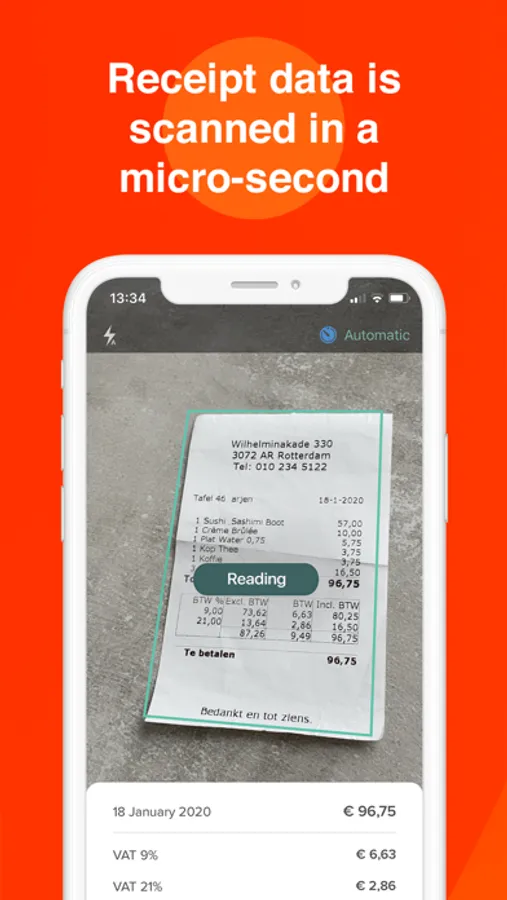
In this expense management app, you can capture receipts, add expense details, and submit reports digitally. Includes receipt scanning, report tracking, and currency conversion features.
AppRecs review analysis
AppRecs rating 4.6. Trustworthiness 45 out of 100. Review manipulation risk 33 out of 100. Based on a review sample analyzed.
★★★★☆
4.6
AppRecs Rating
Ratings breakdown
5 star
80%
4 star
11%
3 star
5%
2 star
0%
1 star
4%
What to know
✓
Authentic reviews
Natural distribution, no red flags
⚠
Rating authenticity concerns
High rating concentration (80% 5-star) in sampled ratings
About Declaree
Manage all your expenses digitally
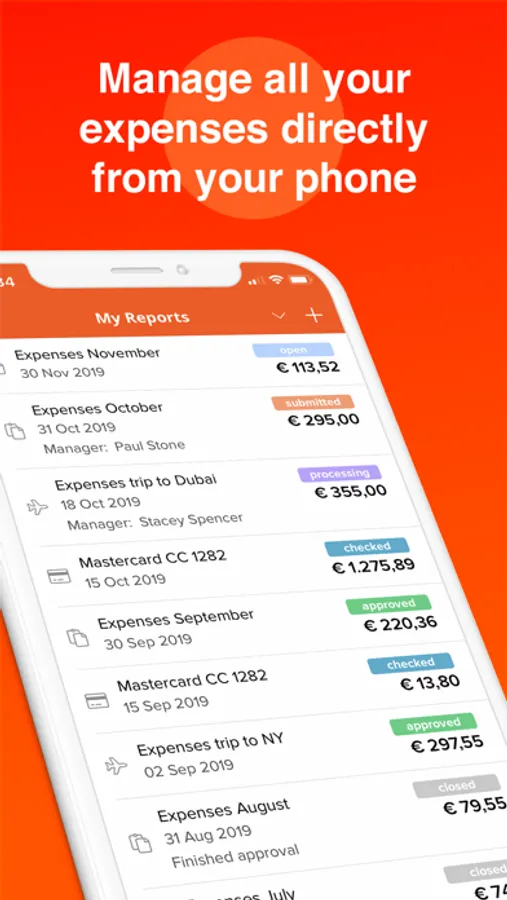
All your expenses directly digitally available. Capture your receipt, add the relevant information and immediately submit your expense reports so that you can throw away your receipts. Expenses are bundled into expense reports which can be submitted at any point. Hereby employees have real-time insight into the status of the expense report.
**********************************************
WHY DECLAREE:
**********************************************
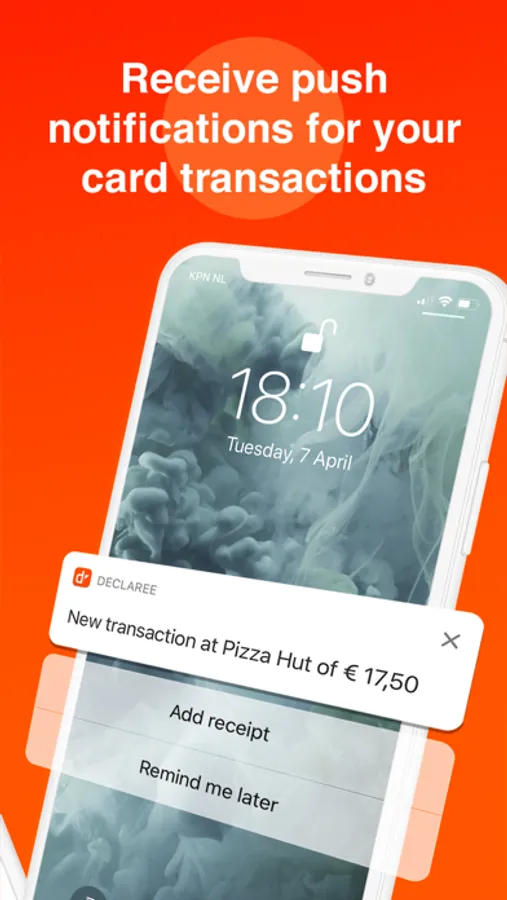
• Employees can directly add expenses and throw away the original receipts. Expenses are locally stored and are synchronised as soon as there is an internet connection. When an expense is approved or disapproved the status of the expense is visible in the app. This way your employees are always up to date about their expense reports.
• Using the Declaree smartphone app, employees can submit their expenses on the go. Add receipts and other expenses through the application and immediately place them in an expense report on the right categories and projects.
• After the approval of the manager the expense report is forwarded to the financial administration. They complete the workflow by giving the final approval and exporting the data to the backoffice software.
The tax retention term is 7 years. However, we store expenses for 10 years. Our infrastructure is implemented in such a way that there is no single point of failure. Moreover, every 4 hours an automatic back-up copy is set aside in a separate data center.
• Accounting integrations: integrates with popular accounting software including QuickBooks Online, Exact, Twinfield etc.
• ERP integrations: SAP, Oracle, Microsoft Dynamics & Navision
... and many more features
• Clear workflows
• Use all currencies
• Editable allowances
• Secured according to NCSC rules
• Instantly digitalized
• Online manuals and videos
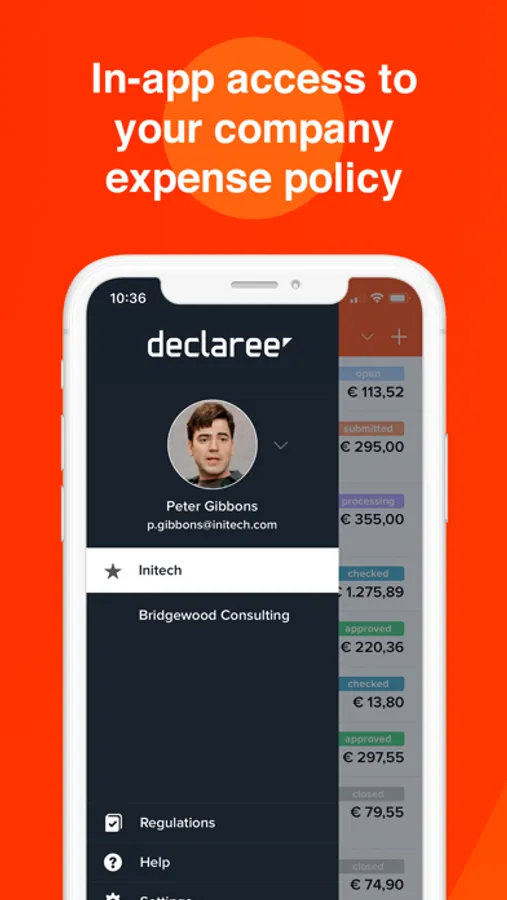
• Digital expense management regulations
• Smart graphs
• Multiple level cost centers
• Automatic currency conversion
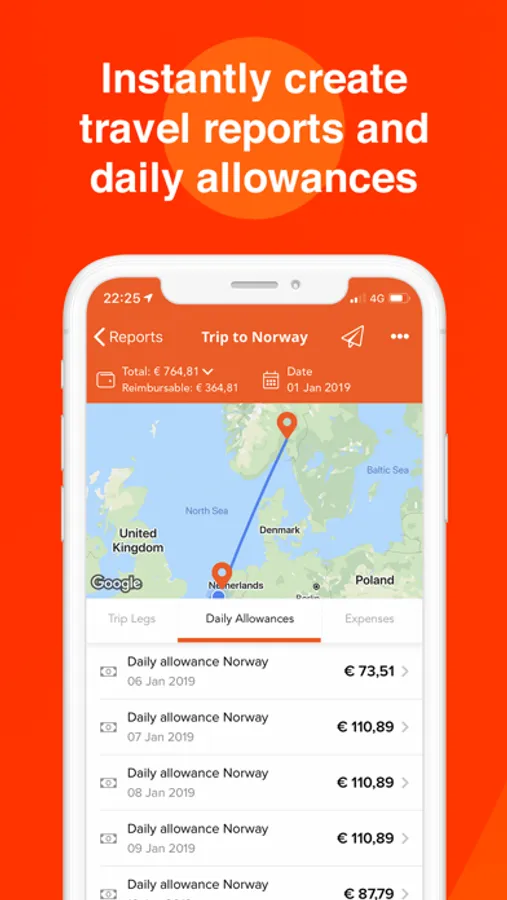
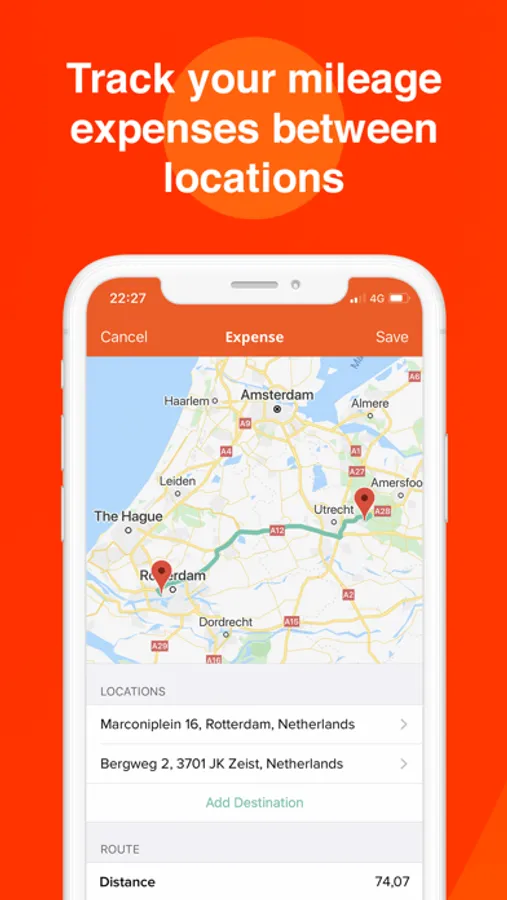
• Travel expenses
• Group and role management
• Single Sign-On possibilities
• Customizable exports
• Clear audit trails
• Easy VAT registration
• Compliant with tax regulations
All your expenses directly digitally available. Capture your receipt, add the relevant information and immediately submit your expense reports so that you can throw away your receipts. Expenses are bundled into expense reports which can be submitted at any point. Hereby employees have real-time insight into the status of the expense report.
**********************************************
WHY DECLAREE:
**********************************************
• Employees can directly add expenses and throw away the original receipts. Expenses are locally stored and are synchronised as soon as there is an internet connection. When an expense is approved or disapproved the status of the expense is visible in the app. This way your employees are always up to date about their expense reports.
• Using the Declaree smartphone app, employees can submit their expenses on the go. Add receipts and other expenses through the application and immediately place them in an expense report on the right categories and projects.
• After the approval of the manager the expense report is forwarded to the financial administration. They complete the workflow by giving the final approval and exporting the data to the backoffice software.
The tax retention term is 7 years. However, we store expenses for 10 years. Our infrastructure is implemented in such a way that there is no single point of failure. Moreover, every 4 hours an automatic back-up copy is set aside in a separate data center.
• Accounting integrations: integrates with popular accounting software including QuickBooks Online, Exact, Twinfield etc.
• ERP integrations: SAP, Oracle, Microsoft Dynamics & Navision
... and many more features
• Clear workflows
• Use all currencies
• Editable allowances
• Secured according to NCSC rules
• Instantly digitalized
• Online manuals and videos
• Digital expense management regulations
• Smart graphs
• Multiple level cost centers
• Automatic currency conversion
• Travel expenses
• Group and role management
• Single Sign-On possibilities
• Customizable exports
• Clear audit trails
• Easy VAT registration
• Compliant with tax regulations
Declaree Screenshots
Tap to Rate:
Reviews for Declaree
Expense user1
Color scheme
Color of buttons not visible clearly on some Screens. Save button not visible on some screen
Tripper Okelly
This app freezes all the time. Very frustrating. I can not recommend this to anyone or company
If I could select zero stars I would.